CMMS
10 Best CMMS Software in 2026 (Compared for Indian Businesses)
· 11 min read
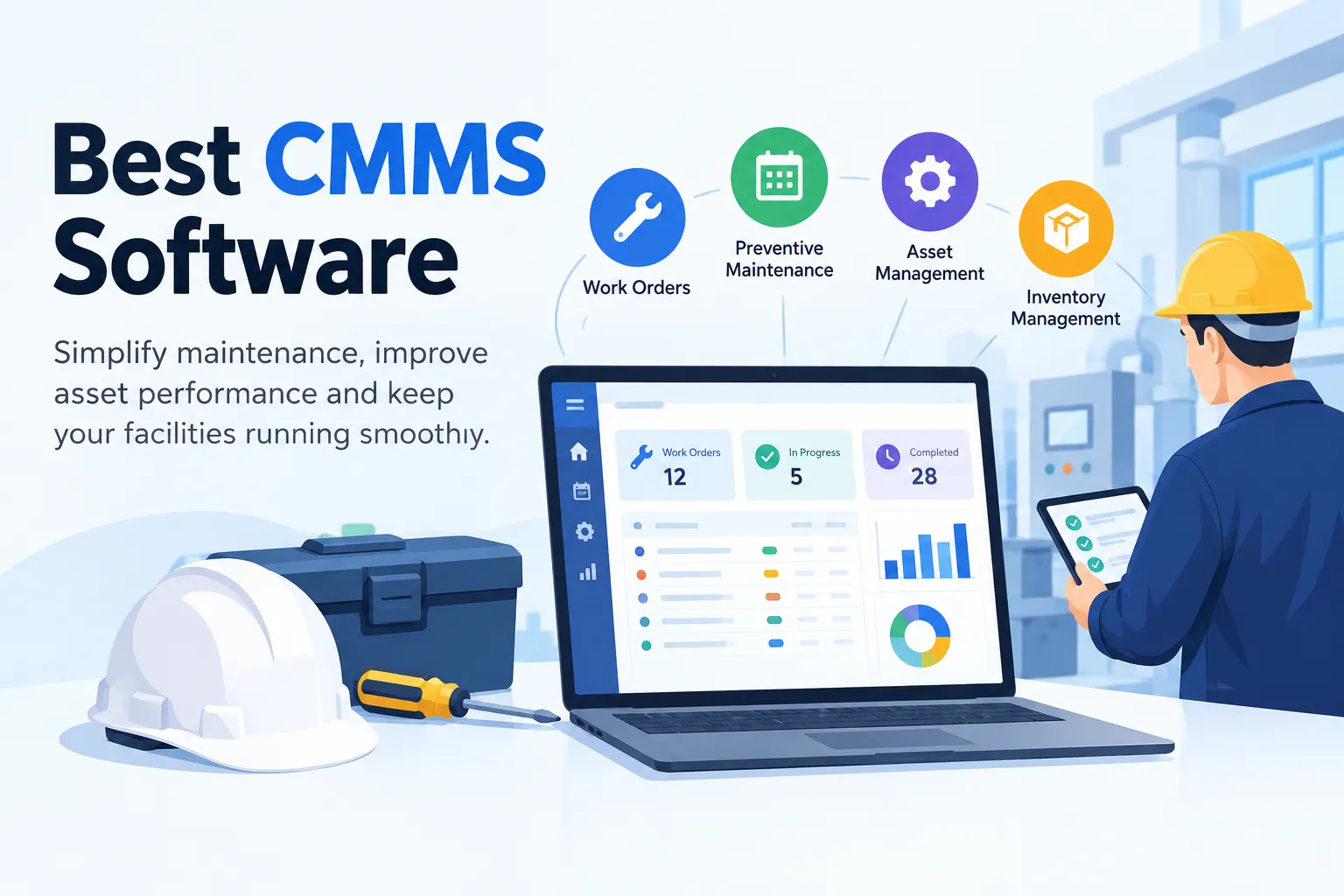
What is CMMS software?
Quick refresher before we compare anything.
CMMS stands for computerized maintenance management system. If you're new to the idea, our guide on what is CMMS covers the basics in more detail.
In simple terms, it's software that helps your team plan, assign and track maintenance work.
Most CMMS software helps you with things like:
Scheduling preventive maintenance so jobs don't get missed
Creating and tracking work orders
Keeping a service history for every asset
Managing spare parts and inventory
Reporting on downtime, costs and team performance
In other words, organised maintenance isn't just tidy. It saves money.
How we picked these tools
We didn't want to just throw a list at you. So here's what we looked at for each tool:
Ease of use: Will technicians actually open it every day?
Mobile access: Can work be updated from the shop floor?
Core maintenance features: Preventive maintenance, work orders and asset tracking
Inventory and spares: Can you see what's in stock?
Reporting: Can managers see what's going on without chasing people?
Fit for the buyer: Small team, large enterprise, or somewhere in between?
Support and pricing: Is it easy to get started and get help?
One honest note. For the tools other than Firmity, we relied on publicly available information from vendor sites and well-known software review platforms. Features and pricing change often, so please check each vendor's website before you decide.together
Best CMMS software at a glance
Tool | Best for | Standout strength |
|---|---|---|
Firmity | Indian businesses wanting maintenance and operations in one system | CMMS and ERP modules together |
MaintainX | Large enterprises | Mobile-friendly work management |
Limble CMMS | Small and mid-sized maintenance teams | Modern, easy-to-learn interface |
UpKeep | Mobile-first teams | App-centred experience |
Fiix | Industrial teams wanting an established platform | Backed by Rockwell Automation |
Eptura Asset (formerly Hippo CMMS) | Teams wanting CMMS plus EAM depth | Parts, vendor and compliance tools |
FMX | Mid-sized organisations and non-profits | Flexible standard and add-on features |
eMaint | Compliance-focused operations | Scalable, compliance-minded approach |
Maintenance Care | Teams moving off spreadsheets on a tight budget | Free entry point |
Click Maint | Budget-conscious teams | Simple scheduling and cost tracking |
1.Firmity : : best CMMS software for Indian businesses
Let's start with ours, and we'll be upfront about it.
Firmity is a cloud-based facility management platform built for India. It brings CMMS and ERP together, so maintenance isn't stuck in a separate silo from inventory, payroll and expenses.
Why might that matter to you? Because in most facilities, maintenance touches everything else. A breakdown needs spare parts, parts need purchase orders, and technicians need to be paid. When these live in different tools, someone ends up copying data by hand.
Key features:
Task and preventive maintenance automation: Schedule, assign and track work orders with automated triggers and live updates.
Assets and spares: QR-tagged assets let technicians pull up history, AMC contracts and spares on the spot.
Complaint and helpdesk: Anyone can scan a QR code to raise a ticket. It routes to the right technician, with a status board and an SLA audit trail.
Inventory and vendors: Automated purchase orders and GRN tracking keep stock in sync with your ledger.
Visitor management: QR check-ins, pre-approved gate passes and instant host alerts.
Employee management: Geo-fenced facial-recognition attendance with payroll-ready exports.
Payroll: One-click payroll with TDS, PF and ESI deductions, maker-checker validation and bank file generation.
Expenses: Budget caps and approvals, with journals posted to your ledger.
Mobile and multi-site: Works on web, desktop, Android and iOS.
That last point on payroll is something you won't find in most global CMMS tools. If you run facilities in India, it can save a lot of back-and-forth with finance.
Who uses it? Firmity's website lists clients across hospitality, healthcare, education, manufacturing and real estate. These include names like LPS BOSSARD, OCTAVE, DONALDSON FILTRATION SOLUTIONS, BITS PILANI and . It also has dedicated pages for manufacturing, educational and residential facilities.
Pros:
Maintenance, inventory, payroll and expenses in one platform
Built around Indian compliance needs
QR-based workflows that are easy for technicians to pick up
Covers several industries
Pricing: firmity is cost efficient as it is built for the indian market, contact sales for firmity's pricing
Best for: Indian facility and maintenance teams that want one system instead of five.
Want to see it in action? Book a demo with the Firmity team.
2. MaintainX : best for large enterprises
MaintainX is a cloud-based CMMS and EAM platform that helps teams manage work orders, assets, parts and labor. It was built mobile-first, and review sites like Software Advice tag it as a good fit for enterprise businesses.
Key features:
Work order management and preventive maintenance scheduling
Asset tracking and parts management
Mobile app so technicians can update jobs in the field
Team messaging and collaboration inside work orders
Integrations with tools like Slack, plus ERP, accounting and IoT connections
Pros:
Work orders are widely seen as its strongest area
Reviewers often praise its ease of use and support
A limited free tier lets you try it before you pay
Cons:
One independent review points to asset hierarchy as a weaker spot
A reviewer moving from SAP PM missed some planning features
Enterprise pricing isn't public, and SSO and IoT sensor integrations sit on that tier
Pricing: There's a limited free plan, paid per-user tiers, and custom Enterprise pricing. Published per-user figures differ between sources, so check MaintainX's own pricing page.
Best for: Large or industrial frontline teams that want a mobile-first CMMS. If you're in India, ask about support hours and billing before you commit.
3. Limble CMMS: best for small and mid-sized teams
Limble is a cloud and mobile-based CMMS and asset management tool. Reviewers keep coming back to how easy it is to roll out, especially for teams moving off paper or an older system.
Key features:
Work order management and preventive maintenance scheduling
Asset tracking, including equipment hierarchies
Parts and inventory management
Dashboards and reports
Mobile access on phones and tablets
An open REST API, plus bulk import and export to speed up setup
Pros:
Users call it easy to implement and easy to use
Support gets good marks from reviewers
Customizable to fit different workflows
Cons:
Some reviewers say custom dashboards are limited
One review feels pricing can be high for smaller teams, and reporting could go deeper
Pricing: Limble works on custom quotes, with a free trial available. Ask for a quote based on your team size.
Best for: Small and mid-sized maintenance teams that want something quick to adopt.
4. UpKeep: best for mobile-first teams
UpKeep is a cloud-based CMMS that puts the mobile app first. That suits crews who spend their day on the floor rather than at a desk.
Key features:
Work order management
Preventive maintenance scheduling
Maintenance tracking
Asset management
A mobile-first experience
Pros:
Reviewers like the clean, intuitive interface
Asset management gets positive mentions
Easy to get started for first-time CMMS users
Cons:
Several reviewers say advanced features cost extra
Basic plans can feel limited, and some mention limited customization
One review says implementation services are billed separately
Pricing: Per-user pricing with a free trial. Costs can climb as your team grows, so model it for your headcount.
Best for: Single-site teams and mobile-heavy crews.
5. Fiix: best for teams wanting an established platform
Fiix is a cloud-based CMMS from Rockwell Automation, which acquired it in 2020. That backing matters if your plant already uses industrial automation gear.
Key features:
Work order and asset management
Maintenance planning and tracking
Inventory, parts and supplies management
Calendar view and printable QR codes for asset tagging
Customizable reports and multi-site management
ERP integrations and a mobile app
Pros:
Reviewers praise the interface, mobile support and customer service
Built to handle multiple sites
A free plan exists for very small setups
Cons:
Some users find it pricier than alternatives
A few G2 reviewers want stronger analytics and more filters
Pricing: Per-user pricing, with a free version for a limited number of users and a free trial. Confirm what each paid tier includes.
Best for: Industrial and multi-site teams that want a well-known, well-integrated CMMS.
6. Eptura Asset (formerly Hippo CMMS): best for CMMS plus EAM depth
Quick heads-up: Hippo CMMS is no longer sold under that name. Eptura's own knowledge center says Hippo is evolving into Eptura Asset, so that's what new buyers should look at.
Eptura Asset blends CMMS with enterprise asset management (EAM) capabilities in one system.
Key features:
Corrective and preventive work orders, with maintenance plans
Parts inventory management
Work with third-party vendors
Safety and compliance support
Tools designed to reduce the overall cost of ownership
Pros:
Covers both CMMS and EAM needs in a single platform
Backed by Eptura, which also owns several other workplace and asset tools
A clear migration path for existing Hippo users
Cons:
Pricing isn't published, so expect a sales conversation
It may be more than you need if you only want a lightweight tool
Pricing: Quote-based. Eptura doesn't list self-serve pricing on the pages we reviewed.
7. FMX: best for mid-sized facility teams
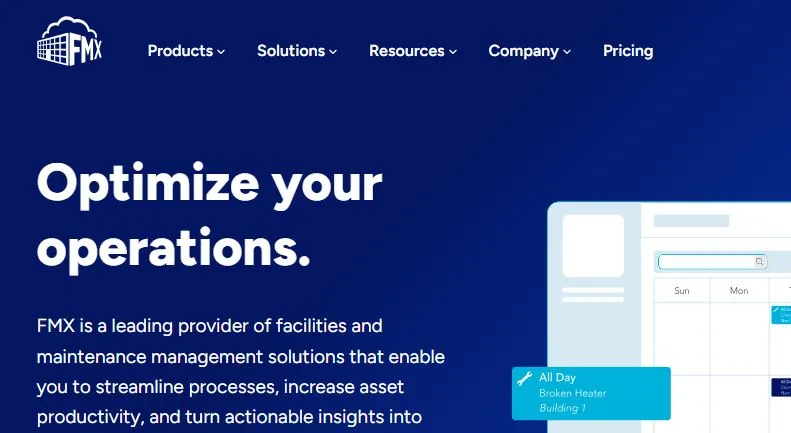
FMX is a cloud-based CMMS built for facilities and maintenance teams. It's used by schools and property managers too.
Key features:
Maintenance request forms that work on any device
Time-based or meter-based preventive maintenance
Fleet management alongside facility assets
Configurable reports and dashboards
Tools for commercial and residential property managers
Pros:
Users call it easy to use, with quick access to features
Reviewers like it for multi-site property and facility management
One platform for facilities, maintenance and fleet
Cons:
Some reviewers want more reporting and export options
A few users feel it lacks flexibility in places
Pricing: Quote-based. FMX says pricing depends on the number of users closing out requests (or student enrollment for schools) and the features you pick.
8. eMaint: best for condition monitoring and compliance
eMaint is a cloud CMMS owned by Fluke since 2016. Fluke's background in measurement tools shows in its focus on condition-based maintenance.
Key features:
Asset management, inventory and maintenance scheduling
IoT and condition-monitoring integrations
Compliance tracking and reporting
Integrations with major ERP systems
Customizable setup
Pros:
Reviewers call it comprehensive and customizable
Responsive team during selection, per one user
Strong fit for teams that want sensors feeding maintenance
Cons:
No free plan
Per-user pricing rises on higher tiers
Pricing: Per-user tiers with a free trial. Some sources list entry pricing, but numbers vary, so get a current quote.
9. Maintenance Care: best free starting point
Maintenance Care is a cloud and mobile-based CMMS. It offers an Always Free plan, which makes it a handy first step if you're still on paper or Excel.
Key features:
Work orders and requests
Preventive maintenance scheduling
Asset tracking and parts management
Dashboards, reporting and document storage
A mobile app on every plan, with a lighter version on the free tier
Pros:
A free-forever plan to get started
Reviewers say it's easy to set up and fairly priced
Responsive support, based on user feedback
Cons:
The free plan is limited, with no customization
Some features come only in bundles
Reporting is on the basic side, per one review
Pricing: An Always Free plan, plus flat-rate paid plans. Check the free plan's caps on users, assets and schedules.
10. Click Maint: best for simple, budget-friendly maintenance
Click Maint is a web-based CMMS for managing requests, work orders, preventive maintenance, assets and spare parts.
Key features:
Maintenance request portal
Work order management
Preventive maintenance scheduling
Asset tracking and spare parts
Slack integration
Pros:
Reviewers call it solid, stable and easy to use
Covers the core features buyers look for
Pricing scales as you add users
Cons:
Some advanced features and customization are limited
A few users want more flexible reporting
One reviewer noticed lag with larger data sets
Pricing: Per-user pricing with a free trial. Ask for a current quote for your team size.
Best for: Small to mid-sized teams that want the essentials without a heavy setup.
How to choose the right CMMS for your team
Not sure which one to pick? Ask yourself these questions:
1. How big is your team and how many sites do you run? A single plant and a chain of hotels need very different things.
2. Do your technicians work on phones? If yes, try the mobile app yourself before you commit.
3. Do you need more than maintenance? If inventory, payroll, visitors and expenses also eat up your time, a combined platform can save effort.
4. Does it fit Indian requirements? Things like PF, ESI and TDS matter if you manage payroll in India.
5. What's your budget and timeline? Ask each vendor what's included, and how long setup takes.
6. Will your team actually use it? This one matters most. A CMMS nobody opens is just an expensive spreadsheet. Run a trial with a few technicians first.
One more tip: ask for a live demo using your own scenario, like a breakdown or a monthly PM schedule. You'll learn a lot in 30 minutes.
How much does CMMS software cost?
Honest answer: it depends.
Pricing usually shifts based on the number of users, the modules you choose, the level of support, and extras like implementation and add-ons. Some tools offer free or entry-level plans, while others price on request.
Final thoughts
Picking the best CMMS software doesn't have to be stressful.
Start with your biggest pain point. Is it missed maintenance, messy spares, or too many disconnected tools? Then shortlist two or three options and test them with your own team.
If you'd like one system that handles maintenance along with inventory, payroll and more, Firmity is worth a look.
Ready to see how it works? Talk to the Firmity team and book a walkthrough.
FAQs About Best CMMS software
There's no single answer for everyone. The best CMMS software is the one that fits your team size, industry and budget. For Indian businesses that want maintenance and operations in one place, Firmity is a strong option to shortlist.
CMMS focuses on maintenance work, such as work orders, preventive schedules, asset history and parts. EAM (enterprise asset management) is broader and covers the full lifecycle of assets. Smaller teams often start with CMMS.
Look for something easy to learn and quick to set up. Limble, Maintenance Care and Click Maint are often mentioned for smaller teams, and Firmity works well if you also want inventory or payroll covered.
It depends on your needs. If you want local payroll compliance (TDS, PF, ESI) and a platform designed for Indian facilities, Firmity is built with that in mind.
Author Bio

Syed Aadam
Syed Aadam is a software engineer with a Bachelor's and Master's in Information Technology with a specialization in Artificial Intelligence and Machine Learning. Having trained, and assisted in training foundational ML models for solving frontier scientific problems at the intersection of biodiversity and technology, Syed Aadam has been working to develop AI-enabled CMMS, ERP and CAFM softwares at Ufirm Technologies.
Talk to our team
Questions about facility management software? Leave your details and we'll get back to you within 24 hours.
More on CMMS
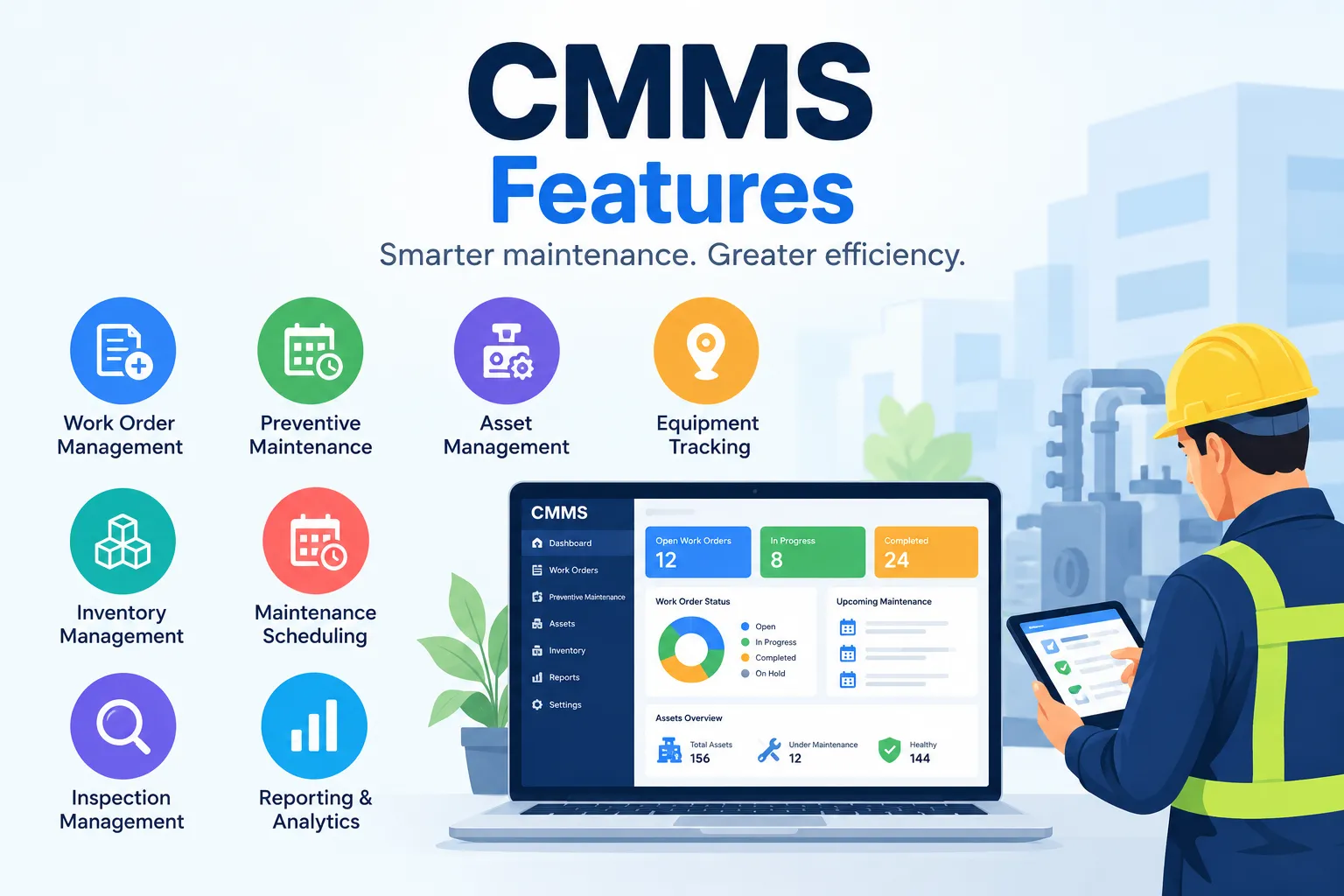
15 CMMS Features: Key Features of CMMS Software
key CMMS features, from work orders and preventive maintenance to asset tracking, inventory, inspections, reporting, mobile access, and integrations.
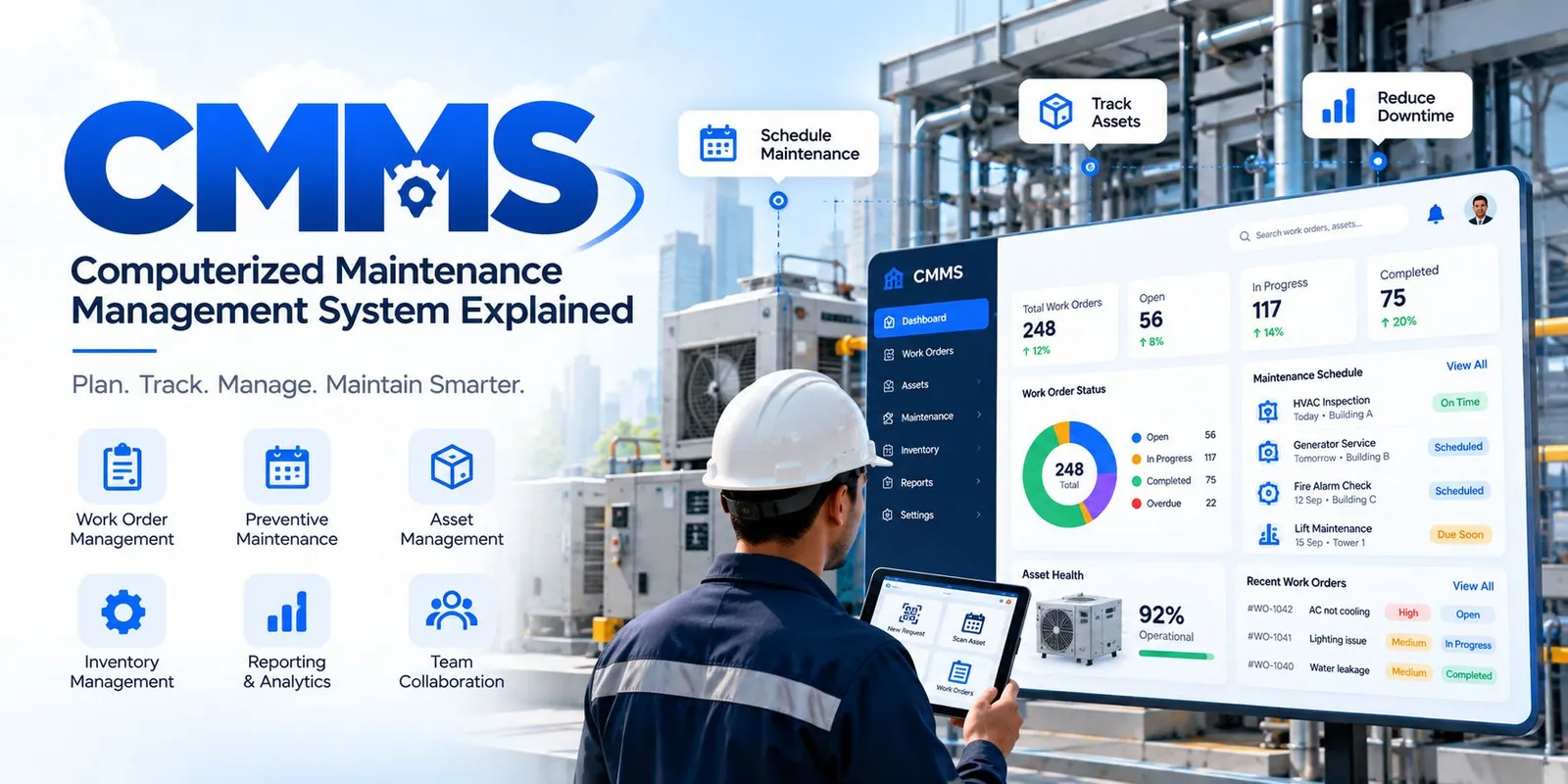
What Is CMMS Software? Computerized Maintenance Management System Explained
What is CMMS software? Learn what a Computerized Maintenance Management System is, how it works, its key features, benefits, types, costs, and common uses.
