Inventory Management
Best Inventory Management Software in India
· 8 min read
Best Inventory Management Software helps businesses keep stock records organized when items, purchases, locations, and transactions start growing.
Spreadsheets can work for simple inventory needs, but they become harder to maintain when several people update stock, items move between locations, or teams need regular reports.
The right software can bring stock records, purchases, receipts, transfers, adjustments, low-stock alerts, and reporting into one place.
This guide compares ten inventory management options in India and explains what to check before choosing one.
What Is Inventory Management Software?
Inventory management software is a digital system used to record, monitor, and control stock.
A typical workflow starts with creating item records, recording purchases and receipts, updating stock when items are issued or sold, and reviewing inventory through reports.
Inventory tracking tells you what happened to an item. Inventory management goes a step further by helping you control stock levels, purchasing, movement, and replenishment.
It can be useful for retailers, wholesalers, distributors, manufacturers, service businesses, facility teams, and organizations that manage spare parts or consumables.
Best Inventory Management Software in India
1. Firmity
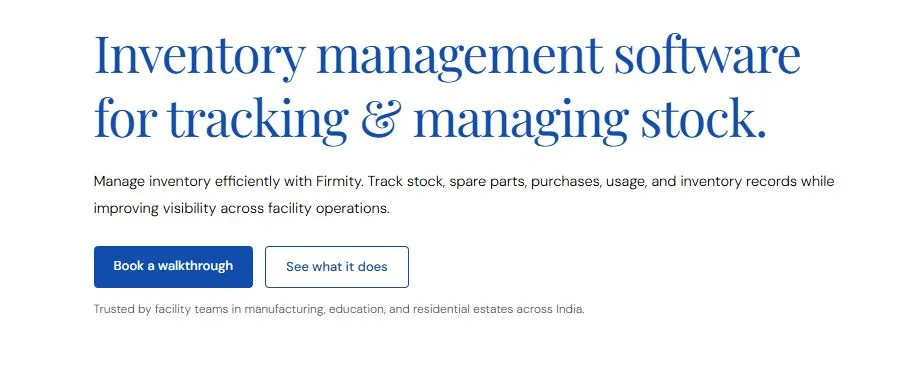
Firmity’s Inventory Management Software is built for organizations that need to manage stock, spare parts, purchases, and material distribution across facilities and properties. It brings procurement and inventory activities into a connected workflow, making it easier to track what is ordered, received, stored, and issued.
The platform lets teams organize items by category, sub-category, and specifications while setting minimum stock levels for individual items. Vendor rate cards can also be maintained with pricing validity and supplier details, helping teams work with approved purchasing information.
Key Features of Firmity Inventory Management Software
Item Cataloguing: Organize inventory by categories, sub-categories, variants, and specifications.
Minimum Stock Levels: Set thresholds for items and identify low-stock situations earlier.
Vendor Rate Cards: Maintain vendor-specific pricing and supplier information.
Purchase Orders: Create, approve, reject, search, and export purchase orders.
Goods Receipt Notes (GRN): Record full or partial deliveries against purchase orders.
Stock Tracking: Monitor stock levels and identify items marked as low stock.
Stock Ledger: Maintain a chronological record of receipts, issues, and adjustments.
Stock Transfers: Track inventory movement between stores and properties.
Multi-Property Visibility: View and manage stock across different facilities from one platform.
Firmity also connects requisitions, purchase orders, GRNs, and stock movements, giving teams a clearer audit trail from procurement through inventory distribution. This makes it particularly relevant for facility teams managing maintenance materials, spare parts, and consumables across multiple sites.
Best suited for: Facility management companies, manufacturing facilities, educational campuses, residential estates, and other multi-site organizations that need inventory management alongside broader facility operations.
2. Zoho Inventory
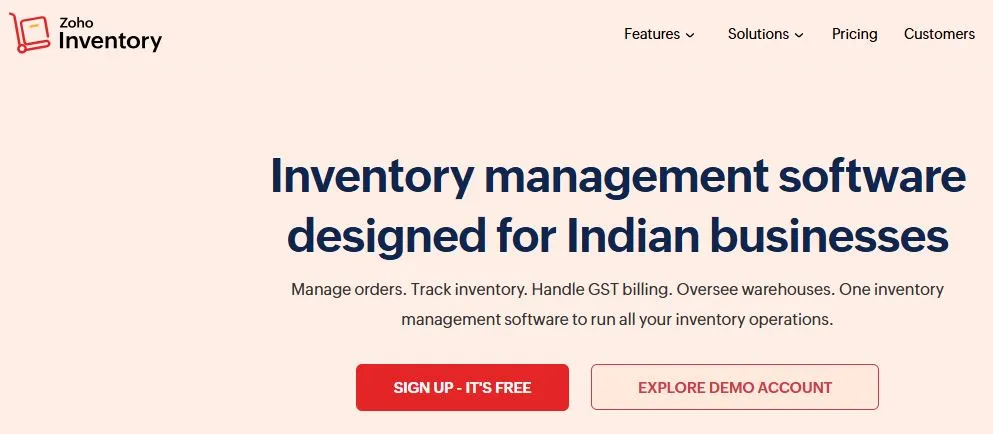
Zoho Inventory is an inventory management platform designed to help businesses manage stock, orders, purchasing, warehouses, and fulfillment from a centralized system. It can be useful for businesses that need structured inventory control across different sales and storage processes.
Key capabilities include:
Inventory Tracking: Monitor stock quantities and inventory movements.
Warehouse Management: Manage inventory across multiple warehouses.
Order Management: Track sales and purchase orders through the inventory workflow.
Stock Adjustments: Update inventory records when quantities change.
Barcode Management: Support barcode-based inventory processes.
Reporting: Access inventory and order-related reports.
Integrations: Connect inventory activities with other business applications.
Best suited for: Small and growing businesses looking for inventory, order, and warehouse management capabilities within a broader business software ecosystem.
3. TallyPrime

TallyPrime is business management software widely used for accounting, invoicing, taxation, and inventory-related operations. Its inventory capabilities are particularly relevant for businesses that want stock management connected with accounting and financial processes.
Key capabilities include:
Stock Management: Maintain records of items and stock quantities.
Multi-Location Inventory: Manage inventory across different locations.
Purchase Management: Record and manage purchasing transactions.
Sales Management: Track sales-related inventory movements.
Stock Transfers: Record movement of stock between locations.
Batch and Serial Tracking: Manage applicable inventory using batch or serial details.
Inventory Reports: Review stock position and inventory-related information.
Best suited for: Businesses that want inventory management closely connected with accounting and financial operations.
4. ERPNext
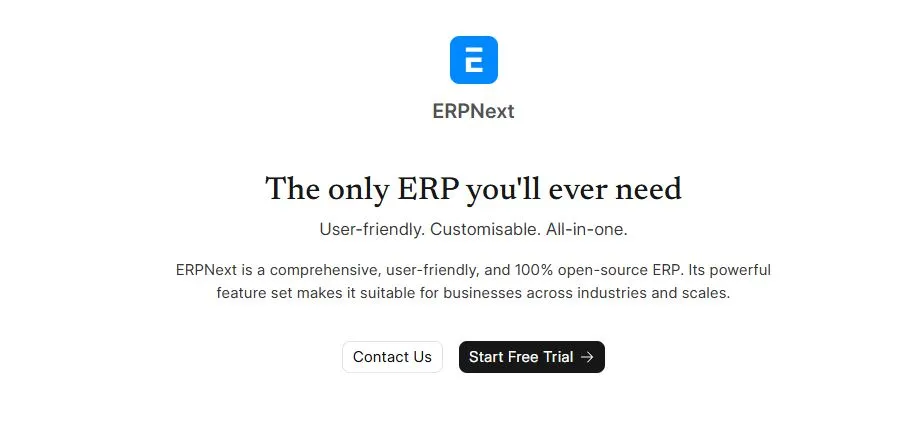
ERPNext is an open-source ERP platform that includes inventory and warehouse management alongside other business functions. Its inventory module can support businesses that want stock operations to work as part of a broader ERP environment.
Key capabilities include:
Item Management: Create and organize inventory item records.
Warehouse Management: Maintain inventory across warehouses.
Stock Transactions: Record receipts, issues, transfers, and adjustments.
Purchase Management: Connect purchasing activities with inventory.
Stock Reconciliation: Update inventory records when physical stock differs from system quantities.
Serial and Batch Tracking: Track applicable items using serial numbers and batches.
Inventory Reports: Monitor stock balances and inventory movements.
Best suited for: Organizations looking for an ERP platform that combines inventory with purchasing, accounting, sales, and other business processes.
5. SAP Business One
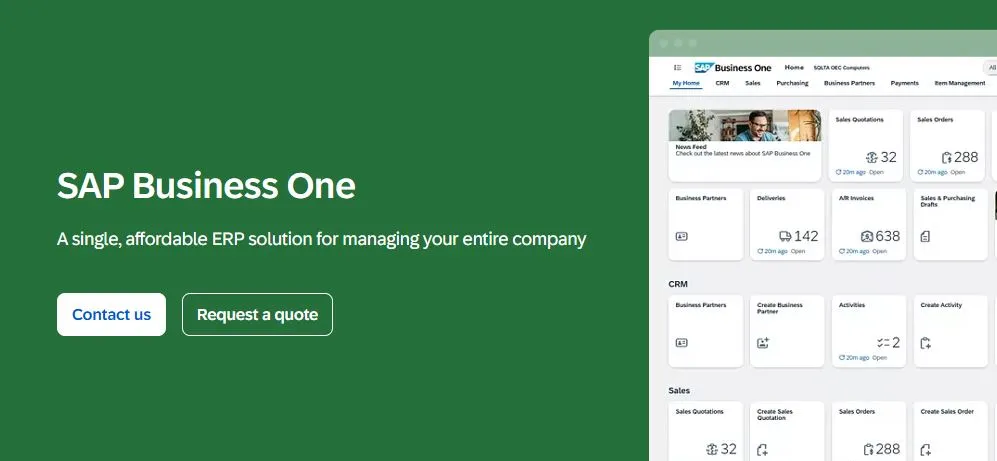
SAP Business One is an ERP solution designed for small and midsize businesses. Its inventory functionality forms part of a broader system covering areas such as purchasing, sales, financial management, and business operations.
Key capabilities include:
Item Management: Maintain detailed product and inventory information.
Warehouse Management: Manage stock across warehouses and locations.
Goods Movement: Record inventory receipts, issues, and transfers.
Purchasing Integration: Connect purchasing activities with inventory records.
Batch and Serial Numbers: Track products using relevant identification methods.
Stock Availability: Monitor inventory quantities and availability.
Reporting: Analyze inventory and business information through reports.
Best suited for: Growing small and midsize businesses that need inventory management as part of a more comprehensive ERP system.
6. Odoo Inventory
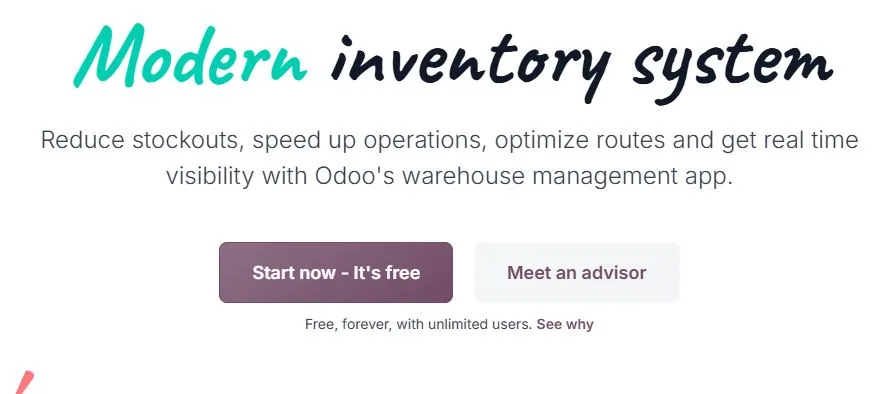
Odoo Inventory is part of the Odoo business application suite and provides tools for managing warehouse and stock operations. It can be connected with other Odoo applications, making it suitable for businesses looking for an integrated business management environment.
Key capabilities include:
Inventory Tracking: Monitor stock quantities and movements.
Warehouse Operations: Organize and manage warehouse activities.
Receipts and Deliveries: Track incoming and outgoing inventory.
Internal Transfers: Record movement of stock between locations.
Reordering: Support replenishment processes based on inventory requirements.
Barcode Operations: Use barcode-based workflows for supported inventory activities.
Inventory Reporting: Review stock and warehouse information.
Best suited for: Businesses that want inventory management connected with other functions such as sales, purchasing, accounting, and operations.
7. Marg ERP
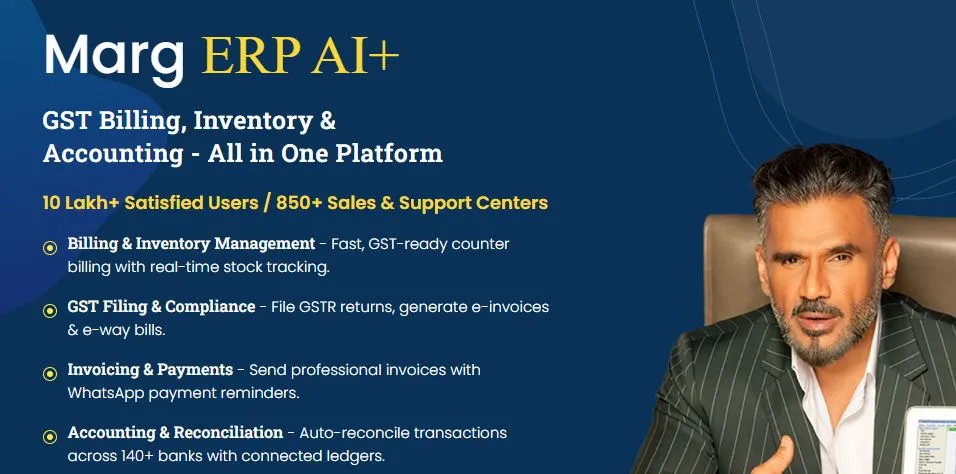
Marg ERP is business management software commonly used by businesses that need accounting, billing, inventory, and related operational functions. Its inventory features are particularly relevant for organizations managing regular purchasing and sales transactions.
Key capabilities include:
Stock Management: Maintain product and stock records.
Purchase Management: Record purchases and supplier transactions.
Sales Inventory: Connect sales transactions with stock records.
Multi-Location Support: Manage inventory across multiple locations.
Barcode Support: Use barcode-based processes for applicable inventory activities.
Batch Management: Maintain batch-related inventory information.
Inventory Reports: Review stock and transaction details.
Best suited for: Retailers, distributors, wholesalers, and other businesses that need inventory management alongside billing and accounting functions.
8. Vyapar
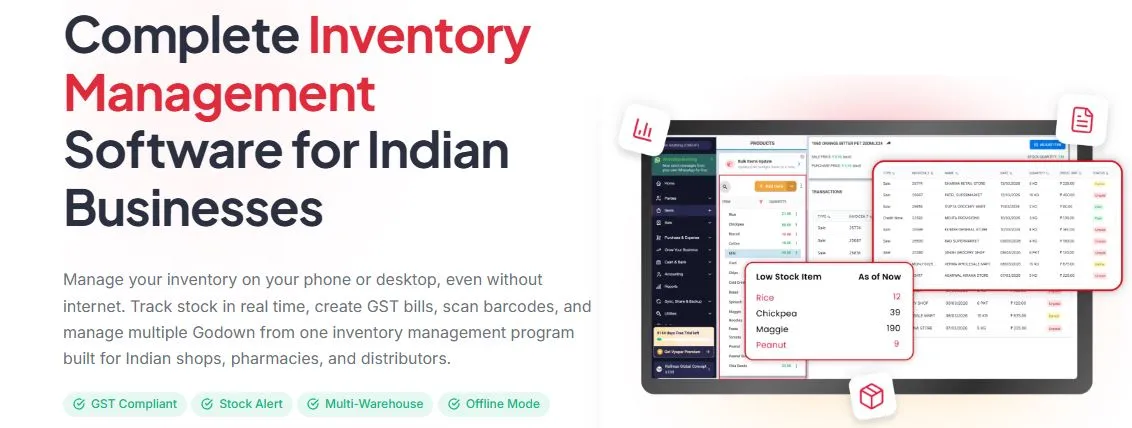
Vyapar is a business management application focused on invoicing, accounting, inventory, and day-to-day business administration. Its inventory features can help smaller businesses maintain product and stock records alongside their billing activities.
Key capabilities include:
Stock Tracking: Maintain product and inventory records.
Purchase Management: Record purchases and update stock information.
Sales Management: Connect sales transactions with inventory.
Low-Stock Monitoring: Identify products that require replenishment.
Barcode Support: Support barcode-based product management where applicable.
Inventory Reports: Review stock and transaction information.
Business Reporting: Access reports related to sales, purchases, and inventory.
Best suited for: Small businesses, retailers, and traders looking for inventory functionality combined with billing and accounting tools.
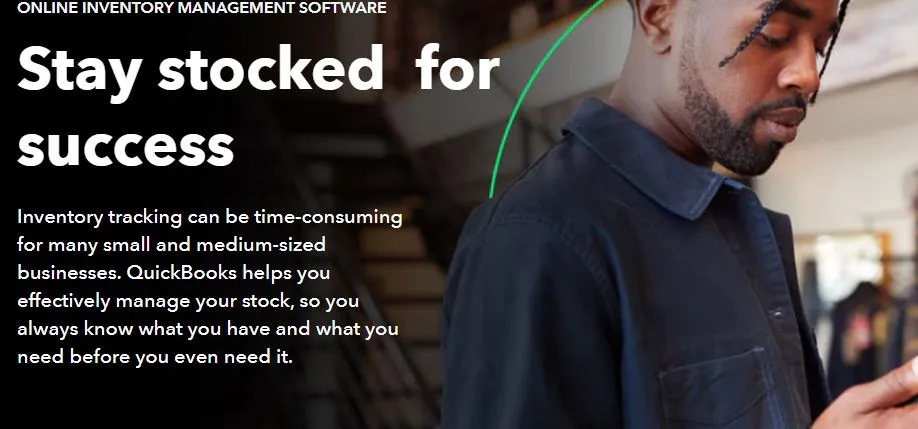
9. QuickBooks
Vyapar is a business management application focused on invoicing, accounting, inventory, and day-to-day business administration. Its inventory features can help smaller businesses maintain product and stock records alongside their billing activities.
Key capabilities include:
Stock Tracking: Maintain product and inventory records.
Purchase Management: Record purchases and update stock information.
Sales Management: Connect sales transactions with inventory.
Low-Stock Monitoring: Identify products that require replenishment.
Barcode Support: Support barcode-based product management where applicable.
Inventory Reports: Review stock and transaction information.
Business Reporting: Access reports related to sales, purchases, and inventory.
Best suited for: Small businesses, retailers, and traders looking for inventory functionality combined with billing and accounting tools.
10. inFlow Inventory

inFlow Inventory is inventory management software focused on helping businesses manage stock, orders, purchasing, and warehouse operations. It is designed for organizations that need more structured control over inventory processes.
Key capabilities include:
Inventory Tracking: Monitor stock quantities and product movements.
Purchase Orders: Create and manage purchase orders.
Sales Orders: Track customer orders alongside inventory.
Warehouse Management: Organize stock across locations.
Barcode Scanning: Support barcode-based inventory workflows.
Stock Transfers: Record inventory movement between locations.
Inventory Reporting: Review stock and order information.
Best suited for: Small and midsize businesses that need dedicated inventory and order management capabilities for products, warehouses, and stock movements.
Key Features to Look for in Inventory Management Software
Real-Time Inventory Tracking
Stock quantities should update when transactions are recorded so teams have a clearer view of what is available.
Stock Inward and Outward Management
The system should make it easy to record receipts, issues, sales, consumption, and other stock movements.
Multi-Location Inventory Management
If stock is kept across branches, warehouses, stores, or properties, location-wise visibility becomes important.
Stock Transfer Management
Teams should be able to record movement between locations while maintaining a clear transaction history.
Purchase and Receiving Management
Purchase orders and receiving records help connect what was ordered with what actually arrived.
Stock Adjustment and Reconciliation
Physical counts do not always match system quantities. Adjustment tools help teams correct differences and keep records current.
Low-Stock Alerts
Minimum stock levels and alerts can help teams notice replenishment needs before important items run out.
Inventory Categorization
Categories, subcategories, item groups, units, and other attributes make larger inventories easier to organize.
Barcode and QR Code Support
Scanning can speed up item identification, receiving, stocktaking, and issue processes where barcode or QR workflows are suitable.
Inventory Reports and Analytics
Useful reports can show stock levels, movements, purchases, consumption, ageing, valuation, or other information relevant to the business.
Vendor and Supplier Management
Supplier records, rates, and purchase history can make procurement easier to manage.
Inventory Audit Trail
A history of transactions and adjustments helps teams understand how inventory records changed.
User Roles and Access Control
Different users may need different permissions for purchasing, receiving, issuing, adjusting, or viewing stock.
Integration with Other Business Systems
Integrations can reduce duplicate data entry when inventory needs to work with accounting, purchasing, sales, maintenance, or ERP systems.
Inventory Management Software Comparison
Feature availability and limits can vary by plan, region, configuration, and implementation. Confirm current product details with the provider before purchasing.
How to Find the Right Inventory Management Solution
Define Your Inventory Requirements
Start with the items you actually manage. List your stock types, spare parts, consumables, purchasing processes, locations, users, and reporting requirements.
Consider the Number of Locations
If inventory is spread across branches, warehouses, stores, or properties, check whether the software provides location-wise visibility and supports transfers.
Check Stock Tracking Capabilities
Make sure the system can record receipts, issues, adjustments, transfers, consumption, and other movements that matter to your workflow.
Evaluate Reporting and Analytics
Look for reports that answer practical questions such as what is available, what is running low, what moved recently, and what has remained unused.
Review Integrations
If inventory connects with purchasing, accounting, maintenance, sales, or ERP workflows, check the available integrations before selecting a platform.
Check User Access and Security
Review user permissions, access controls, audit history, backups, and other security measures before moving important inventory data into a system.
Consider Scalability
Choose software that can handle more items, users, vendors, locations, and transactions as your business grows.
Evaluate Implementation and Support
Consider setup, data migration, training, documentation, implementation assistance, and ongoing support. A system is only useful when your team can use it consistently.
Compare Total Cost
Look beyond the subscription price. Consider users, locations, modules, integrations, implementation, customization, support, and other recurring costs.
Benefits of Using Inventory Management Software
· Better visibility into available stock
· Less repetitive manual data entry
· Fewer discrepancies between physical and recorded stock
· More informed purchasing decisions
· Better control over stock movement
· Earlier visibility into low-stock situations
· Faster access to inventory reports
· Easier stock counting and reconciliation
· Better coordination across locations and teams
These benefits depend on how the system is configured and how consistently teams record inventory transactions.
Common Inventory Management Challenges
Overstocking
Buying more than the business needs can tie up cash and create storage problems.
Stockouts
Running out of an important item can delay sales, maintenance work, or daily operations.
Duplicate or Inaccurate Records
Different spreadsheets or inconsistent item names can make it difficult to know the real stock position.
Untracked Stock Movement
Items can move between stores, warehouses, or sites without records being updated properly.
Poor Visibility Across Locations
When every location keeps a separate register, managers may struggle to see the overall inventory position.
Manual Reconciliation
Teams may spend hours comparing physical counts with spreadsheets and correcting differences.
Difficulty Tracking Spare Parts
Maintenance teams need to know which spare parts are available, where they are stored, and when they need replenishment.
Lack of Historical Inventory Data
Without transaction history, it becomes harder to understand usage patterns and make better purchasing decisions.
Inventory Management Software vs Excel
Excel can still work for a small inventory with limited items, users, and transactions.
The challenge usually appears when the business adds locations, frequent stock movements, multiple users, or more complex purchasing processes.
Excel is not automatically the wrong choice. The better question is whether your current process gives you accurate, timely, and accessible inventory information.
Final Thoughts
The best inventory management software is the one that fits the way your business actually handles stock.
Start with your current process, identify where errors and delays happen, and compare software based on those specific needs.
For retail, barcode scanning and billing may be central. For manufacturing, warehouse and production workflows may matter more. For facility management companies, spare parts, consumables, site-wise stock, purchasing, and maintenance-related usage can be more important.
Firmity is worth considering when inventory needs to work alongside facility operations, assets, maintenance, vendors, and multiple properties.
If you want to discuss your inventory requirements or see whether Firmity fits your workflow, contact the Firmity team.
Frequently Asked Questions About Best Inventory Software
For a small business, a suitable inventory system should make everyday stock tasks easier without adding unnecessary complexity. Look for tools that can handle stock records, purchases, stock levels, reports, and basic inventory tracking as your business grows.
Zoho Inventory offers a free plan with limitations, while its paid plans provide additional features and higher usage limits. Businesses should check the current plans and included features to determine which option fits their inventory requirements.
Yes, Excel can be used for basic inventory management, especially when the number of products and transactions is limited. However, maintaining stock levels, purchase records, transfers, and updates manually can become difficult as inventory grows. Dedicated inventory management software can provide more automation, visibility, and control.
The best inventory management software in India depends on the organization's specific needs, such as stock volume, locations, purchasing process, reporting requirements, and integrations. Options such as Firmity, Zoho Inventory, TallyPrime, ERPNext, SAP Business One, and Odoo Inventory may suit different business requirements.
Author Bio

Syed Aadam
Syed Aadam is a software engineer with a Bachelor's and Master's in Information Technology with a specialization in Artificial Intelligence and Machine Learning. Having trained, and assisted in training foundational ML models for solving frontier scientific problems at the intersection of biodiversity and technology, Syed Aadam has been working to develop AI-enabled CMMS, ERP and CAFM softwares at Ufirm Technologies.
Talk to our team
Questions about facility management software? Leave your details and we'll get back to you within 24 hours.