Asset Management
Top 7 Asset Management Software in India
· 9 min read
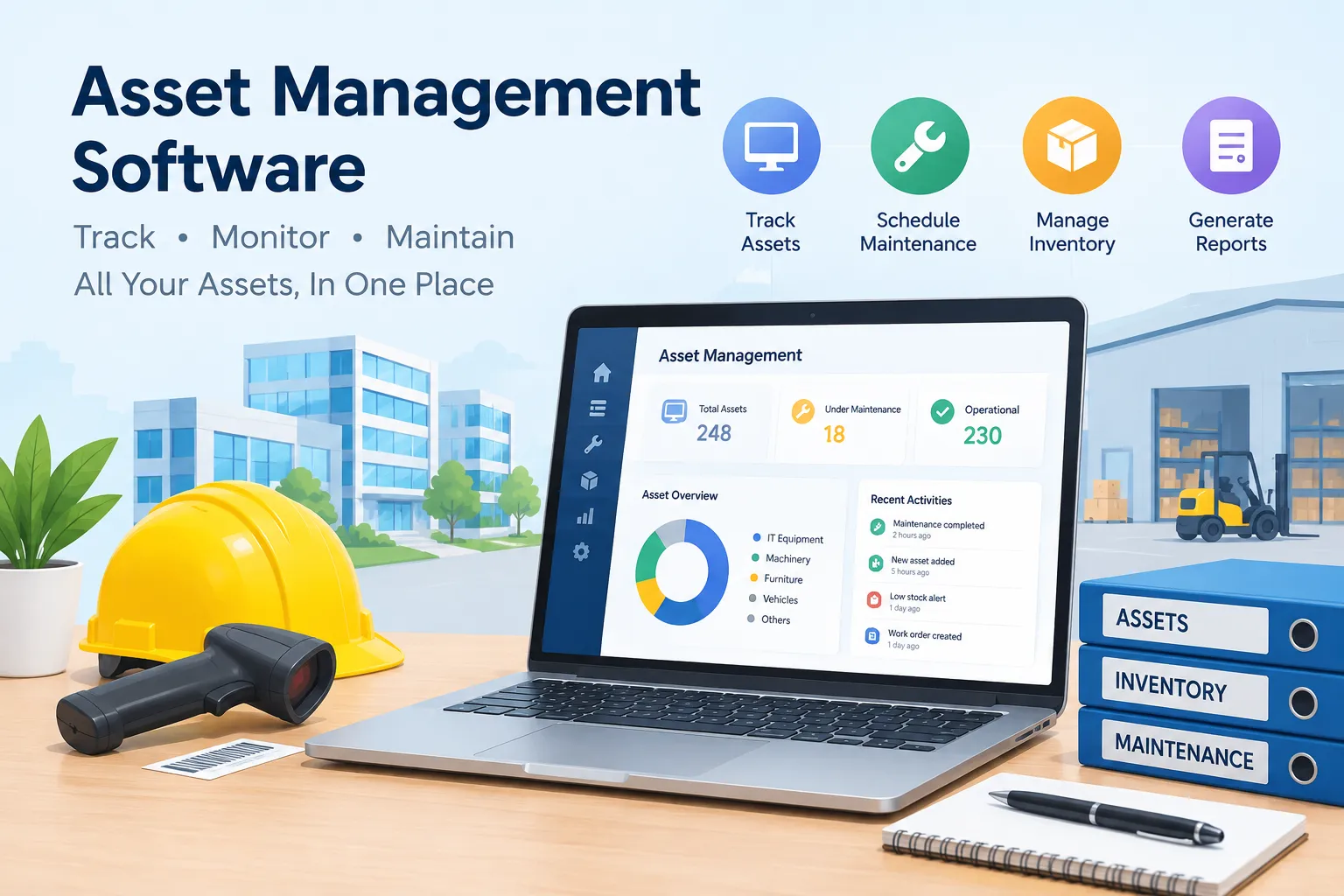
Asset management software can help businesses keep track of physical assets, organize maintenance records, and know where equipment is located without relying on scattered spreadsheets. When a company manages assets across offices, campuses, factories, or residential sites, even a simple question—“Where is this item, and when was it last serviced?”—can take too long to answer if records are spread across different files.
The right platform gives teams a clearer picture of asset location, condition, service history, and upcoming maintenance. However, not all asset management solutions serve the same purpose. Some are built for equipment monitoring, others focus on IT assets, while certain platforms cater to complex enterprise requirements. This guide compares seven options, highlighting their key features and suitability for different business needs. It is intended to help you evaluate the available solutions rather than present a definitive ranking.
What Is Asset Management Software?
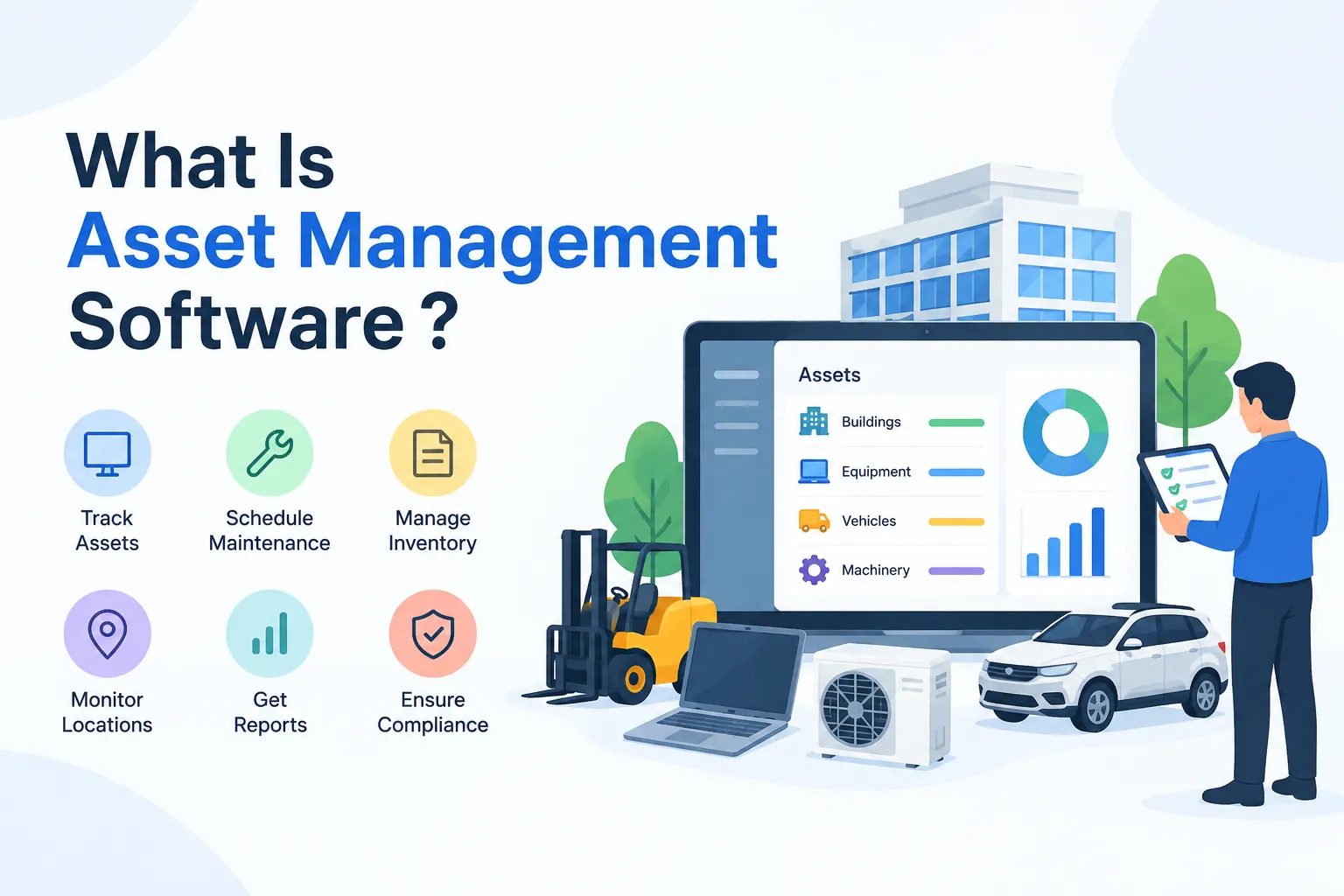
Asset management software helps businesses maintain organized records of their resources, track where items are located, and review their usage across different departments or sites. It allows businesses to maintain digital records of their equipment, machinery, furniture, and other assets, making it easier to identify their whereabouts, review ownership details, and plan servicing. Depending on the software, teams can also store purchase records, warranty dates, inspection reports, and repair logs to support better decision-making and reduce the risk of misplaced assets or overlooked maintenance.
Facility and maintenance teams use these systems to find equipment, schedule routine checks, log repairs, and keep warranty or annual maintenance contract (AMC) dates visible. Finance or IT teams may need different functions, such as depreciation records, software license tracking, or hardware inventory. The best fit depends on which assets you manage and which teams need access to the information.
Important Asset Management Software Features to Consider
· Centralized asset records: Keep essential details and documents together instead of across multiple spreadsheets.
· Asset tracking: Search by asset ID, category, assigned person, site, or current location.
· QR code or barcode support: Let authorized staff scan a tag to open an asset record quickly.
· Preventive maintenance scheduling: Set service intervals and see which tasks are due or overdue.
· Work orders and maintenance requests: Connect asset problems to an assigned task, technician, and resolution.
· Warranty and AMC reminders: Track renewal and expiry dates so teams can plan ahead.
· Inventory and spare parts: Understand which parts are available and which equipment they support, if this is part of your workflow.
· Reports and audit history: Review movement, service activity, costs, and changes to records.
· Multi-location access and mobile support: Give relevant teams a consistent view across sites.
· Integrations and permissions: Check whether the software connects to your existing systems and lets you control who can view or edit records.
Top 7 Asset Management Software in India
The options below cover different needs. Before shortlisting a product, confirm its current feature set, deployment options, support arrangements, and pricing directly with the provider. Pricing can depend on users, assets, modules, implementation, and contract terms, so a reliable India-specific price should not be assumed without a current quote.
1. Firmity
Firmity helps facility teams keep asset-related information organized and accessible while managing their daily operations. Its asset management offering brings asset details, location, QR tagging, service history, warranty and AMC information, and maintenance activity into a shared system.
The platform describes a centralized asset registry, QR code tagging, location and movement tracking, service scheduling, and asset history. Linking asset records with maintenance workflows can help a facility team see both the equipment and the work associated with it.
Ideal for: Facility management companies, educational institutions, housing societies, industrial facilities, and businesses managing equipment or other physical assets at multiple sites, especially when they want to coordinate asset tracking with routine inspections, repairs, and maintenance activities.
Explore Firmity Asset Management Software for product details.
2. Zoho Creator
Zoho Creator is a low-code application development platform that can be used to build customized asset management workflows. Rather than assuming every business follows the same process, teams can configure an application around their asset fields, approvals, requests, and reporting needs.
Its asset management solution information includes functions such as work order management, preventive maintenance, service requests, and asset lifecycle tracking. The amount of configuration required will depend on how closely your workflow matches the available solution and how much customization you want.
Best suited for: Businesses that need tailored asset workflows and have the time or support to configure and maintain a customized application.
3. ManageEngine AssetExplorer
ManageEngine AssetExplorer enables companies to oversee their IT equipment and software resources through a dedicated asset tracking system. It helps businesses keep track of devices used by employees, software installations, license details, and related IT inventory information. By bringing these records into one system, IT departments can monitor their technology assets more systematically and make informed decisions about usage, compliance, and replacement planning.
Before choosing it for a non-IT use case, confirm that its asset categories and workflows match the equipment you need to track. If software licenses, computers, servers, and related IT inventory are your main concern, it belongs on your shortlist.
Best suited for: IT departments managing organizational hardware, software, and related technology assets.
4. Asset Panda
Asset Panda is a cloud-based asset tracking platform known for configurable asset records and mobile-oriented workflows. Depending on the plan and configuration, organizations can use it to record asset details, scan tags, assign assets, and create reports around their own processes.
Its flexibility may be useful when teams track many types of items and want custom fields or workflows. During a demo, test the full process that matters to you—for example, adding an asset, scanning its tag, recording a transfer, and reviewing its history.
Best suited for: Organizations looking for flexible asset tracking across different categories of physical assets.
5. SAP Enterprise Asset Management
SAP provides tools for managing equipment and other business-critical assets within large-scale operations. Organizations can use its solutions to monitor asset performance, schedule servicing, manage replacement parts, and coordinate maintenance activities with their wider business workflows.
An enterprise platform may be suitable when asset data needs to work with established procurement, finance, supply chain, or operational systems. Implementation scope and configuration can be significant, so teams should evaluate the required modules, internal expertise, and total cost rather than comparing it only with a lightweight tracking app.
Best suited for: Large organizations with complex asset operations and a need to connect maintenance with wider enterprise processes.
6. IBM Maximo
IBM Maximo is an enterprise asset management platform designed for organizations that operate and maintain important physical assets at scale. Depending on the solution and configuration, its capabilities can cover asset records, work management, preventive maintenance, and asset performance or reliability workflows.
For asset-intensive operations, evaluate how the platform supports your maintenance strategy, integrations, reporting, and the skills needed to run it. Predictive or advanced analytics capabilities may depend on the specific products, data, and implementation involved.
Ideal for: Factories, industrial plants, energy facilities, and businesses operating heavy machinery or critical equipment that require structured maintenance planning, equipment performance monitoring, and reliability management.
7. Odoo
Odoo allows companies to handle equipment-related activities through its maintenance application. Teams can document faults, track repair jobs, and organize service schedules according to their requirements. When combined with inventory tools, the platform can also help businesses manage spare parts and coordinate the resources needed for equipment maintenance.
It may appeal to teams that want maintenance to sit within a broader business management system. Check which apps are required, how they are licensed, and whether the available workflows cover your asset tracking needs without extensive customization.
Best suited for: Businesses that want maintenance and inventory workflows connected with other business applications.
Comparison of the Top Asset Management Software
Use this high-level comparison as a starting point, not as a substitute for a product demo. Features can differ depending on implementation, setting, and edition.
Software | Primary use case | What to evaluate | Best fit |
Firmity | Physical and facility assets | QR tagging, locations, service history, maintenance links | Facility and operations teams |
Zoho Creator | Custom asset workflows | Configuration effort, forms, approvals, reports | Teams needing tailored processes |
ManageEngine AssetExplorer | IT asset management | Hardware/software records, discovery, licence workflows | IT departments |
Asset Panda | Flexible asset tracking | Mobile scanning, custom fields, reporting | Multi-category physical assets |
SAP | Enterprise asset management | Lifecycle, maintenance, enterprise integrations | Large, complex organizations |
IBM Maximo | Enterprise asset and maintenance management | Work management, reliability needs, implementation scope | Asset-intensive operations |
Odoo | Maintenance within a business suite | Maintenance app, inventory connection, licensing | Businesses seeking connected apps |
Benefits of Using Asset Management Software
A well-implemented system will not fix every asset problem automatically, but it can make the information and routines behind asset management easier to maintain.
· One source of truth: Rather than keeping several lists, teams can consult the same asset record.
· Improved location visibility: Employees can examine transfer history and see where equipment is registered.
· More consistent maintenance: Scheduled work and service history are easier to review when they are linked to the asset.
· Fewer missed dates: Warranty, AMC, and inspection reminders can help teams act before deadlines.
· Less manual administration: Standardized records reduce repeated data entry and time spent searching files.
How to Pick the Best Software for Asset Management
Start by listing the assets you need to manage. A team tracking laptops and software licences will have different requirements from a facility team looking after HVAC equipment, lifts, generators, safety systems, and spare parts.
Next, write down the tasks the software must support. For example: register a new asset, assign a location, scan its QR code, schedule service, record a repair, and view its history. Use those tasks to compare products rather than relying only on feature lists.
· Confirm the asset types and record fields the system supports.
· Check QR or barcode scanning, mobile access, and multi-location visibility if your team works on site.
· Verify preventive maintenance, work orders, reminders, and spare-parts workflows if maintenance is part of the requirement.
· Ask about reports, audit history, user permissions, and integrations with your existing tools.
· Review implementation time, data migration, training, support, contract terms, and total cost.
· Request a demo and test it with a realistic workflow using your own asset categories.
Final Thoughts
The right asset management software should fit the work your team actually does—not simply offer the longest feature list. Start with your asset types, locations, maintenance requirements, and reporting needs, then compare how each shortlisted platform handles those tasks.
If your priority is managing physical assets across facilities and connecting asset records with service schedules, QR tagging, and maintenance activity. You can also contact the Firmity team to discuss your requirements and request a walkthrough.
FAQs : Top Asset Management Software
Firmity, Zoho Creator, ManageEngine AssetExplorer, Asset Panda, and IBM Maximo are options to explore. The best choice depends on your asset types, maintenance needs, business size, and budget.
Yes. Jira Service Management includes asset and configuration management capabilities that help teams track assets, manage configuration items, and connect them with IT service workflows. Its suitability depends on your requirements.
Look for centralized asset records, QR or barcode tracking, location monitoring, maintenance scheduling, warranty reminders, reporting, and multi-site visibility. Choose features that match your team's daily operations.
It helps facility teams maintain asset records, monitor equipment locations, track service history, schedule maintenance, and manage warranty information. These capabilities improve visibility and support more organized maintenance across multiple facilities.
Author Bio

Syed Aadam
Syed Aadam is a software engineer with a Bachelor's and Master's in Information Technology with a specialization in Artificial Intelligence and Machine Learning. Having trained, and assisted in training foundational ML models for solving frontier scientific problems at the intersection of biodiversity and technology, Syed Aadam has been working to develop AI-enabled CMMS, ERP and CAFM softwares at Ufirm Technologies.
Talk to our team
Questions about facility management software? Leave your details and we'll get back to you within 24 hours.