Complaint Management
What Is Complaint Management Software? A Complete Guide for Any Organization
· 11 min read
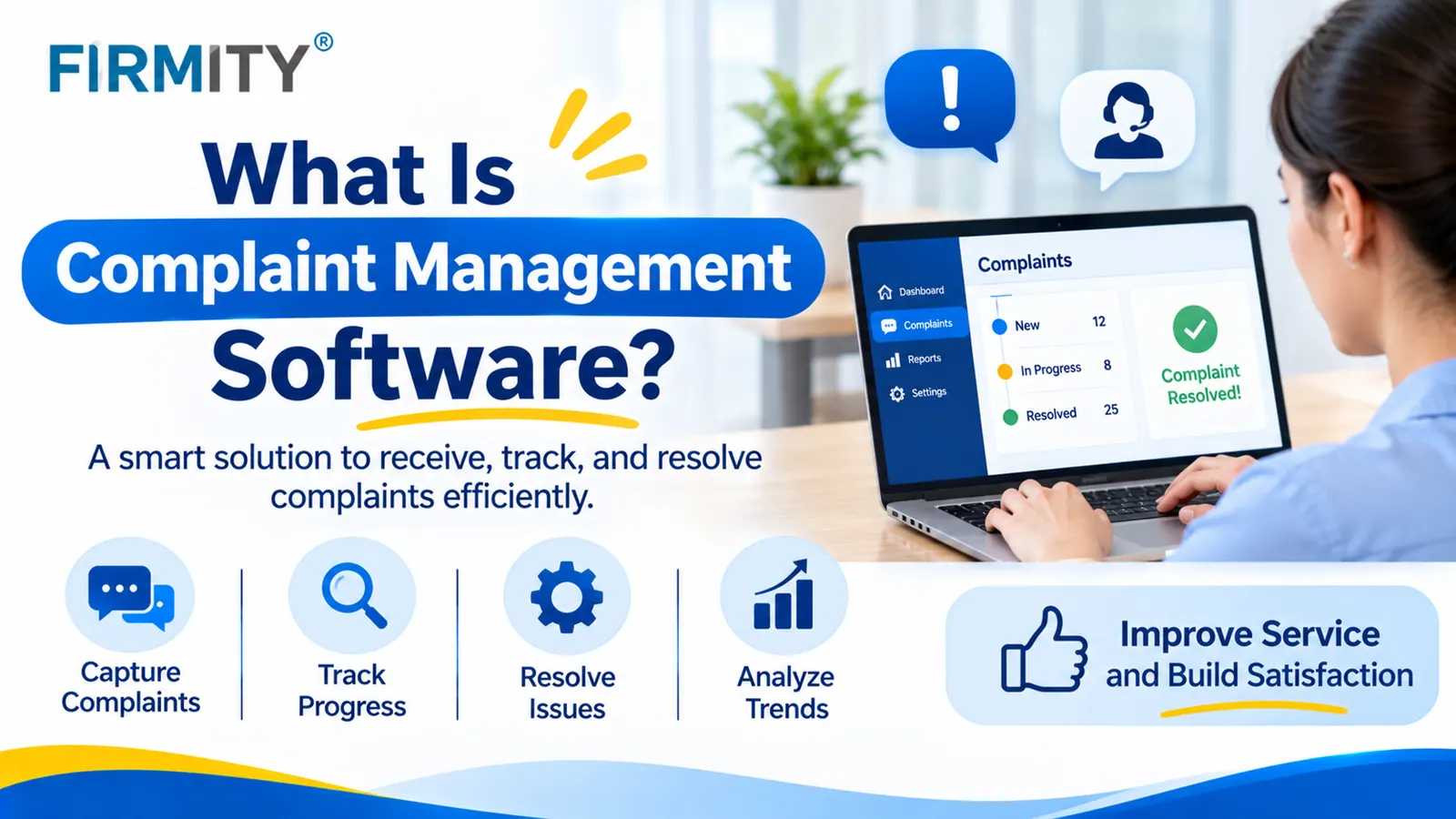
What is complaint management software? It’s software that captures complaints from every channel, assigns each one to the right person and tracks it through to resolution.
Instead of juggling emails, phone calls and spreadsheets, complaint management software gives every complaint one record, one owner and one status. Nothing gets lost, everyone can see where a complaint stands, and patterns finally become visible. It’s a simple idea, but it changes how a team works from one day to the next. In this guide, we’ll explain what it is, who receives complaints, how it works, what to look for and how to choose. Firmity gets its own short, labeled section near the end.
What Is Complaint Management Software?
A complaint is any expression of dissatisfaction about a product, service or experience that expects a response. Complaint management software gives you one place to log those, decide who deals with them, keep the conversation and evidence together and close each one properly. Think of it as a tracking system built around a single promise: every complaint gets an owner and an outcome.
It overlaps with a few other tools, so it helps to know the differences. A general helpdesk handles all kinds of requests and questions, while complaint software focuses on dissatisfaction, accountability and closure. A CRM stores customer records and sales history, and a quality system manages formal quality events and corrective actions. Plenty of teams use more than one of these side by side.
If you’d like a formal reference, ISO 10002:2018 gives guidelines on complaints handling for organizations of any type or size, including guidance for small businesses. It covers things like receiving, tracking, acknowledging, assessing and responding to complaints, and it’s a handy yardstick for your own process, whether or not you ever pursue certification.
Who Receives Complaints? Common Kinds
Customer complaints. These come from people who buy or use your products and services, and they’re what most people picture. They might arrive by email, phone, chat, a web form or a social post, and they usually need a quick, polite and well-documented response.
Resident or occupant complaints. Property managers, campuses and housing communities get a steady stream of issues from the people who live or work there: a broken lift, a leaking tap, a noisy neighbor. These tend to be location-specific and need a technician, so photos and location details matter a lot.
Staff or internal complaints. Employees raise operational problems too, like faulty equipment or unsafe areas. Keep one point in mind: ISO 10002 doesn’t cover employment-related disputes, and formal HR grievances usually need a separate, confidential process. Use complaint software for operational issues, not as a replacement for your HR channels.
Supplier and quality complaints. Complaints can also flow the other way, such as a faulty batch from a supplier, or a defect found in your own output. These often feed into quality processes and corrective actions, so good records and clear categories make them far easier to follow up.
How Complaint Management Software Works
Step | What happens | Why it matters |
|---|---|---|
1. Capture | The complaint is logged from a form, call, message or QR scan | All complaints are recorded in one central place |
2. Categorize | It’s tagged by type, location and priority | The issue reaches the appropriate team promptly |
3. Assign | It’s routed to a named owner | A specific person takes ownership of the issue |
4. Track | Status, timers and updates are recorded | Everyone sees where it stands |
5. Resolve | The owner fixes the issue and records what was done | The solution and actions taken are recorded |
6. Close | The complaint is closed, often after the person confirms | Nothing is left hanging |
7. Review | Managers look at trends and repeat issues | You address the root causes of recurring issues |
Most systems follow the same simple journey. A complaint comes in, gets sorted, lands with the right person, gets worked on, is resolved and closed, and then gets reviewed for patterns. Here are the seven steps.
Here’s a quick example. A resident notices a lift stuck between floors and scans a QR code on the wall. The ticket arrives with the location and a photo, gets assigned to a technician and starts a deadline timer. The technician fixes it, the resident sees the status change and can rate the result, and at the end of the month the manager notices that lift complaints keep coming from one building.
Features of Complaint Management Software
Features vary, but a handful decide whether a tool will really work for you. Here’s a practical shortlist.
Multi-channel capture: complaints can arrive from the channels your people actually use, like forms, QR codes, calls or email.
Categories: consistent tags for type, location and priority, so reports mean something.
Assignment and escalation: automatic routing to the right person, with escalation when something stalls.
Deadline timers: response and resolution targets that start automatically and warn before they’re missed.
Communication history: every update, comment and status change kept in one record.
Reporting: dashboards that show volume, response times, repeat issues and trends.
Attachments: photos and documents attached to the complaint as evidence.
Not every team needs all of these on day one. If you’re small, start with capture, assignment, status and a simple report, and add the rest as complaint volume grows. The aim is a tool your team opens every day, not a long list they’ll never touch.
Benefits of Complaint Management Software
Faster response. When complaints are routed automatically and timers start from the moment they arrive, people react sooner. There’s no waiting for someone to notice a message in a shared inbox.
Nothing falls through the cracks. Every complaint has a record, an owner and a status, so it can’t quietly disappear when someone is on leave or busy. Open complaints stay visible until they’re closed.
Clear accountability. You can see who handled what and how long it took. That’s not about blame, it’s about knowing where help is needed and recognizing the people who respond well.
Better insight and fewer repeat issues. Once complaints are categorized, patterns appear: the same fault in the same place, or the same process failing again and again. Fixing causes means fewer repeats, which saves time and goodwill in the long run.
Types of Complaint Management Software
Complaint tools come in several shapes, and the best one depends on where your complaints come from and what else you already use. Here’s a quick way to compare the main types.
Type | What it is | Best for | Watch out for |
|---|---|---|---|
Standalone tools | Software built just for complaints | Businesses looking for a dedicated complaint solution | Another system to connect |
Helpdesk-based tools | Ticketing tools with complaint workflows | Customer service teams using ticketing software | May lack complaint-specific features |
CRM-based tools | Complaint handling inside a CRM | Businesses managing customer interactions through CRM | May offer more features than basic complaint handling requires |
Quality system modules | Complaint modules inside a quality system | Businesses focused on quality standards and compliance | More formal than some teams need |
Facility and community platforms | Complaints inside a facility or property platform | Property, campus and facility teams | Not built for every customer channel |
Facility and community platforms deserve a special mention, because for property teams, complaints are really maintenance jobs in disguise. A broken light or a blocked drain needs a technician, so the best fit is often a platform where complaints connect straight to work orders, like a CMMS that includes a helpdesk. Think about where your complaints end up, and choose the type that gets them there fastest.
Complaint Management Software vs Spreadsheets and Email
Spreadsheets and email can work when complaints are rare. The trouble starts when volume grows, because every extra inbox or sheet is another place for a complaint to hide. Here’s how the two approaches compare.
Capability | Spreadsheets and email | Complaint management software |
|---|---|---|
Capturing complaints | Stored across multiple emails and spreadsheets | One central log |
Assigning an owner | Done by hand, easy to miss | Routed automatically with a named owner |
Tracking status | Updated manually as progress is reported | Status updates visible to all relevant users |
Deadlines | Deadlines tracked through manual reminders | Automatic deadline reminders and escalation alerts |
History and evidence | Spread across threads and files | Kept together in one record |
Reporting | Prepared manually whenever needed | Generated on demand |
Who Needs Complaint Management Software?
Almost any organization that receives complaints regularly can benefit, but some situations make the case stronger. If you recognize your team in this table, it’s probably time to look.
Team | Why it helps | What to look for |
|---|---|---|
Customer service teams | Complaints come through multiple communication channels | Multi-channel capture, deadlines, reporting |
Facilities and property managers | Complaints are often maintenance jobs | Location tags, photos, technician assignment |
Schools and campuses | Many people raise many small issues | Simple submission, categories, status updates |
Manufacturers | Complaints feed quality and supplier follow-up | Categories, attachments, trend reports |
Regulated businesses | Documented handling may be expected | Audit history, deadlines, clear records |
If you’re regulated, check what your own regulator expects for complaint handling and records, because rules differ by sector and country. Software can make the paperwork far easier, but it’s still up to you to know which standards apply.
Where Does Firmity Fit In?
Firmity’s Complaint & Helpdesk Automation module is built for facility, property and campus teams. People raise tickets by scanning a QR code, and tickets can carry a location tag and a photo. Each ticket has a category, priority and status, gets assigned automatically, and runs against SLA and turnaround timers with an escalation matrix and alerts. You get real-time updates, a full history and activity log, comments, ticket reopening and resident feedback and ratings.
Managers get an analytics dashboard plus search and filters to spot patterns. Firmity is also an affordable option, which helps when complaint handling is one of many budget lines. To see it with your own complaint flow, book a free demo, and the team says it replies within 24 hours.
To be fair, it’s aimed at facility and community complaints, and its public pages don’t describe email, chat or social-media intake, so if you need those channels, ask about them in a demo. Check regional needs too, such as where data is stored and which local rules apply to your complaint records.
How to Choose Complaint Management Software
Start with how complaints reach you today, not with a feature list. These questions will narrow the field quickly, and they work well as a checklist during demos.
Complaint volume: how many do you get, and is it growing?
Channels: where do complaints arrive, and can the tool capture them there?
Who handles them: one team or many, and do they work on phones or at desks?
Escalation needs: what should happen when a complaint stalls or turns serious?
Reports: which numbers do you actually review each month?
Integrations: does it need to connect with your helpdesk, CRM or maintenance system?
Budget: what can you spend, and what’s included at that price?
Then test it properly. Ask for a demo using a few real complaints, from the awkward ones to the routine ones, and see how each travels from capture to closure. Let a frontline employee try it too. If they find it easy, you’re likely on the right track.
Cost: What to Ask Vendors
We haven’t printed prices, because plans change often and published figures vary a lot between vendors. A better approach is to ask the same questions of every vendor and compare total cost, not the headline number.
Pricing model: is it per user, per agent, per location or a flat fee, and how does it change as you grow?
Setup: is there a one-time fee, and does it include configuring categories and workflows?
Support and training: what’s included, and what costs extra?
Add-ons: which features you saw in the demo are in the base plan?
Renewal and exit: what will you pay next year, and can you export your data?
Common Mistakes
No clear owner. If nobody owns the process, complaints get assigned, then forgotten. Name a person responsible for the whole system, as well as owners for each complaint.
No categories. Without consistent tags, reports turn into a pile of free text, and patterns stay hidden. Agree a short list of categories before you start, and keep it simple.
Ignoring closure. A complaint that’s fixed but never closed keeps showing as open, which muddies your numbers. Make closing a habit, ideally with a note on what was done.
Not reviewing trends. The real value comes from spotting repeat issues. Book a monthly review of the top categories and locations, and act on what you find, so the same complaint stops coming back.
The Bottom Line
Complaint management software is simply a reliable way to make sure every complaint gets an owner, a deadline and an outcome. Start with how complaints reach you today, choose the type that fits where they end up and review trends often so problems stop repeating. If you look after facilities, a campus or a community, talk to the Firmity team and bring a few real complaints.
FAQs : What Is Complaint Management Software
It’s a tool that keeps all your complaints in one place, gives each one an owner and a status, and tracks it until it’s resolved. It replaces scattered emails, calls and spreadsheets with one clear record.
They overlap, but they’re not identical. A helpdesk handles all kinds of support requests, while complaint software focuses on dissatisfaction, accountability and closure. Many teams use a helpdesk tool for complaints, and some use a dedicated complaint tool.
Customer service teams, facility and property managers, schools and campuses, manufacturers and regulated businesses all use it, along with any organization that receives a steady stream of complaints and wants to handle them consistently.
Not always. If complaints are rare, a shared sheet may do. Once volume grows, several people are involved or you want proof of how complaints were handled, a simple tool starts to save real time.
Author Bio

Syed Aadam
Syed Aadam is a software engineer with a Bachelor's and Master's in Information Technology with a specialization in Artificial Intelligence and Machine Learning. Having trained, and assisted in training foundational ML models for solving frontier scientific problems at the intersection of biodiversity and technology, Syed Aadam has been working to develop AI-enabled CMMS, ERP and CAFM softwares at Ufirm Technologies.