Employee Management
What Is Employee Management Software? Meaning, Features and Benefits
· 8 min read
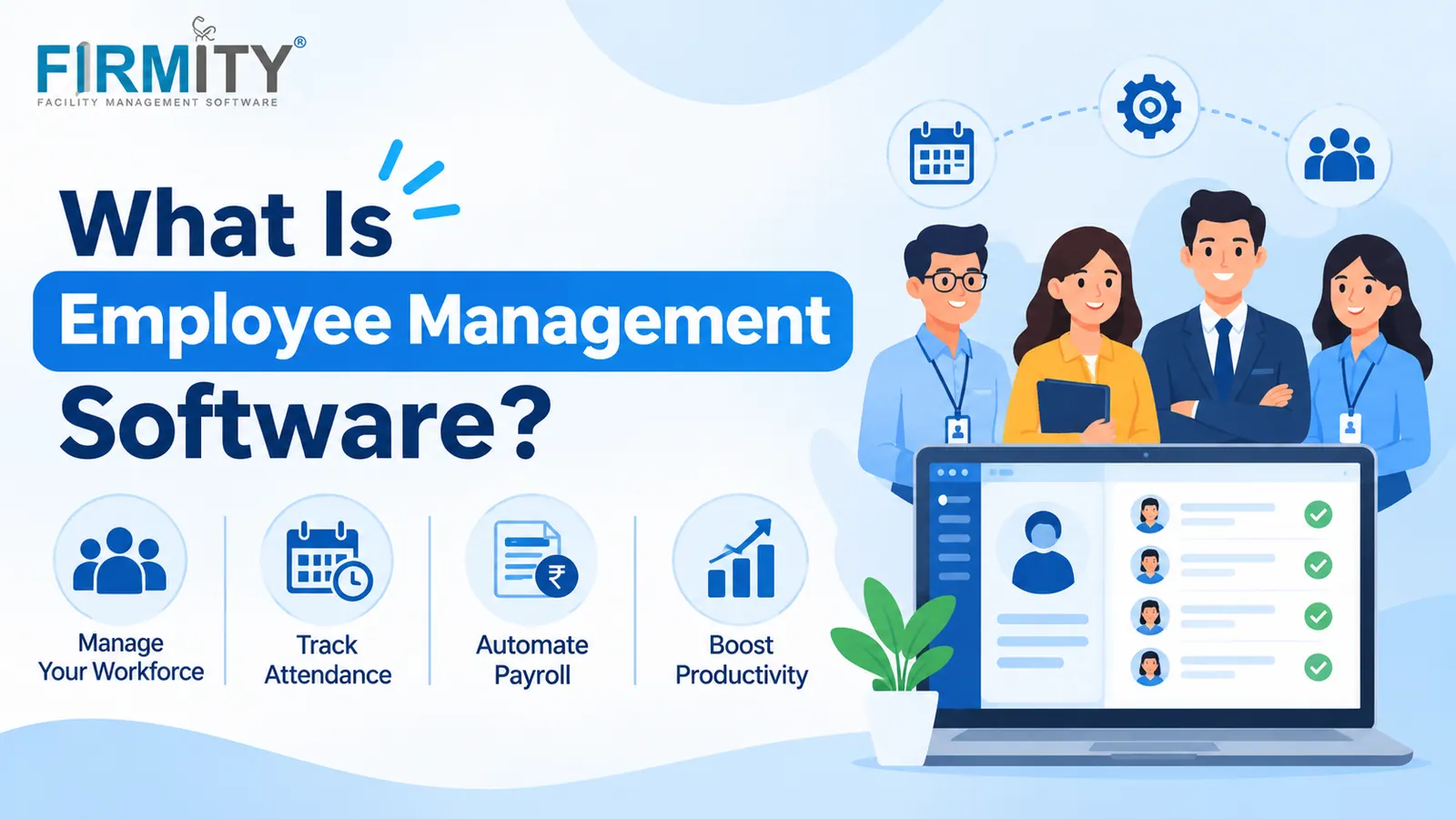
Employee management software is a digital system that keeps employee records, attendance and leave in one place. It replaces scattered spreadsheets and paper registers.
If you’ve ever chased a supervisor for last week’s attendance sheet, or wondered whose leave spreadsheet was the right one, you already know the problem this software solves. In this guide, we’ll explain what it means, how it works, how it differs from similar tools, who benefits most and how to choose one. We’ll keep it plain and practical.
Employee management software in simple terms
Strip away the jargon and it’s a shared home for everything you know about your people. Names, roles, documents, attendance, leave balances and reporting lines all sit in one system, instead of five spreadsheets, a paper register at the gate and somebody’s memory. Managers can look things up themselves, employees can see their own records, and HR stops answering the same questions every week.
Picture a site with day and night shifts. Without software, a supervisor marks attendance on paper, HR retypes it into a sheet, and payroll checks it again at month-end. With employee management software, the same check-in is captured once and shows up everywhere it’s needed. Nothing about the work changes, but a lot of the copying disappears.
It’s worth saying what it isn’t, too. It isn’t mainly a recruiting tool or a learning platform, although some suites bundle those. At its core, it’s about managing the people you already have, day to day.
How employee management software works
Most systems revolve around one employee record. You set it up once, with personal details, role, department, reporting manager and documents, and every other process draws from it. When someone joins, moves teams or leaves, you update that single record instead of hunting through files and hoping nothing was missed.
On top of that record sit the daily workflows. Attendance is captured by mobile app, web or a device, leave requests go to the right approver, and the system keeps balances up to date. Employees get a self-service view of their own information, and managers get reports. When attendance feeds into payroll software, the totals flow across without anyone retyping them.
What does employee management software manage?
The exact list varies from product to product, but most systems cover the same core areas. Here’s the usual lineup.
Employee records and documents: contact details, role, department, reporting manager and files such as contracts.
Onboarding and offboarding: capturing a new joiner’s details once, and handling transfers and exits cleanly.
Attendance and shifts: check-in and check-out times, rosters, late arrivals and overtime.
Leave and holidays: leave types, balances, requests and approvals.
Links to payroll: attendance and leave data handed over without manual re-entry.
Reports and access: workforce reports and permissions that decide who sees what.
Some products stretch further into performance reviews or training, while others stay focused on records and attendance. Neither approach is wrong. It’s a good idea to decide which of these areas cause you the most pain before you look at any product, so you can judge each one against the same list.
Types of employee management software and related terms
Here’s where it gets confusing. Vendors use a handful of labels, often loosely, and the lines between them blur. This table gives you a simple way to tell them apart.
Term | What it covers | How it differs |
|---|---|---|
Employee management software | Employee details, attendance, time off and everyday HR admin | The broad, everyday term used in this guide |
HRIS (human resource information system) | Core employee data and HR records | Centered on the database, usually lighter on workflows |
HRMS (human resource management system) | HRIS plus payroll, time and other workflows | A wider suite that often includes payroll |
HCM (human capital management) | Deeper talent topics like development and performance | More strategic, focused on growing people |
Workforce management and time and attendance | Scheduling, hours and overtime | Focused on time and shifts |
Employee monitoring software | Tracks work activity and hours | Watches activity instead of managing the employee record |
In practice, the label matters less than what’s inside. A product called an HRMS might be lighter than one called employee management software, and the reverse is just as common. Ignore the name, read the feature list, and check it against the tasks you actually need.
Who needs employee management software?
Almost any team that has outgrown spreadsheets can get value from it, but some situations make the case stronger. If you’re nodding along to any row in this table, it’s probably time to look.
Team type | Why it helps | What to look for |
|---|---|---|
Small teams | Replaces spreadsheets before they turn messy | Simple setup, leave and attendance basics |
Shift-based and frontline teams | Attendance and shifts drive everything else | Rosters, reliable check-in, late and absence alerts |
Multi-site operations | You want a single picture of every site | Site-level attendance, central records, reports |
Field teams | Staff aren’t at a desk | Mobile check-in and location records |
Growing businesses | Headcount outgrows manual tracking | Staff self-service, approval flows and reports |
The main benefits employee management software
The biggest win is a single source of truth. When everyone reads from the same record, you stop arguing about whose spreadsheet is right. Attendance and leave data gets captured once, so there’s far less retyping, and fewer mistakes sneak into payroll. Approvals move faster too, because requests land with the right person instead of waiting in someone’s inbox.
There’s a visibility benefit as well. Managers can see who’s present, who’s on leave and where the gaps are without phoning around. Employees tend to like checking their own records instead of asking HR. None of this needs fancy features, just a system that people actually use.
Key features to expect
Most products cover a core set: employee records, onboarding, attendance, leave, shift management, self-service, reports and role-based access. Some add payroll links, document storage or performance reviews. If you’re building a checklist, start with the tasks your team does every week and tick features against those, not against a vendor’s brochure.
Employee management software vs spreadsheets and paper
Spreadsheets aren’t the enemy. For a handful of people, a well-kept sheet can be enough. The trouble starts when the number of people, sites and approvals grows, because every extra file is another place for data to go stale.
Task | Spreadsheets and paper | With software |
|---|---|---|
Employee records | Scattered across files | One searchable record |
Attendance | Registers or shared sheets | Captured digitally with times |
Leave balances | Calculated by hand | Updated automatically |
Approvals | Chats and emails | A workflow with a record |
Reporting | Built manually each time | Generated on demand |
Protecting employee data
Employee data is personal data, so how you handle it matters as much as what the software can do. The ILO’s code of practice on the protection of workers’ personal data offers practical guidance on collecting, storing and using it. It’s non-binding, and local laws will apply to you, but it’s a sound starting point. In plain terms, good practice is to collect only what you need, restrict who can see it and be open with employees about what’s recorded.
This is also where employee management and employee monitoring part ways. Management software records what’s needed to run the workforce, like attendance and leave. Monitoring tools watch activity, which raises more privacy questions and usually calls for clear policies. If you use features like facial recognition for attendance, check what local rules say about biometric data and tell people how it’s used.
How to choose employee management software
Start with your own situation, not the feature list. How many people do you manage, across how many sites, and how do they clock in today? Which tasks eat the most time? Which systems does attendance need to feed? Answering those gives you a short list of must-haves, and everything else becomes a bonus you can weigh against the price.
Then test it properly. Ask for a demo with your own staff and a real scenario, like a new joiner, a shift swap and a leave request. Let a supervisor and an ordinary employee try the mobile experience too. If they find it easy, you’re likely on the right track, and if they hesitate, it’s better to find out now.
Where does Firmity fit in?
If you’d like to see how this looks in practice, Firmity’s employee management software keeps one record per employee, with code, department, designation, reporting manager and documents, and attendance, leave and workforce reports draw from it. It also logs geo-tagged visit locations for field and multi-site teams, and role-based access controls who sees what.
For facility and shift-based teams, the Employee Management Automation module goes further, with geo-fenced facial-recognition attendance, shift rosters, late and absence alerts, digital leave approvals and payroll-ready exports.
Firmity is also an affordable option, which helps when HR software is one of many line items. It’s built for facility teams in manufacturing, education and residential estates. To see it with your own staff and sites, get in touch through the contact page, and the team says it replies within 24 hours.
The bottom line
Employee management software is simply a way to stop managing people through scattered files. Pick the tasks that cost your team the most time, check that a tool handles them well and test it with your own staff before you commit. Get that right and the rest, from fewer payroll errors to faster approvals, tends to follow.
FAQs : What Is Employee Management Software
It’s a digital system that keeps employee records, attendance, leave and related HR tasks in one place, so everyone works from the same up-to-date information instead of scattered files.
They overlap, but they aren’t identical. Employee management software is the broad everyday term, while an HRMS is usually a wider suite that adds payroll, time tracking and other workflows on top of employee records. Vendors use both terms loosely, so check the feature list, not the label.
Employee management software runs the day-to-day admin of your workforce, such as records, attendance and leave. Monitoring software tracks work activity, like time spent on tasks or apps. They solve different problems, and monitoring usually raises more privacy questions.
Any organization that has outgrown spreadsheets and paper registers. It helps most where attendance and leave get complicated quickly, such as teams with shifts, several sites or field staff.
No. Small teams can benefit too, especially once leave, attendance and approvals start eating up time. Start with the basics and add more as you grow.
Author Bio

Syed Aadam
Syed Aadam is a software engineer with a Bachelor's and Master's in Information Technology with a specialization in Artificial Intelligence and Machine Learning. Having trained, and assisted in training foundational ML models for solving frontier scientific problems at the intersection of biodiversity and technology, Syed Aadam has been working to develop AI-enabled CMMS, ERP and CAFM softwares at Ufirm Technologies.