Payroll Management
What Is Payroll Software? A Complete Guide for Indian Businesses
· 8 min read
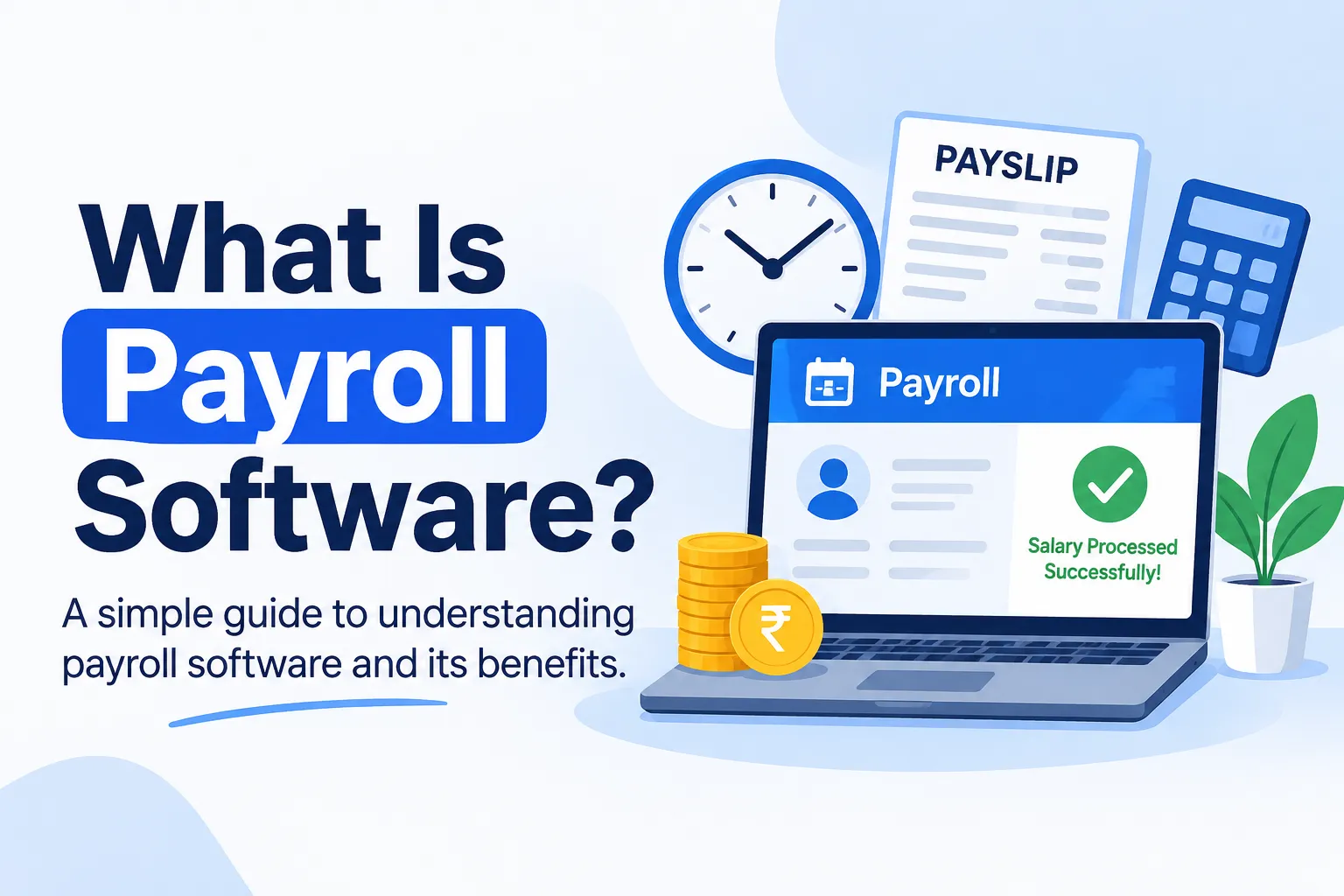
What is payroll software? In simple terms, it's a tool that works out what each employee should be paid, takes off the right deductions and produces payslips, all without a calculator or a tangle of spreadsheets. If you've ever spent the last days of a month double-checking attendance against salaries, you already know the problem it solves. This guide is the big-picture overview: what payroll software does, how it works and what to look for. Each section is a short introduction, and we'll go deeper on every topic in dedicated guides.
Here's how this overview was put together. We read how well-known sources such as TechTarget, ADP and Merchant Maverick explain payroll software, then adapted the ideas for Indian businesses. We've kept claims general and factual, and Firmity is our product, so it gets a short, clearly labelled mention near the end.
What Is Payroll Software?
Payroll software automates the job of paying employees. It takes inputs like salary structures, attendance and leave, then calculates gross pay, deductions and net pay. It also keeps a record of everything, so you can look back at any month's figures. Think of it as the system that turns a pile of attendance data into accurate salaries.
It's easy to confuse payroll software with two neighbours. Payroll outsourcing means a provider runs payroll for you, while payroll software lets your own team run it. HR software covers a wider range of people tasks, and payroll is often one part of it. If you're still getting comfortable with the basics of payroll itself, our guide on what is payroll is a good starting point.
How Payroll Software Works
Here's how payroll software works across a typical month. First, attendance and leave data come in, either typed or pulled from another system. The software then applies each person's salary structure to work out gross pay. Next it subtracts deductions, such as statutory ones and any leave-related adjustments, to arrive at net pay.
After that, it generates payslips and reports, and many tools let employees view their own payslips online. The big advantage is that the same data flows through every step, so you're not retyping figures. We'll walk through each stage in more detail in a dedicated guide on how payroll software works.
Key Features of Payroll Software
When people compare payroll software features, a handful come up again and again. This is a quick tour, and each one will get its own deeper guide:
Salary structure setup: you define components like basic pay and allowances once, and the software applies them.
Attendance and leave integration: days worked and leave taken feed straight into pay.
Statutory deductions: the software helps calculate items like PF, ESI and TDS, though how much it handles varies by tool.
Payslips and self-service: payslips are generated automatically, and employees can often view them online.
Reports and exports: you can pull payroll reports for finance or audits.
Role-based access: salary data is visible only to the people who need it.
Not every business needs every feature. A small team may only need salary calculation and payslips, while a multi-site business may care more about reports and access control. List your must-haves first and treat the rest as extras.
Benefits of Payroll Software
The benefits of payroll software show up at month-end. Pay runs get faster because calculations are automatic, and mistakes drop because the same rules are applied every time. Records stay tidy, which makes questions from employees or auditors easier to answer. You also get a clearer view of what payroll actually costs.
There's a quieter benefit too, which is confidence. When salaries are right and on time, employees trust the process, and your team spends less time fixing errors. Software doesn't remove every responsibility, since you still need to check inputs and stay on top of rules. But it takes a lot of repetitive work off your plate. A dedicated guide on the benefits of payroll software will explore this further.
Types of Payroll Software
There are a few types of payroll software, and the difference usually comes down to how it's delivered and how much it covers. By delivery, you'll find cloud-based tools you use online and on-premise tools installed on your own computers. By scope, some products are standalone payroll tools, while others are part of a wider HR suite or ERP.
Which is right depends on your team. Cloud tools are easier to access from several locations, while on-premise setups give more direct control over where data lives. Standalone tools can be simpler, and bundled ones can reduce the number of systems you manage. We'll cover the types of payroll software in more detail in a separate guide.
Want to See Payroll Software Run on Your Own Attendance Data?
Reading about payroll software is one thing, and seeing a real month processed is another. If you reconcile attendance and salaries by hand today, a short walkthrough can show how the same month would look in a payroll tool. Firmity's team can build the demo around how your people actually work. Tell them how you run payroll today, and they'll reply within 24 hours.
Talk to the Firmity team and book a walkthrough
Payroll Software vs Spreadsheets vs Outsourcing
Most businesses are choosing between three approaches, so here's a quick comparison. This is the overview, and we'll expand on the payroll software vs spreadsheet question in its own guide:
Approach | How it works | Good fit when | Watch out for |
|---|---|---|---|
Spreadsheets | Your team calculates pay manually | A tiny team on straightforward salaries | Errors and version mix-ups as you grow |
Payroll software | Your team runs payroll using a tool | Teams that are growing and want to stay in charge | Set-up effort and choosing the right tool |
Outsourcing | An outside firm takes over the monthly run | You’d rather pass the work to someone else | You hold less control, and fees keep recurring |
There's no universally right answer. Spreadsheets are free but get fragile, software gives you control and consistency, and outsourcing hands off the work. Many businesses move through these stages as they grow.
Who Needs Payroll Software?
So, who needs payroll software? Any business where calculating salaries has become a monthly headache. That might be a growing team with varied pay, a business with several locations, or a company where attendance drives pay. If you've ever made a payroll mistake that took days to fix, that's a sign too.
A simple test: if more than one person touches payroll, if you have more than one location or if you spend more than a day reconciling attendance, it's worth looking. If you have a handful of employees on fixed pay, a spreadsheet may still be enough. The aim isn't to buy software for its own sake, it's to stop losing time to avoidable work.
Where Firmity Fits In
Since we've been talking about payroll software throughout, here's a short, honest mention. Firmity's payroll management software links attendance, leave and salary records, so a pay run reflects what actually happened that month. Leave and comp-off balances, including CL, SL, EL and comp-off, feed into deductions, and you can run payroll across several properties and export payroll reports. It's part of a facility management platform, so it suits teams in manufacturing, education and residential estates where attendance drives pay. If you need statutory filing details such as PF, ESI and TDS, ask about them directly during a demo.
How to Choose Payroll Software
When you choose payroll software, start with a few facts about your business. How many employees do you have, how many locations, and how varied are your pay structures? Then think about statutory needs. Provident fund, for example, is administered through the Employees' Provident Fund Organisation (EPFO), so ask every vendor how their product supports PF, ESI and tax requirements instead of assuming.
Next, check integrations, support and ease of use. When you reach a shortlist, test each tool with one real payroll cycle rather than a demo file. For a side-by-side view of the market, see our roundup of the top payroll software in India. We'll cover how to choose payroll software in more depth in a dedicated guide.
Payroll Software Cost: What to Ask Vendors
Payroll software cost varies a lot, and we've deliberately left numbers out because plans change often. What matters more is how the price is built. Some vendors charge per employee per month, some by module or location, and some add set-up or support fees. Ask exactly what's included before you compare quotes.
Here are the questions worth asking. How does the price change as headcount grows? Which features cost extra? Is support included, and how fast do they respond? Is there a trial so you can test with real data? We'll go further into cost in a dedicated guide.
Common Mistakes When Choosing Payroll Software
The most common mistake is buying more than you need. A long feature list looks impressive, but you pay for things you won't use. The second is skipping a parallel run, which means you don't know if the new tool matches your old results. And the third is starting with messy data, since wrong salary details just produce wrong payslips faster.
It's also easy to forget the people who use the tool. If your payroll team finds it confusing, they'll quietly go back to spreadsheets. Involve them in the trial and listen to their feedback. A slightly simpler tool that gets used properly beats a powerful one nobody trusts.
Final Thoughts
Now you know what payroll software is, how it works and what to look for. Start by writing down your biggest monthly payroll headaches, shortlist two or three tools and test each with a real cycle. If attendance-linked payroll is your sticking point, a conversation with the Firmity team can show you whether it's the simpler route.
FAQs : Explained Payroll Software
It's a tool that calculates employee pay, takes off deductions, produces payslips and keeps payroll records, so you don't have to do it all by hand.
Not exactly. Payroll software focuses on paying employees, while HR software covers a wider range of people tasks. Many HR suites include payroll as one part.
It depends. A handful of employees on fixed pay may manage with a spreadsheet. As headcount, locations or pay complexity grow, software starts to pay off.
Many payroll tools used in India support these, but how much they handle varies. Ask each vendor exactly what's covered before you decide.
Author Bio

Syed Aadam
Syed Aadam is a software engineer with a Bachelor's and Master's in Information Technology with a specialization in Artificial Intelligence and Machine Learning. Having trained, and assisted in training foundational ML models for solving frontier scientific problems at the intersection of biodiversity and technology, Syed Aadam has been working to develop AI-enabled CMMS, ERP and CAFM softwares at Ufirm Technologies.