Complaint Management
Best Complaint Management Software for Small Business: How to Choose the Right One
· 7 min read
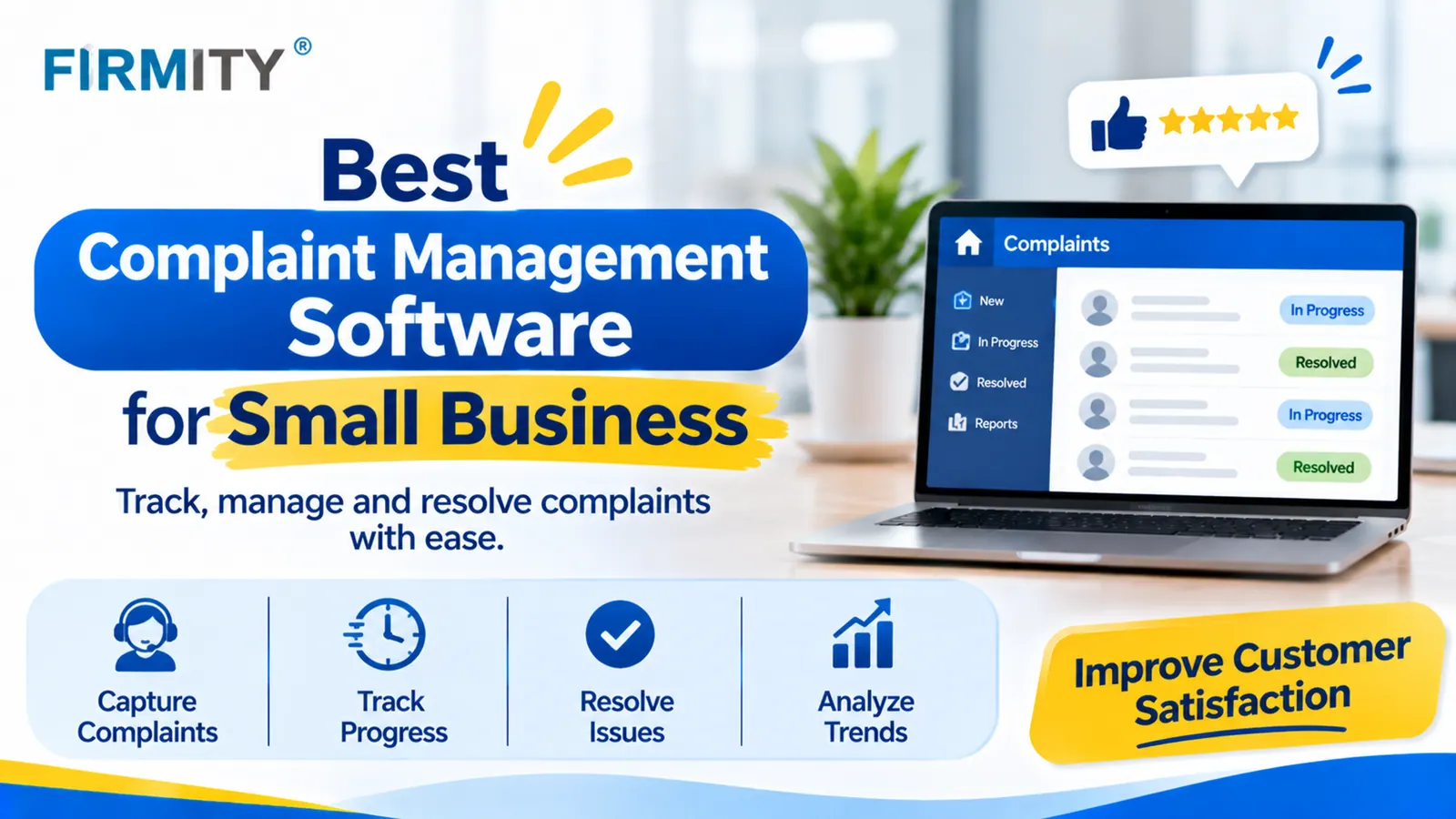
The best complaint management software for small business matches the complaints you handle, with simple capture, clear ownership and tracking through to closure.
Instead of juggling calls, messages and spreadsheets, complaint management software gives every complaint one record, one owner and one status. But “best” depends on who’s complaining and what about, so a tool that suits an online shop can be a poor fit for a plant or a housing society. In this guide, we’ll help you work out what to look for, match your situation to a type of tool and test before you commit. Firmity is our product, and it has its own section.
Why “Best” Depends on the Complaints You Handle
Ask five businesses for the best tool and you’ll get five answers, because their complaints are different. Before you compare software, work out which of these kinds you mostly deal with.
Customer support complaints. These arrive by email, chat, web form or social media, and they’re mostly about reply speed and tone. You need quick capture and a clear owner for every message.
Resident or occupant complaints. Housing societies, campuses and offices hear about a leaking tap, a stuck lift or a noisy neighbor. These are tied to a place, so location details and photos matter a lot.
Breakdown and facility complaints. In a plant or a large building, a complaint is often a machine or system that’s stopped working. It needs a technician, a priority and a fast fix, not a polite email thread.
Staff or internal complaints. Employees report faulty equipment, unsafe areas and broken processes too. Formal HR grievances usually need a separate, confidential process, so use complaint software for operational issues, not as a replacement for your HR channels.
Why Small Businesses Need Complaint Management Software
Small teams run on goodwill and memory, which works until it doesn’t. Complaints get lost in a message thread or a notebook, and nobody can say who’s dealing with what. Without a clear owner, a complaint can sit for days, and slow responses tend to turn small annoyances into bigger ones. It’s rarely carelessness. It’s just that there’s no system.
There’s also the pattern problem. When complaints aren’t recorded in one place, nobody notices that the same fault keeps coming back or that one location generates most of the trouble. A simple tool fixes that quietly: every complaint gets a record, an owner and a status, and over time the repeat issues stand out on their own.
Also Read - What Is Complaint Management Software?
What to Look For
A formal yardstick helps here. ISO 10002:2018 gives guidelines on complaints handling for organizations of any type or size, including guidance for small businesses, and covers receiving, tracking, acknowledging, assessing and responding to complaints. You don’t need certification to borrow the ideas. Here’s what they mean in a small-business tool.
Easy capture: people can report a complaint in a few taps, from a form, a call log or a QR code.
Clear ownership: every complaint is assigned to a named person, ideally automatically.
Escalation: stalled or serious complaints move up instead of sitting quietly.
Status tracking: anyone can see whether a complaint is open, in progress or closed.
History: comments, updates and changes stay in one record.
Simple reports: volume, response times and repeat issues, without a data analyst.
Mobile access: the people fixing things can update complaints from a phone.
Match Your Situation to a Type of Tool
Different situations call for different kinds of tool. Use this table to find the closest match, then shortlist a few products of that type.
Your situation | What to look for | Typical fit |
|---|---|---|
Online customer support | Email and chat capture, reply tracking, response timers | A helpdesk and customer support software |
Plant breakdowns | Fault logging by machine or area, technician assignment, priorities | Complaint handling linked to maintenance work |
Campus help desk | Easy submission, categories, status updates for requesters | A help desk with location tagging |
Residential society | Mobile or QR submission, photos, resident feedback | A community-focused complaint platform |
Quality complaints in regulated industries | Audit history, documented handling, categories | A quality system module or a dedicated complaint tool |
For plants and large buildings, a breakdown complaint is really a maintenance job in disguise. That’s why it helps when complaints sit close to a CMMS that handles work orders, so the person who reports a fault and the technician who fixes it work from the same facts. If your complaints come mostly from online customers, a helpdesk-style tool will usually fit better.
Features That Matter Most (and Which Can Wait)
Start with the core: easy capture, automatic assignment, categories, status tracking, a history of updates and a simple report. Those five or six things cover most of what a small team needs. If a tool does them well, it’s already doing the heavy lifting, and your team will actually use it.
Advanced features can wait until you’re busier. SLA timers that warn before a deadline, escalation rules, resident feedback ratings and deep integrations with other systems are all useful, but they’re easy to overbuy. Add them when complaint volume grows or when someone actually asks for the numbers they produce.
Where Firmity Fits: Complaint Management for Plants, Campuses and Societies
Firmity’s Complaint & Helpdesk Automation module is built for facility complaints: breakdown management in plants, help desks on campuses and resident complaints in housing societies. People raise tickets by scanning a QR code, and a ticket can carry a location tag and photos, so the person fixing it knows exactly where to go and what they’re looking at.
Each ticket is sorted by category, given a priority and a status, and routed to the right person automatically. SLA and turnaround timers keep it on the clock, and an escalation matrix with alerts steps in if it stalls. Teams see live updates, a complete activity log, comments and the option to reopen a ticket, while residents can leave feedback and a rating. A dashboard with search and filters helps managers spot problems that keep returning.
Firmity is also an affordable option for small teams, and the team can quote for your setup. It sits inside a wider facility platform that also covers maintenance, assets and visitors, so you can grow into it if you want to. It’s built for facility teams in manufacturing, education and residential estates.
To be fair, it’s aimed at facility, campus and community complaints. Its public pages don’t describe email, chat or social-media intake, so if your complaints arrive there, ask about channels in a demo. Check regional needs too, such as where data is stored and which local rules apply to your complaint records.
Want to See Your Own Complaint Process in Action?
Features read well on a page, but a demo with your own process tells you far more. You can book a free demo and ask the Firmity team to walk through how a real complaint from your site would be raised, assigned, escalated and closed. Tell them how complaints reach you today, and they’ll reply within 24 hours.
How to Test Software Before You Commit
A short trial beats any brochure. Run this routine with a few real complaints, from the easy ones to the awkward ones.
Log a complaint: see how many taps it takes and what details it captures.
Assign it: check that it reaches the right person without manual forwarding.
Escalate it: make sure a stalled complaint really moves up.
Close it: confirm the closing step records what was done.
Pull a report: check that you can see volume, response times and repeat issues.
Common Mistakes Small Businesses Make
No clear owner. If nobody owns the process, complaints get assigned and forgotten. Name one person responsible for the whole system, plus an owner for each complaint.
No categories. Without consistent tags, reports become a pile of free text and patterns stay hidden. Agree a short list of categories before you start.
Never reviewing patterns. The real value comes from spotting repeat issues. Book a monthly look at the top categories and locations, and act on what you find.
Buying a heavy tool. A powerful system with a long setup can sink a small team. Start with a tool people will use every day, and grow from there.
The Bottom Line
The best complaint management software for small business isn’t the one with the longest feature list. It’s the one that fits the complaints you actually get, gives each one an owner and a deadline and is simple enough that your team uses it daily. If you look after a plant, campus or housing society, talk to the Firmity team and bring a few real complaints.
FAQs : Best Complaint Management Software for Small Business
It’s the one that matches the complaints you handle and that your team will actually use. Look for simple capture, clear ownership, status tracking and a basic report, then test two or three options on real complaints before deciding.
They overlap, but they’re not identical. A helpdesk deals with every sort of support request, whereas complaint software is built around dissatisfaction, ownership and getting each complaint closed. Many small teams use a helpdesk tool for complaints, and some use a dedicated complaint tool.
There’s no single number. Costs depend on users, features and support, and plans change often. Ask each vendor for a quote based on your own setup and compare total cost, including setup and training, instead of the headline price.
Yes, if complaints are rare and one person handles them. Once several people are involved, volume grows or someone wants proof of how complaints were handled, a simple tool starts to save real time.
Author Bio

Syed Aadam
Syed Aadam is a software engineer with a Bachelor's and Master's in Information Technology with a specialization in Artificial Intelligence and Machine Learning. Having trained, and assisted in training foundational ML models for solving frontier scientific problems at the intersection of biodiversity and technology, Syed Aadam has been working to develop AI-enabled CMMS, ERP and CAFM softwares at Ufirm Technologies.