Asset Management
What Is Software Asset Management (SAM)? Meaning, Lifecycle and Benefits
· 9 min read
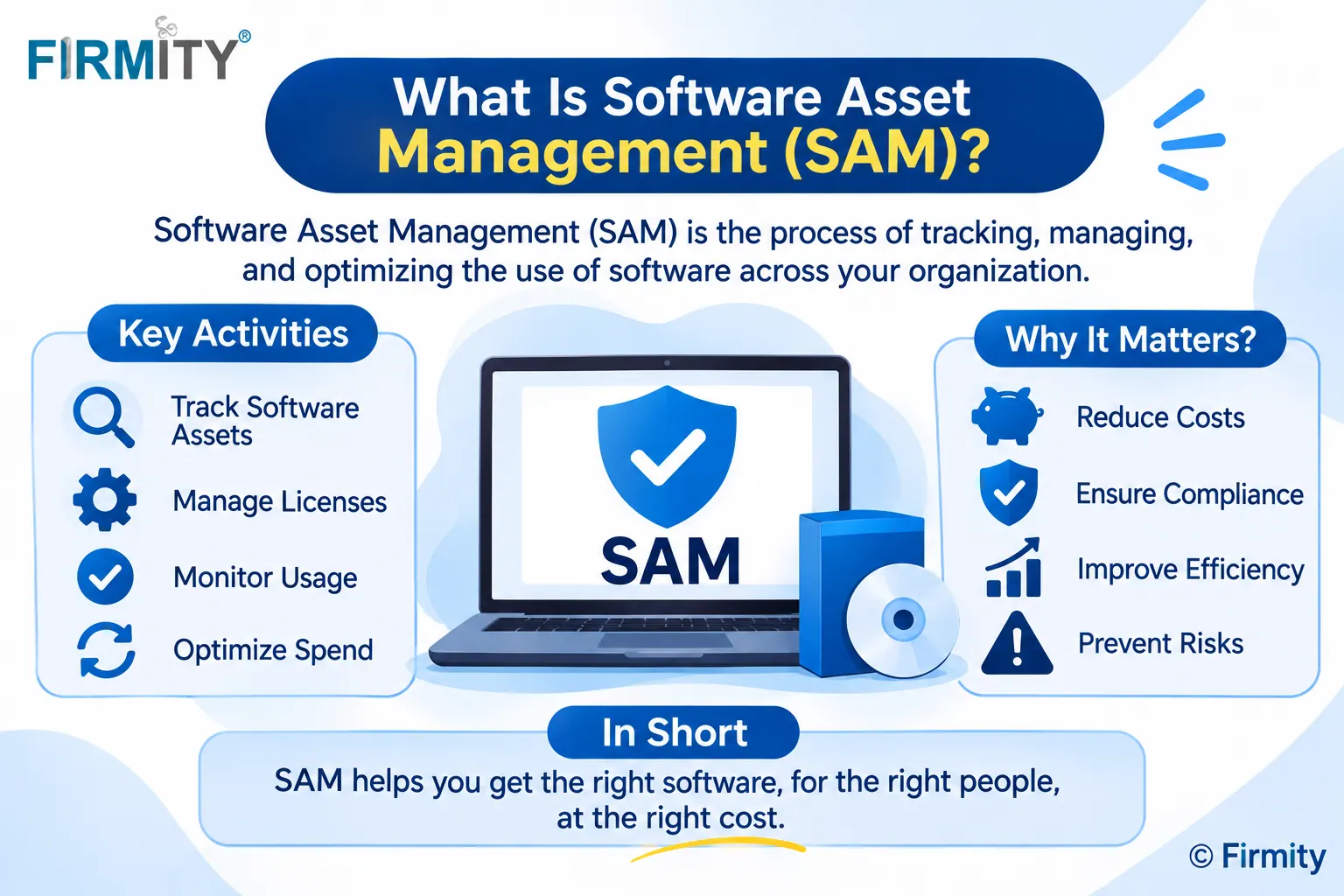
Software asset management (SAM) is how an organization tracks, controls and optimizes its software from purchase to retirement. It keeps licenses compliant and spending in check.
If you’ve ever found out at renewal time that you were paying for software nobody uses, or worried about what a vendor might find in a license audit, you’ve already met the problem SAM solves. In this guide, we’ll explain what SAM means, how its lifecycle works, why it matters and how to start without a big budget. No jargon, we promise.
Software asset management in simple terms
Think of SAM as a tidy, up-to-date answer to three questions: what software do we have, what are we allowed to do with it, and is anyone actually using it? Answering them means collecting what’s installed or subscribed to, matching it against the licenses and contracts you’ve bought, and acting on the gaps. It sounds dry, but it’s where a lot of avoidable software spending and risk quietly hides.
Here’s a made-up example. A 200-person company pays for 150 licenses of a design tool. When someone finally checks, only 90 people have logged in during the past quarter, and a few of those licenses belong to people who’ve left. That’s 60 licenses of wasted money, and nothing in the company flagged it. SAM is simply the habit that would have caught it earlier.
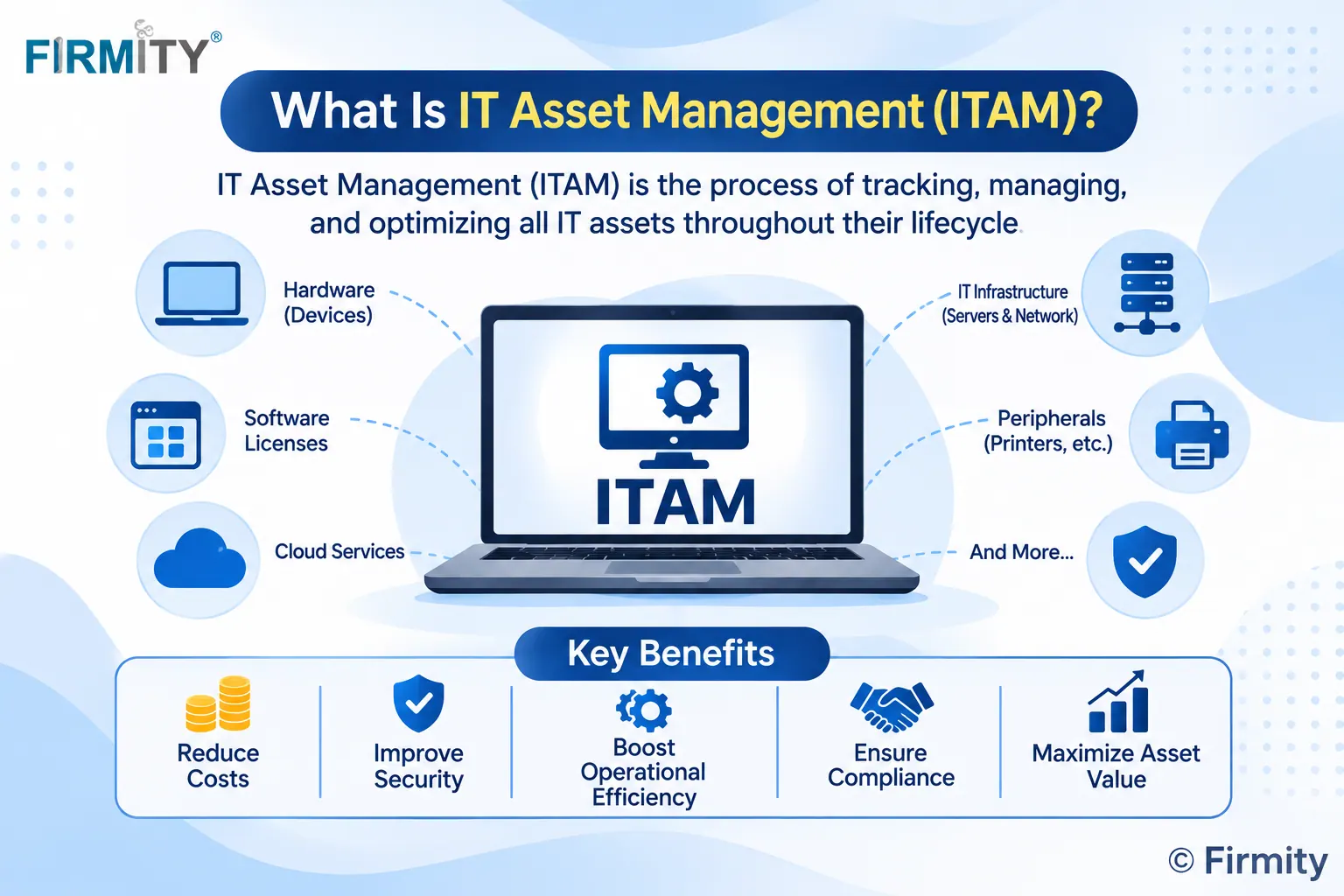
SAM isn’t a separate world, by the way. It’s the software side of IT asset management, which also covers the laptops, servers and other hardware that software runs on. That’s why the two are so often mentioned together, and why many teams run them as a single program.
What counts as a software asset?
More than most people expect. Installed applications and operating systems count, of course, but so do SaaS subscriptions, cloud services, open-source tools and the add-ons bolted onto bigger products. Each one comes with terms of use, so the software itself is only half the story. The other half is the paperwork behind it: license agreements, contracts, renewal dates and proof of purchase.
Finance sometimes joins the picture too. Certain software purchases may be recorded in the accounting books alongside other long-term assets, and that record-keeping is the territory of fixed asset management software. It’s a different job from SAM, which cares about licenses and usage, but the two lists should agree on what you actually own.
The SAM lifecycle, step by step
Most SAM programs follow the same six stages. You’ll see slightly different names depending on who’s writing, but the flow is the same: a piece of software gets planned, bought, rolled out, watched, tuned and finally retired.
Stage | What happens | The question to ask |
|---|---|---|
1. Plan | You identify the need the software is meant to meet | Do we already have a tool that covers this? |
2. Procure | You buy or subscribe, and record the license terms | What are we permitted to do under this license? |
3. Deploy | The software is installed or assigned to people | Who gets it, and who approved it? |
4. Monitor | You track installs, logins and renewal dates | Who’s actually using it? |
5. Optimize | You reassign, downgrade or consolidate | Are we spending more than our usage justifies? |
6. Retire | You remove the software and end the contract | Have we stopped paying and removed access? |
The important bit is that this isn’t a one-off project. New tools arrive, people join and leave, and contracts renew, so the cycle keeps turning. Teams that treat SAM as a clean-up exercise tend to find the same mess again within a year, while teams that build it into everyday buying and onboarding keep the data fresh almost by accident.
How SAM works in practice
In practice, it comes down to a loop. First you discover what’s installed or subscribed to across laptops, servers and cloud accounts. Then you collect what you’re entitled to, meaning the licenses and contracts you’ve actually bought. Then you compare the two, and finally you act on what you find: remove, reassign, buy more or renegotiate. It’s the comparison step that turns a list into a decision.
Most of the effort goes into getting the data right. If your inventory is out of date or your contracts are scattered across inboxes, the comparison will be wrong, and so will every decision based on it. That’s why experienced teams spend their first weeks on cleaning data and not on buying fancy tools.
Why software asset management matters
Compliance and audits. Software licenses come with rules, and many agreements let vendors check how you’re using their product. If you’ve installed more copies than you’ve paid for, that can turn into an unplanned bill. SAM gives you the records to show where you stand before anyone asks.
Cost control. Shelfware, meaning software you pay for that nobody uses, is the usual culprit. Spotting it lets you reassign or cancel before the next renewal, and it stops teams buying a second tool when you already own one that does the job.
Security. Software you don’t know about can’t be patched or reviewed. A proper inventory gives you a list to check against, which makes unapproved or outdated applications much easier to spot.
Better renewals. When you know real usage and renewal dates, negotiations change. You can ask for the number of licenses you genuinely need, instead of the number someone guessed last year.
SAM vs ITAM vs license management vs SaaS management
These terms get mixed up constantly, partly because the lines really do blur. Here’s a simple way to tell them apart.
Term | What it manages | How it relates to SAM |
|---|---|---|
SAM | Software across its whole life, from purchase to retirement | The practice this guide is about |
ITAM | Every technology asset, from devices to apps and cloud services | SAM sits inside it as the software-focused part |
Software license management | Licenses, entitlements and compliance | A smaller task that sits within SAM |
SaaS management | Cloud app subscriptions, renewals and who has access | Often treated as part of modern SAM |
None of these cover the physical side of a business. If you run plants, campuses or fleets of equipment, enterprise asset management (EAM) software handles the machines, spare parts and maintenance, which is a completely different set of questions from licenses and logins.
Standards and frameworks
If you’d like a formal framework, ISO/IEC 19770-1 sets out the requirements for an IT asset management system, software included. It’s designed to suit organizations of any size, and it’s built on a plan-do-check-act cycle with a set of process areas to work through. Other parts of the 19770 family cover software identification tags and a standard way of describing license entitlements. You don’t need certification to borrow the ideas.
ITIL, the popular service management framework, also treats SAM as part of IT asset management. So if your IT team already follows ITIL, there’s probably a natural home for SAM in the way you work today.
Do you need a SAM tool?
SAM tools automate the repetitive parts. They discover what’s installed, keep an inventory, store your license entitlements, track how often software is actually used and remind you before renewals. Many also connect to IT service management systems, so asset data and support tickets live side by side. The bigger and busier your software estate, the more these automations help.
That said, a spreadsheet is a perfectly good start. If you have a modest number of applications and a few vendors, a well-kept sheet with owners, renewal dates and license counts can already catch most of the waste. Move to a tool when the sheet becomes impossible to keep accurate, which usually happens when people, apps and subscriptions multiply faster than anyone can update it.
How to get started in 5 steps
You don’t need a grand program to begin. Here’s a simple order that works for most teams.
Set a scope: start with your biggest or most expensive vendors, not everything at once.
Build an inventory: list what’s installed and subscribed to, and who uses it.
Gather the paperwork: collect license agreements, contracts and renewal dates in one place.
Compare and act: match what you own against what’s used, and fix the biggest gaps first.
Assign an owner: give one person responsibility and set a regular review.
Start small and let the early wins pay for the next step. Cancelling a handful of unused licenses is a convincing way to show colleagues why the effort is worth it, and it builds the habit of checking before buying.
Common challenges
A few things trip teams up. SaaS sprawl is the big one: it’s now easy for any team to sign up for a tool with a company card, so software appears without IT ever hearing about it. License rules can also be complicated, with pricing by user, device or processor core. Remote work and cloud setups spread software across places that are harder to see, and patchy data undermines everything else. None of this is a reason to wait, but it’s worth knowing where the potholes are.
Where does Firmity fit in?
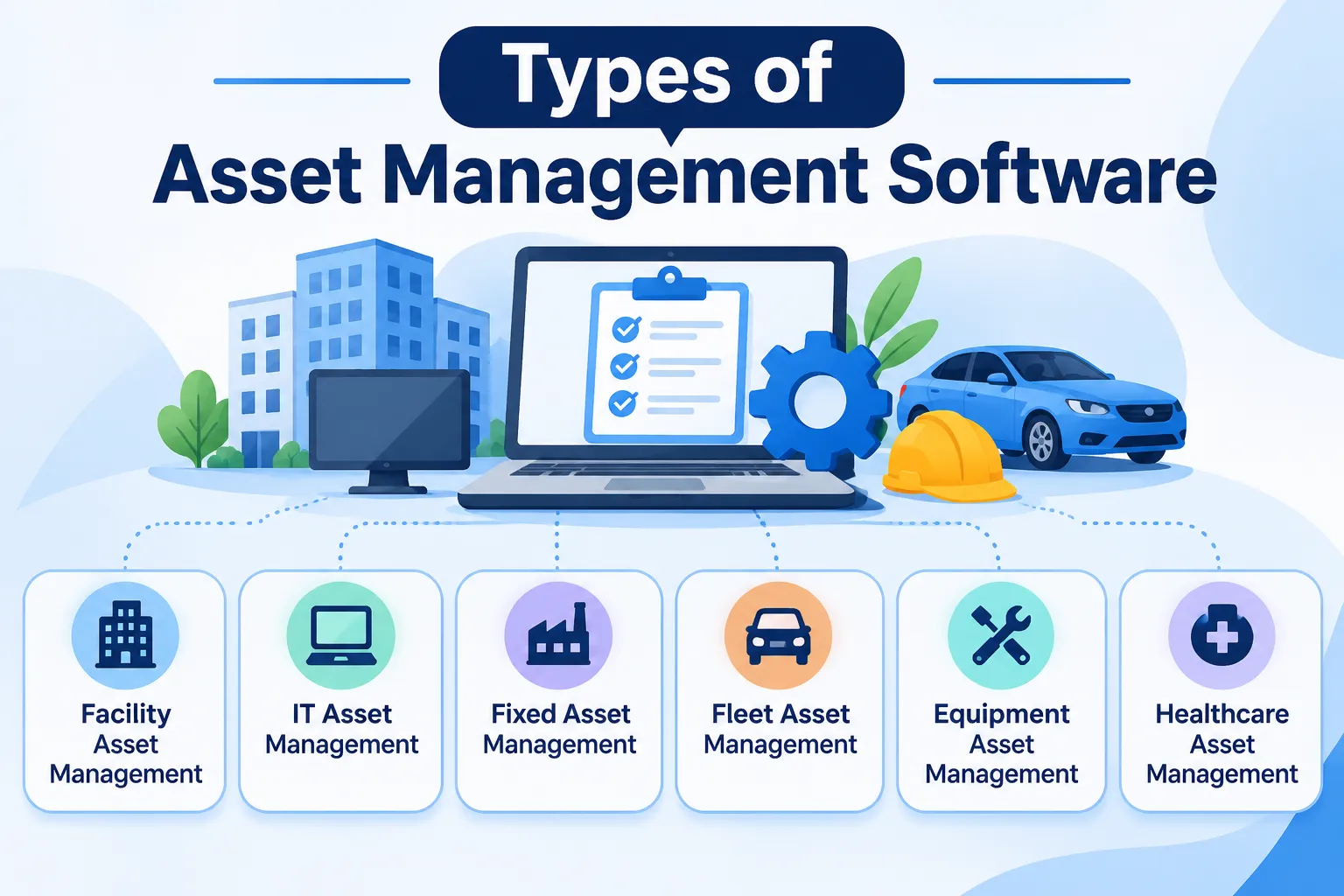
Software is only one kind of asset, and SAM only covers that one. If your team also looks after machines, furniture or facility equipment, you’re dealing with other types of asset management software, and the tools are quite different. A SAM tool can tell you how many licenses you use, but it won’t tell you when a pump is due for service.
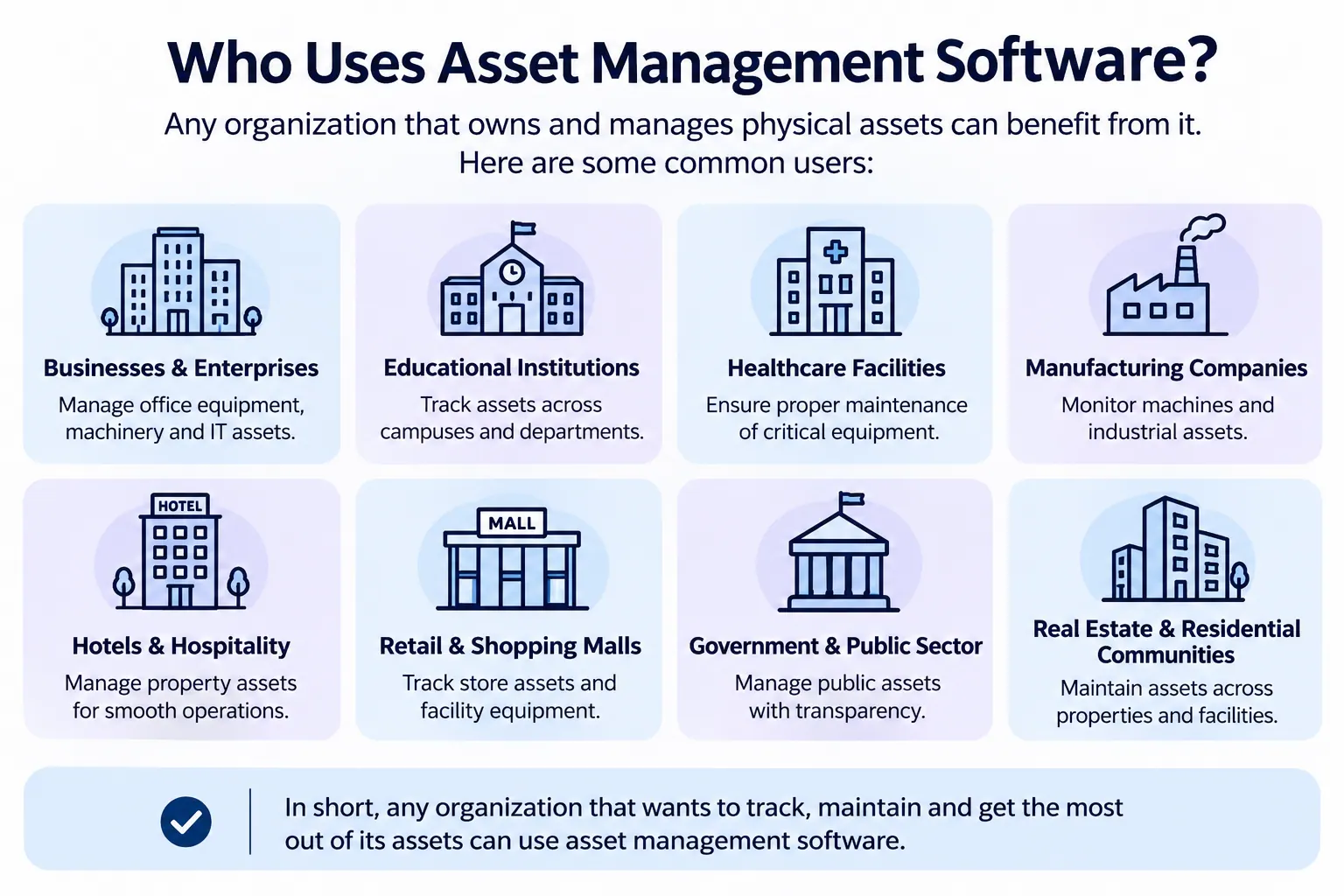
That’s the gap Firmity’s asset management software fills. Each physical asset gets one record with its category, location, status, value and ownership type, and a QR code opens it with a scan. Service due dates, warranty and annual maintenance contract expiry, and movement history are tracked against the asset, and spare parts link back to it. It’s built for facility teams in manufacturing, education and residential estates.
The bottom line
Software asset management comes down to knowing what you own, what you’re allowed to do with it and whether anyone is using it. You don’t need a big budget to begin. A tidy inventory, your license paperwork in one place and a regular review will catch most of the waste. Start with your biggest vendors, prove the value quickly and build from there.
FAQs : What Is Software Asset Management
It’s keeping track of the software your organization owns and uses, so you pay for what you need, follow the license terms and retire what you don’t use. Think of it as a regular health check for your software spending and risk.
ITAM covers all your IT assets, including hardware, software and cloud services. SAM is the software-focused part of it, concentrating on licenses, usage and compliance. Many teams run them together as one program.
It helps you stay within license terms, stop paying for software nobody uses, spot unapproved or outdated applications and go into renewals with real usage data. In short, it protects both your budget and your reputation with vendors.
No. Any organization that buys software subscriptions or licenses can benefit, and the ISO/IEC 19770-1 standard is written to suit organizations of any size. A small team can start with a simple spreadsheet and move to a tool later.
Author Bio

Syed Aadam
Syed Aadam is a software engineer with a Bachelor's and Master's in Information Technology with a specialization in Artificial Intelligence and Machine Learning. Having trained, and assisted in training foundational ML models for solving frontier scientific problems at the intersection of biodiversity and technology, Syed Aadam has been working to develop AI-enabled CMMS, ERP and CAFM softwares at Ufirm Technologies.