Asset Management
What Is IT Asset Management (ITAM)? A Complete Guide for Any Business
· 9 min read
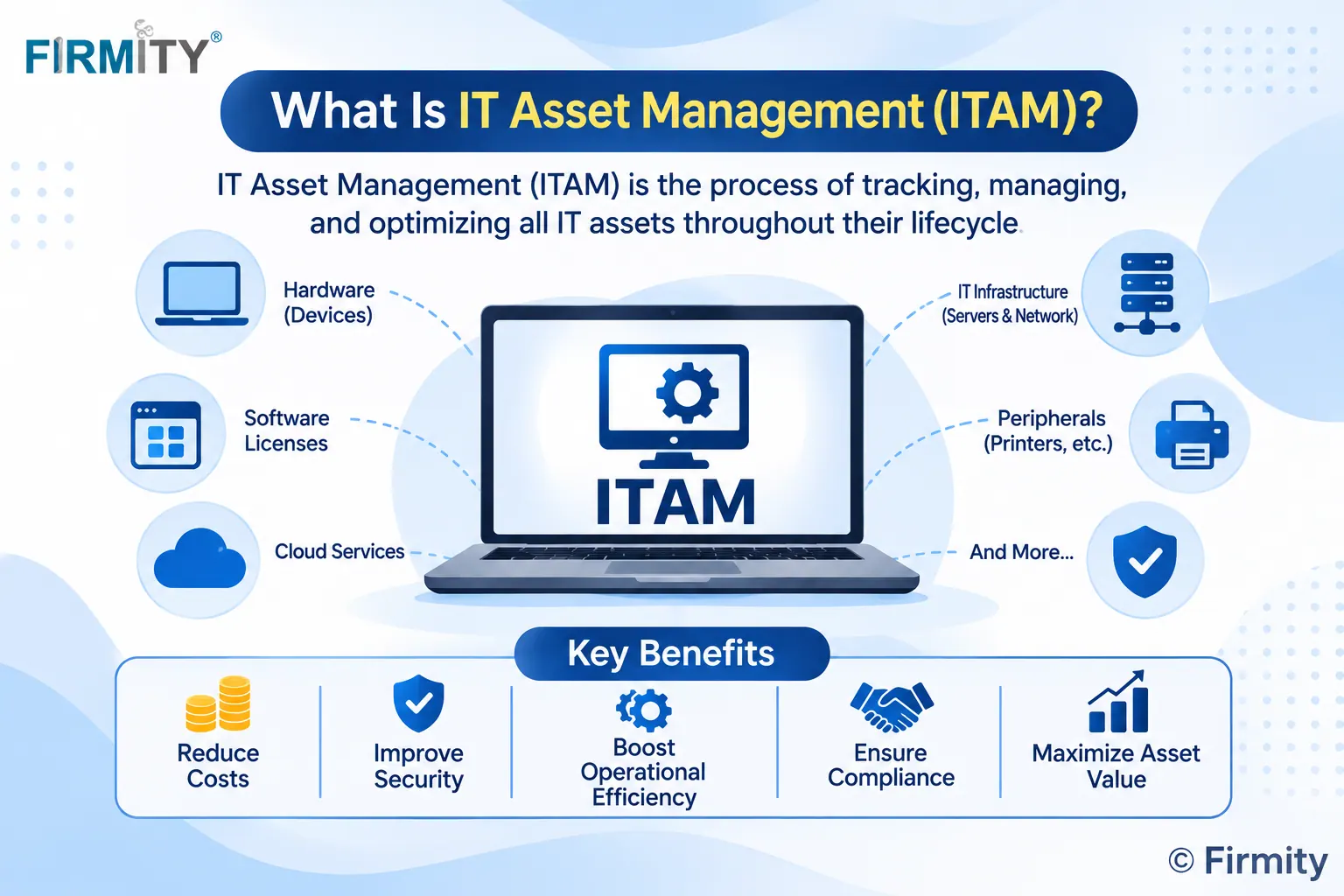
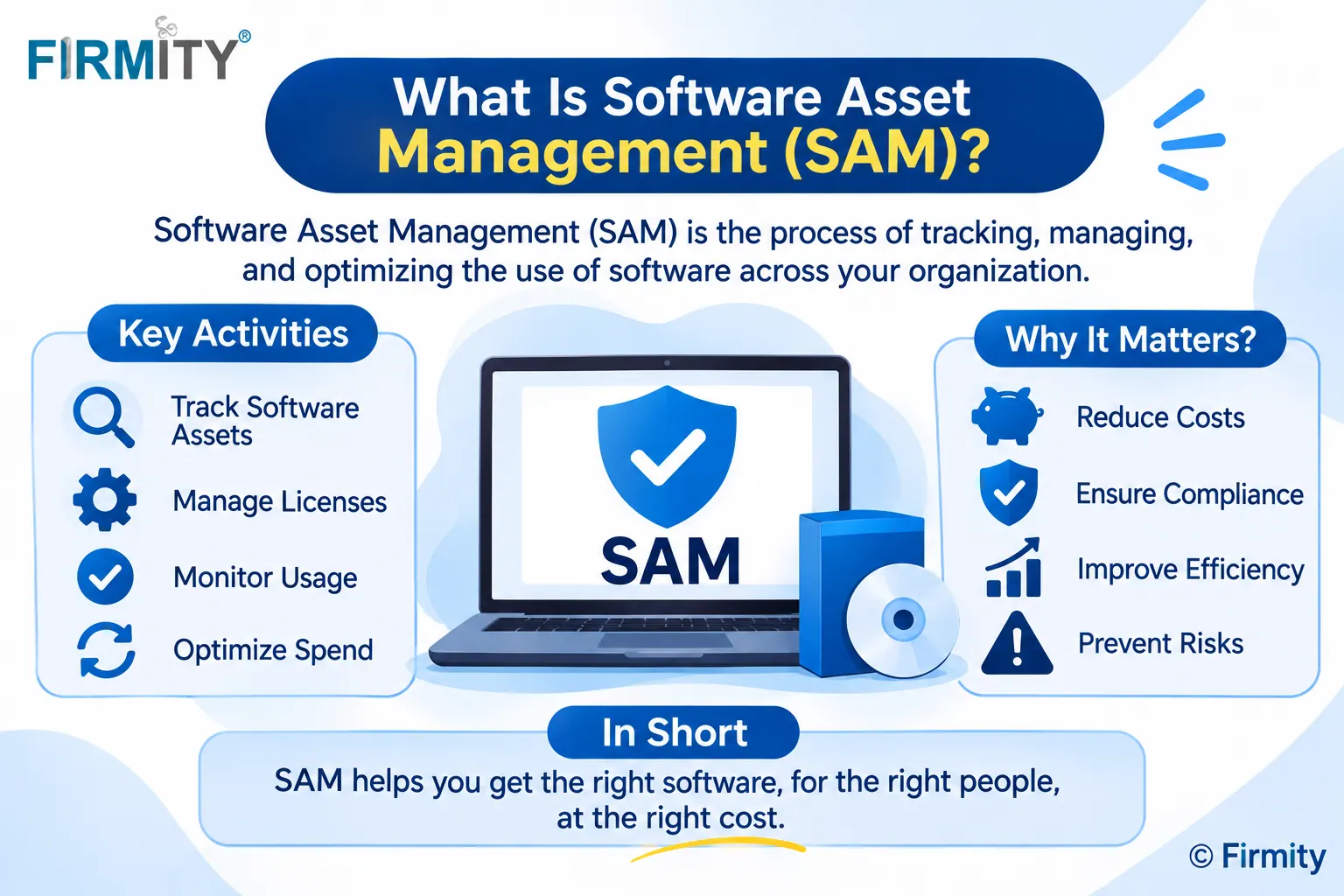
What is IT asset management? It's the practice of tracking and managing all of a company's technology, from laptops to software licenses and cloud services, through every stage of its life. Done well, it keeps costs down, security tight and licenses compliant.
If you're wondering how this fits into the bigger picture, our guide on asset management software explains the wider category. This guide focuses on the IT side: what counts as an IT asset, how the lifecycle works and what good ITAM looks like. It's written in plain language, for businesses of any size and in any country.
A quick explanation of where this comes from. We read how well-known sources such as TechTarget, IBM and HPE explain ITAM, and noticed that they lean towards large enterprises. So we've kept the explanations simple and added practical examples for smaller teams. Firmity is our product, and since it covers physical asset tracking rather than IT discovery, it gets one short, clearly labeled mention near the end.
What Counts as an IT Asset?
An IT asset is anything a company owns or uses to run its technology and business activities. The obvious ones are hardware, like laptops, servers, phones and network equipment. Then there's software, including the licenses and subscriptions your team uses every day. Cloud services also count, since you pay for them and depend on them.
Some organizations also include digital assets, such as files, images and videos, within the wider ITAM picture. Not everyone agrees on exactly where the boundary sits, which is part of why the topic feels fuzzy. The practical test is simple: if it costs money, supports your work and needs tracking, it probably belongs on your IT asset list.
Why ITAM Matters
Without ITAM, most companies don't really know what they own. Devices get lost, licenses get bought twice and old equipment lingers long after it should have been retired. That means wasted money, but it also means security risk, because you can't protect what you don't know exists.
ITAM brings that picture into focus. It helps you control spending, plan upgrades and show that your licenses match what you actually use. It also gives your security and finance teams the same list to work from. In short, it replaces guesswork with a reliable record.
The IT Asset Lifecycle, Stage by Stage
Every IT asset has a finite life, and ITAM is about managing it from start to finish. While each organization may name the stages slightly differently, they usually look like this:
Plan: you decide what you need and why, and set a budget.
Procure: you buy or license the asset and record it.
Deploy: you set it up and assign it to a person or team.
Maintain: you update, repair and monitor it while it's in use.
Retire: you remove it, wipe data where needed and dispose of it properly.
Here's a simple example. A company plans to replace laptops, buys twenty, assigns them to new starters, updates them regularly and retires the old ones securely after four years. At every step, the record stays current, so nobody wonders where a device went.
How the ITAM Process Works
In practice, ITAM is a repeating loop rather than a one-time project. First you discover what you have, usually with a mix of scanning tools and manual checks. Then you record each asset in one central place, with details like owner, location, cost and license terms.
Next you track changes as assets move, get updated or change hands. You review the data regularly to spot waste, risk and renewal dates. Finally, you handle disposal when assets reach the end of their useful life. The loop then starts again with new purchases.
Types of IT Asset Management
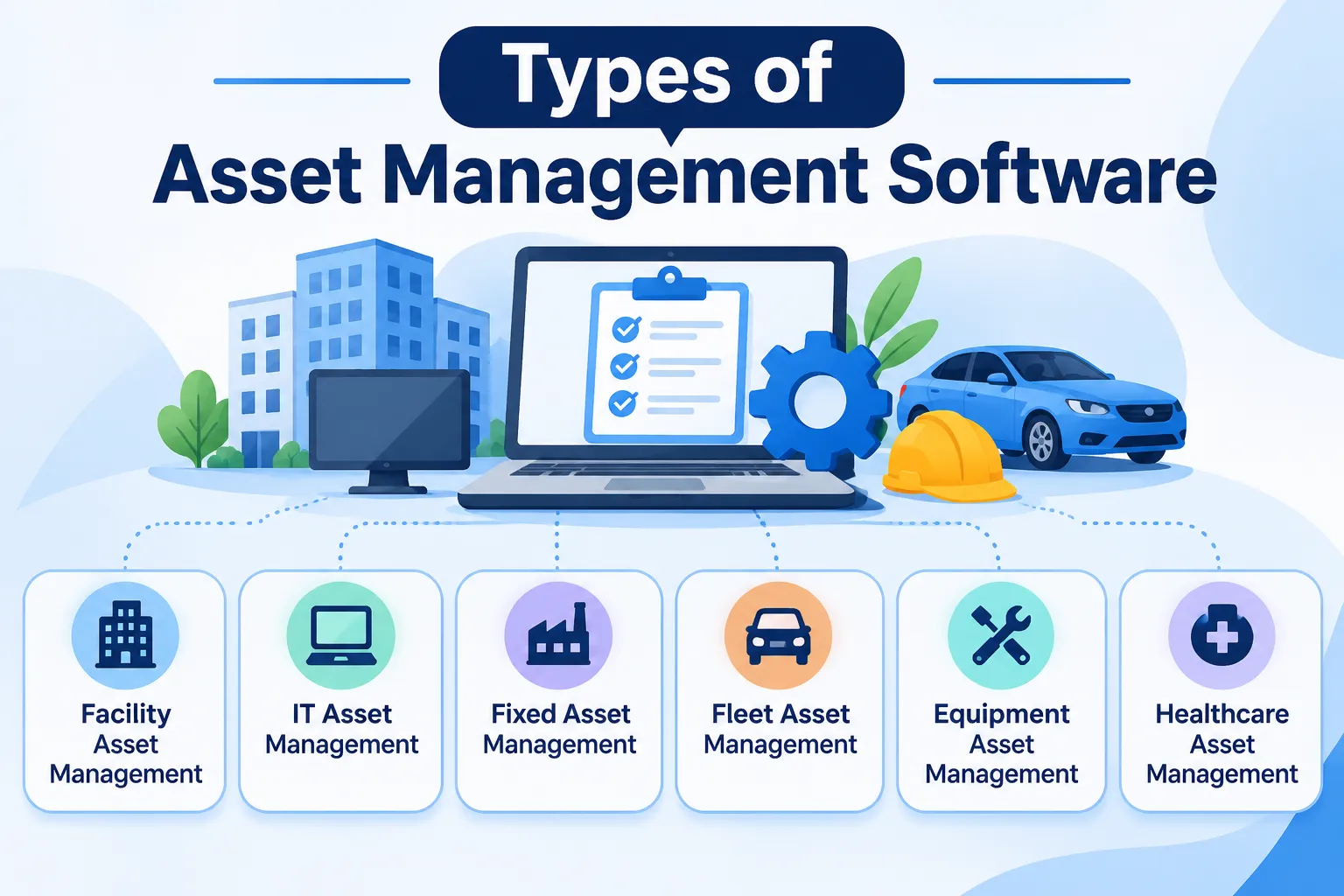
ITAM isn't one single thing, and sources slice it differently. The common types include hardware asset management, software asset management, cloud asset management, mobile asset management and digital asset management. Each one focuses on a different kind of asset and uses slightly different tools.
For example, software asset management (SAM) deals with licenses and compliance, while digital asset management (DAM) deals with files and media. If you want a wider view of how all asset management tools are classified, see our guide on the types of asset management software.
Key Features of ITAM Software
ITAM software centralizes the work, and most products share a core set of features. Here's a quick tour of what to expect:
Asset discovery: automatic detection of devices and software on your network.
Inventory records: a central list of every asset with its details.
License management: tracking of license agreements, versions and renewals.
Request workflows: a way to request, approve and deliver new assets.
Reporting: dashboards and exports for finance, security and audits.
Integrations: connections to service desk, procurement and finance tools.
Not every business needs every feature. A small team may only need a clean inventory and reminders for renewals, while a larger one will want discovery and integrations. Match the features to your size rather than the longest list.
Tracking Equipment and Facilities, Not Just IT?
If part of your asset list is physical equipment, such as machines, furniture or facility items, a different kind of tool may fit better. Firmity's team can look at what you manage and tell you honestly whether it would help. Tell them what you're tracking today, and they'll reply within 24 hours.
Talk to the Firmity team and book a walkthrough
Benefits of ITAM
The benefits of ITAM show up in small, practical ways. You get real-time visibility of what you own, where it is and who has it. You spend less, because you stop buying duplicates and paying for unused licenses. You also reduce risk, since a complete list makes security patching and audits much easier.
There's a planning benefit too. When you can see usage and age, you can plan replacements and budgets instead of reacting to failures. Over time, better data leads to better decisions, which is where much of the long-term saving comes from. We'll cover these in more depth in a dedicated guide.
ITAM vs ITSM vs CMDB
These three terms get mixed up constantly, so here's a quick comparison:
Term | Focus | How it relates to ITAM |
|---|---|---|
ITAM | The cost and lifecycle of IT assets | The subject of this guide |
ITSM | Delivering IT services, such as incidents and requests | Often works alongside ITAM, and ITAM is sometimes part of it |
CMDB | Configuration items and how they relate to each other | Overlaps with ITAM, but not every asset is a configuration item |
The simplest way to remember it: ITAM is about what you own and what it costs, ITSM is about the services you deliver, and a CMDB is about how things connect. Many organizations use them together, and some tools combine all three.
ITAM vs Physical Asset Tracking
Here's a distinction that trips people up. ITAM is built around technology, such as devices, networks and licenses, and often uses scanning to discover what's connected. Physical asset tracking is built around records for things like machines, furniture and facility equipment, with each item carrying a code and a service history.
Both are forms of asset management, but they solve different problems. If your headache is knowing what's on your network, you want ITAM. If it's finding equipment and remembering service dates, you want physical asset tracking, and larger organizations may also look at enterprise asset management (EAM). Some companies need both, which is perfectly normal.
Where Firmity Fits In
Since we've covered ITAM, here's a short, honest mention. Firmity isn't an IT discovery tool, so it won't scan your network or manage software licenses. What it does cover is physical asset tracking, and it's an affordable option for teams that want that without a heavy enterprise system, with the team ready to quote for your setup. Each asset gets a single record covering its category, location, status, value and ownership type, and a QR code can open it with a scan. Service due dates, warranty and AMC expiry and movement history are tracked, and spare parts link back to the asset. If your needs lean towards equipment and facilities, it's worth a conversation.
ITAM Best Practices
Start with a full inventory, because you can't manage what you haven't counted. Give every asset an owner so someone is accountable for it. Automate discovery where you can, and review your records on a regular schedule instead of only before audits.
It also helps to follow recognized standards. ISO/IEC 19770-1 sets out requirements for an IT asset management system and can be applied to all types of IT assets and by all sizes of organization. You don't need to pursue certification to borrow its ideas. Even a light version of that discipline makes your records more trustworthy.
Common ITAM Challenges
The biggest challenge is data accuracy. If records are out of date or incomplete, decisions based on them can be wrong. Another is shadow IT, where people use tools or devices the company doesn't know about. Integration can be tricky too, since your ITAM data needs to connect with other systems.
Cost and training are real factors as well. Setting up a program and buying software takes money, and your team needs time to learn it. The good news is that you can start small. Begin with your most important assets, prove the value and expand from there.
How to Choose ITAM Software
Start by listing the types of assets you need to manage and roughly how many of each. Then think about who will use the tool and how technical they are. Check which systems it needs to connect with, such as your service desk or finance software, and what your security requirements are.
When you have two or three candidates, test each with a small sample of your own assets. Load a few devices, assign them to colleagues and try finding and updating them. How natural that feels will tell you more than any feature list. If you're also managing physical equipment, compare tools in our roundup of the top asset management software.
Final Thoughts
So, what is IT asset management? It's a steady habit of knowing what technology you own, what it costs and what shape it's in. Start with a simple inventory, assign owners and build from there. And if your assets are mostly equipment and facilities rather than IT, the Firmity team is happy to talk you through what would suit you.
FAQs : What Is IT Asset Management (ITAM)
It's the practice of tracking and managing all of a company's technology, such as devices, software and cloud services, from purchase to disposal.
ITAM focuses on the cost and lifecycle of IT assets, while ITSM focuses on delivering IT services like handling incidents and requests. They often work together.
They usually include planning, procurement, deployment, maintenance and retirement, though organizations may name them differently.
Often yes, in a simple form. Even a small company benefits from a clear list of devices and licenses, though it may not need advanced discovery tools.
Author Bio

Syed Aadam
Syed Aadam is a software engineer with a Bachelor's and Master's in Information Technology with a specialization in Artificial Intelligence and Machine Learning. Having trained, and assisted in training foundational ML models for solving frontier scientific problems at the intersection of biodiversity and technology, Syed Aadam has been working to develop AI-enabled CMMS, ERP and CAFM softwares at Ufirm Technologies.