Asset Management
Types of Asset Management Software: 7 Kinds Explained With Examples
· 9 min read
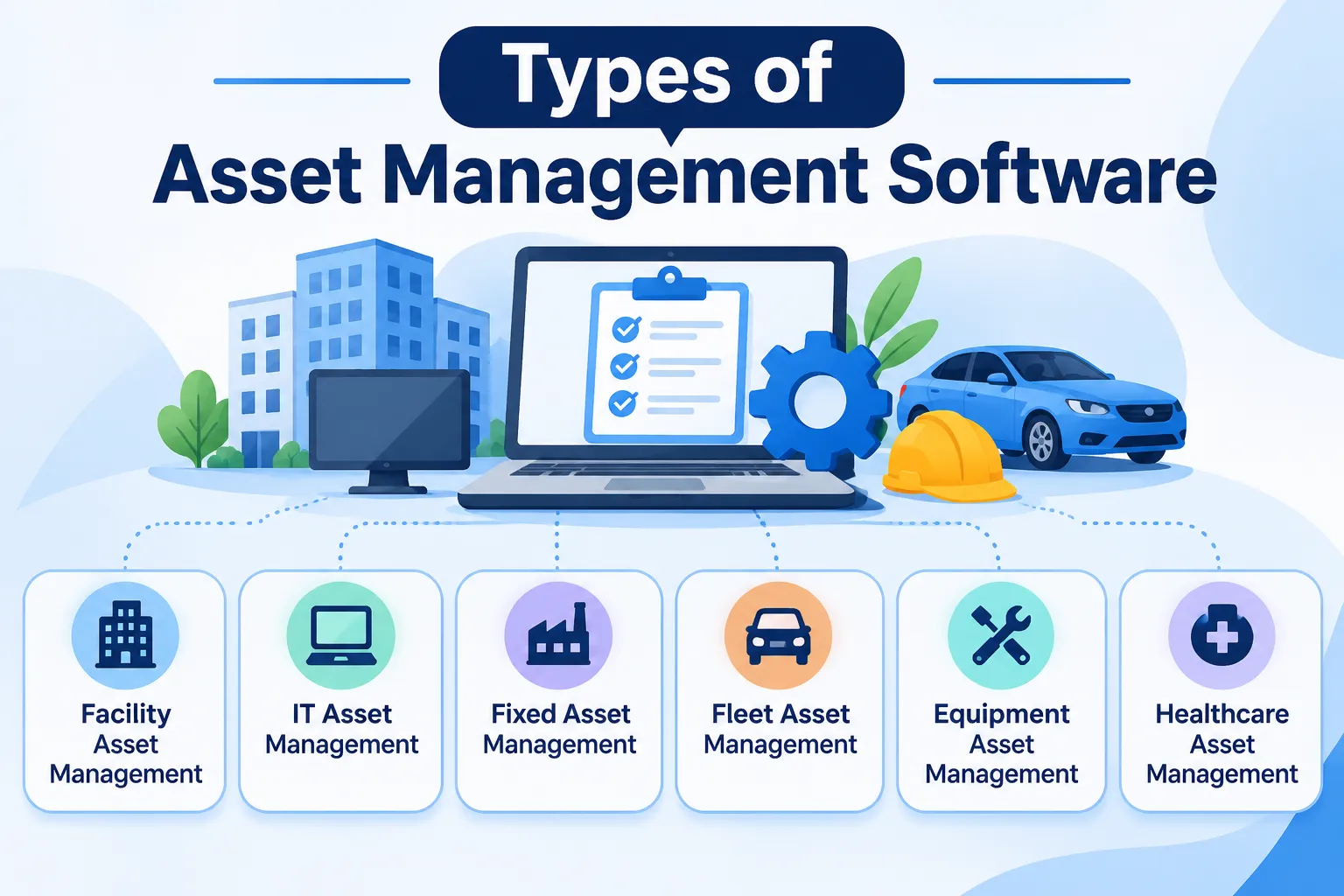
The main types of asset management software are enterprise asset management (EAM), CMMS, IT asset management, software asset management, fixed asset management, digital asset management and asset tracking software. Which one you need depends on what you're managing: physical equipment, IT devices, software licences, accounting records or digital files. That's why "types" confuses so many people, since different articles use the word to mean different things. If you're new to the topic, our guide on what is asset management software covers the basics. This one walks through each type in plain language, so you can tell which one fits.
How We Sorted the Types
To keep things simple, we sorted the types by the kind of asset each one manages. Some tools look after physical equipment like machines and furniture. Others focus on IT devices, software licenses, financial records, or digital files such as images and videos. Grouping them this way means you can start with your own situation and work backwards to the right type.
We built this list by reading how well-known guides classify asset management software, including pages from Techjockey, Kohezion, and Sage India, and noticing they don't always agree. So we've gone with the seven kinds that come up most often. Firmity is our product, so it gets one short, clearly labeled mention near the end.
Type 1: Enterprise Asset Management (EAM) Software
Enterprise asset management software, usually called EAM, covers the whole life of an organization's assets. That includes buying, maintaining, repairing, and eventually replacing or retiring them. It's built for larger organizations with many assets across several locations and departments. Think of a manufacturer with plants in different cities, or a large campus with hundreds of buildings and machines.
Because EAM is broad, it can also be heavy. It usually brings more features than a small team needs, and set-up takes real effort. Standards such as ISO 55000 describe good asset management principles, and EAM tools are often how large organizations put those principles into practice. If you only have a modest list of equipment, one of the lighter types below is probably a better fit.
Type 2: CMMS (Maintenance Management) Software
A CMMS, short for computerized maintenance management system, focuses on keeping equipment running. Its core jobs are work orders, preventive maintenance schedules, asset history, and spare parts. A technician gets a job on their phone, completes it, and the record is saved against the machine. If you want the full picture, our page on CMMS software explains how it works.
It's easy to mix up a CMMS and EAM, so here's a quick rule of thumb. A CMMS zooms in on day-to-day maintenance of existing equipment, while EAM covers the wider asset lifecycle, including finance and replacement planning. Many facility and maintenance teams start with a CMMS because it solves the most urgent problem first: keeping things working.
Type 3: IT Asset Management (ITAM) Software
IT asset management software tracks the technology your business owns, such as laptops, servers, phones, and network devices. It usually records who has what, when it was bought, and when it's due for replacement. Many ITAM tools can also scan a network to discover devices automatically. That gives IT teams a live picture of what's connected.
It's a different animal from tools that track furniture or factory equipment, because it's built around devices and networks. If most of your assets are computers and similar gear, ITAM is the natural type to look at. If your list is mostly physical equipment and facilities, you'll probably feel more at home with a CMMS or an asset tracking tool.
Type 4: Software Asset Management (SAM)
Software asset management is about the programs and licenses your organization buys and uses. It helps you see which licenses you own, which are actually in use, and when they expire. The goal is to avoid paying for software nobody uses and to stay on the right side of license terms. It's often handled by the same teams that look after IT.
SAM and ITAM are closely related, and some products combine them. The difference is simple: ITAM tracks the devices, while SAM tracks the software running on them and the licences behind it. If your business buys a lot of software subscriptions, SAM can quickly pay for itself by showing you what you don't need.
Not Sure Which Type Matches Your Equipment?
If your list is mostly machines, furniture, and facility equipment, the choice is usually between a CMMS and an asset tracking tool. Firmity's team can look at what you manage and tell you honestly which type would help. Share what you're tracking today, and they'll reply within 24 hours.
Talk to the Firmity team and book a walkthrough
Type 5: Fixed Asset Management Software
Fixed asset management software is the finance-led cousin. It keeps an asset register for accounting, recording what you bought, what it cost, and how it loses value over time. Depreciation calculations, disposal records, and audit support are its bread and butter. Finance teams use it to keep the books accurate, and it often connects to ERP or accounting tools.
This type cares less about where a machine is today and more about what it's worth on paper. That's useful, but it doesn't replace maintenance or tracking tools. Many organisations use a fixed asset register alongside something else that handles the day-to-day side of assets.
Type 6: Digital Asset Management (DAM) Software
Digital asset management software deals with files, such as images, videos, documents, and brand materials. It stores them in one library, organizes them with tags, and controls who can use them. Marketing and creative teams are the typical users. The idea is that nobody wastes time hunting for the right logo or video.
We're including DAM because it appears in nearly every list of types, but it's a different kind of asset altogether. If you're looking for tools to manage machines, equipment, or devices, DAM isn't what you need. It's worth knowing so you don't confuse it with the others when you see it in search results.
Type 7: Asset Tracking Software (QR and Barcode)
Asset tracking software gives every physical asset its own record and a code that anyone can scan. The record holds details like location, status, and owner, and often service dates and history. Scanning a QR code or barcode opens the record in seconds, which makes finding and updating assets quick. It's usually the lightest and simplest type to start with.
That simplicity is its strength. A team with a few hundred items can get organised without the weight of a full EAM. Many asset tracking tools also add service reminders and movement history, which starts to overlap with CMMS features. For many small and mid-sized teams, this is the sweet spot.
Types of Asset Management Software at a Glance
Type | Manages | Best for | Common drawback |
|---|---|---|---|
EAM | Whole asset lifecycle | Companies running many plants, campuses or branches | Heavy set-up for small teams |
CMMS | Repairs, upkeep jobs and service routines | Facility and maintenance teams | Money matters aren’t its main strength |
ITAM | Laptops, servers and other connected gear | IT teams | Not built for non-IT equipment |
SAM | Software licences | Teams buying many subscriptions | Won’t help with physical items |
Fixed asset | Financial records, including how assets lose value | Finance teams | Doesn't handle maintenance |
DAM | Digital files | Marketing and creative teams | Not for physical assets |
Asset tracking | Records, codes and locations | Small and mid-sized teams | May need add-ons for deep maintenance |
Which Type Do You Need?
Here's a simple way to decide. Start with the question: what are you actually managing? If it's physical equipment, you're looking at a CMMS, asset tracking software or, for a large organisation, an EAM. If it's laptops and servers, look at ITAM, and if it's software subscriptions, look at SAM. For accounting records, a fixed asset tool fits, and for creative files, a DAM does.
Teams matter too. A facility manager will usually choose between CMMS and asset tracking, while an IT manager will choose between ITAM and SAM. A finance lead will probably want a fixed asset register. Many organisations end up using more than one type, and that's perfectly normal.
Where Firmity Fits In
Since we've covered the types, here's a short, honest mention. Firmity's asset management software sits in the asset tracking and maintenance corner of this list. Each asset gets a single record covering its category, location, status, value, and ownership type, and a QR code can open that record with a scan. Service due dates, warranty and AMC expiry, and movement history are tracked against the asset, and spare parts link back to it. It's built for facility teams in manufacturing, education, and residential estates, and it's an affordable option for teams that want this without a full EAM, with the team ready to quote for your setup.
How to Choose Between the Types
Start with a quick checklist. What kinds of assets do you manage, and roughly how many of each? Who needs to use the system, and how technical are they? Which other tools does it need to connect with, such as accounting or ERP software? And what's your budget, including set-up and training time?
Once you have two or three candidates, test each with a small sample of your own assets. Load twenty items, assign a few to colleagues, and try finding and updating them. How natural it feels will tell you more than any feature list. For a wider view of tools in this space, see our roundup of the top asset management software in India.
Common Mistakes When Picking a Type
The most common mistake is mixing up IT assets and physical assets. IT tools are built around devices and networks, so they can feel awkward if you're tracking machinery or furniture. The second is buying an EAM for a small list, which means paying for features and set-up you won't use. And the third is overlooking asset tracking, the lighter type that often solves the real problem.
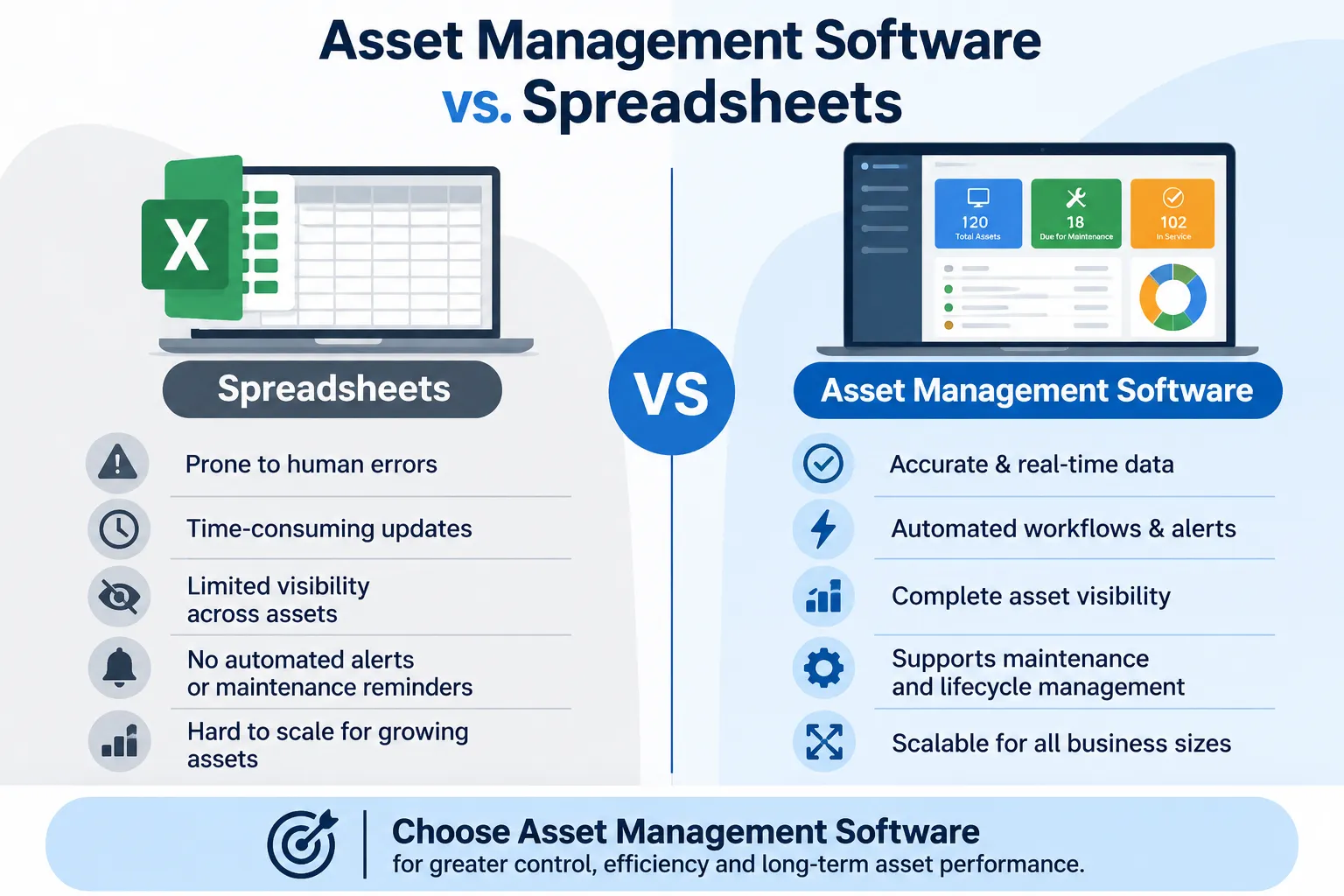
A smaller trap is forgetting the people who'll use it. If the system is confusing, your team will quietly go back to spreadsheets. Involve them in the trial and keep the setup simple at first. A modest tool that gets used beats an impressive one that doesn't.
Final Thoughts
The types of asset management software make a lot more sense once you start from what you're managing. Pick the type that matches your assets, test a couple of options with a small sample, and expand later if you need to. If you'd like to talk through which type suits your equipment, the Firmity team is happy to help.
FAQs : Types of Asset Management Software
The main kinds are EAM, CMMS, IT asset management, software asset management, fixed asset management, digital asset management and asset tracking software. Each one manages a different kind of asset.
A CMMS focuses on day-to-day maintenance, such as work orders and preventive schedules. EAM covers the wider asset lifecycle, including finance, replacement planning and more.
Not quite. Asset tracking is about knowing where assets are and what state they're in. Asset management is broader and includes maintenance, costs and lifecycle decisions.
Sometimes. Many organisations combine, for example, a CMMS for maintenance with a fixed asset register for finance. Start with the type that solves your most urgent problem.
Author Bio

Syed Aadam
Syed Aadam is a software engineer with a Bachelor's and Master's in Information Technology with a specialization in Artificial Intelligence and Machine Learning. Having trained, and assisted in training foundational ML models for solving frontier scientific problems at the intersection of biodiversity and technology, Syed Aadam has been working to develop AI-enabled CMMS, ERP and CAFM softwares at Ufirm Technologies.