Asset Management
Who Uses Asset Management Software? 5 Signs | Firmity Software
· 7 min read
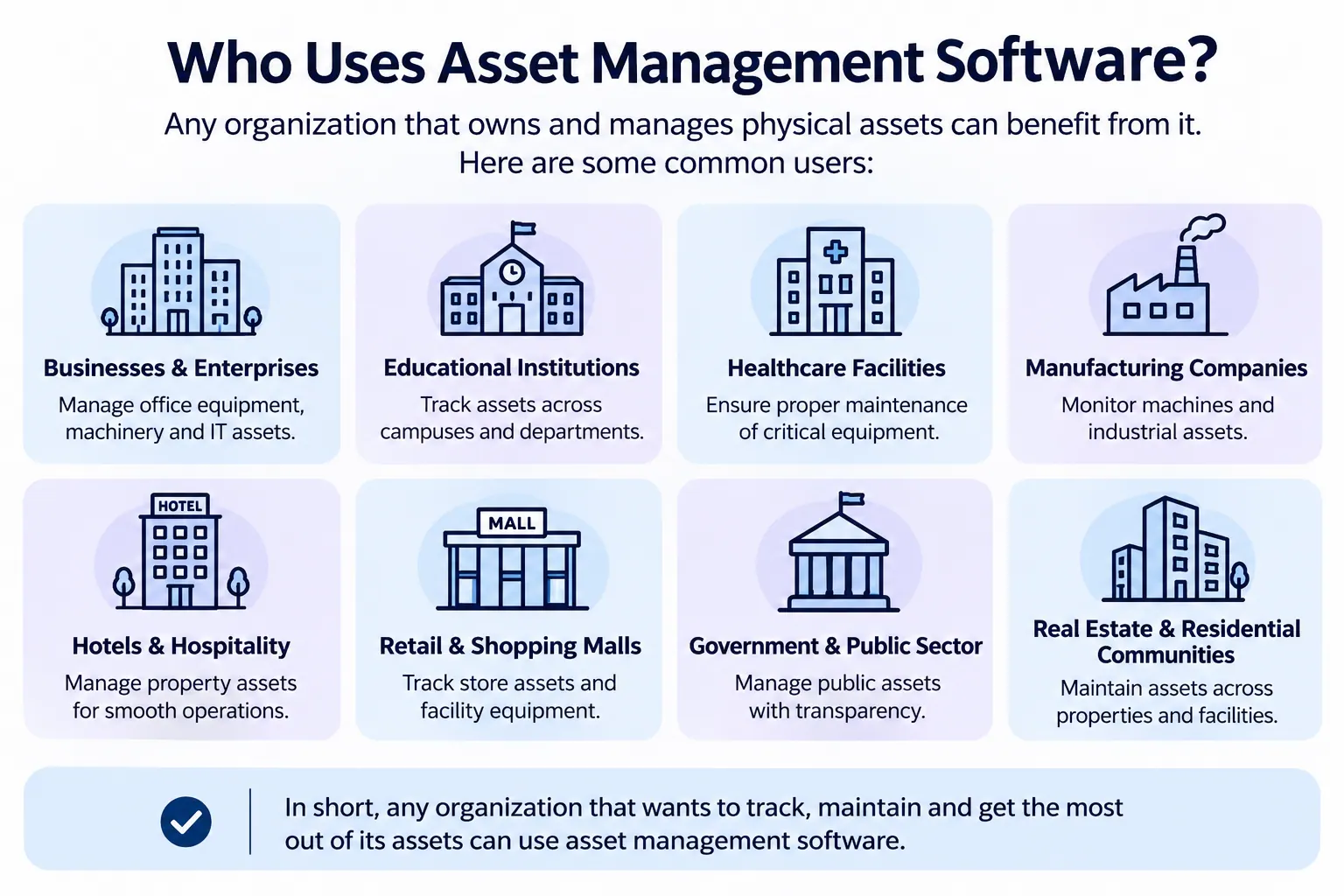
Who uses asset management software? Facility managers, maintenance technicians, IT managers, finance teams and operations leads, working in industries like manufacturing, education, property, healthcare and IT. In short, it's used by any organisation that owns equipment, devices or buildings it needs to track and keep in good shape. If you'd like the full definition first, our pillar guide on what is asset management software covers it. This article is about the people and industries behind the software, in plain language.
A quick note on where this comes from. Most pages that rank for this question are data listings, so we looked at public buyer research, including Comparesoft's 2022 report, and then added practical examples from how different teams work. We've kept claims general, because the data is a few years old. Firmity is our product, so it gets one short, clearly labelled mention near the end.
The Short Answer: Who Uses It
The simplest way to answer the question is this: anyone who is responsible for things that cost money and need looking after. That covers the technician who services a pump, the IT manager who tracks laptops and the finance lead who needs an accurate asset register. It also covers the facility manager who must show an inspector that equipment was maintained on time.
There isn't one typical buyer. Comparesoft's research on asset management software buyers found that the only thing they share is how diverse their industries, roles and seniority are. That's actually good news if you're wondering whether the software is "for you", because the honest answer is that it probably is if you manage assets.
Users by Role
Different roles use asset management software for different reasons. Here's a quick tour of the people you'll find using it day to day:
Facility managers: they use it to keep track of equipment across buildings, plan servicing and answer "where is it and when was it last checked?".
Maintenance technicians: they use it to see what needs doing, look up an asset's history and record what they did.
IT managers: they use it to track devices, assign them to people and plan replacements.
Finance and accounts teams: they use it to keep asset records accurate for budgeting, depreciation and audits.
Operations and admin teams: they use it to know what the organisation owns and where it sits.
Business owners and directors: they use it to get a clear picture of what the business owns and what it's costing.
A single organisation often has several of these roles using the same system. That's one reason asset management software tends to work best as a shared record rather than a personal tool. Everyone sees the same asset, whatever they need from it.
Users by Industry
Asset management software shows up across many industries. Manufacturing teams use it to keep machines running and track spare parts. Schools and colleges use it to manage equipment, furniture and facilities across large campuses. Education is actually the most cited industry in Comparesoft's 2022 buyer data, at around 14%, though the same report notes that no industry dominates.
Property and residential estates use it to look after lifts, pumps, generators and common-area equipment. Hospitals and clinics use it for medical and building equipment, where reliability matters a great deal. IT and office-based businesses use it for devices and furniture, while logistics and transport businesses use it for vehicles and handling equipment. Organisations that follow standards such as ISO 55000 on asset management also rely on tidy records like these.
Not Sure Which Group Your Team Falls Into?
If you manage equipment, furniture or facility assets and you're wondering whether software would help, the quickest way to find out is to see your own items in a proper system. Firmity's team can walk you through how a record, a QR code and a service reminder would work for the kind of assets you track. Share what you're managing today, and they'll reply within 24 hours.
Talk to the Firmity team and book a walkthrough
Users by Company Size
It's a common myth that asset management software is only for big companies. In Comparesoft's 2022 data, about 69% of buyers needed a system supporting 1 to 25 users, which suggests many buyers are small teams. Small teams use lighter tools, often focused on tracking and service reminders. Growing teams start to need approvals, history and reports.
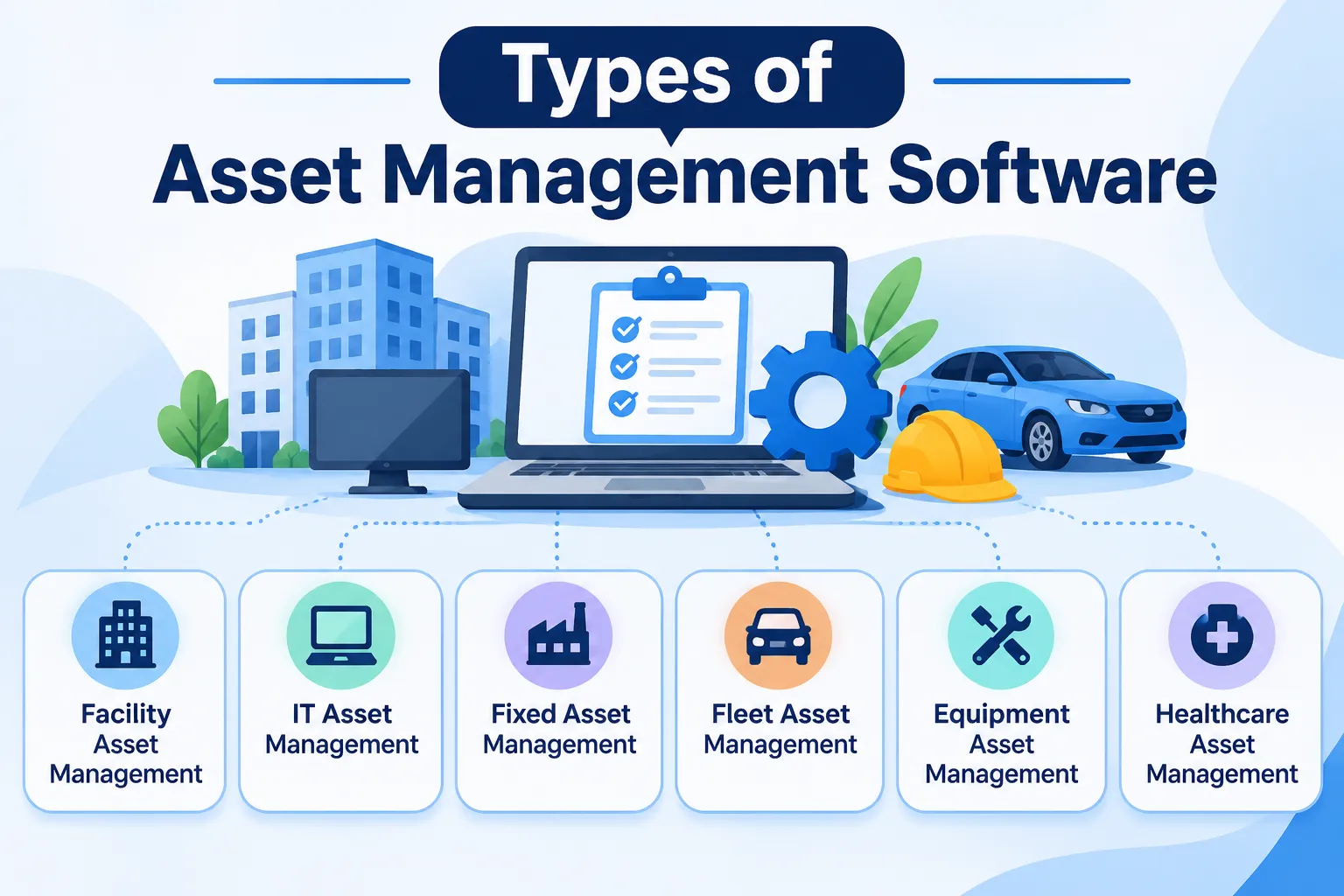
Large, multi-site organisations use broader systems that cover the whole asset lifecycle. They may have dedicated teams for maintenance, IT and finance, each using the same platform differently. The right size of tool depends on how many assets, sites and people are involved, which is why it helps to read about the types of asset management software before you choose.
What Each User Gets Out of It
Role | Everyday use | Main benefit |
|---|---|---|
Facility manager | Planning servicing and tracking equipment | Fewer surprises and easier audits |
Technician | Checking history and logging work | Less guesswork on site |
IT manager | Logging each device and who it’s issued to | Everyone can see which person holds which device |
Finance team | Recording what the company owns so the books match reality | Accurate records for budgets and audits |
Operations lead | Knowing what's owned and where | Faster answers and fewer lost items |
You can see the pattern: each role gets a different payoff from the same underlying record. For a fuller look at what teams gain, see our guide on the benefits of asset management software.
Who May Not Need It Yet
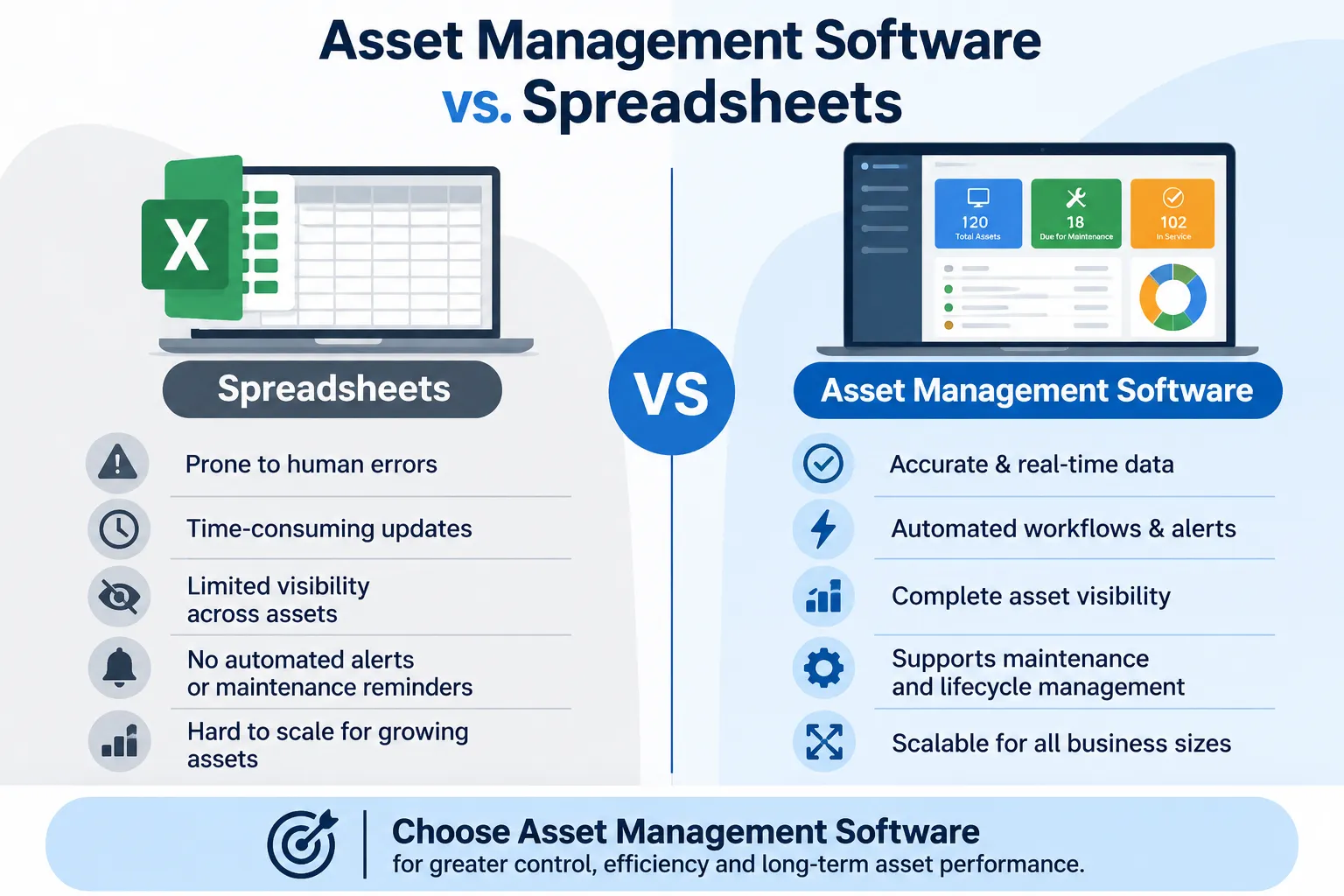
Let's be fair, because not everyone needs asset management software right now. If you track a few dozen items, one person looks after them and nothing needs scheduled servicing, a spreadsheet can do the job. The same goes for a short-term project or a one-off inventory. Software in those cases can be more hassle than help.
If you're in that camp, keep your spreadsheet tidy. Use clear column names, keep one master file and note when each item was last checked. And watch for the signs in the next section, because they tend to show up gradually. Plenty of teams start with a sheet and move to software when the cracks appear.
Signs Your Team Is Ready
Here's a short checklist. If two or three of these sound familiar, your team is probably ready for asset management software:
Several people edit the asset list, and their changes sometimes overwrite each other.
An item has gone missing, or you’ve come across equipment nobody remembered buying.
Nobody prompts you when a service or warranty is about to lapse, so dates get missed.
Getting ready for an audit means piecing together each item’s story by hand.
Your equipment is spread over more than one site.
No single sign is a crisis. But when several appear together, the time spent working around the problem starts to cost more than a tool would. That's usually when teams make the move. If you're ready to compare options, our roundup of the top asset management software in India is a handy next read.
Where Firmity Fits In
Since we've been talking about who uses asset management software, here's a short, honest mention. Firmity's asset management software is an affordable option for teams that want to track assets properly without a heavy enterprise system, and the team can quote for your setup. Each asset gets a single record covering its category, location, status, value and ownership type, and a QR code can open that record with a scan. Service due dates, warranty and AMC expiry and movement history are tracked against the asset, and spare parts link back to it. It's built for facility teams in manufacturing, education and residential estates.
Final Thoughts
So, who uses asset management software? Anyone responsible for assets that need tracking and care, from technicians to finance leads. If you recognise your team in the roles and signs above, it may be time to look at a proper system. And if you'd like to see how it would work for your own equipment, the Firmity team is happy to walk you through it.
FAQs : Who Uses Asset Management Software
Facility managers, technicians, IT managers, finance teams and operations leads, across industries such as manufacturing, education, property, healthcare and IT. Any organisation that owns equipment, devices or buildings can benefit.
No. Many buyers are small teams, and lighter tools exist for them. Larger organisations simply use broader systems that cover more of the asset lifecycle.
Yes, especially once more than one person updates records or service dates start slipping. A very small list can still be handled with a spreadsheet for now.
It depends on the type of asset. Facility or maintenance teams usually own it for physical equipment, IT teams for devices and finance teams for asset registers.
Author Bio

Syed Aadam
Syed Aadam is a software engineer with a Bachelor's and Master's in Information Technology with a specialization in Artificial Intelligence and Machine Learning. Having trained, and assisted in training foundational ML models for solving frontier scientific problems at the intersection of biodiversity and technology, Syed Aadam has been working to develop AI-enabled CMMS, ERP and CAFM softwares at Ufirm Technologies.