CMMS
Best CMMS Software for Small Business
· 9 min read
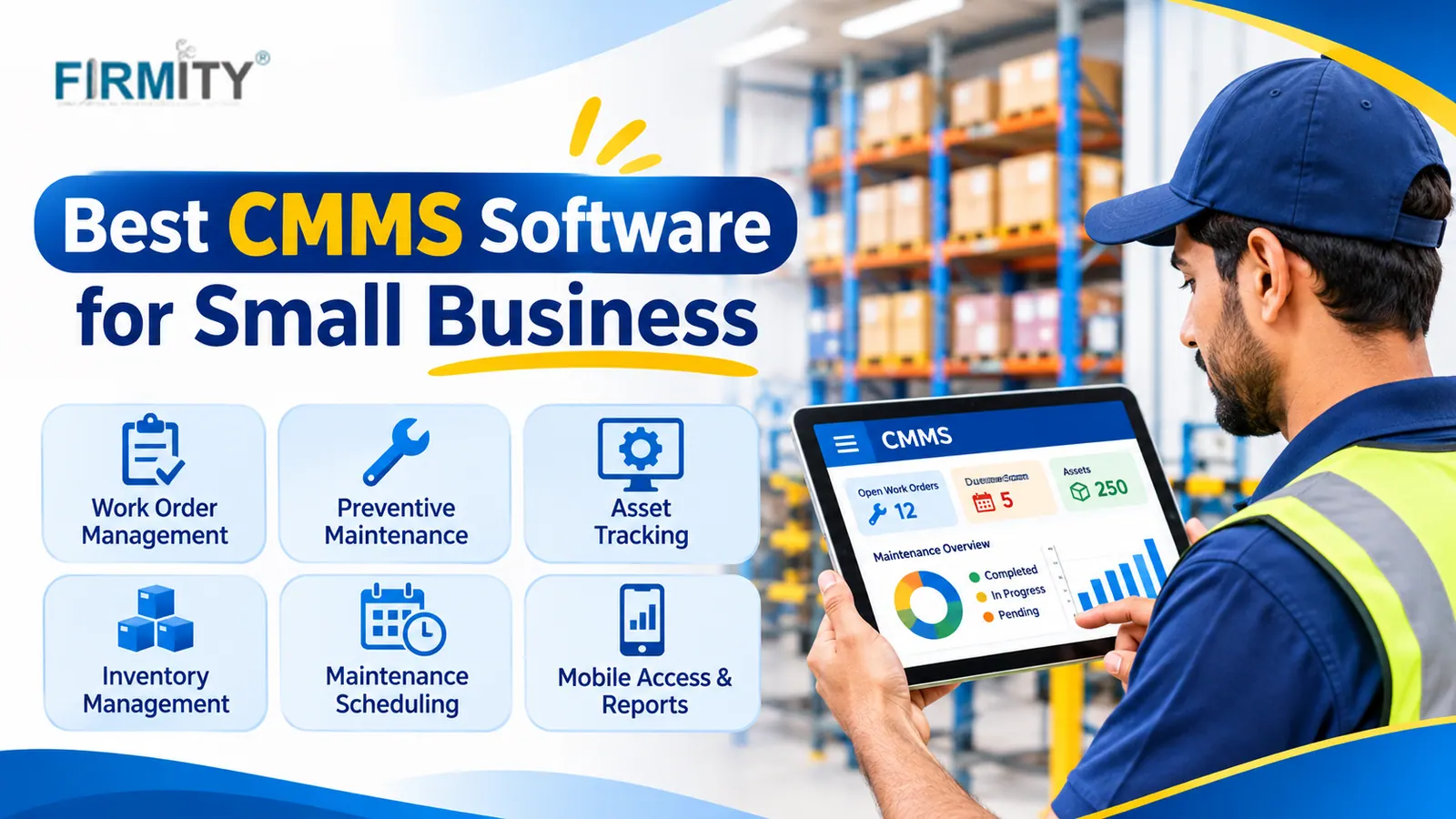
The best CMMS software for small business is the one your technicians will actually use: simple work orders, preventive schedules and mobile access. Start with your biggest headache.
That sounds obvious, but it’s the step most people skip. They compare long feature lists, get dazzled and end up with software that’s either too heavy or too basic. In this guide, we’ll look at why a CMMS matters for a small team, what you gain, how to choose one and how to test it before you commit. Along the way, we’ll show where Firmity fits and who it suits.
A quick note on how this was written. We looked at how well-known guides approach this question, including pages from Facilio, Fabrico and Fixeets, and noticed that most are ranked lists of tools. We’ve started with your needs instead. Firmity is our product, so it gets its own clearly labeled section near the end.
What Is a CMMS?
A computerized maintenance management system, or CMMS, is software that keeps your maintenance work in one place: requests, work orders, preventive schedules, equipment records and spare parts. Instead of notebooks, chat messages and memory, everyone works from the same record. The goal is simple. Keep equipment running, and know what was done to it and when.
Why Small Businesses Need One
Small businesses feel maintenance problems sharply. There’s no spare team to cover when a key machine stops, and one failed pump or lift can halt a whole day’s work. Many small teams end up on reactive maintenance, fixing things after they break, simply because nobody has time to plan. A CMMS makes planning realistic by reminding you what’s due and keeping the history in one place.
The US Department of Energy’s Federal Energy Management Program lists reactive, preventive, predictive and reliability-centered maintenance as the main approaches, and describes well-practiced operations and maintenance as one of the most cost-effective ways to keep facilities reliable, safe and energy efficient. For a small business, the practical takeaway is to move steadily from reactive toward planned work, and software is what makes that manageable.
Benefits of CMMS Software for Small Businesses
Here are the gains small teams tend to notice first. None of them need a big team or a big budget, just a system people actually use.
Fewer Surprise Breakdowns
Preventive schedules create jobs automatically, so servicing happens before things fail instead of after. You still get the odd breakdown, but fewer of them arrive as a surprise. Over time, the history shows which equipment keeps causing trouble, and that’s useful when you’re deciding whether to repair it again or replace it.
Faster Response When Something Goes Wrong
When a fault is reported, it becomes a work order with a priority and a named technician, instead of a message that gets lost in a chat. Everyone can see the status, so nobody has to ask, “Has anyone looked at this yet?” That alone takes a lot of friction out of a busy day.
A Maintenance History You Can Trust
Every job, part used and note stays attached to the equipment, even when people change roles or leave. A new technician can see what’s been done before, and you stop relying on one person’s memory. It’s a quiet benefit, but it saves hours when something breaks again.
Smarter Spare Parts
Even basic parts tracking helps. You can see what you hold, what each job used and what’s running low, so you reorder before a repair stalls. You also stop buying duplicates of parts that were sitting on the shelf. Small teams feel this one quickly.
Less Paperwork and Chasing
Technicians can update jobs from a phone as they work, so records get written at the time and not at the end of the day. Supervisors stop chasing updates, and managers see progress without phoning around. For a small team, that time back is worth a lot.
Proof When Someone Asks
When a client, auditor or manager asks whether something was serviced, you can show the record instead of searching for it. Checklists and photos add proof that the work was done. Which rules apply depends on your industry and country, so check what your own auditors expect.
Want to See These Benefits With Your Own Equipment List?
Benefits sound great on paper, but they matter more when you see them with your own equipment. If you’d like to judge how a system would handle your assets, you can book a free demo and see how Firmity handles work orders, schedules and QR tasks using your own list. Tell the team what you maintain today, and they’ll reply within 24 hours.
How to Choose CMMS Software for a Small Business
Choosing doesn’t have to be a long project. Four questions will narrow the field quickly, and they work better than any feature checklist.
Step 1: Start With Your Current Problems
Write down what hurts right now. Maybe a key machine keeps failing, maybe nobody knows when servicing is due, or maybe jobs get lost between chat messages and paper. Those problems tell you which features matter. A tool that’s perfect for a factory floor can be wrong for a school campus, and the other way round.
This step also stops you overbuying. Plenty of software is far more sophisticated than a small team needs, while other tools offer only a few basics. Your problem list is the yardstick for judging both. If a feature doesn’t fix something on your list, it can wait.
Step 2: Decide Between Focused and Broader
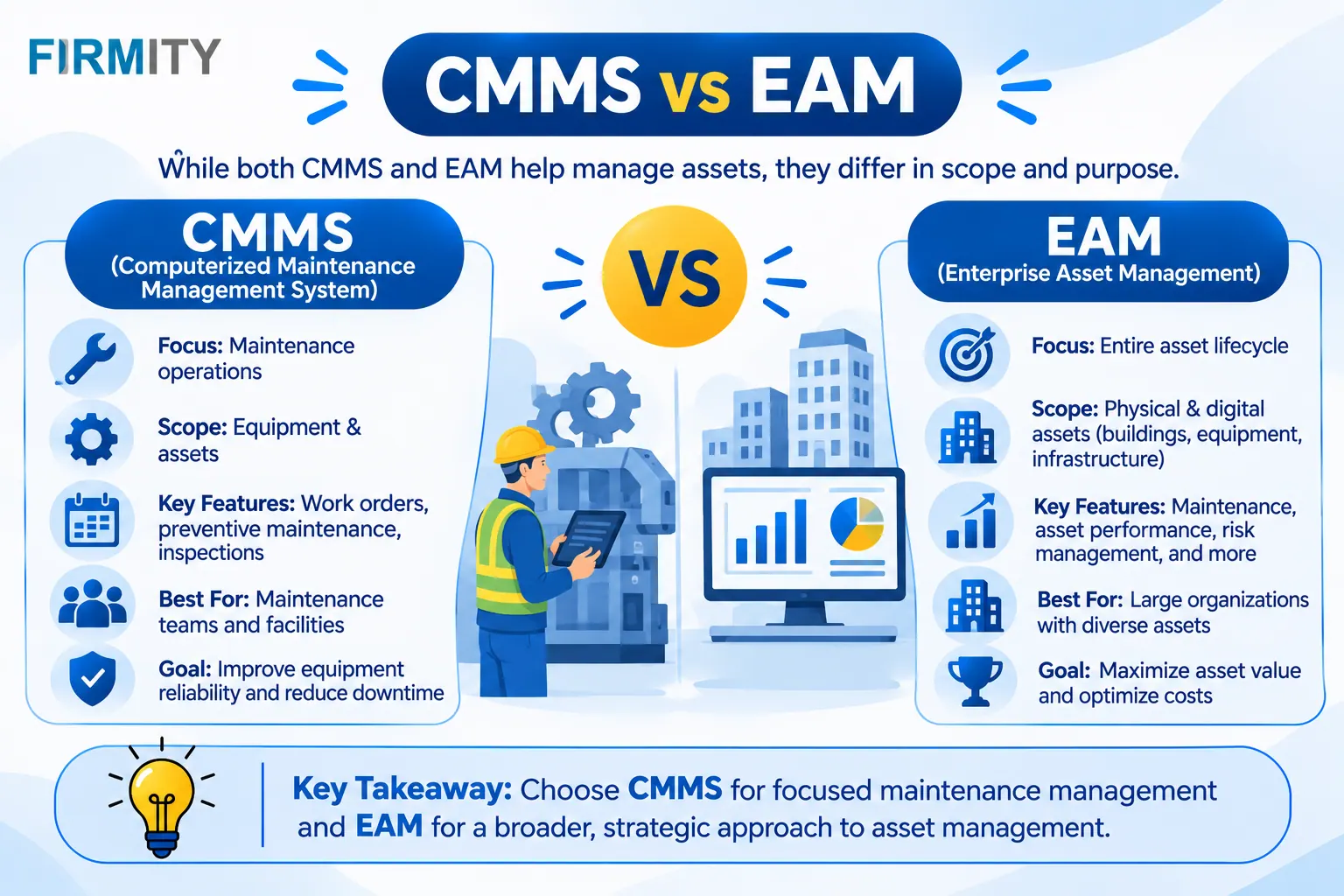
Some tools focus on maintenance and do it well. Others sit inside a bigger system that also covers inventory, purchasing, expenses or asset tracking. A focused tool is usually quicker to set up and easier to learn. A broader system keeps data flowing between departments so you don’t retype things, though it can take more effort to roll out. Think about where you’ll be in two years, not just today.
Step 3: Check Usability and Support
The best software is the software your team uses. Try opening a job, closing it and finding it again from a phone, and see how many taps it takes. Check that there are clear guides and a real way to reach support when something goes wrong. If your technicians aren’t very technical, ease of use matters even more than features.
Ask about access and records too. You’ll want to control who can see and approve what, and to see who changed a job and when. When work passes through several hands, a clear trail protects everyone. A modest tool that people trust beats a clever one they work around.
Step 4: Weigh the Real Cost
Price isn’t just the sticker. Add up the subscription, setup, training and any extras, and think about how the cost changes as you add users or sites. We haven’t printed prices here, because plans change often and published figures vary wildly between vendors. Ask each one exactly what’s included, and compare total cost, not the headline number.
Quick Guide: Match Your Situation to a Type of Tool
Here’s a quick way to see what to look for, depending on what you maintain.
Your situation | What to look for | Typical fit |
|---|---|---|
Small workshop or factory | Preventive schedules, spare parts, simple reports | A focused CMMS with parts tracking |
School or campus | Request intake, job assignment, checklists | A CMMS with simple request handling |
Residential estate | Recurring common-area jobs, proof of work | A CMMS with QR tasks and photo evidence |
Several small sites | One shared view, consistent schedules | A cloud-based CMMS with multi-site dashboards |
Growing plant | Room to add modules and integrations later | A CMMS you won’t outgrow quickly |
Features That Matter Most (and Which Can Wait)
For most small teams, the essentials are work orders, preventive maintenance scheduling, asset records with history, mobile access with QR scanning, basic spare parts tracking and simple reports. That’s a subset of the full list of features of CMMS software, and most small teams really only need a few of them at the start.
Some features are lovely to have but can wait. Advanced analytics, sensor-based monitoring and deep integrations all depend on good data, so they make more sense once your basic records are reliable. Start with the essentials, get the team using them every day and add the rest as you grow.
Firmity: CMMS Software for Small Teams Managing Facilities and Equipment
So where does Firmity fit? Firmity’s CMMS software is an affordable option for small teams that want solid maintenance control without a heavy enterprise rollout, and the team can quote for your setup. Work orders carry an audit trail, preventive maintenance runs on recurring cycles you set by day, week or month, and technicians scan a QR code to open a task, complete the checklist and attach photo evidence.
Every asset keeps its service history, warranty details and linked spare parts, jobs are assigned to technicians by category, and dashboards show total, completed, overdue and actionable work orders across your sites. It’s a cloud-based platform, so a technician on site and a manager elsewhere read the same record. It’s built for facility teams in manufacturing, education and residential estates.
It’s not aimed at heavy-industry reliability programs, and its public pages don’t spell out sensor-based condition monitoring or deep reliability analytics, so ask about those during a demo if you need them.
How to Test CMMS Software Before You Commit
A short trial teaches you more than any brochure. Here’s a simple routine you can run in an afternoon.
Load a sample asset list: add around twenty of your real assets, not demo data.
Build a preventive schedule: set up one real recurring job and see when it appears.
Raise and close a job from a phone: see how many taps it takes and how clear it feels.
Scan a QR code: check that a scan opens the right asset or task.
Pull an overdue report: make sure you can get the numbers you actually use.
Common Mistakes Small Businesses Make
The most common mistake is buying for features you won’t use. A long list looks impressive, but you’ll pay for complexity that gets in the way. The second is skipping the trial and relying on screenshots, because a tool that looks great can feel clumsy with your real equipment. And the third is underestimating setup and training, which is where good projects often stall.
Another trap is starting with messy data. If your equipment list is full of duplicates and vague names, the new system will inherit the mess. Clean the list first, start with one site and expand as you learn. It also helps to name one person who owns the rollout, because a CMMS nobody owns slowly drifts back to paper.
Final Thoughts
Choosing the best CMMS software for small business gets easier once you start from your own problems instead of a feature list. Name what’s hurting, decide between focused and broader, check usability and weigh the real cost. If you maintain facilities and equipment, you can talk to the Firmity team and see how it would work with your own assets.
FAQs: Best CMMS Software for Small Business
It’s the one that fits how your team works and that your technicians will actually use. Start with your biggest maintenance problem, shortlist tools that solve it, and test them on a real job before you decide.
Free plans can work for very small teams, but they usually come with limits on users, assets or features. Check those limits and ask what happens when you outgrow them, so a free start doesn’t turn into a forced switch.
For most small teams, yes, because technicians work on the floor and not at a desk. A mobile app lets them open jobs, update status, scan QR codes and add photos on the spot. If your site has weak signal, check how the app behaves offline.
There’s no single number. Costs depend on users, sites and features, and plans change often. Compare the total cost, including setup and training, and ask vendors for a quote based on your own setup.
Yes, if you have a handful of assets and one or two people doing the work. Once you have recurring schedules, several technicians or someone asking for proof of servicing, a CMMS starts to save real time.
Author Bio

Syed Aadam
Syed Aadam is a software engineer with a Bachelor's and Master's in Information Technology with a specialization in Artificial Intelligence and Machine Learning. Having trained, and assisted in training foundational ML models for solving frontier scientific problems at the intersection of biodiversity and technology, Syed Aadam has been working to develop AI-enabled CMMS, ERP and CAFM softwares at Ufirm Technologies.