CMMS
CMMS Implementation: An 8-Step Guide With a Checklist
· 10 min read
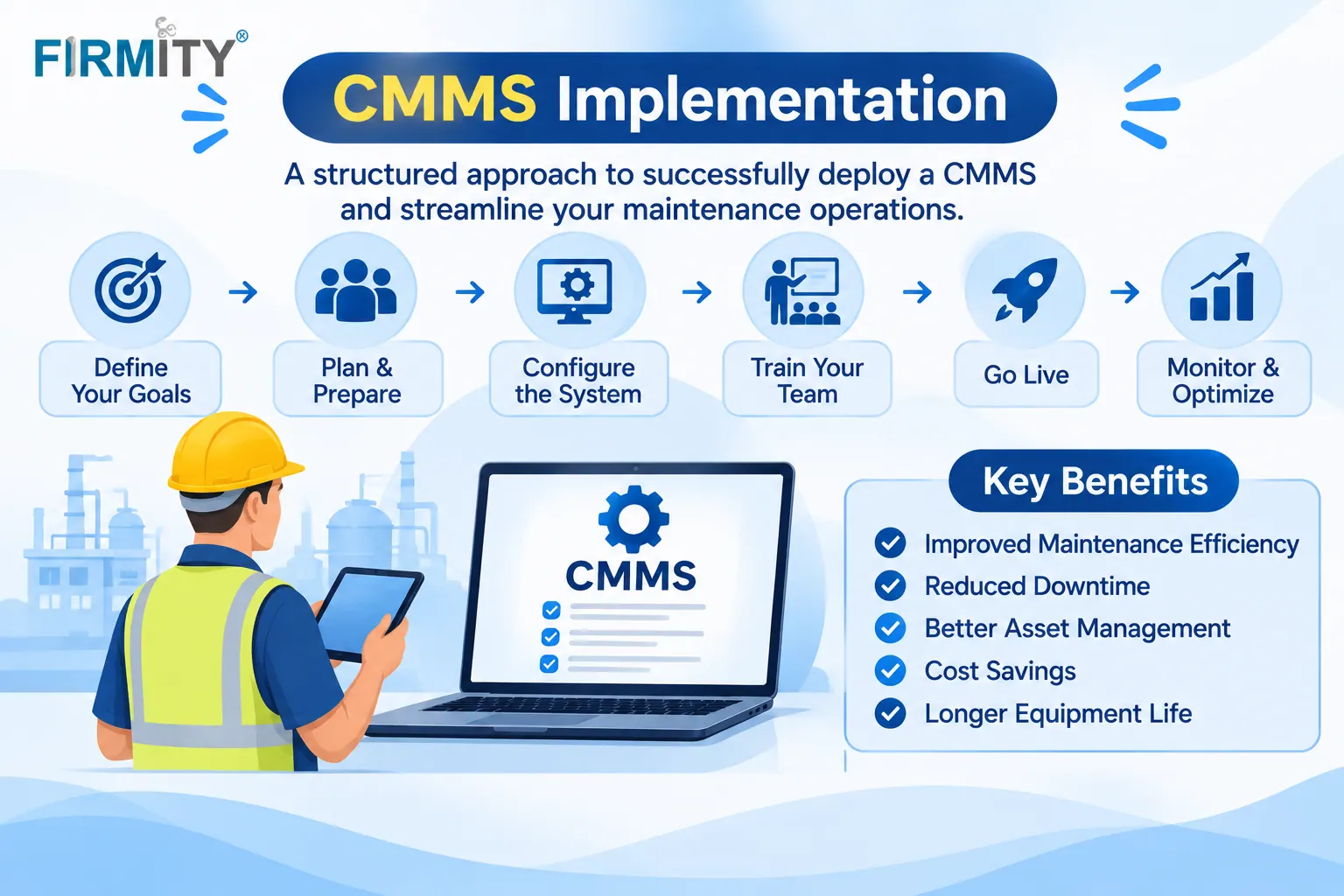
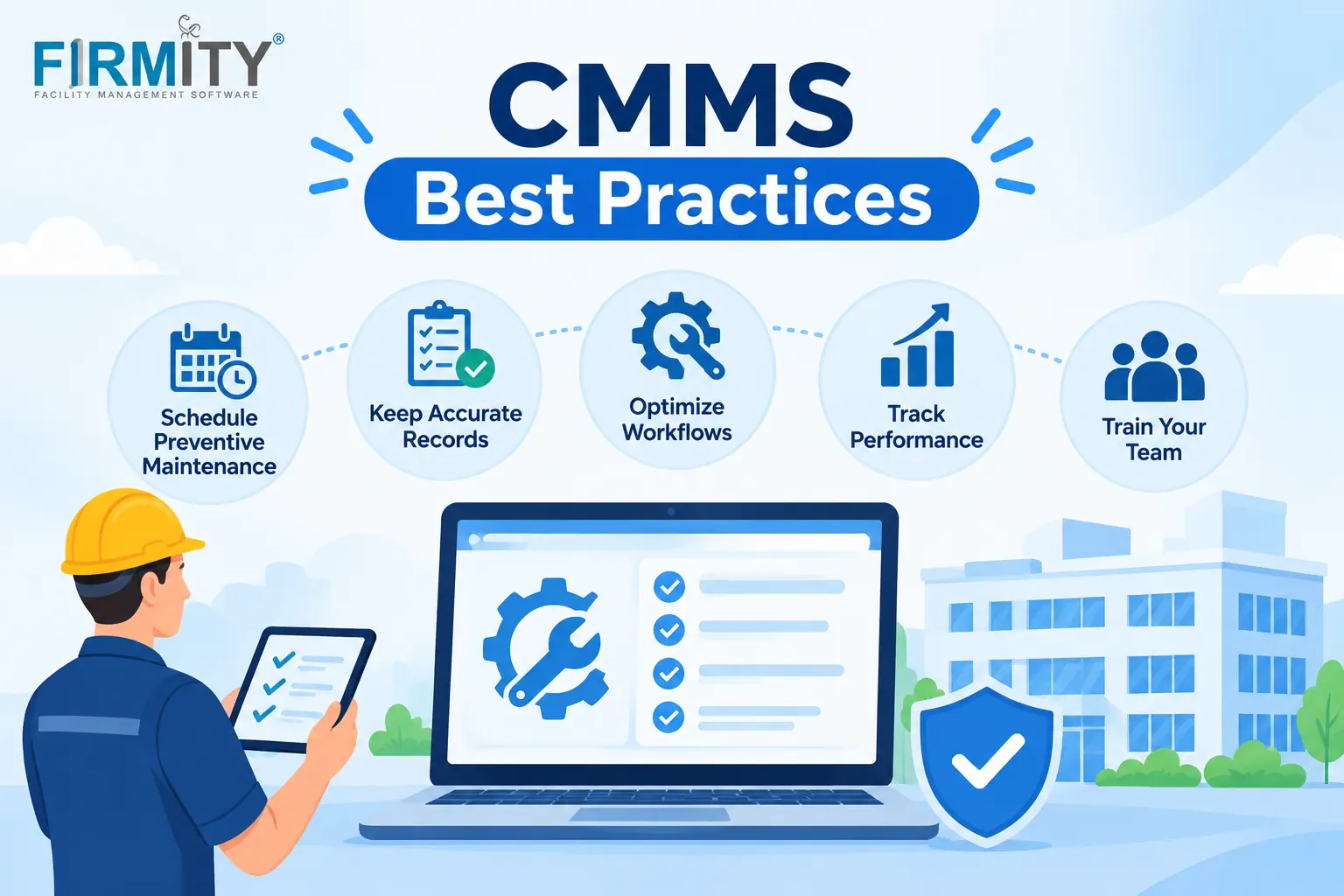
CMMS implementation is how you plan, set up and launch a maintenance management system so your team actually uses it. Done well, it replaces spreadsheets and paper.
A CMMS only helps once people use it, and that depends far more on the rollout than on the software itself. In this guide, we’ll walk through eight steps, from goals and data cleanup to training and go-live, plus a checklist, a few questions for vendors and the mistakes that trip teams up. No jargon, just a plan you can follow.
What does CMMS implementation involve?
Implementation isn’t just installing software. It’s everything between deciding to use a CMMS and the point where your team uses it every day: setting goals, choosing who’s responsible, tidying up asset data, configuring workflows, training people and launching. Think of the software as a building, and implementation as moving everyone in and making sure the doors, lights and signs all work.
A computerized maintenance management system keeps work orders, asset records, schedules and spare parts in one place. Implementation is the bit where your real-world habits, like who reports a fault and how a job gets closed, get built into it. Get that right and the software feels natural. Get it wrong and people drift back to their old notebooks.
Why CMMS implementations fail
Most failures have little to do with the software. Goals are vague, so nobody can say what success looks like. Asset data is messy, so the system gives odd answers and people stop trusting it. Nobody owns the rollout, so it drifts. And training is a single session that technicians have forgotten by the next shift. Spot those four early and you’re already ahead of many teams.
The 8 steps of CMMS implementation
1. Set goals and take a baseline
Start by writing down what you want the CMMS to fix. Fewer breakdowns? Faster response to complaints? Cleaner records for audits? Pick two or three goals, then note where you stand today, even roughly, like how many jobs are overdue or how long a typical fix takes. Without that baseline, you won’t be able to tell in three months whether anything has really improved.
2. Build the team and name owners
Every rollout needs three kinds of people. A sponsor, usually a senior manager, who clears roadblocks. A project lead who runs the day-to-day plan. And a few super users, respected technicians or supervisors who learn the system early and help their colleagues. Write down who owns what, because when “everyone” owns something, it usually means nobody does.
3. Map today’s workflows and decide what changes
Before you configure anything, write down how work actually flows today: who reports a fault, who assigns it, how it gets closed and where the record ends up. Walk the floor and ask technicians, not just managers, because the real process is often different from the official one. Then decide what changes in the new system. It also helps to understand how a CMMS works day to day, so you can match your flow to it.
4. Clean and organize your asset data
This is the step where most rollouts stall, so give it proper time. Gather your asset list, then fix duplicates, missing locations and vague names. Pick a simple structure, such as site, building, area and equipment, and give every asset a unique ID. Add service history where you have it, and consider QR labels so technicians can open a record with a scan. A smaller, accurate list beats a huge messy one every time.
5. Configure the system
Now set the system up around your workflows. Create user roles so people see only what they need, set up work order types and priority levels, and build your recurring preventive maintenance schedules. Add key spare parts if you want stock tracking. The US Department of Energy’s O&M Best Practices Guide gives CMMS its own chapter and describes core functions like generating and tracking work orders and keeping a history of past jobs, which is a handy yardstick for what to set up first.
6. Train by role and run a pilot
Train people by role, not all together. Technicians need to open jobs, update them and close them from a phone. Supervisors need assignment and approvals. Managers need reports. Keep sessions short and practical, using real jobs from your own site. Then run a pilot with one team or site, and decide in advance what “passed” means, like most jobs being closed in the system and the records matching reality.
7. Go live and support the team
When the pilot passes, launch with a clear date and a clear message: from now on, jobs are raised and closed in the system. Keep your super users close by during the first few weeks, and fix small annoyances quickly, because early frustration spreads fast. Keep a short list of known issues and share updates, so people can see that their feedback gets answered.
8. Review at 30, 60 and 90 days
Set your review dates before you launch. At each one, compare against your baseline. Are preventive jobs getting done on time? Are jobs being closed in the system? Are repeat breakdowns falling? Ask technicians what annoys them, then adjust workflows, fields and schedules. A CMMS improves through tuning, and the first review usually finds plenty to tweak.
Choosing a rollout approach
There’s more than one way to switch on a CMMS. The right choice depends on how big your operation is and how much risk you can tolerate. Here’s a quick way to compare them.
Approach | How it works | It fits when | Watch out for |
|---|---|---|---|
Pilot first | One team or site goes live, others follow later | You want to learn on a small scale | The rest of the team waits |
Phased | You roll out site by site or module by module | You have several sites or lots of assets | Two ways of working for a while |
Big bang | The whole team moves to the new system at once | A small team with a simple setup | Higher risk if data or training isn’t ready |
Parallel | The old and new setups stay active side by side for a set time | You need extra safety for critical records | Double entry, so set an end date |
How long does CMMS implementation take?
There isn’t one number that fits every team, and it’s worth being wary of anyone who promises one. The timeline depends on how many assets and sites you have, how clean your data is, how many integrations you need and how much time your team can spare. The biggest swing factor is usually data cleanup.
A better way to plan is to work backwards from your go-live date and list everything that has to happen first, like data cleanup, configuration, training and the pilot. Ask your vendor what they typically handle and what lands on your team. Then add some slack, because data tends to take longer than anyone expects.
CMMS implementation checklist
Here’s a short checklist you can copy into your own project plan. Tick things off as you go, and don’t move to the next phase until the current one is solid.
Before go-live: goals and baseline written down, owners named, workflows mapped, asset list cleaned and IDs assigned.
During setup: roles and schedules configured, training done by role, pilot run against agreed exit criteria.
After launch: launch date communicated, super users on hand, known issues tracked and reviews booked at 30, 60 and 90 days.
Questions to ask a vendor about implementation support
Software vendors differ a lot in how much help they give during rollout. These questions are worth asking whether you’re still comparing the top CMMS software or have already picked one.
Who does what? Which tasks does the vendor handle, and which are ours?
Data import: Can you help load our asset list, and in what formats?
Training: Is it role-based, and can we reuse it for new joiners?
Go-live support: Who do we contact in the first weeks, and how quickly do they respond?
Scope: Are the features of CMMS we need, like QR scanning and recurring schedules, included from day one?
Changes later: What happens if we need to adjust workflows or add a site after launch?
Common CMMS implementation mistakes
Skipping data cleanup. Loading messy data into a shiny new system just moves the mess. People spot wrong records within days and stop trusting the whole thing. Give data cleanup real time and a real owner, and start with a smaller list if you have to.
Training once and moving on. A single session on launch week won’t stick. Offer short refreshers, keep super users available and make sure new joiners get trained too. Adoption is built over weeks, not in one afternoon.
Switching on everything at once. It’s tempting to turn on every feature from day one. Start with the core, like work orders and preventive schedules, get those working smoothly and add more later. A simple rollout that people actually use beats an ambitious one they ignore.
Treating go-live as the finish line. Launch day is the start. Without reviews, nobody notices when fields are confusing, schedules are off or people quietly go back to paper. Book your 30, 60 and 90 day reviews before you launch, so they happen.
Where does Firmity fit in?
If you’d like to see these steps against a real product, Firmity’s CMMS software is built around everyday facility work. Work orders carry an audit trail, preventive maintenance runs on recurring cycles you set by day, week or month, and technicians scan a QR code to open a task, complete the checklist and attach photo evidence. Every asset keeps its service history, jobs are assigned to technicians by category, and dashboards show total, completed, overdue and actionable work orders across your sites.
Firmity is also an affordable option, which helps when you’re trying to keep the project budget under control. It’s built for facility teams in manufacturing, education and residential estates. To see how it would handle your own assets and workflows, get in touch through the contact page, and the team says it replies within 24 hours.
The bottom line
A good CMMS implementation is mostly about people and data, not software settings. Set clear goals, name owners, clean your asset list, train by role, pilot before you launch and review after. Do those things and the system earns its place in your team’s day. If you’d like help thinking through your own rollout, talk to the Firmity team.
FAQs : CMMS implementation
It means everything involved in getting a CMMS from purchase to daily use: setting goals, naming owners, cleaning asset data, configuring workflows, training your team and launching. The software is only one part of it.
It depends on your number of assets and sites, how clean your data is, how many integrations you need and how much time your team can give it. Work backwards from your go-live date, and ask your vendor what they handle.
A project lead who understands day-to-day maintenance and has time for the job, backed by a senior sponsor. Super users from the technician team make a big difference to adoption.
Often, yes, as long as the setup is simple and you keep the scope small. Start with one site or one team, clean your asset list first and ask the vendor what onboarding support is included
Author Bio

Syed Aadam
Syed Aadam is a software engineer with a Bachelor's and Master's in Information Technology with a specialization in Artificial Intelligence and Machine Learning. Having trained, and assisted in training foundational ML models for solving frontier scientific problems at the intersection of biodiversity and technology, Syed Aadam has been working to develop AI-enabled CMMS, ERP and CAFM softwares at Ufirm Technologies.