CMMS
9 CMMS Best Practices to Get More From Your Maintenance Software
· 8 min read
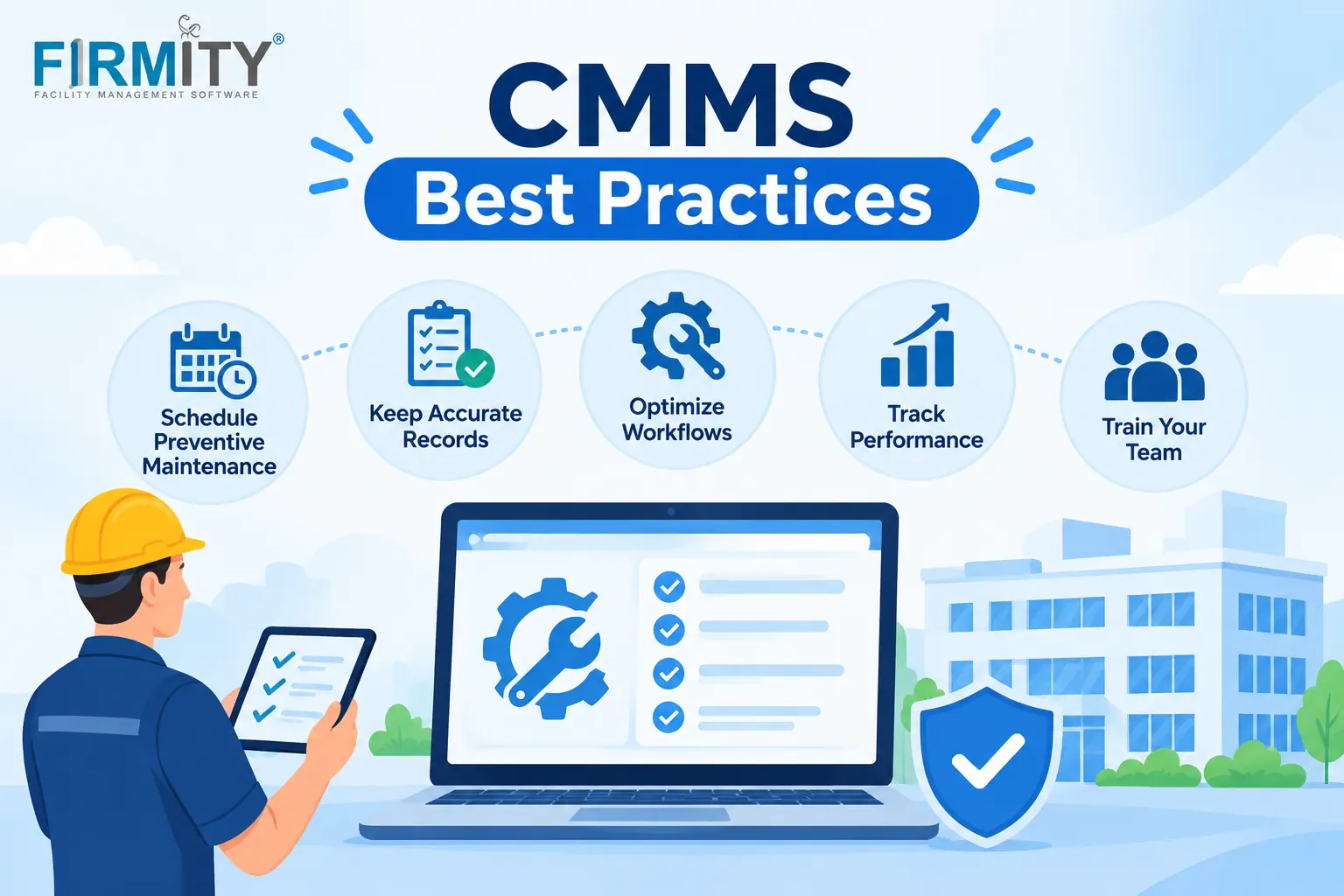
CMMS best practices boil down to setting clear goals, involving your whole team, starting with clean asset data, training people continuously and reviewing results regularly. Follow those, and your system becomes the way work gets done rather than another tool nobody opens.
Buying a CMMS doesn't fix maintenance on its own, because the results depend on the people using it and the data inside it. That's why two teams can buy the same software and get very different outcomes. This guide walks through nine practical habits, grouped into what to do before, during and after setup. Each one comes with a short line on what it looks like in practice.
A quick explanation of where this comes from. We looked at how sources such as SelectHub, FMX and Tractian describe CMMS best practices and noticed that most are long, unordered lists. So we've arranged ours in the order you'd actually need them. Firmity is our product, so it gets one short, clearly labeled mention near the end.
Why CMMS Best Practices Matter
A CMMS is a tool, and like any tool it only helps if it's used properly. SelectHub makes the point plainly: simply implementing a CMMS isn't enough, and best practices are what turn the investment into results. Teams that skip them tend to end up with half-filled records, work orders that never close and technicians quietly going back to notebooks.
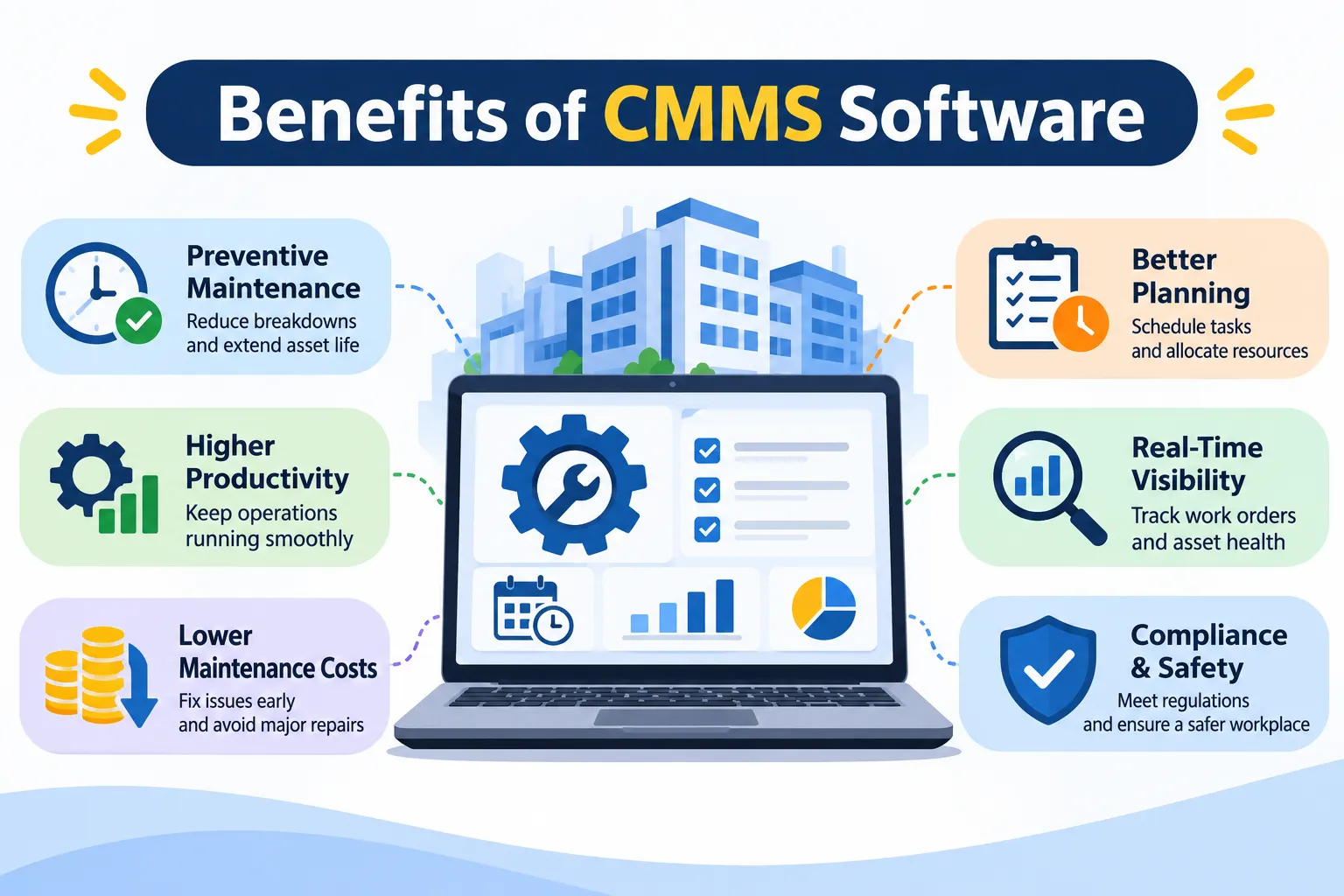
The good news is that the habits are simple. None of them need special skills, just a bit of planning and consistency. And once they're in place, the benefits compound, because cleaner data makes every report and decision more reliable.
Before You Start: Plan Well
The best time to set your CMMS up for success is before you pick one. These two practices are about getting clear on what you want and who needs to be involved.
1. Set Clear Goals Before You Choose a Tool
Start by writing down what you actually want to fix. Maybe it's missed service dates, slow repairs, messy spare parts or audits that take days. Those goals should decide which tool you pick, not the other way around, because a long list of CMMS features is only useful if it matches your needs. Goals also give you a yardstick, so you can tell later whether the system is working.
In practice: A team lists three problems, such as overdue servicing, lost spare parts and slow audits, and judges every tool against them.
2. Involve the Whole Team Early
A CMMS touches technicians, supervisors, store staff and managers, so everyone should have a say. People who help choose and shape a system are far more likely to use it. Ask technicians what slows them down today, and ask managers what reports they need. Their answers will shape better workflows than any vendor demo.
In practice: Two technicians and a store keeper join the demo sessions and point out what would or wouldn't work on site.
During Setup: Build a Solid Base
These three practices decide how trustworthy your data will be, and trustworthy data is what makes everything else work.
3. Start With Clean, Complete Asset Data
Your CMMS is only as good as the records in it, so spend time on your asset list before you load it. Remove duplicates, fix names, and fill in key details like location, category and warranty dates. Good asset records also make it easy to see an item's history later. Standards such as ISO 55000 describe good asset management principles, and tidy, consistent records are part of what makes them achievable.
In practice: A team spends a week cleaning its equipment list so every machine has one clear record.
4. Use Simple, Consistent Names and an Asset Hierarchy
A messy naming system makes records hard to find and reports hard to trust. Agree on a simple pattern for asset names, and group assets in a logical hierarchy, such as site, building, area and equipment. The aim is for any technician to find what they need without asking someone. Keep it plain, because complicated rules tend to get ignored.
In practice: Every pump follows the same naming pattern, so searching for one takes seconds.
5. Run a Small Pilot Before Rolling Out Everywhere
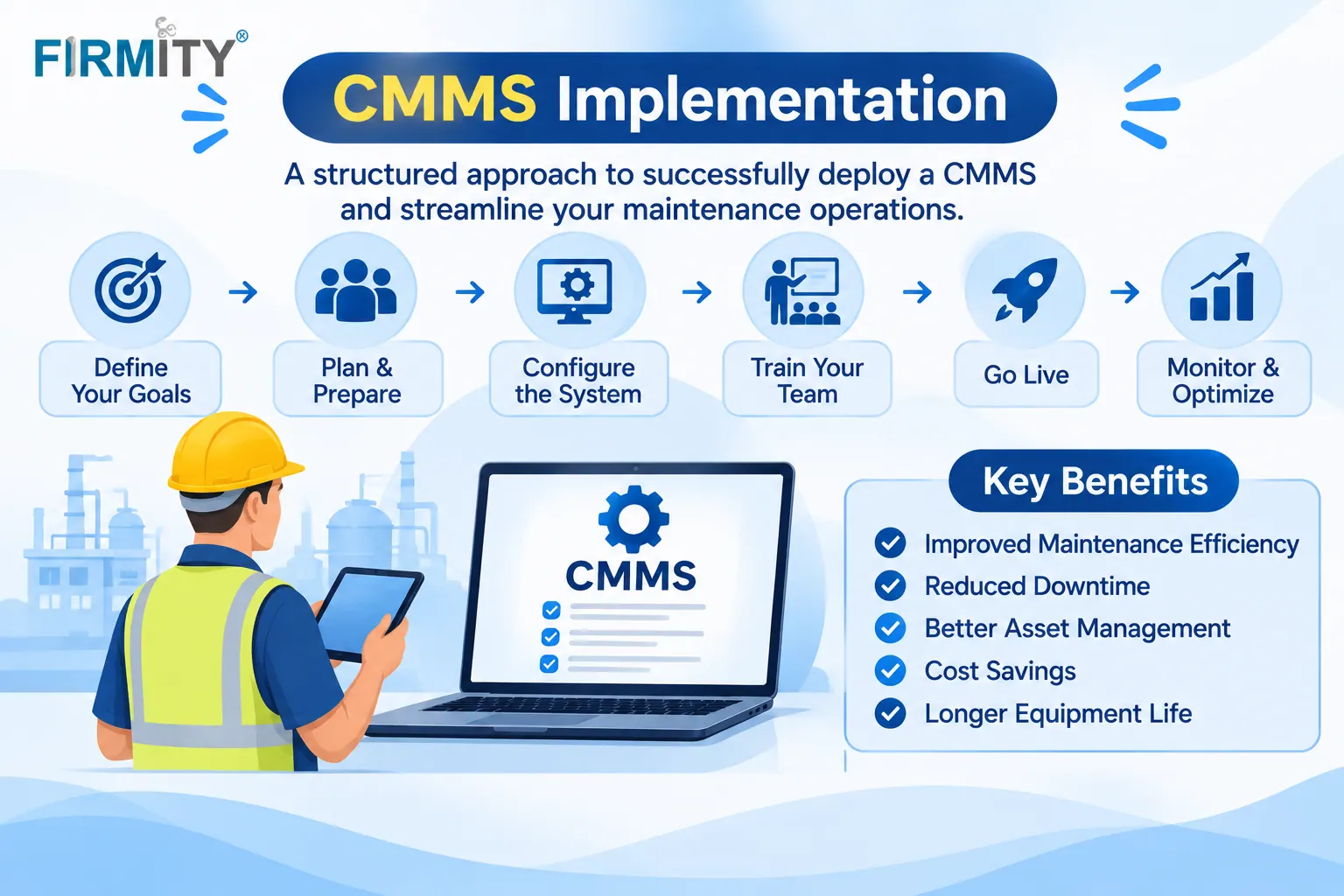
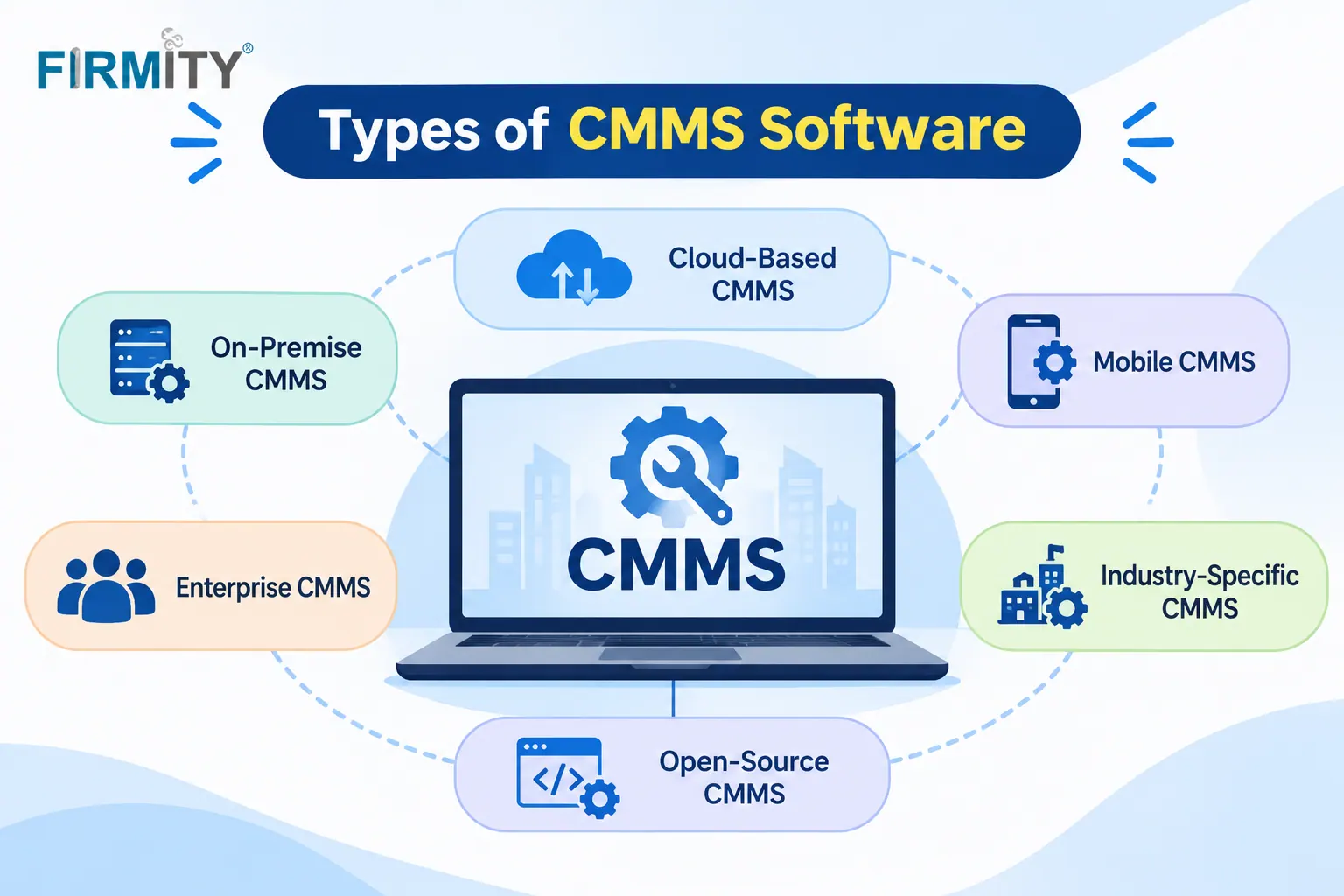
Resist the urge to switch everything on at once. Pick one site, one team or one type of job, and run the system there first. You'll learn what works and what needs changing before it affects everyone. If you're unsure where to begin, our look at types of CMMS software can help you judge cloud and mobile options.
In practice: One building runs the CMMS for a month before the other sites join.
Want to See How a Pilot Would Look on Your Equipment?
Planning a pilot is easier when you can see the system working with your own kind of assets. If you're setting up or reviewing a CMMS, you can talk it through with the Firmity team, who can build a demo around the equipment you actually maintain. Tell them what you're managing today, and they'll reply within 24 hours.
Day to Day: Make It a Habit
Once the system is live, these three practices keep it healthy. They're about consistency more than technology.
6. Train People, and Keep Training Them
Training isn't a one-off event on launch day. New staff join, features change and people forget things they don't use often. Short, regular sessions beat one long workshop, and a quick written guide for common tasks helps a lot. When people feel confident, they use the system properly instead of working around it.
In practice: New technicians get a short walkthrough in their first week, and the team shares a one-page guide for raising and closing jobs.
7. Standardize Work Orders and Close Them Properly
A work order is only useful if it's complete. Agree on what every job should include, such as a clear description, priority, asset, assigned person and notes on what was done. Then make closing jobs a habit, because open orders that nobody finishes make reports unreliable. Consistent work orders also make it easier to compare jobs over time.
In practice: Every job needs a note and, where useful, a photo before it can be marked complete.
8. Automate Preventive Maintenance, Then Review It
Set up recurring preventive maintenance so the system creates jobs on its own by time or by usage. That removes the reliance on memory and helps catch small problems early. But don't set it and forget it, because schedules need reviewing as equipment ages or usage changes. A quick quarterly check keeps them realistic.
In practice: A monthly inspection is created automatically, and the team adjusts the interval after seeing how often issues appear.
Keep Improving
The last practice is about turning the system's data into better decisions over time.
9. Use Reports and Review Results on a Regular Schedule
Reports show you what's really happening: how many jobs are open, completed and overdue, how long repairs take and which assets cost the most to keep running. Pick a few numbers that matter and review them on a regular schedule, such as monthly. Share the results with the team, because people respond when they can see progress. Use what you learn to adjust schedules, training and spare parts levels.
In practice: A monthly review shows one machine causing most of the repeat repairs, so the team plans a closer look.
A Simple Rollout Checklist
Stage | What to do | Sign it's working |
|---|---|---|
Before | Write down your goals and involve the team | Everyone can say what the CMMS is for |
Setup | Clean your asset data and agree on naming | Anyone can pull up a record in a few moments |
Pilot | Start with one site or job type | The team asks for more, not less |
Training | Short sessions plus a quick guide | New staff use it without hand-holding |
Daily use | Standard work orders, all closed properly | Few jobs are left open without reason |
Review | Look at a few key reports monthly | The team leans on the numbers when deciding |
Common Mistakes That Undermine a CMMS
The most common mistake is starting with messy data, because a CMMS full of duplicates and gaps just gives you wrong answers faster. The second is switching on every feature at once, which makes the system feel heavy and confusing. The third is having no clear owner, so records slowly drift out of date.
Skipped training is another frequent culprit. If technicians find the system confusing, they'll quietly go back to messages and notebooks, and the data gaps will grow. Involve people early, keep the screens and steps simple, and check in after the first month. A modest setup that people actually use beats an impressive one that sits idle.
Where Firmity Fits In
Since we've covered the habits, here's a short, honest mention. Firmity's CMMS software is an affordable option for teams that want to put these practices into action without a heavy enterprise setup, and the team can quote for your needs. You can raise and track work orders with an audit trail, set recurring maintenance cycles by day, week or month and let technicians scan a location QR code to open a task, complete a checklist, and attach photo evidence. Each asset keeps its own service history, warranty, and linked spare parts, and dashboards show total, completed and overdue work orders across sites. It's built for teams in manufacturing, education and residential estates, so ask about regional needs such as data location and local rules during a demo.
Final Thoughts
The best CMMS practices aren't complicated: know what you want, involve your people, keep your data clean, start small and keep reviewing. Do those consistently, and the software starts paying for itself in calmer, more predictable maintenance. And if you'd like to see how this would look on your own equipment.
FAQs: Best Practices for using a CMMS
Set clear goals, involve the whole team, start with clean asset data, use consistent naming, pilot first, train continuously, standardize work orders, automate preventive maintenance and review reports regularly.
It depends on how many assets you have, how clean your data is and how many sites you cover. A small pilot can start quickly, while a full rollout takes longer.
Usually because of people and data rather than the software: messy records, no clear owner, too many features at once or too little training.
A named person or small team, usually from maintenance or facilities, who keeps records current and checks that jobs are closed. Without an owner, data tends to drift.
Author Bio

Syed Aadam
Syed Aadam is a software engineer with a Bachelor's and Master's in Information Technology with a specialization in Artificial Intelligence and Machine Learning. Having trained, and assisted in training foundational ML models for solving frontier scientific problems at the intersection of biodiversity and technology, Syed Aadam has been working to develop AI-enabled CMMS, ERP and CAFM softwares at Ufirm Technologies.