Payroll Management
Best Payroll Software for Small Business
· 10 min read
The best payroll software for small business is the one that pays your people accurately and on time, with your country’s rules covered. Start with how you track attendance.
That sounds simple, but it’s the step most owners skip. They compare long feature lists, get tempted by a low price and end up with software that doesn’t fit how their team actually works. In this guide, we’ll look at why payroll software matters for a small team, what you gain, how to choose one and how to test it before you commit. We’ll also show where Firmity fits and who it suits.
What Is Payroll Software for a Small Business?
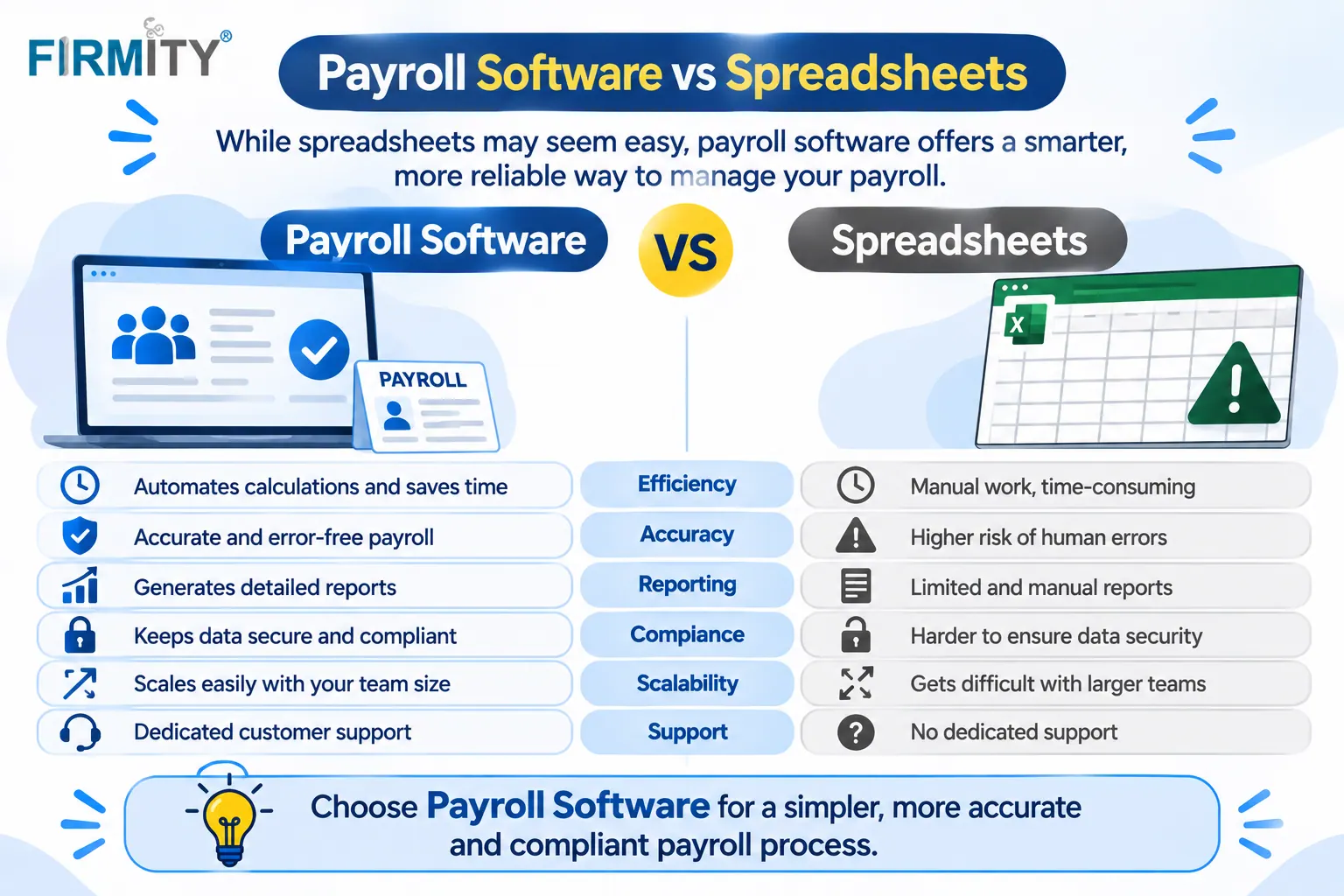
Payroll software calculates what each person should be paid, applies deductions, produces payslips and keeps the records. For a small business, that replaces spreadsheets and manual math with a repeatable routine: you enter the data, check the numbers and approve the run. In plain terms, it turns salary details, attendance and leave into accurate pay, every cycle, without you redoing the sums.
Why Small Businesses Need It
Payroll is one of those jobs where small mistakes get big fast. A wrong deduction annoys one person, a missed payment annoys everyone, and the person doing the sums is often the owner, who has a dozen other things to do. Software takes the repetitive math off your plate, so you spend your time checking numbers instead of calculating them.
Getting pay right is also about trust, and it’s recognized internationally. The ILO’s Protection of Wages Convention sets out principles such as paying wages regularly and giving workers the particulars of their wages each time they’re paid. National laws add the detail, so check your own country’s rules, but the spirit is clear: people should be paid on time and be able to see how their pay was worked out.
Benefits of Payroll Software for Small Businesses
Here are the gains small teams tend to notice first. None of them need a big team or a big budget, just a tool that fits how you pay people.
Accurate Pay Every Cycle
Once salary structures and rules are set up, the software applies them the same way every time. That removes most of the small arithmetic slips that creep into manual calculations. You still need to check the run, but you’re reviewing numbers, not building them from scratch, and that’s a calmer way to work.
Time Back for the Owner
Payroll can quietly eat a day or more every cycle when it’s done by hand. With software, repeat tasks like calculating, generating payslips and producing reports happen in a few clicks. The time you get back goes to running the business, which is usually where it’s needed most.
Fewer Compliance Slips
Rules for deductions and contributions differ by country and change over time. Good software helps apply the rules you’ve configured and keeps them current, which reduces the chance of an accidental slip. It doesn’t remove your responsibility, so ask each vendor which countries and rules they support.
Clear Payslips
Employees should be able to see how their pay was worked out. Software produces consistent payslips with earnings and deductions broken down, and many tools let people view them online. That means fewer “why is this amount different?” questions landing on your desk.
Attendance and Leave Connected to Pay
Pay depends on who worked, who was on leave and who put in overtime. When attendance and leave feed straight into payroll, nobody retypes a sheet at month-end. That’s where many small-business errors begin, so closing that gap is one of the biggest improvements you can make.
Records When Someone Asks
When an employee, accountant or auditor asks what was paid and why, you can pull up the record instead of digging through files. A change history shows who altered what, and when. Which records you must keep, and for how long, depends on your country, so check the local rules.
Want to See Payroll Run on Your Own Pay Cycle?
Benefits sound great on paper, but they matter more when you see them with your own data. If you’d like to judge how a system would handle your awkward cases, you can book a free demo and see how Firmity handles attendance, leave and salary records using your own sample data. Tell the team how you run payroll today, and they’ll reply within 24 hours.
How to Choose Payroll Software for a Small Business
Choosing doesn’t have to be a long project. Four questions will narrow the field quickly, and they work better than any feature checklist.
Step 1: Map Your Pay Situation
Start by writing down how your people are actually paid. Are they salaried, hourly or on shifts? How often do you pay them, and do you have one location or several? Do you pay in more than one country? List the awkward cases too, like joiners, leavers, unpaid leave and overtime. That list becomes your yardstick for every tool you look at.
Step 2: Check Compliance for Your Country
This is where a tool that looks perfect can quietly fail. Ask which countries and rules the vendor supports, how rule changes reach the software and who’s responsible when something changes. We haven’t listed rates or limits here, because they differ by country and change, and you should always take them from official sources.
Step 3: Check Attendance, Leave and Integrations
Find out where attendance comes from today and whether it can feed payroll without retyping. Do the same for leave and for any accounting or HR tools you use. If those systems don’t talk to payroll, someone ends up copying numbers between them, and that’s exactly where errors appear. Ask how each connection works and who sets it up.
Step 4: Weigh Ease of Use, Support and Total Cost
Put the person who’ll run payroll in front of the demo and notice where they hesitate. Check how support works on pay day, and at what hours. Then add up the real cost: subscription, setup, training and any extras, plus how it changes as you add people. We haven’t printed prices, because plans change often and published figures vary wildly. Compare total cost, not the headline number.
Quick Guide: Match Your Situation to a Type of Tool
Here’s a quick way to see what to look for, depending on how your team works.
Your situation | What to look for | Typical fit |
|---|---|---|
Salaried office team | Simple setup, payslips, reports | An easy-to-use, basic payroll system |
Hourly or shift-based team | Attendance and overtime feeding pay | A system where attendance drives the pay run |
Several sites | One view across sites, consistent rules | A cloud-based tool that processes multiple sites |
Remote or multi-country team | Support for each country’s rules | A tool covering every country you pay in |
Growing business | Room for more people, approvals, access controls | Payroll that adds users and controls easily |
Features That Matter Most (and Which Can Wait)
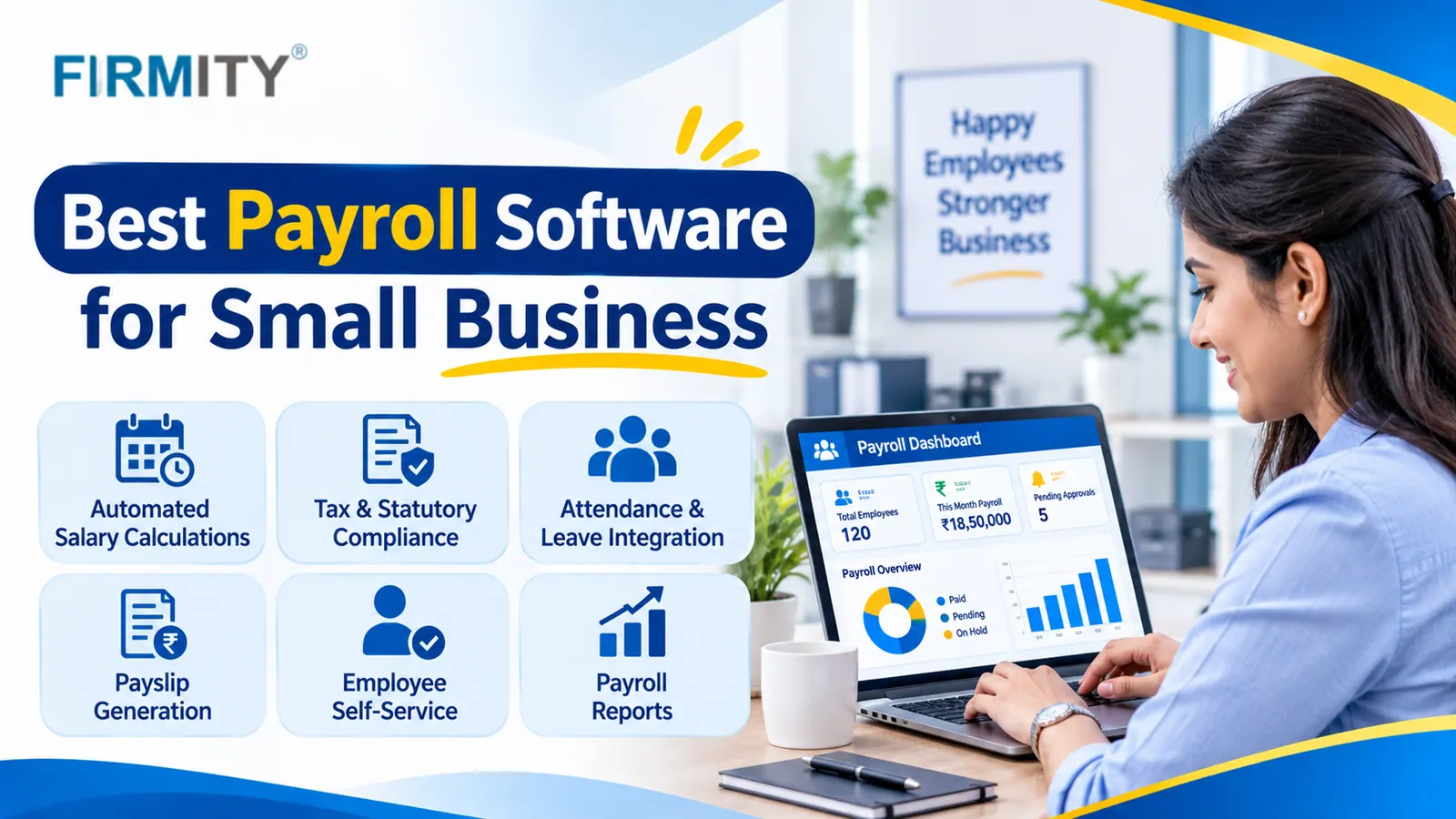
For most small teams, the essentials are salary calculation, deductions, payslips, a link to attendance and leave, approvals, reports and role-based access. Those cover what you need to pay people accurately, show them how it was worked out and keep a record. If a tool does these well, it’s already doing the heavy lifting.
Some features are nice but can wait. Advanced analytics, benefits administration and deep HR modules are useful once the basics run smoothly, and they usually cost more or add complexity. Start with the essentials, get one clean pay cycle behind you and add the rest as your business grows.
Firmity: Payroll Software for Small Teams Where Attendance Drives Pay
So where does Firmity fit? Firmity’s payroll software is an affordable option for small teams whose pay depends on attendance, and the team can quote for your setup. Attendance feeds straight into payroll, so there’s less retyping. Salary structure, bank details and payment history sit on each employee’s master record, and leave and comp-off balances apply to deductions automatically.
You can run payroll across several properties from one platform, export payroll reports for finance or audits, and use role-based access to control who sees what. It’s a cloud-based platform, so your payroll team can work from anywhere. It’s built for facility teams in manufacturing, education and residential estates, where shifts and attendance make payroll trickier.
How to Test Payroll Software Before You Commit
A short trial teaches you more than any brochure. Here’s a simple routine you can run with real, sanitized data.
Run a sample pay cycle: use a handful of real employees and compare the results with your own calculation.
Include the awkward cases: a mid-month joiner, a leaver, unpaid leave and overtime.
Check the attendance flow: see how attendance and leave reach payroll without retyping.
View a payslip as an employee: make sure it’s clear and shows how pay was worked out.
Export what you need: try a payroll report and a payment file in the format your bank accepts.
Common Mistakes Small Businesses Make
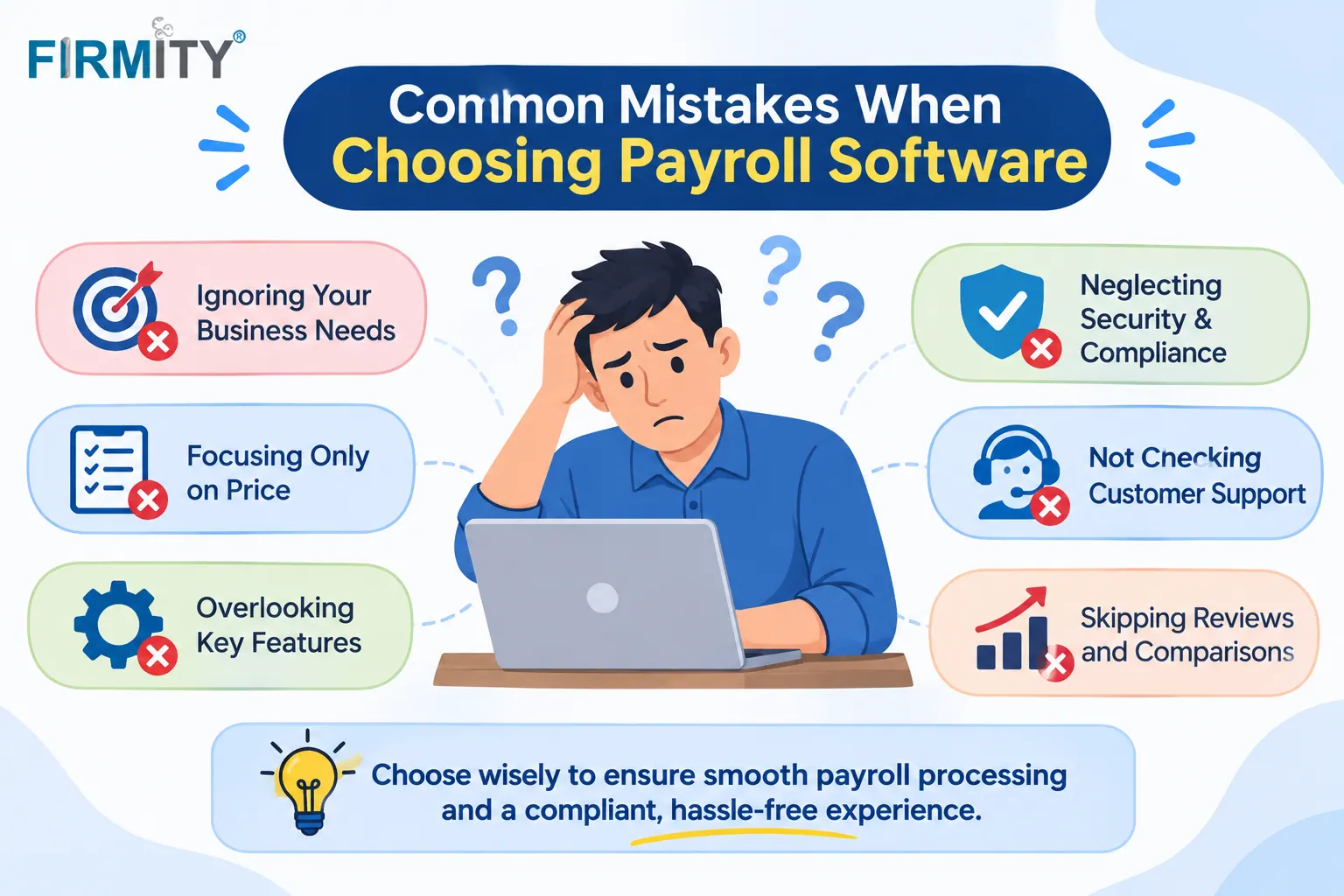
Most of these trace back to the same few habits, the common mistakes when choosing payroll software, like buying on price alone, ignoring compliance for your country or skipping a real trial. Each one is easy to avoid if you spot it early, and each one can be expensive to fix after you’ve switched.
Another trap is moving messy data across. If employee records and salary structures are out of date, the new system inherits the mess. Clean them first, run the old and new methods side by side for one cycle and name one person who owns the switch. It takes a little extra effort for a month and saves a lot of stress afterwards.
Final Thoughts
Choosing the best payroll software for small business gets easier once you start from your own pay situation instead of a feature list. Map how people are paid, check compliance for your country, connect attendance and weigh the real cost. If attendance drives pay at your sites, you can talk to the Firmity team and see how it would handle your own cycle.
FAQs: Best Payroll Software for Small Business
Firmity offers one of the best affordable payroll management software for small and large size business
Free plans can suit very small, simple teams, but they usually limit employees, features or support, and extras like payments or filing can cost more. Check the limits and what changes as you grow, so a free start doesn’t turn into a forced switch.
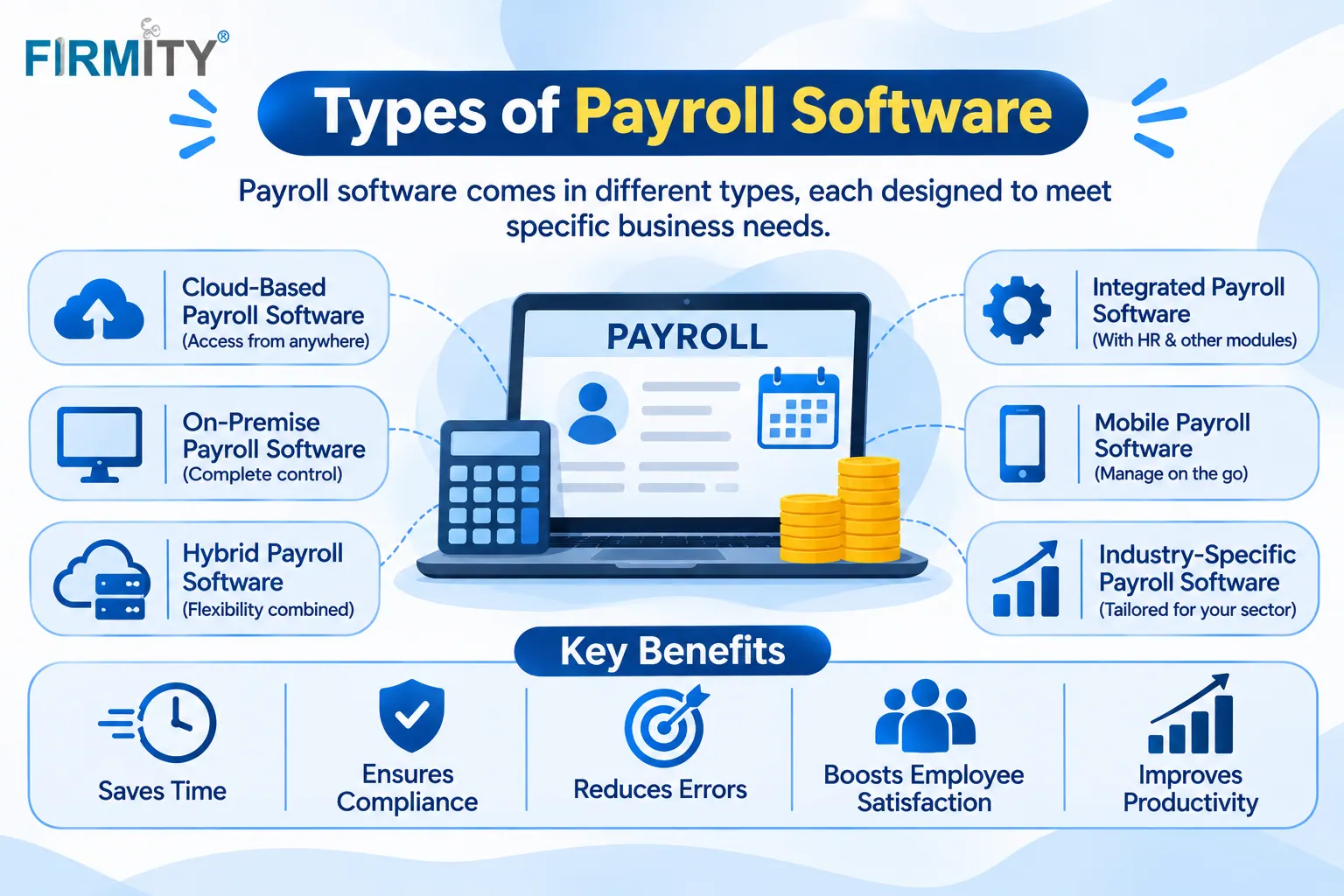
Most small businesses benefit from it, because there are no servers to look after, payroll is reachable from anywhere and the provider handles updates. On-premise software can still suit organizations with specific IT needs and the capacity to maintain it.
There’s no single number. Costs depend on how many employees you have, which features you need and what support you want, and plans change often. Compare the total cost, including setup and training, and ask vendors for a quote based on your own setup.
Yes, if you have a few employees and simple pay. Once leave, overtime, deductions or several people get involved, errors creep in and the time adds up. That’s usually the point where software starts to pay for itself.
Author Bio

Syed Aadam
Syed Aadam is a software engineer with a Bachelor's and Master's in Information Technology with a specialization in Artificial Intelligence and Machine Learning. Having trained, and assisted in training foundational ML models for solving frontier scientific problems at the intersection of biodiversity and technology, Syed Aadam has been working to develop AI-enabled CMMS, ERP and CAFM softwares at Ufirm Technologies.