Payroll Management
Payroll Software vs Spreadsheets: Which Is Right for Business?
· 7 min read
Payroll software vs spreadsheets comes down to size and complexity: a spreadsheet can handle a very small team on simple pay, while software wins as headcount, pay rules and risk grow. The deciding question is how much time and how many mistakes your monthly payroll costs you today.
It helps to remember what payroll software actually automates: calculating pay, applying deductions, producing payslips and keeping records. A spreadsheet can do pieces of that job, but you build and check every piece yourself. This guide compares the two honestly, including the cases where a spreadsheet is perfectly fine, so you can decide without pressure.
Why Many Businesses Start With Spreadsheets
There's a good reason spreadsheets are the usual starting point. Nearly everyone already has one, nobody needs training and you can set up a payroll sheet in an afternoon. You choose every column and formula, so it feels tailor-made for your team. For a handful of employees on fixed salaries, it can genuinely work well.
The catch is that a spreadsheet is a general tool, not a payroll tool. It doesn't know what a deduction rule is, and it won't warn you when a number looks wrong. Everything depends on the person who built it and the person who edits it this month. That's manageable at first, but it gets harder as things grow.
Where Spreadsheets Start to Struggle
The first problem is human error. A broken formula, a missing cell or a figure typed into the wrong row can quietly change someone's pay. Because payroll repeats every month, small mistakes can repeat too. Then there's version confusion, when several copies of the same file float around and nobody is sure which one is right.
The second problem is what a spreadsheet can't give you. Access is hard to control, so salary details may be visible to more people than they should be. There's rarely a clear record of who changed what and when, which makes questions from employees or auditors harder to answer. And every pay run takes the same manual effort, however many times you've done it before.
What Payroll Software Adds
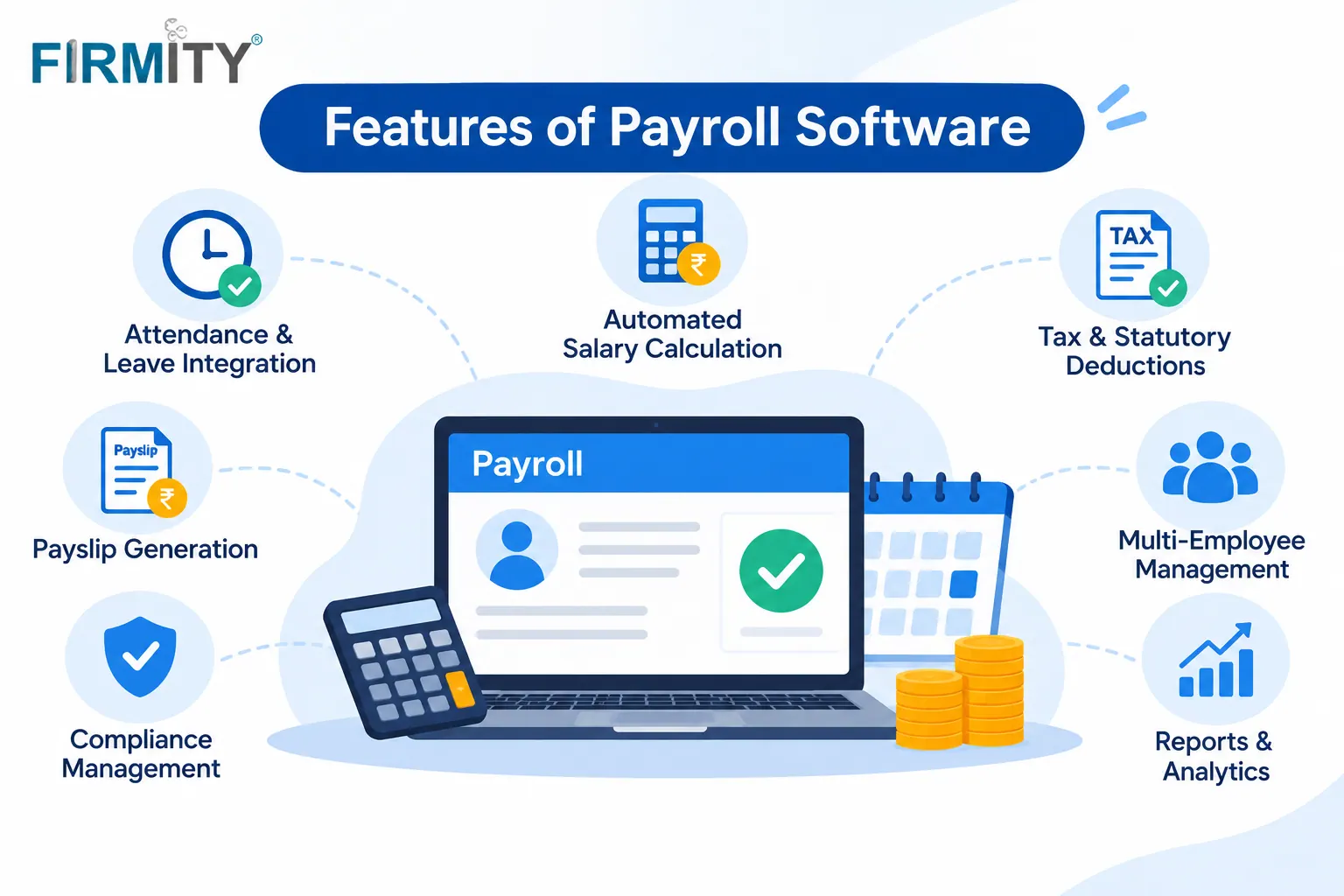
Good payroll software takes the repetitive parts off your hands. You set up salary structures and rules once, and the software applies them every month. Attendance and leave can feed straight in, so you aren't retyping them. Payslips are generated for you, and employees can often view their own.
The quieter gains matter just as much. Every change is recorded, so there's a trail you can show when someone asks. Access can be limited by role, so salary data stays with the right people. And because the same data is reused across steps, there are fewer places for mistakes to hide.
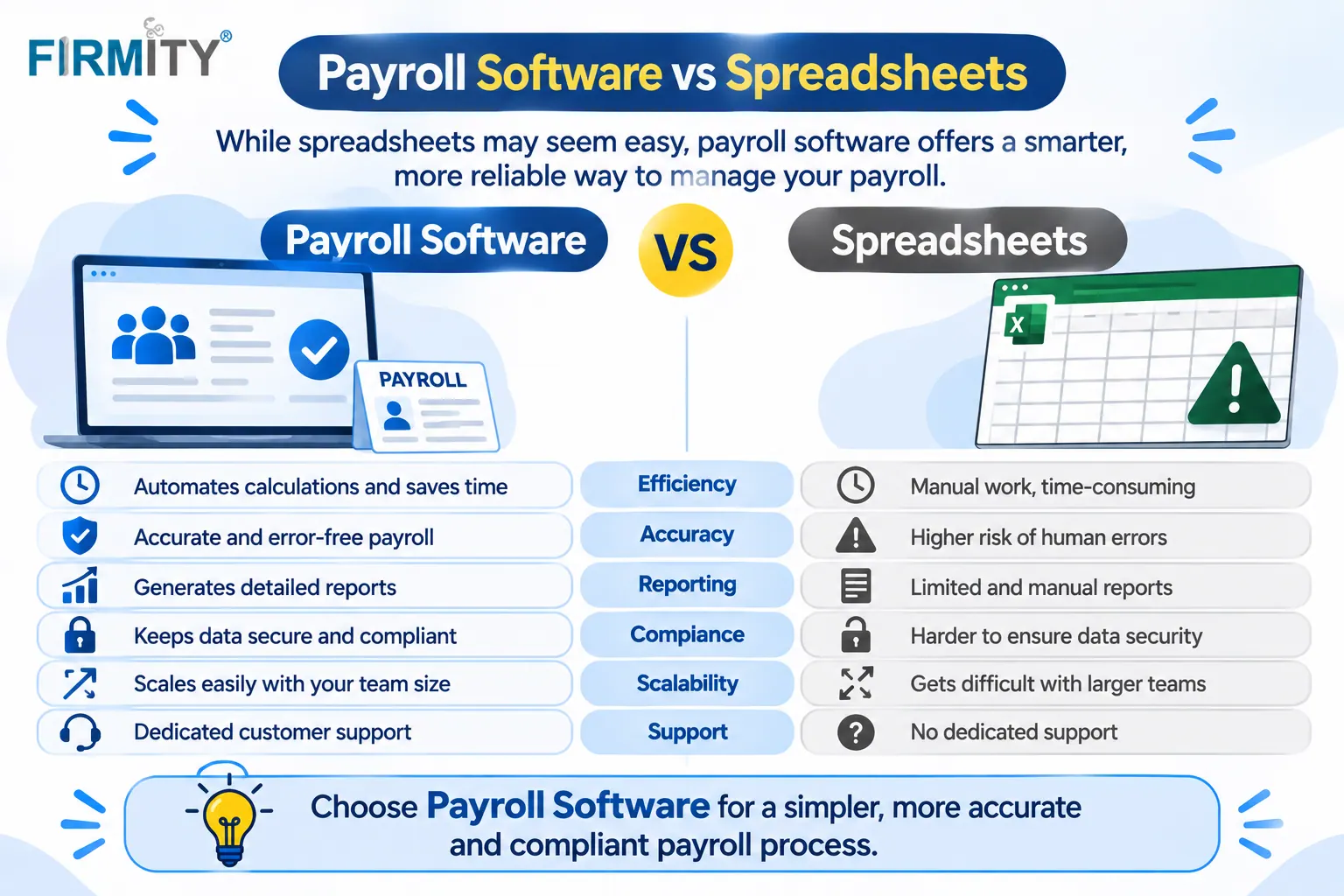
Payroll Software vs Spreadsheets: Side by Side
Factor | Spreadsheet | Payroll software |
|---|---|---|
Starting cost | No cost if you already have the program | Paid, usually by employees or modules |
Accuracy | Depends on someone checking the numbers by hand | Pay rules run identically from one month to the next |
Time per pay run | Effort climbs as the team and pay rules grow | Mostly automated after setup |
Security | Tough to control who can view salaries | Access can be set by role |
Audit trail | Seldom records who edited a figure | Changes recorded with a history |
Scaling | Gets slow and fragile as you grow | Built to handle more people and rules |
Rule updates | You have to watch for rule changes on your own | Often handled by the vendor, depending on the product |
Want to See a Real Month Processed in Software?
It's easier to judge the difference when you can watch your own month run. If your payroll lives in spreadsheets today, you can book a free demo and see how Firmity links attendance, leave and salary records using sample data. Tell the team how you run payroll now, and they'll reply within 24 hours.
The Real Cost Question
Let's be straight about money, because it's the main reason people stay with spreadsheets. A spreadsheet is free to start, and software isn't. That's a fair point, and for a tiny team it can decide the matter.
But a spreadsheet has a cost too, it just hides in time and risk. Hours spent building, checking and fixing each month add up, and so does the cost of a payroll mistake and the awkward conversation that follows. We haven't printed software prices, because plans change often and vary by vendor. When you compare, ask what's included and how the price changes as your headcount grows.
When a Spreadsheet Is Still Enough
Spreadsheets deserve some credit, because there are real situations where they're the right tool. If you pay a handful of people fixed salaries, with no variable pay, and one careful person runs it, a well-built sheet can do the job. The same goes for very short-term or one-off payments. Software in those cases may add more setup than benefit.
If that's you, make your spreadsheet safer. Keep one master file, protect the formulas, limit who can edit it and keep dated copies of each month. Add a simple checklist before each run, such as comparing total headcount and total pay with last month. Just watch for the signs below, because they tend to creep up.
Signs It's Time to Switch
Here's a quick checklist. If a few of these sound familiar, it's probably time to look at software:
Running payroll takes noticeably longer each month than it used to.
You've had repeat errors, or found mistakes after payslips went out.
More than one person edits the payroll file, and changes sometimes clash.
Your headcount, locations or pay rules are growing.
You're asked for records or history and have to rebuild them by hand.
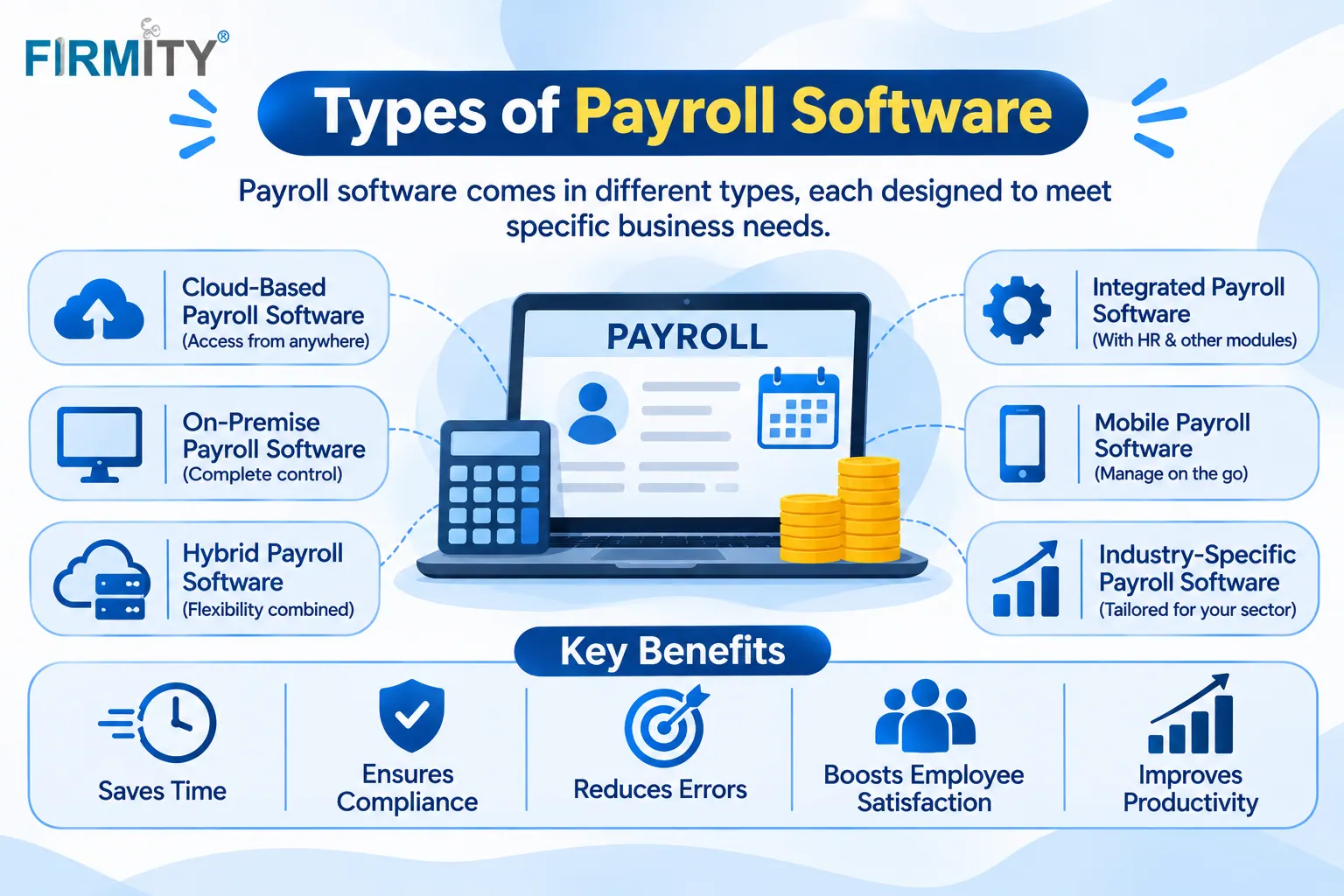
No single sign is a crisis. But when several appear together, the time spent working around the spreadsheet starts to cost more than a tool would. That's usually when teams make the move, and the types of payroll software available can help you work out what shape of tool you need.
Where Firmity Fits In
Since we've been comparing the two, here's a short, honest mention. Firmity's payroll software is an affordable option for teams that want attendance-linked payroll without buying a large HR suite, and the team can quote for your setup. Attendance, leave and salary records sit on the same employee record, and leave and comp-off balances, including CL, SL, EL and comp-off, feed into deductions. You can run payroll across several properties, export reports and limit access by role. It's part of a facility management platform built for teams in manufacturing, education and residential estates, so ask about regional compliance during a demo.
How to Move From a Spreadsheet to Software
Moving goes more smoothly in steps. Start by cleaning your spreadsheet: remove duplicates, fix names, check salary details and fill in gaps, because messy data just travels with you. Then load a small batch into the new tool and see how your columns map to its fields. Run the old and new methods side by side for one full cycle and compare the results line by line.
It's also worth knowing that local rules about wage records and payslips vary by country, and international wage standards, such as those listed by the International Labour Organization, set a general backdrop. So ask any vendor exactly what they support for the places you operate in. If you're still comparing options, this roundup of the top payroll management software is a handy next read.
Mistakes to Avoid When Switching
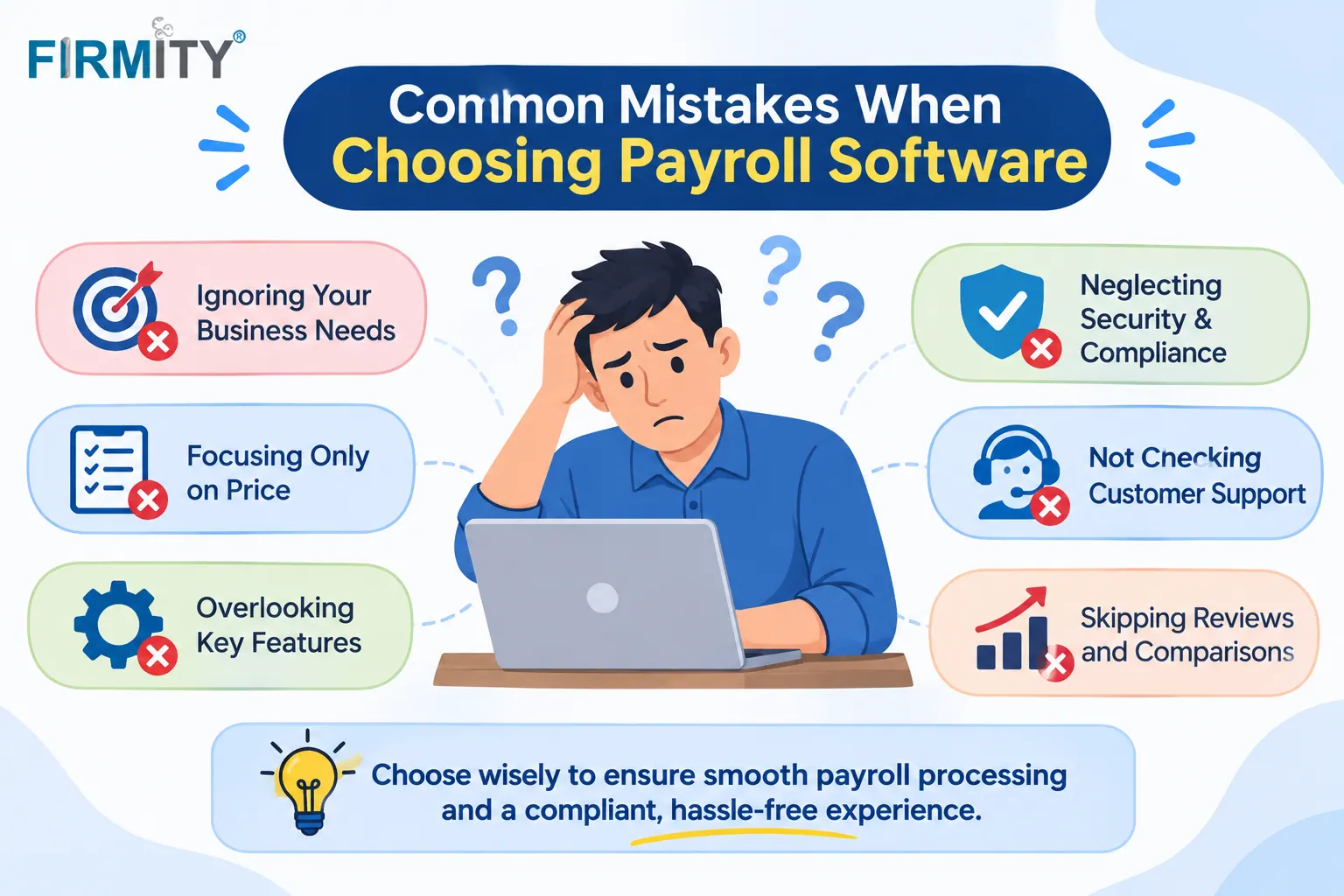
The most common mistake is importing messy data. If your spreadsheet has wrong salary details or duplicates, the new system will have them too, only harder to spot. The second is skipping the parallel run, which means you don't know whether the new tool matches your old results. And the third is having no clear owner, so setup stalls and habits drift back to the old sheet.
If your payroll team finds the tool confusing, they'll quietly return to the spreadsheet. Involve them in the trial and listen to their feedback. A slightly simpler tool that gets used properly beats a powerful one nobody trusts, and a short guide for the first few runs helps a lot.
Final Thoughts
The payroll software vs spreadsheets question really is about size and risk. Keep the spreadsheet while payroll is small and simple, and move to software when errors, time and records start to strain it. If you'd like to see how a month would look in a proper system, you can book a free demo with the Firmity team.
FAQs : Payroll Software vs Spreadsheets
yes, because it automates calculations, reduces errors and keeps records and access under control. For a very small team on simple pay, a spreadsheet can be enough.
Yes, many businesses do, especially at a small scale. The risk is that errors, version confusion and weak records get harder to manage as your team and pay rules grow.
When payroll takes too long, mistakes keep happening, several people edit the file or your headcount and rules are growing. If a few of those apply, it's worth looking at software.
Many tools let you import employee and salary data from a spreadsheet, though how well your columns map varies. Clean your sheet first and ask each vendor how their import works.
Author Bio

Syed Aadam
Syed Aadam is a software engineer with a Bachelor's and Master's in Information Technology with a specialization in Artificial Intelligence and Machine Learning. Having trained, and assisted in training foundational ML models for solving frontier scientific problems at the intersection of biodiversity and technology, Syed Aadam has been working to develop AI-enabled CMMS, ERP and CAFM softwares at Ufirm Technologies.