Asset Management
7 Best ManageEngine AssetExplorer Alternatives | 2026 Guide
· 9 min read
Most searches for ManageEngine AssetExplorer alternatives start the same way: someone opens the tool their company already pays for and realises it doesn't quite match how their team works. Sometimes the mismatch sits on the IT side, where people want something lighter to run. Other times it sits on the operations side, where the asset list is mostly machines and furniture rather than servers and laptops. Whichever camp you're in, the right answer gets much easier once you know what kind of tracking you need. The seven options below are arranged with that question in mind.
This list comes from the pages that rank for this search, including Capterra, GetApp, AlternativeTo and TechnologyCounter, plus a read of each vendor's own description. We haven't tested every product hands-on, so each entry ends with something to check during a demo. Firmity is our product, which is why it takes the first slot, and we've said plainly where it isn't the right fit.
What Pushes Teams to Look Elsewhere
Replacing an asset tool is rarely a dramatic decision. It usually builds up from small irritations, like a screen your colleagues avoid, a report that takes too many clicks, or a renewal that makes you wonder whether you're paying for more than you use. Then one day somebody asks, "Is there something simpler?" and the search begins. That question is perfectly healthy, and it deserves a proper comparison rather than a quick guess.
A few patterns show up again and again:
A large share of your list is machinery, furniture or other physical items, and the tool you have was designed around IT.
The interface feels heavy, so fewer colleagues bother to update records.
Licensing and total cost aren't as clear as you'd like ahead of a renewal.
Your team would rather use a hosted service than look after the software itself.
How We Judged the Options
The most useful way to sort these tools is by the kind of asset each one is built to track, so that's where we started. After that, we compared how quickly a team can get going, how well each tool covers tracking and reporting, and how its pricing is put together. We also kept the IT and physical divide in view, since plenty of comparison pages treat them as the same thing when they aren't.
There are no prices in this guide, deliberately. Vendors adjust plans regularly and many charge by device, user or feature, so any figure printed here could be stale within weeks. Treat the last column in the table below as a list of questions for your demo call. Whatever the salesperson answers live will tell you more than a number on a web page.
The 7 Options at a Glance
Option | Built mainly for | What it tracks | Worth asking about |
|---|---|---|---|
Firmity | Teams with physical assets and service schedules | Equipment, furniture and facility items | Whether its asset fields suit your categories |
Lansweeper | IT teams who want network visibility | Devices and software on a network | How discovery works across several offices |
Freshservice | IT teams running a service desk | IT assets alongside tickets | How asset features are packaged in your plan |
Atera | Small IT teams and service providers | IT assets within a wider IT toolkit | What your device count costs |
Reftab | Teams that lend equipment out | General assets with check-in and check-out | Reporting once your list grows |
Asset Infinity | Teams wanting a broader asset product | Varied asset types | Which modules apply to your setup |
xAssets | Larger organisations | Complex enterprise asset estates | Rollout effort and support |
7 ManageEngine AssetExplorer Alternatives, One at a Time
1. Firmity
Asset management software from Firmity starts from a simple idea: every item you own deserves its own record. That record holds the asset's category, location, status, value and ownership type, and a QR code lets anyone open it with a quick scan. Service due dates, warranty and AMC expiry and movement history are tracked against the item, and maintenance tasks link straight back to it. Spare parts can be attached as well, so a technician knows what an asset needs before walking over to it. The tool is aimed at facility teams in manufacturing, education and residential estates.
One limit is worth stating up front. Firmity's public pages are about physical assets, not network scanning or software licence tracking, so a team whose main job is mapping every device on a network will be better served by an IT-first product. If your daily questions are "where is it, who has it and when is it due for service", though, that's the job Firmity is built around.
2. Lansweeper
Lansweeper keeps surfacing whenever IT teams compare asset tools, and AlternativeTo lists it as the top alternative to AssetExplorer. Its reputation rests on discovering and mapping the devices connected to a network, giving IT staff a live view of what's out there. If visibility is what you lack, that focus is a real advantage. It does, however, solve a different problem from tracking chairs or lathes, so confirm the fit before you invest time. Ask how discovery behaves across several offices.
3. Freshservice
Freshservice is an IT service management platform where asset tracking is one piece of a larger picture. Capterra places it among the top alternatives to AssetExplorer, which makes sense for IT teams already handling tickets and requests. The draw is having assets, incidents and service requests under one roof. The trade-off is that you're signing up for a wider service desk, not just an asset register. Find out how asset features are packaged in the plan you'd actually buy.
4. Atera
Atera is built around IT work, and it’s used by small in-house IT teams as well as managed service providers who support other businesses. Capterra includes it in its list of top AssetExplorer alternatives. Asset records live alongside remote monitoring and management in the same product, so a single login covers several jobs. That convenience is a plus for IT-heavy teams and an unnecessary extra if most of your assets aren’t computers. When you speak to the vendor, find out how pricing changes with the number of devices you manage.
Mostly Tracking Machines and Furniture?
If your asset list is dominated by equipment, furniture and facility items, an IT-first tool can feel like wearing someone else's shoes. Firmity gives each asset its own page with a QR code, service reminders and a movement trail, so your team can find an item and see its status in seconds. Tell the team what you're tracking right now, and they'll get back to you within 24 hours.
Talk to the Firmity team and book a demo
5. Reftab
Reftab is a straightforward asset tracker, and Capterra lists it among the leading alternatives to AssetExplorer. It's known for simple tracking and for letting people check items in and out, which suits shared laptops, cameras and loaned equipment. The simplicity is deliberate, so it appeals to teams that find larger systems cumbersome. If you need deep IT discovery or a full service desk, it won't cover that. Check how its reporting holds up once your list gets longer.
6. Asset Infinity
Asset Infinity appears on TechnologyCounter's list of AssetExplorer alternatives and is positioned as an asset management product. It's worth shortlisting if you want something broader than a purely IT-focused tool. Public detail on its features is limited, so we'd rather be cautious than guess at specifics. The practical move is to book a demo and bring a list of your real asset types. Confirm which modules apply to your setup before comparing it with the rest.
7. xAssets
xAssets is also on TechnologyCounter's list and is usually associated with larger organisations that have complicated tracking needs. If you manage a big estate with many asset categories, it may deserve a conversation. Tools at that scale tend to need a proper rollout, so plan time and people for it. Ask about implementation effort and ongoing support before you add it to your shortlist. For a smaller team, a lighter product is likely to be more comfortable.
IT Assets or Physical Assets: Pick Your Lane
The two types of tool work in very different ways. IT asset products rely on discovery: they scan your network, list devices and software, and watch licences. Physical asset products rely on records: each item gets a profile with its location, owner, service dates and history, and people scan a code to pull it up. Both get called asset management, but they answer different questions.
So ask yourself what's eating your time at the moment. If it's knowing what is plugged into your network, an IT tool fits. If it's hunting for equipment, remembering service dates or satisfying an auditor, a record-based tool fits better. For a refresher on the basics, take a look
at our explainer on what is asset management software.
Narrowing Your Shortlist
Begin with an honest inventory of what you track, split by type and roughly by quantity. Next, note who will use the tool every week, because a system only works if people open it. Add what it must connect with and a realistic budget that includes setup and training. To compare more products side by side, our roundup of the top asset management software in India is a handy next read.
Once two or three names remain, test each with a small slice of your own data instead of a canned demo. Load around twenty items, assign a few to colleagues, then try finding and updating them. How natural that feels will tell you a lot. And if you want to double-check what AssetExplorer itself currently offers before comparing, ManageEngine's official AssetExplorer page is the place to look.
Leaving AssetExplorer: A Safe Way to Move Your Data
A staged move is far less stressful than a big-bang switch. Export your asset list first and store a copy somewhere safe. Clean up duplicates and outdated entries before importing, since messy data tends to travel with you. Bring in a small batch to see how fields map across, then run the old and new tools together for one full cycle. Compare the results carefully before you retire the old system.
Final Thoughts
Sorting through ManageEngine AssetExplorer alternatives is easier once you know whether you're tracking networks or things. List your asset types, shortlist two or three tools and try each with a small sample of your own records. If most of what you track is physical, a chat with the Firmity team will show you whether a record-based tool is the simpler route.
Also Read
FAQs : ManageEngine AssetExplorer Alternatives
It depends on what you track. Lansweeper is a common pick for network discovery, Freshservice for IT teams that want a service desk, and Firmity for physical assets with service schedules.
AlternativeTo describes Lansweeper as a free option, but plans and limits change. Check what each vendor's free version actually includes before you rely on it.
Usually you can export asset records and import them into a new tool. Ask each vendor how their import handles field mapping before you commit.
Choose IT asset software if your main need is discovering network devices and managing software licences. Choose physical asset software if you mostly track equipment, service dates and locations.
Author Bio

Syed Aadam
Syed Aadam is a software engineer with a Bachelor's and Master's in Information Technology with a specialization in Artificial Intelligence and Machine Learning. Having trained, and assisted in training foundational ML models for solving frontier scientific problems at the intersection of biodiversity and technology, Syed Aadam has been working to develop AI-enabled CMMS, ERP and CAFM softwares at Ufirm Technologies.
Talk to our team
Questions about facility management software? Leave your details and we'll get back to you within 24 hours.
More on Asset Management
7 Best Zoho Creator Alternatives in 2026 (Compared for Indian Businesses)
Looking for a Zoho Creator alternative? Compare 7 options, from low-code builders to ready-made tools, and find the right fit for your team.
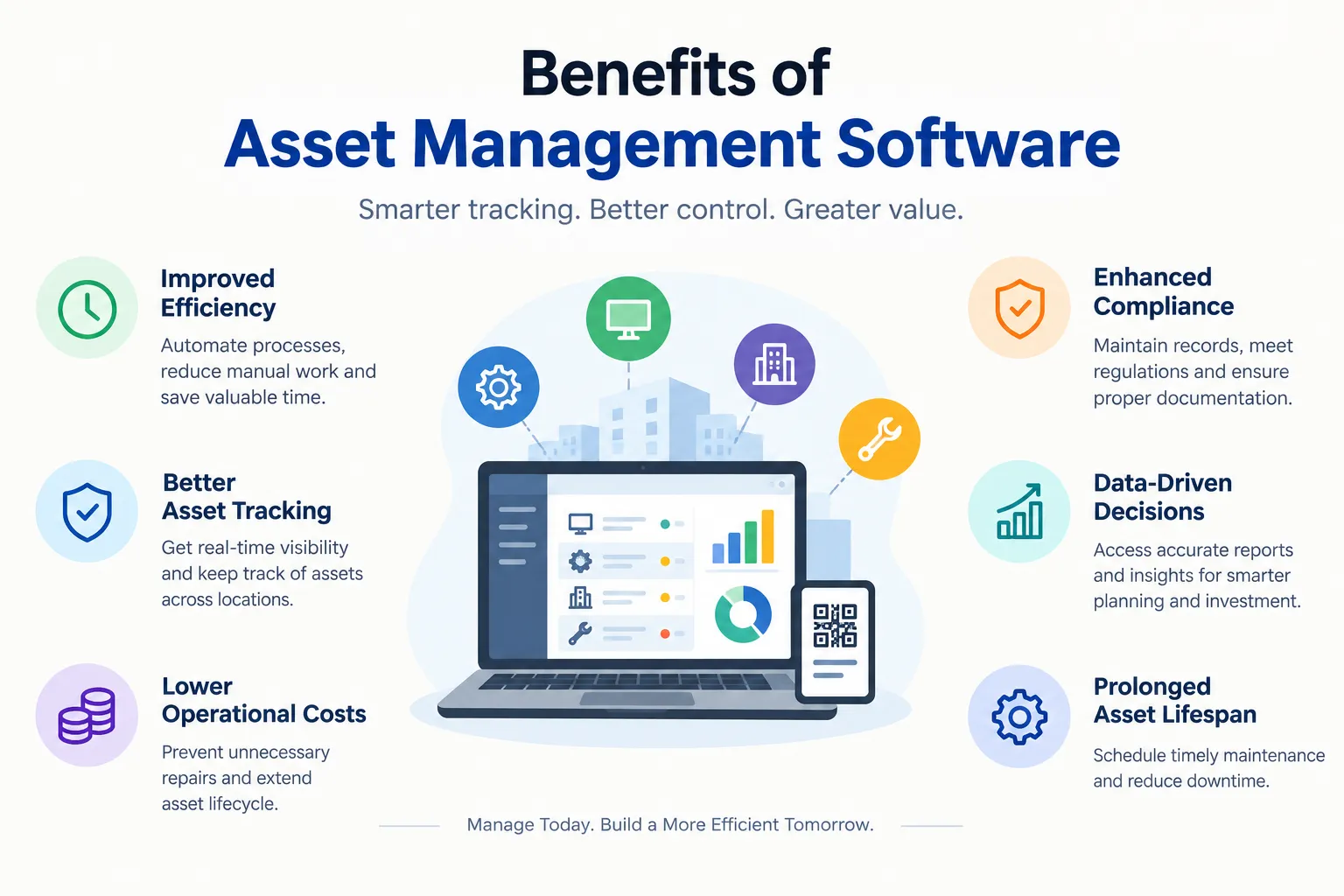
Benefits of Asset Management Software: 10 Ways It Helps Your Business
Wondering about the benefits of asset management software? See 10 practical advantages, from time and cost savings to better audits and decisions.
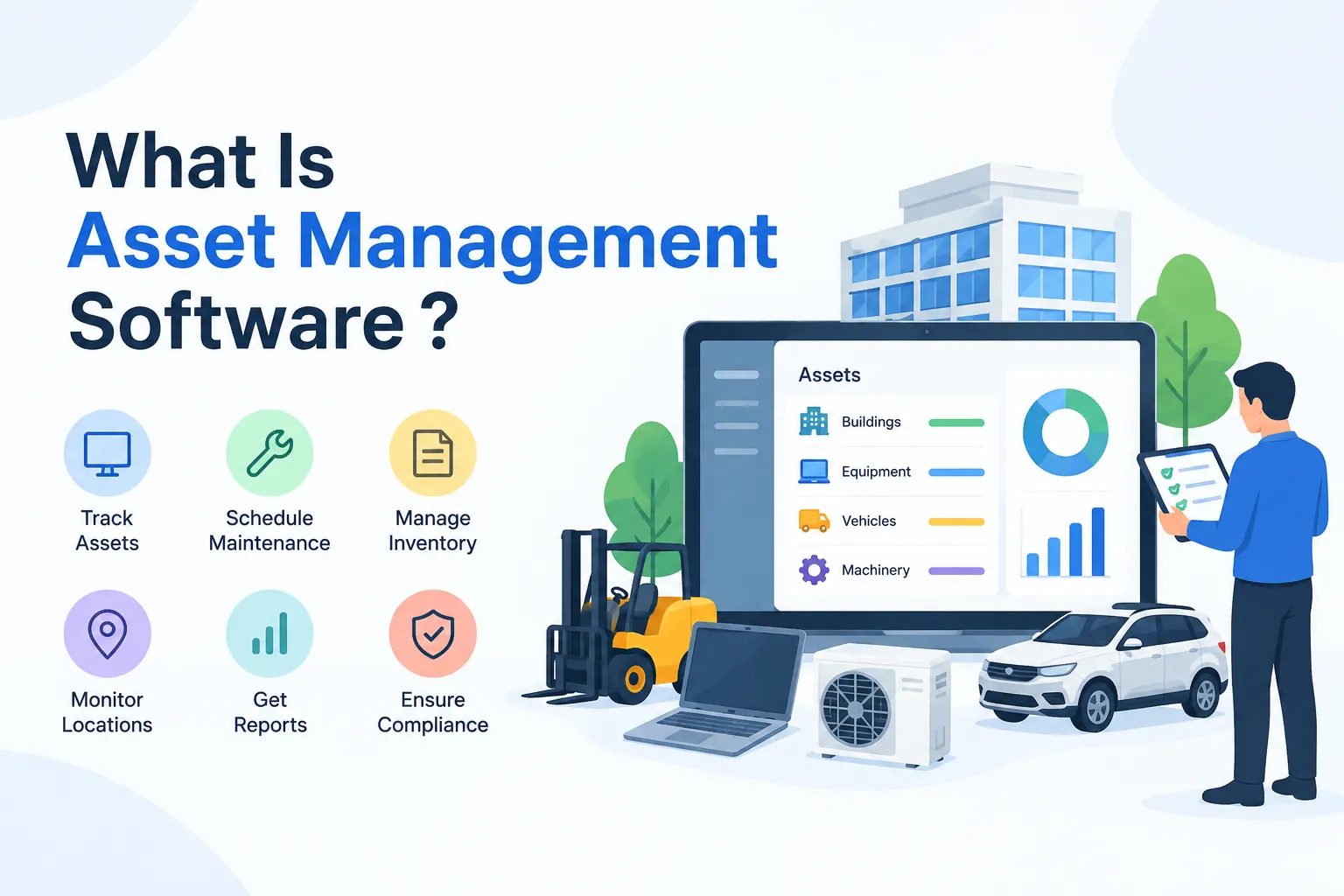
What Is Asset Management Software? A Simple Guide for Growing Teams
What is asset management software? Learn how it works, its key features, types and benefits, plus simple tips to choose the right one for your team.
