Asset Management
7 Best Zoho Creator Alternatives in 2026 (Compared for Indian Businesses)
· 9 min read
If you're hunting for a Zoho Creator alternative, you've probably already built something in it, or at least tried to. Maybe the app took longer to shape than you expected, maybe the costs crept up as more people joined, or maybe you're just curious what else is out there. Either way, it's a fair question, and the answer depends on one thing: do you want another app builder, or do you simply want a finished tool for the job? This guide covers seven Zoho Creator competitors in plain language, so you can shortlist without drowning in vendor pages.
Some background first. Zoho Creator is a low-code platform that lets teams build custom business apps with limited coding, and Zoho describes it as a way to turn spreadsheets and manual processes into working apps. We compared how the top-ranking guides frame its alternatives, then gathered details from vendors' own pages and public listings. We haven't run hands-on tests of every tool, so we've pointed out what to confirm on a trial. Firmity is our own product, so it sits first, and we've explained clearly who it suits.
Why Teams Look Beyond Zoho Creator
Most people don't leave a tool because it's broken. They leave because the way they use it has changed. A small app built for one team becomes something five teams rely on, and suddenly every tweak needs somebody who knows the platform well. Others find that building from scratch eats more time than the problem was worth, especially when a ready-made tool already exists for the job.
These are the reasons that come up most often in comparison pages and user discussions:
The learning curve can feel steep for people new to low-code, even with drag-and-drop tools.
Costs can grow as more users, apps or records get added.
Some teams want a more flexible look and feel for the screens their staff or customers use.
A few worry about depending too heavily on one vendor's ecosystem.
How We Picked These Alternatives
We sorted the options by approach, because a spreadsheet-style builder and a ready-made tracker solve very different problems. Then we looked at five things: how easy it is to get started, how flexible the apps can be, what integrations are available, how pricing works and how much support you can expect. We've also thought about a question many guides skip: is it better to build or to buy?
You won't see prices in this guide. Most vendors price by users, records or apps, and plans change often, so a figure printed here could be wrong by the time you read it. Use the "ask on the trial" column below as your checklist instead. A short trial with one real workflow will teach you more than any comparison table.
Zoho Creator Alternatives at a Glance
Option | Approach | Good fit when | Ask on the trial |
|---|---|---|---|
Firmity | Ready-made tool for assets and stock | You built a custom app just to track assets or inventory | Whether its modules cover your exact process |
Airtable | Spreadsheet-style database with app features | Your team thinks in rows, columns and views | How plan limits on records and users fit your data |
Softr | No-code apps and portals on top of your data | You want a clean front end over data you already hold | Which data sources it connects to |
Clappia | No-code apps for forms and field work | Your team collects data on the move | How it handles approvals and reporting |
Knack | No-code database apps | You need structured, database-driven apps | How permissions and records scale |
Tadabase | No-code builder for data-heavy apps | You manage large or complex datasets | Performance with your data volume |
Baserow | Open-source no-code database | You want control and a self-hosting option | Who sets up and maintains it |
The 7 Best Zoho Creator Alternatives
1. Firmity
Sometimes the reason people build something in an app builder is simple: they needed to track assets or stock and couldn't find a tool that fit. If that's your story, asset management software from Firmity may save you the building altogether. Each asset gets a single record covering its category, location, status, value and ownership type, and a QR code can open that record with a quick scan. Service due dates, warranty and AMC expiry, movement history and linked spare parts all sit against the asset. On the stock side, Firmity's inventory software handles items, purchase orders, vendor rate cards and goods receipts in the same cloud platform.
The trade-off is that Firmity is a finished tool, not a blank canvas. You won't build a custom CRM or a client portal in it, and that's by design. If your needs are asset and stock tracking, you skip the build and the maintenance. If you need something entirely custom, one of the builders below is a better route.
2. Airtable
Airtable looks and feels like a spreadsheet, but behaves like a database, with views, forms and simple app features on top. That familiarity is its biggest strength, because people who live in spreadsheets pick it up quickly. It appears often on lists of Zoho Creator competitors, including AlternativeTo's. Teams use it to track projects, content, inventory and much more. Check how plan limits on records and users line up with your data, since those limits shape the real cost.
3. Softr
Softr is a no-code tool that turns data into apps and client portals, and it typically sits on top of data you already keep elsewhere. That makes it appealing if your information lives in a database or spreadsheet and you want a clean front end for staff or customers. The screens are designed to be tidy and easy to share. Softr also publishes its own roundup of Zoho Creator alternatives, so it’s worth balancing what it says with independent reviews. Confirm which data sources it connects to before you commit.
4. Clappia
Clappia is a no-code builder focused on forms, inspections and field work, which makes it a natural fit for teams that gather data away from their desks. Think site checklists, audits and approvals filled in on a phone. It's built by an India-based company, so it's often on Indian shortlists. If your Zoho Creator app is mostly a collection of forms with workflows behind them, it's worth a trial. Ask how it handles approvals, offline use and reporting in your situation.
Built an App Just to Track Assets or Stock?
Here's a thought before the last three options. If your custom app does one main job, which is keeping track of what you own and what's in the storeroom, you may be maintaining more software than the job needs. Firmity gives each asset a record with QR codes, service reminders and movement history, and keeps stock, purchase orders and vendor rates in the same platform. Tell the team what you're tracking today, and they'll reply within 24 hours.
Talk to the Firmity team and book a demo
5. Knack
Knack is a no-code platform for building database-driven apps, and it publishes its own comparison of Zoho Creator alternatives. It's aimed at business teams who want structured apps with records, permissions and reports. That structure suits things like membership systems, internal tools and portals. Because it's a database at heart, planning your data model first makes the build much smoother. Ask how permissions and record limits behave as your team grows.
6. Tadabase
Tadabase is a no-code builder for apps that handle a lot of data, and it also has its own guide to Zoho Creator competitors. It's a sensible stop if your records are numerous or your relationships between them are complicated. Teams use it to build dashboards, portals and workflow tools without writing much code. As with any builder, the real test is your own data. Try it with a realistic sample and watch how it performs.
7. Baserow
Baserow is an open-source no-code database, and AlternativeTo lists it among Zoho Creator alternatives. The open-source route appeals to teams that want control over where their data lives and a way to avoid heavy vendor dependence. It's a lighter tool than a full app platform, so it works best when your needs centre on data and views. If you plan to host it yourself, treat setup and upkeep as part of the cost. Ask who on your team will look after it.
Build vs Buy: When a Ready-Made Tool Wins
Building feels cheaper at first, because you control every detail and pay only for the platform. The hidden cost is time: someone has to design the app, test it, fix it and keep it running when the team's needs change. That's fine when your process is truly unique. It's less fine when you're recreating something that thousands of other teams already do, like asset registers or stock ledgers.
A useful test is to write down the three screens your team uses every day. If a ready-made tool already offers them, buying usually wins on speed. If you can't find a tool that fits, building is the right call, and any of the builders above can help. For more on ready-made options in this area, see our roundup of the top asset management software in India.
How to Choose the Right Zoho Creator Alternative
Begin by listing what your current app actually does, in plain words. Then count your users and the volume of data you expect to hold in a year or two. Think about integrations too, since an app that can't talk to your other tools becomes another silo. If you're comparing against Zoho's own platform, its official Zoho Creator page is the best place to confirm what it currently offers.
Once you have a shortlist of two or three, trial each with one real workflow instead of a demo project. Pick something your team does weekly, build or set it up, and let two or three colleagues use it for a few days. Their feedback will quickly show which tool feels natural and which one feels like homework.
Moving Out of Zoho Creator Without Losing Your Data
The safest way to move is in small steps. Start by exporting your data, and keep a copy somewhere safe in case you need to refer back. Rebuild just one workflow in the new tool first, so you learn its quirks before you move everything. Run the old and new versions side by side for a full cycle, and compare results before you switch off the old app. That way, a hiccup affects one process and not your whole operation.
FAQs : Zoho Creator Alternatives
There isn't one winner, because it depends on what you need. For another app builder, Airtable, Softr, Clappia, Knack and Tadabase are common picks. If you built a custom app mainly to track assets or stock, a ready-made tool like Firmity may be simpler.
Baserow is open source and can be self-hosted, which some teams prefer for cost and control. Remember that self-hosting means time spent on setup and upkeep. Check each vendor's current plans, since free tiers change.
Usually you can export records from your apps and import them into another tool. What's included depends on your plan and how the app was built, so confirm the details before you plan a move.
Buy when your process is common, such as tracking assets or stock, and a tool already covers it. Build when your process is truly unique and nothing off the shelf fits.
Author Bio

Syed Aadam
Syed Aadam is a software engineer with a Bachelor's and Master's in Information Technology with a specialization in Artificial Intelligence and Machine Learning. Having trained, and assisted in training foundational ML models for solving frontier scientific problems at the intersection of biodiversity and technology, Syed Aadam has been working to develop AI-enabled CMMS, ERP and CAFM softwares at Ufirm Technologies.
Talk to our team
Questions about facility management software? Leave your details and we'll get back to you within 24 hours.
More on Asset Management
7 Best ManageEngine AssetExplorer Alternatives | 2026 Guide
Looking for ManageEngine AssetExplorer alternatives? Compare 7 asset management options and find the right fit for your team.
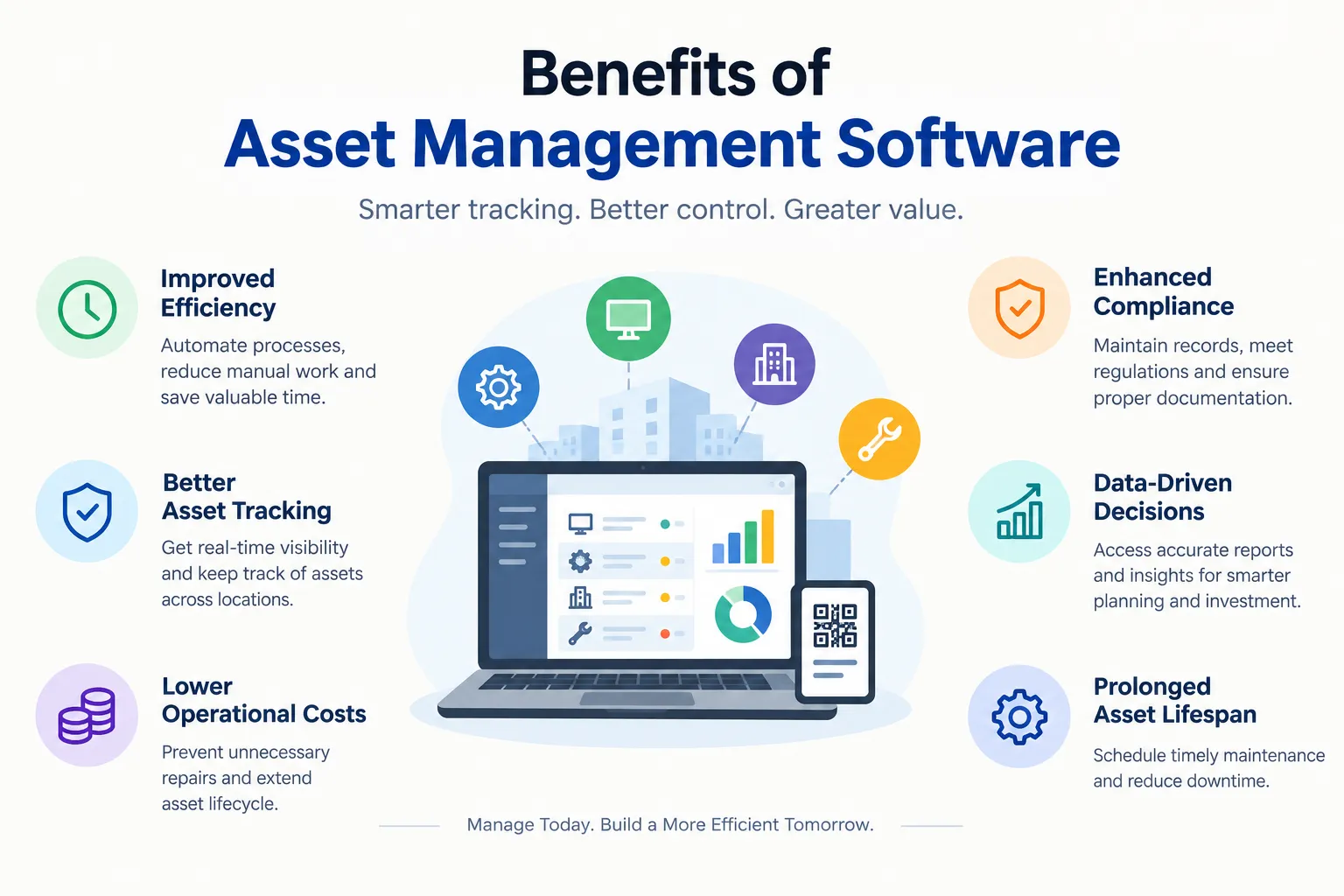
Benefits of Asset Management Software: 10 Ways It Helps Your Business
Wondering about the benefits of asset management software? See 10 practical advantages, from time and cost savings to better audits and decisions.
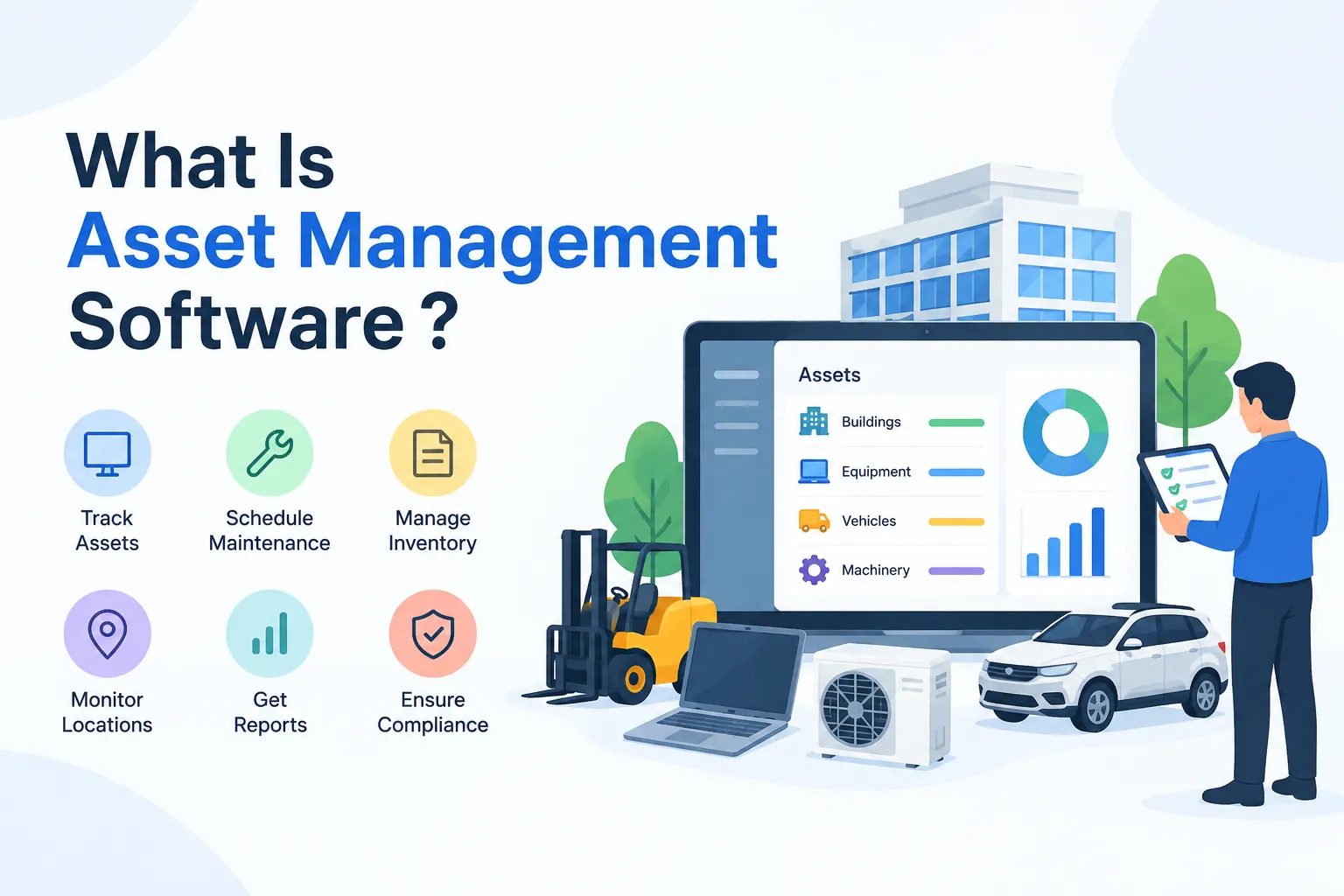
What Is Asset Management Software? A Simple Guide for Growing Teams
What is asset management software? Learn how it works, its key features, types and benefits, plus simple tips to choose the right one for your team.
