Inventory Management
How to Reduce Overstocking and Inventory Costs: 9 Practical Steps
· 8 min read
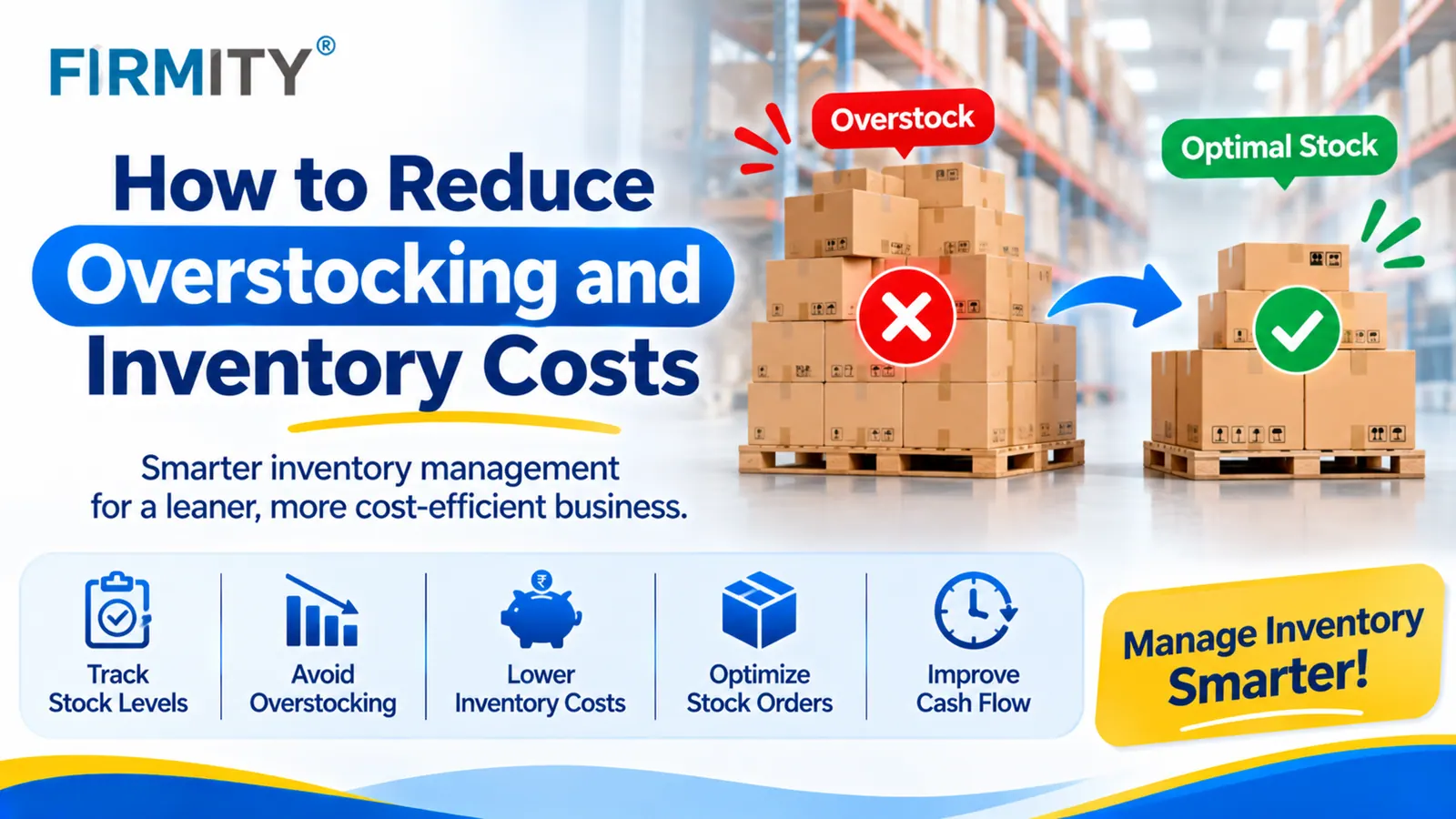
To reduce overstocking and inventory costs, know what you hold, reorder based on real use and clear slow stock before it costs more.
Businesses can reduce overstocking and control unnecessary expenses by using inventory management software to monitor stock levels, track product movement, and plan purchases based on demand. It helps maintain the right quantity of stock, avoid excess purchasing, and reduce storage costs. These are among the key benefits of inventory management software, helping businesses improve inventory control while making better use of their working capital.
You can’t fix what you can’t see, and inventory management software is the easiest way to see stock levels across items and locations in one place. But the software only helps if you know what to look for. Nothing here needs a big budget, just a bit of discipline and a regular routine. In this guide, we’ll explain what overstocking really costs, show you how to work out your holding costs, and walk through nine practical steps you can start this week.
What Is Overstocking?
Overstocking means holding more stock than you need to meet real demand. It can happen with finished goods that sell slower than expected, with raw materials bought in big batches and with spare parts ordered “just in case” and never used. The stock isn’t necessarily bad. There’s just more of it than your business can use or sell in a sensible time.
Why Overstocking Costs More Than It Looks
The price you paid is only the start. Cash tied up in stock can’t be used for anything else, and you pay to store it, insure it and handle it. Some of it gets damaged, lost or stolen along the way, which people call shrinkage. And the longer it sits, the more likely it is to go out of date, which is where obsolescence turns a small problem into a write-off.
Accounting rules make that last point very real. Standards such as IAS 2 require inventories to be carried at the lower of cost and net realizable value, which means stock that won’t sell for at least what it cost eventually has to be written down. Your accountant will know how this applies to you, but the lesson is simple: slow stock gets more expensive the longer you keep it.
What Inventory Holding Costs Include (with a Simple Example)
Holding costs, sometimes called carrying costs, are everything it costs you to keep stock over a year. They usually include the cost of the money tied up in stock, storage space, insurance, handling labor, shrinkage and obsolescence. Some businesses also count taxes on stock and the systems used to manage it. Adding these up gives you the real price of holding what you hold.
To turn that into a percentage, use this formula: holding cost rate = annual holding costs ÷ average inventory value × 100. Here’s a made-up example, just to show the method. Say your annual holding costs add up to 24,000 and your average inventory is worth 120,000. That’s 24,000 ÷ 120,000 × 100, or 20%. Every 10,000 worth of slow stock then quietly costs about 2,000 a year to keep, before any write-down.

Common Causes of Overstocking
Overstocking usually has ordinary causes. Guessing demand instead of using real usage data is the most common, closely followed by buying in bulk for a discount you don’t really need. Poor records play a big part too, because you can’t tell you already have enough if the numbers are wrong. Seasonal swings, where you over-buy for a peak that doesn’t arrive, and duplicate orders, where two people reorder the same item, round out the usual list.
9 Practical Steps to Reduce Overstocking and Inventory Costs
Here are nine steps, in the order that tends to work best. You don’t have to do them all at once. Start with the first two, which make everything else easier.
1. Get Accurate Stock Records First
Nothing else works if the numbers are wrong. Do a count, compare it with your records and fix the differences, whether they’re wrong units, missing locations or duplicate items. It’s not glamorous, but accurate records are the base for every decision that follows.
2. Find Your Slow-Moving and Dead Stock
List items by when they last moved. Decide on a cut-off that suits your business, such as no movement for a set number of months, and flag everything beyond it. Slow stock isn’t always dead stock, but you can’t decide what to do about it until you can see it.
3. Set Sensible Reorder Points
A reorder point tells you when to buy more. A common way to work it out is average daily usage multiplied by lead time, plus a safety stock for surprises. Set it too high and you overstock, too low and you run out, so review it as demand changes.
4. Order Based on Real Usage
Look at what you actually used over recent months, not what you hoped to use. Compare it with what you ordered, and adjust order quantities toward real consumption. If usage is patchy, order smaller amounts more often where suppliers allow it.
5. Use ABC Analysis to Focus Attention
ABC analysis sorts items by value or usage. A items are the high-value ones that deserve tight control, B items need moderate attention and C items are the low-value ones you can manage with simple rules. It stops you spending effort on cheap items while expensive ones drift.
6. Review Suppliers and Order Sizes
Check minimum order quantities and lead times with your suppliers. Shorter lead times let you hold less, and some suppliers will accept smaller orders or scheduled deliveries. Also look for duplicate suppliers and duplicate orders, which quietly inflate stock.
7. Clear Surplus: Use Up, Return, Transfer or Discount
Once you know what’s surplus, choose an action. You might use it up in place of new orders, return it if the supplier allows, transfer it to a site that needs it or discount it to sell. Check supplier return terms first, and talk to your accountant about any write-downs.
8. Count Regularly
Counting a few items often, sometimes called cycle counting, beats one huge annual count. It catches errors early and keeps your records trustworthy, so your reorder points and surplus lists stay reliable. Focus on your A items first.
9. Track a Few Metrics Monthly
Pick a handful of numbers and look at them every month: your holding cost rate, inventory turnover, which is cost of goods sold divided by average inventory, the value of slow stock and how often you run out. If they move in the right direction, your changes are working.
Quick Action Plan
Short on time? Here’s a simple plan with one small action per step, plus a sign that it’s working.
Step | What to do this week | Sign it’s working |
|---|---|---|
1. Accurate records | Count your top items and fix differences | Counts match records |
2. Slow and dead stock | List items with no recent movement | A clear surplus list exists |
3. Reorder points | Recalculate for your top items | Fewer panic orders |
4. Order from real usage | Compare last orders with actual usage | Orders track consumption |
5. ABC analysis | Sort items into A, B and C | A items get the attention |
6. Suppliers and order sizes | Ask for smaller or more frequent deliveries | Lower stock on hand |
7. Clear surplus | Pick one action for each surplus item | Slow stock value falls |
8. Count regularly | Start counting a few items each week | Fewer surprises |
9. Track metrics | Record your holding cost rate and turnover | Numbers move the right way |
How Inventory Software Helps
Doing all of this in spreadsheets is possible, but it gets slow as items and locations grow. Inventory software helps in five ways. It shows real-time stock levels, so you can spot overstock early. It manages purchase orders, so duplicates are easier to catch. It sends alerts when stock falls below minimum levels, so reordering is planned. It produces reports on slow movers and usage, and it gives a multi-location view so surplus in one place can fill a gap in another.
Where Does Firmity Fit In?
Firmity’s inventory module is built for facility and maintenance teams managing spares and consumables across sites. You can keep an item catalogue with minimum stock levels and reorder alerts, store vendor rate cards, raise purchase orders with approvals and record full or partial deliveries through goods receipts. Stock ledgers and transfers between properties show where surplus sits, which helps you move stock instead of buying more.
Firmity is also an affordable option, which helps when stock control is one of many budget lines. To be fair, its public pages focus on facility spares and purchasing, so ask about forecasting and barcode support in a demo if you need them. To see it with your own item list

Common Mistakes
Cutting stock too hard. In the rush to free up cash, some teams slash stock and then face shortages and rush orders that cost more than they saved. Reduce gradually, protect your critical items and keep a sensible safety stock.
Ignoring spare parts. Spares and consumables often get overlooked because they’re small, but they pile up quietly, and a missing one can stop a machine. Include them in your counts, your slow-stock review and your reorder points.
Fixing symptoms, not causes. Clearing a pile of surplus feels good, but if forecasting and ordering habits don’t change, the pile grows back. Ask why it happened, whether it was guessing, bulk buying or bad records, and fix that too.
The Bottom Line
Reducing overstocking isn’t about holding as little as possible. It’s about holding the right amount, knowing what you have and clearing what you don’t need before it costs more. Start with accurate records and a list of slow stock, and build from there. If you manage facilities and spares, talk to the Firmity team and bring your item list.
Also Read—Inventory Accuracy: What It Is and How Inventory Software Improves It
FAQs : Reduce Overstocking and Inventory Costs
Start by getting accurate records, then find slow and dead stock, set sensible reorder points and order based on real usage. Clear surplus by using it up, returning it, transferring it or discounting it, and keep checking with regular counts and a few monthly metrics.
They’re the costs of keeping stock over time: the money tied up, storage, insurance, handling, shrinkage and obsolescence. A common way to express them is as a percentage: annual holding costs divided by average inventory value, multiplied by 100.
Warning signs include stock that hasn’t moved for a long time, low inventory turnover, crowded storage, frequent write-offs and ordering more than you consume. Comparing what you hold with how much you actually use is the clearest test.
Yes. Inventory software shows real-time stock levels, flags slow movers, sends reorder alerts and keeps purchase orders organized, so you can act earlier. It works best when your records are accurate and someone owns the process.
Author Bio

Syed Aadam
Syed Aadam is a software engineer with a Bachelor's and Master's in Information Technology with a specialization in Artificial Intelligence and Machine Learning. Having trained, and assisted in training foundational ML models for solving frontier scientific problems at the intersection of biodiversity and technology, Syed Aadam has been working to develop AI-enabled CMMS, ERP and CAFM softwares at Ufirm Technologies.