Inventory Management
Best Inventory Management Software for Small Business
· 11 min read
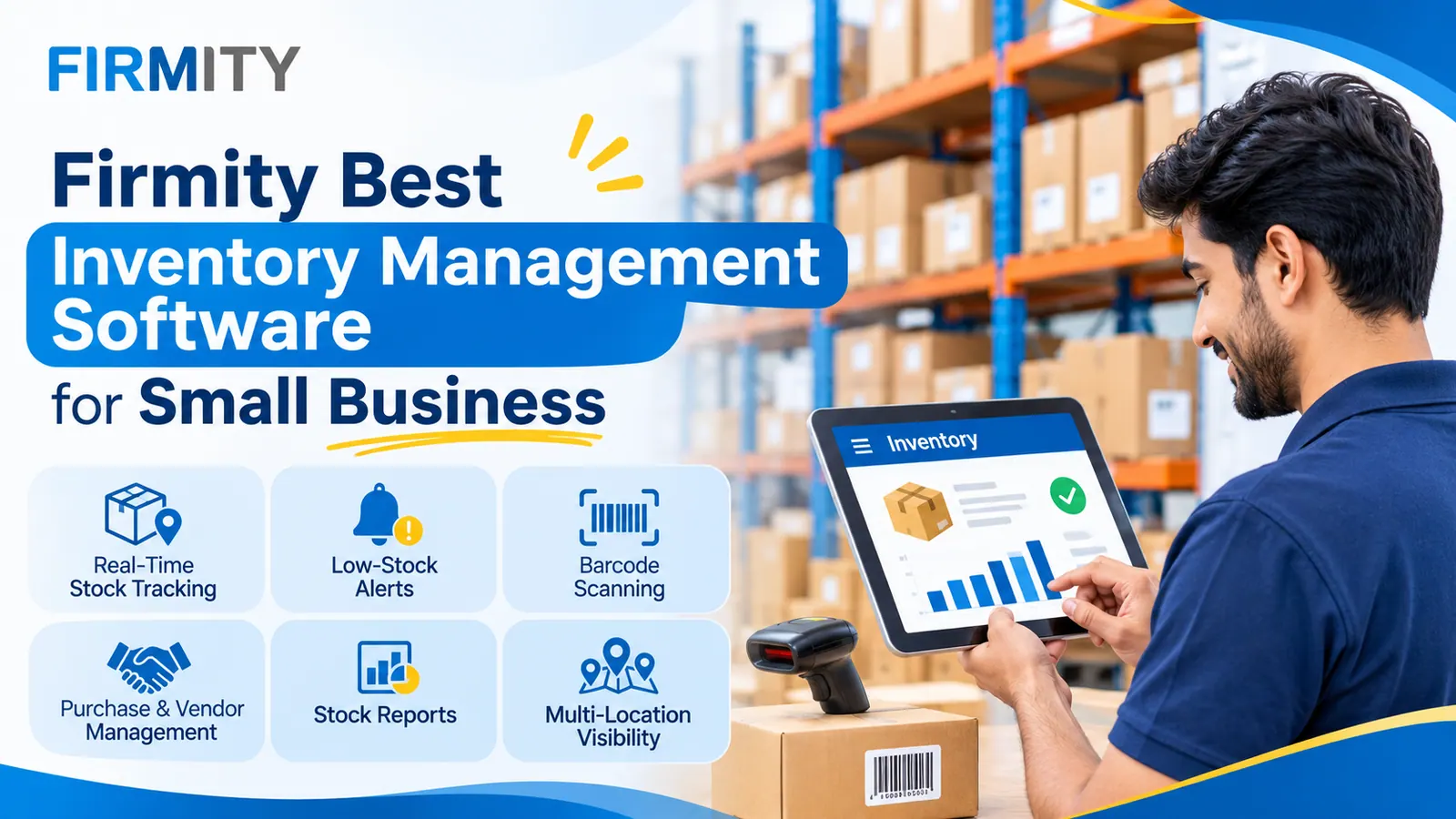
The best inventory management software for small business is the one that matches how you actually move stock, with real-time tracking, simple purchasing, easy setup and room to grow. Start by naming your biggest stock problem, then pick the tool that solves it.
That sounds obvious, but it's the step most people skip. They compare long feature lists, get dazzled, and end up with software that's either too complicated or too basic. In this guide, we'll look at why inventory control matters for small businesses, what you gain from it and how to choose a tool without second-guessing yourself. Along the way, we'll show where Firmity fits and who it suits best.
A quick note on how this was written. We looked at how well-known guides approach this question, including pages from Tally Solutions, Cleverence and FitSmallBusiness, and noticed that most dive straight into products. We've started with your needs instead. Firmity Facility management software is our product, so it gets its own section near the end, clearly labeled.
What Is Inventory Management?
Inventory management is how a business keeps track of the things it buys, stores and uses or sells. That includes raw materials, spare parts, supplies and finished goods. The goal is simple: have enough of what you need, without tying up money in what you don't. Software makes that easier by recording every receipt, issue and transfer in one place.
If you want the full picture of what the tools do, our overview of inventory software is a good starting point. For this guide, all you need to know is that the software becomes your single, shared record of stock. Everyone looks at the same numbers instead of their own lists.
Why Inventory Control Matters for a Small Business
Small businesses feel inventory mistakes more sharply than big ones. There's less cash to absorb overbuying, and less room for a stockout to go unnoticed. A single missing part can stall a job, and a shelf of unsold goods can quietly eat your working capital. Both problems usually come from the same root: nobody had a clear, current picture.
There's also a time cost. Without a system, someone ends up counting, copying figures and chasing answers, and that someone is often the owner. Good inventory control gives that time back. It also builds trust in your numbers, which makes every other decision, from reordering to budgeting, easier to make.
Benefits of Inventory Management Software for Small Businesses
Here are the gains small businesses tend to notice first. For a broader look at them, see our guide to the benefits of inventory management software.
Stock Records You Can Trust
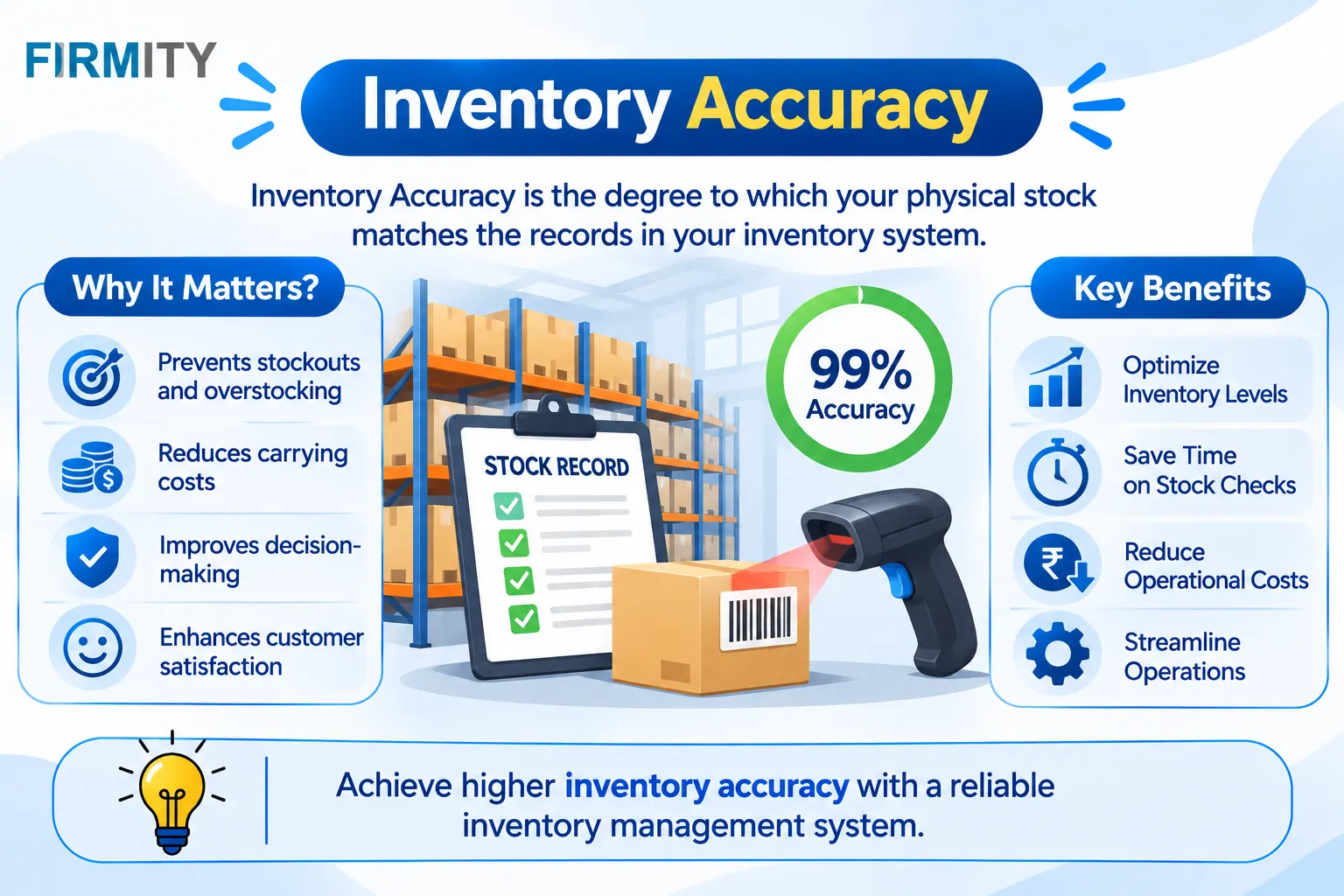
When receipts and issues are recorded as they happen, your numbers stay close to what's really on the shelf. That means fewer arguments about whose count is right and fewer surprises at month-end. Accurate records also make every report more useful. Everything else in this list builds on that foundation.
Fewer Stockouts and Less Overstock
Seeing current levels lets you reorder before you run out and stop buying what you already hold. That protects sales or keeps work moving, and it keeps cash from sitting on shelves. Over time, you also learn which items really move. That knowledge shapes smarter buying.
Real Cost Savings
Buying the right amount at the right time cuts waste in several places. You spend less on rush orders, less on storage for slow stock and less on losses from items that expire or go out of date. Savings rarely arrive as one big number. They show up as lots of small ones, month after month.
Better Planning and Ordering
When you can see what you've used and when, ordering becomes planning instead of guessing. You spot seasonal patterns, steady sellers and items that quietly stopped moving. Purchase orders sit alongside your stock, so you can see what's already on the way. That avoids double-ordering and last-minute scrambles.
Time Back for Your Team
A lot of stock work is repetitive: counting, copying, searching and reconciling. Software handles much of it automatically, from running balances to reports. Your team spends less time on admin and more on work that needs a person. For a small team, that's a big deal.
Stronger Supplier Relationships
When you know what you use and how often, you can give suppliers clearer, more reliable orders. That makes it easier to negotiate terms, spot price changes and plan deliveries. Suppliers tend to appreciate predictability. Good records also help you compare vendors fairly.
Healthier Cash Flow
Stock is cash in another form, and cash sitting on a shelf can't pay your bills. Better visibility helps you hold only what you need. That frees money for things that matter more, like growth or a rainy day. It's one of the most practical reasons small businesses invest in this software.
Insights You Can Act On
Reports turn your records into something you can use. You can see which items move fast, which are slow and where money is tied up. That helps you set reorder levels, plan budgets and explain spending. Good decisions rest on good data, and software is how you get it.
Want to See These Benefits With Your Own Stock List?
Benefits sound great on paper, but they matter more when you can see them with your own items. If you'd like to judge how a system would handle your stock, you can book a free demo and see how Firmity records receipts, issues and approvals using your own item list. Tell the team what you're tracking today, and they'll reply within 24 hours.
How to Choose Inventory Management Software for a Small Business
Choosing software doesn't have to be a long project. Four questions will narrow the field quickly, and they're better than any feature checklist.
Step 1: Start With Your Current Problems
Write down what's hurting right now. Maybe you keep running out of key items, maybe counts take days or maybe nobody knows who approved a purchase. Those problems tell you which features matter. A tool that's perfect for an online store can be wrong for a workshop, and the other way round.
This step also keeps you from overbuying. Plenty of software is far more sophisticated than a small business needs, while other tools offer only a few basics. Your problem list is the yardstick for judging both. If a feature doesn't solve something on your list, it can wait.
Step 2: Decide Between Standalone and Integrated
Some inventory tools stand alone, while others are part of a bigger system such as accounting, point of sale or ERP. A standalone tool is usually quicker to set up and focused on stock. An integrated system keeps data flowing between departments, so you don't retype things. To see how these fit together, it helps to understand the different types of inventory management systems.
There's no universal winner. If stock is your main pain, a focused tool often does the job with less fuss. If you want sales, purchasing and finance joined up, an integrated option can make sense, though it usually takes more effort to set up. Think about where you'll be in a couple of years, not just today.
Step 3: Check Usability and Support
The best software is the software your team actually uses. Look at how easy it is to record a receipt, issue an item and run a count. Check that there are clear guides and that you can reach support when something goes wrong. This matters even more if the people entering data aren't technical.
Also ask about security and access. You'll want to control who can view, edit and approve things, and to see who changed what. When stock moves through several hands, a clear trail protects everyone. A modest tool that people trust beats a clever one they work around.
Step 4: Weigh the Real Cost
Price isn't just the sticker. Add up the subscription, set-up, training and any extras, and think about how the cost changes as you add users or sites. We haven't printed prices here, because plans change often and vary by vendor. Ask each one exactly what's included, and compare on total cost rather than the headline number.
Valuation is worth a quick check too. The international standard for inventories, IAS 2, allows FIFO or weighted average for interchangeable items and doesn't permit LIFO. Accounting rules differ by country, so check what applies to you. Whatever you choose, make sure it supports the valuation method your accountant uses.
Quick Guide: Match Your Situation to a Type of Tool
Your situation | What to look for | Typical fit |
|---|---|---|
You sell online or in a shop | Tight links with your store or checkout, plus barcode support | A tool built around sales channels |
You make or repair things | Parts and materials control, purchase orders | A focused stock tool or one with production features |
You look after facilities and spare parts | Spare parts records, approvals, multi-site view | A stock tool built around parts and consumables |
You run several locations | A single view of stock plus easy moves between sites | A cloud-based system with multi-location reports |
You want one system for everything | Stock plus accounting and sales | One suite covering stock, accounts and sales together |
Features That Matter Most (and Which Can Wait)
Not every feature deserves equal attention. For most small businesses, the essentials are real-time stock tracking, purchase orders, low-stock alerts, and reports.
Some features are lovely to have but can wait. Barcode scanning speeds things up once you handle more than a few items, and a barcode inventory system is often an easy add-on later. Forecasting and deep integrations depend on good data, so they make more sense after your basic records are reliable. Start with the basics and add the rest as you grow.
Firmity: Inventory Management Software for Small Teams Managing Parts and Consumables
So where does Firmity fit? Firmity's inventory Management software is an affordable option for small teams that want strong stock control without paying for a full ERP, and the team can quote for your setup. It's a cloud-based platform that keeps stock, spare parts, purchase orders, vendor rate cards, goods receipts and a stock ledger in one place. That means a storekeeper in one building and a manager somewhere else are reading the same numbers.
Purchase approvals follow a set path and leave a timestamped record you can export later, which helps when someone asks who approved an order. Stock reports can cover several locations at once, so you get one view instead of a pile of separate sheets. It's built for teams in manufacturing, education and residential estates, where spare parts and consumables matter as much as finished goods. It's not aimed at online stores with thousands of listings, and its public pages don't spell out barcode scanning or point-of-sale links, so ask about those and about regional needs during a demo.
How to Test Software Before You Commit
A short trial teaches you more than any brochure. Here's a simple routine:
Load a sample item list: add twenty or so of your real items, not demo data.
Receive a purchase order: record a delivery against an order and see how it updates stock.
Issue some stock: take items out as your team normally would.
Run a count: compare what the system says with what's physically there.
Pull a report: check that you can get the numbers you actually use.
Common Mistakes Small Businesses Make
The most common mistake is buying for features you won't use. A long list looks impressive, but you'll pay for complexity that gets in the way. The second is skipping the trial and relying on screenshots, because a tool that looks great can feel clumsy with your real items. And the third is underestimating setup time and training, which is where good projects often stall.
Another trap is starting with messy data. If your item list is full of duplicates and unclear names, the new system will inherit the mess. Clean your list first, start with one site and expand as you learn. That small bit of preparation makes a big difference.
Final Thoughts
Choosing the best inventory management software for small business gets easier once you start from your own problems instead of a feature list. Name what's hurting, decide between standalone and integrated, check usability and weigh the real cost. If stock and spare parts are your challenge, you can book a free demo with the Firmity team and see how it would work with your own items.
FAQs : Best Inventory Management Software for Small Business
There isn't one answer for everyone. The best choice is the tool that fits how you move stock, covers your must-haves, is easy for your team to use and stays affordable as you grow.
It depends on the size of your operation and the features you need. Compare total cost, including setup, training and support, rather than just the monthly fee.
Not always. It saves time and reduces typing errors once you handle more than a few items, but many small teams start without it and add it later.
Yes, for a very small and simple operation. When more people handle stock, you add locations or counts start taking too long, software begins to pay off.
Author Bio

Syed Aadam
Syed Aadam is a software engineer with a Bachelor's and Master's in Information Technology with a specialization in Artificial Intelligence and Machine Learning. Having trained, and assisted in training foundational ML models for solving frontier scientific problems at the intersection of biodiversity and technology, Syed Aadam has been working to develop AI-enabled CMMS, ERP and CAFM softwares at Ufirm Technologies.