Asset Management
What Is Digital Asset Management (DAM)? Meaning, Features and Benefits
· 7 min read
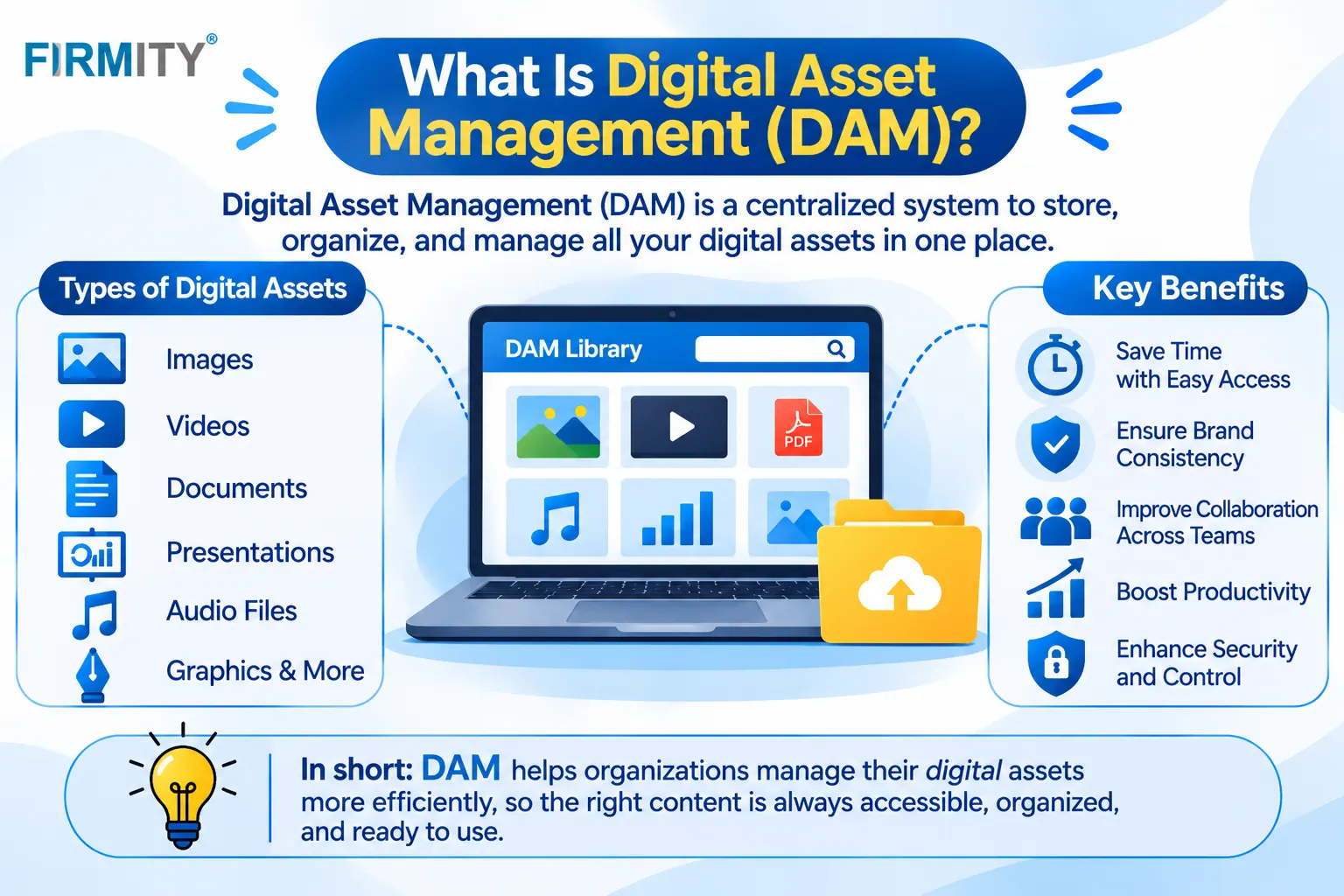
Digital asset management (DAM) is how teams store, organize and share files like images, videos and documents in one searchable library. It keeps the right version easy to find.
If you’ve ever searched three folders and two inboxes for the final logo, or wondered whether a photo was allowed in a campaign, you’ve already felt the problem DAM solves. In this guide, we’ll explain what it means, what counts as a digital asset, how it works and when you actually need it. We’ll keep it plain and practical.
Digital asset management in simple terms
Strip it down and DAM is a well-run library for your digital files. Instead of logos in one folder, videos on someone’s laptop and the “final_v7” version buried in email, everything lives in one place, labeled so people can search for it. The term covers both the habits you follow and the software that supports them, which is why you’ll hear people use it for either one.
Picture a company launching a product. Without DAM, the designer emails a file, the sales team saves a different copy and a partner uses an old logo. With DAM, there’s one approved version with notes on how it can be used, and everyone pulls it from the same place. The work is the same, but a lot of the confusion and re-asking disappears.
What counts as a digital asset?
A digital asset is any file your organization owns or has the right to use, and that has value to you. Think images, videos, audio, design files, presentations, documents and brand materials like logos and templates. If losing a file, or using the wrong version of it, would cause a headache, it’s probably worth managing as an asset.
It isn’t only a marketing thing, either. Operations teams hold plenty of digital assets: equipment drawings, user manuals, safety procedures, inspection photos and warranty documents. And rights matter as much as the file itself. A photo you’re only allowed to use for one year, or in one country, needs that information attached to it.
How digital asset management works
Most DAM systems follow the same loop. Files come in, get labeled, sit in an organized library, and go out again to the people who need them, with some rules along the way. Here’s the journey step by step.
Stage | What happens | Why it matters |
|---|---|---|
1. Upload | You bring your files into the platform | There’s a single starting point for every file |
2. Tag | Details like title, keywords, owner and usage rules are added | This is what makes files findable |
3. Store | Files sit in a secure, organized library | Fewer minutes lost searching for files |
4. Search | People find files by keyword, tag or filter | Fewer “do you have that file?” messages |
5. Control | Access rules set who may open, change or save a file | Files reach only the people meant to have them |
6. Share | Files go out through links or connected tools | People work from the signed-off version |
7. Track | Each version and edit gets logged | You can see what was altered and at what time |
8. Archive | Old files are retired or removed | Outdated files don’t clutter the system |
Core features of a DAM system
Metadata is the heart of DAM. It’s the information attached to a file, like its title, creator, keywords and usage rights, and it’s what lets people search instead of guess. There’s even an international standard for it: ISO 16684-1 defines a data model and core properties for XMP metadata, a common way of describing files so the details can travel with them. Good tagging habits matter more than any fancy feature.
Around metadata, most systems add version control, permissions, rights and license tracking, approval workflows, sharing options and connections to other tools. Version control stops old versions from sneaking back in, permissions control who can see or download what, and approvals make sure a file is signed off before it goes public. Which of these matter most depends on your team and how many people touch your files.
Benefits of digital asset management
The most obvious win is time. When files carry good metadata and live in one place, people find what they need in moments, instead of messaging three colleagues. You also get one approved version of each file, so outdated logos and old price sheets stop circulating. That’s good for consistency, and it takes quite a bit of stress out of busy launches.
There’s a risk benefit too. When rights, expiry dates and permissions are recorded, it’s much easier to avoid using a file you’re no longer allowed to use. And because teams can reuse what already exists, you create fewer duplicates and spend less effort on rework. None of this needs magic, just a library that people actually trust.
DAM vs related tools
DAM often gets mixed up with other tools that also touch files. They overlap a bit, but each has a different job. Here’s a quick way to tell them apart.
Tool | What it manages | How it differs from DAM |
|---|---|---|
Cloud storage or shared drive | Files in folders | Stores files, but usually lacks rich metadata, rights tracking and approvals |
CMS (content management system) | Website content and publishing | Publishes content and may hold media, but lacks DAM-level organization and governance |
PIM (product information management) | Product details such as specifications and descriptions | Complements DAM: PIM holds product details, DAM holds the related images and files |
Document management system | Business documents like contracts and records | Usually focused on documents and records, where DAM focuses on rich media and brand files |
Media asset management (MAM) | Sound and video files used in production | A specialized form focused on media workflows |
In practice, these tools often work side by side. A website runs on a CMS, product details live in a PIM, and the images and videos that feed both come from the DAM. The point is to give each tool one clear job, so you’re not forcing a shared drive to do the work of a library.
Types of digital asset management systems
DAM systems are usually described in two ways. The first is how they’re hosted. Cloud systems are run by the provider and reachable from anywhere. On-premise systems sit on your own servers, which gives you more control but also more IT work. Hybrid setups mix the two. Pick based on your security rules, your IT capacity and how widely your team needs access.
The second is the focus. Some systems center on brand assets, like logos, templates and campaign material. Others focus on product content, such as product images, videos and technical drawings. Library-style systems suit collections that rarely change, like a photo archive. Many real-world systems blur these lines, so look at what you need to manage first.
Do you need digital asset management?
You probably do if people regularly ask “where’s the latest version?”, if several versions of the same file are floating around, or if many contributors and teams share the same files. It also helps when you need to track who’s allowed to use what, and for how long. If any of that sounds familiar, a proper library will pay off.
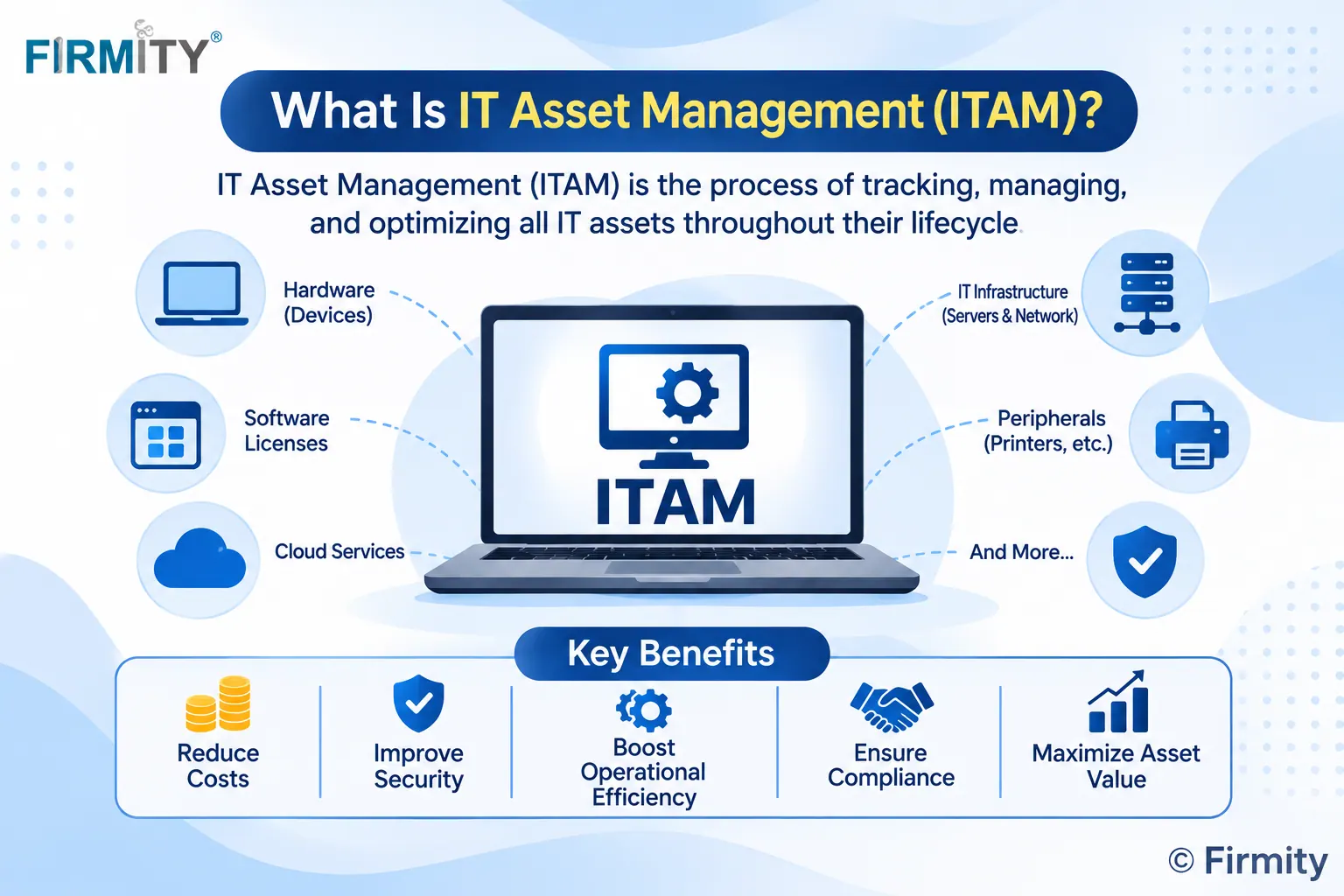
You might not, though. If you have a modest number of files, a handful of users and clear folder and naming habits, a well-organized shared drive can do the job for a while. And if your worry is laptops and software licenses rather than files, that’s a job for IT asset management, not DAM.
How to get started in 5 steps
You don’t need a big project to begin. Here’s a simple order that works for most teams.
Audit your files: see what you have, where it lives and what’s outdated.
Set naming and tagging rules: agree on a few consistent labels so files can be found.
Decide permissions: who can view, edit, download and approve.
Move the essentials first: start with the files people ask for most, not everything.
Train and review: show people how to search, and check back after a few weeks.
Start small and let early wins build the habit. If people find files faster in the first month, they’ll help you keep the library tidy, and that’s what keeps any DAM useful in the long run.
Where does Firmity fit in?
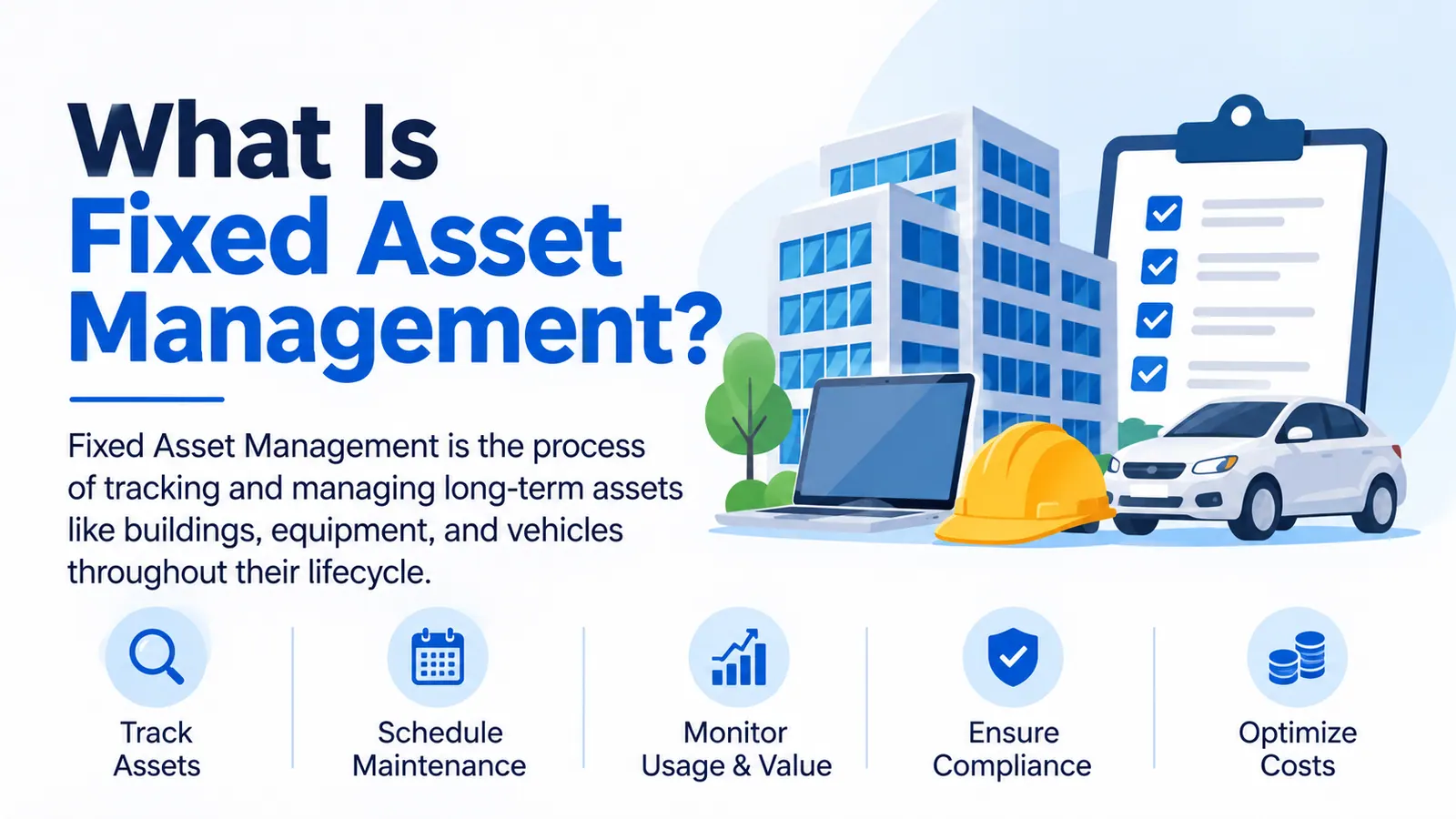
Digital files are only one kind of asset, and DAM only covers that kind. If your team also looks after machines, equipment and facilities, you’re dealing with other types of asset management software, and the tools work quite differently. A DAM can tell you which logo is approved, but it can’t tell you when a pump is due for service.
The bottom line
Digital asset management is about making the right file easy to find and safe to use. You don’t need a big budget to begin: clear naming, a few tagging rules and one trusted home for your files already goes a long way. Start with the files people ask for most, build the habit and grow from there.
FAQs : Digital Asset Management (DAM)
It’s a way of keeping your digital files, like images, videos and documents, in one organized, searchable place, with rules about who can use them and how. Think of it as a library for your files, with a librarian who knows which version is current.
Cloud storage keeps files in folders. DAM adds searchable metadata, version control, permissions, rights tracking and approvals, so people can find the right file and use it correctly. Storage is the shelf, and DAM is the system that keeps the shelf organized.
PIM manages product information, like names, specifications and descriptions. DAM manages digital files, like product photos and videos. Many teams use both together, with the PIM holding the details and the DAM holding the files that go with them.
Any team that shares lots of files among many people. That usually means marketing, design and e-commerce teams, but it can also include operations teams that manage drawings, manuals and procedures.
Author Bio

Syed Aadam
Syed Aadam is a software engineer with a Bachelor's and Master's in Information Technology with a specialization in Artificial Intelligence and Machine Learning. Having trained, and assisted in training foundational ML models for solving frontier scientific problems at the intersection of biodiversity and technology, Syed Aadam has been working to develop AI-enabled CMMS, ERP and CAFM softwares at Ufirm Technologies.