Inventory Management
What Is Inventory Management Software? A Complete Guide for Indian Businesses
· 9 min read
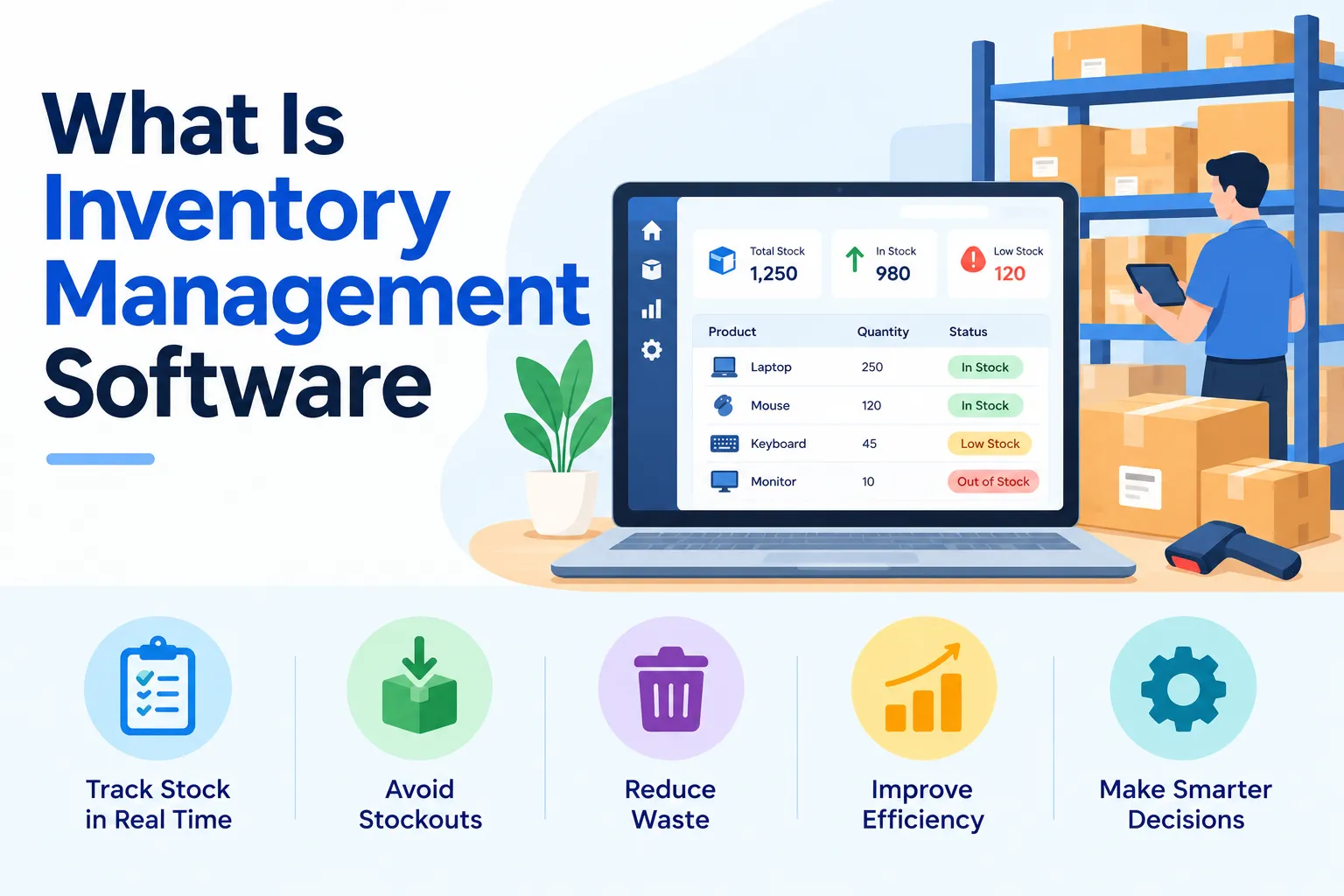
What is inventory management software? In plain words, it's a tool that keeps track of what you own, what's on order, and what's moving in and out, so you stop depending on memory and scattered spreadsheets. If you've ever lost half a day hunting for a spare part or been surprised by a stockout, you already know the problem it solves. This guide explains how inventory management software works, what to look for, and which kinds exist. It's written for Indian businesses, in everyday language, with no jargon you need to decode.
A quick note on how this guide was built. We read through the leading explainers on this topic and kept the parts that matter most to a buyer: the definition, the features, the types and the buying questions. Where public sources differ, we've stuck to what's widely agreed. Firmity is our product, so it gets a short, clearly labeled mention near the end and nowhere else.
What Is Inventory Management Software?
The inventory management software definition is refreshingly simple: it's a system that records your stock and every movement of it. That includes receipts when goods arrive, issues when items leave, and the running balance in between. Its job is to help you avoid running short and avoid buying more than you need. It can be installed on your own computers or delivered online as a service, which is why you'll hear both terms used.
You'll also come across phrases like "stock management system" and "inventory control software." In practice they overlap heavily, and most modern tools bundle all of them together. If you're just getting comfortable with the basics of stock itself, our explainer on what is inventory management is a good starting point. This guide stays focused on the software side.
How Inventory Management Software Works
Here's how inventory management software works in a typical week. You raise a purchase order, the supplier delivers, and someone records the delivery as a goods receipt. The software adds those items to your stock balance straight away. When a technician or salesperson takes items out, that issue is recorded too, and the balance drops. At any moment, you can open a report and see what's on the shelf.
The magic isn't any single step; it's that every step feeds the same record. Barcode scans, purchase orders, and stock counts all update one shared picture, so nobody has to reconcile three sheets at month-end. When the numbers drift, a physical count shows you where, and an adjustment fixes it with a clear trail. That steady loop is what keeps your stock data trustworthy.
Key Features of Inventory Management Software
When people compare inventory management software features, the same handful keeps coming up. Here are the ones worth understanding before you look at any demo:
Real-time stock tracking: your stock levels update as items arrive and leave, so you see current figures instead of last week's.
Purchase orders and vendors: you raise orders in the system and keep supplier details and rates in one place.
Batch or serial tracking: you follow groups of items or individual units, which matters for expiry dates and warranties.
Stock counts and adjustments: you reconcile physical counts with system balances and record why they differ.
Reports and multi-location views: you see stock across several sites without stitching reports together.
Integrations: the software can connect to accounting, POS, or ERP tools so data isn't retyped.
Not every business needs every feature. A small store may only care about stock levels and reorder alerts, while a plant may need batch tracking and spare parts control. List your must-haves first, and treat the rest as bonuses.
Benefits of Inventory Management Software
The benefits of inventory management software show up in small, everyday moments. You stop being surprised by stockouts because you can see levels before they hit zero. You also avoid over-ordering, since you know what's already sitting in the storeroom. Counts get faster and cleaner because records are already close to reality when you start.
There's a quieter benefit too: accountability. When purchases, receipts, and issues all leave a record, it's much easier to answer questions like "Who approved this order?" or "Where did those parts go?" That trail is useful for audits, and it also keeps teams honest without anyone having to play detective. Over time, better data leads to better buying decisions, which is where much of the real saving comes from.
Types of Inventory Management Software
There are several types of inventory management software, and they're usually grouped by how they're delivered or what they're used for. By delivery, you'll find cloud-based tools that run online and on-premise tools installed on your own computers. By use, you'll see warehouse, manufacturing, retail, and ecommerce versions, plus accounting or ERP products that include stock features. A small business version often keeps things simple and light.
The right type depends on your situation. A business with several locations usually benefits from a cloud tool because everyone sees the same data. A manufacturer often needs software that links stock to production. A shop might get by with a lighter tool tied to billing. If you want a deeper look at the different ways inventory systems are classified, we'll cover that in a separate guide.
Who Needs Inventory Management Software?
So, who needs inventory management software? Any business that holds stock and has outgrown a notebook is a candidate. Retailers use it to track products on shelves, manufacturers use it to track materials and parts, and facility teams use it to track spare parts and consumables. Warehouses and distributors rely on it to know what they hold and where.
A simple test helps: if more than one person records stock, if you have more than one location, or if you've ever bought something you already owned, it's time to consider it. If you only have a handful of items and one person handling them, a spreadsheet may be enough for now. The goal isn't to buy software for its own sake; it's to stop losing time and money to guesswork.
Not Sure If You've Outgrown Your Spreadsheets?
If stock counts take days, approvals happen over chat, and nobody trusts last month's numbers, that's usually a sign your records have outgrown a spreadsheet. Firmity's team can look at how you track stock today and tell you honestly whether software would help. Share what you're managing, and they'll reply within 24 hours.
Where Firmity Fits In
Since we've been talking about inventory management software throughout this guide, here's a short, honest mention. Firmity's inventory software is a cloud-based platform that keeps stock, spare parts, purchase orders, vendor rate cards, goods receipts, and a stock ledger together. Purchase approvals leave a timestamped record you can export, and stock reports can cover several locations at once. It's built for teams in manufacturing, education, and residential estates, where spare parts and consumables matter. If you run an online store with thousands of listings, a retail-focused tool will probably suit you better.
How to Choose the Right Inventory Management Software
When you choose inventory management software, begin with a short list of facts about your business. How many items do you hold, how many locations do you manage, and how many people record movements? Then decide which features are non-negotiable, such as batch tracking or purchase approvals. Think about integrations too, since software that can't talk to your accounts will create extra typing.
Valuation is worth a quick check as well. The international standard for inventories, IAS 2, allows FIFO or weighted average for interchangeable items and doesn't permit LIFO. Indian reporting follows its own standards, so confirm the details with your accountant. When you reach a shortlist, test each tool with your own item list rather than a demo dataset. For a side-by-side look at the market, see our roundup of the top inventory management software in India.
Inventory Management Software Cost: What to Ask Vendors
Inventory management software costs vary a lot, and we've deliberately left numbers out because plans change often. What matters more is how the price is built. Some vendors charge per user, some per location or module, and some by order volume. Setup, training, and support can be separate line items, so ask what's included before you compare quotes.
Here are the questions that save money later. How does the price change when you add users or locations? Which features cost extra? Is support included, and how quickly do they respond? Is there a trial so you can test with real data? Put the answers side by side for two or three vendors, and the cheapest honest option usually becomes obvious.
Common Mistakes When Buying Inventory Management Software
The most common mistake is buying more than you need. A long feature list looks impressive, but you'll pay for features nobody uses. The second is skipping the trial, because a tool that looks great in a demo can feel clumsy with your real items. The third is starting with messy data, since importing duplicates and old entries just gives you wrong answers faster.
A smaller trap is forgetting the people who'll use it daily. If the storekeeper finds the system slow or confusing, they'll quietly go back to old habits, and your numbers will drift. Involve them in the trial and listen to their feedback. A slightly simpler tool that gets used properly beats a powerful one that nobody trusts.
Final Thoughts
Now you know what inventory management software is, how it works and what to look for. Start by listing your biggest stock headaches, then shortlist two or three tools and test each with your own items. If you manage stock and spare parts across plants, campuses or estates, a conversation with the Firmity team can help you decide whether software is the right next step.
FAQs : What is inventory management software
It's a tool that records your stock and every movement of it, so you always know what you have, what's on order and what's running low.
It can be, especially if more than one person handles stock or you manage more than one location. If you only have a handful of items, a spreadsheet may do for now.
Inventory software focuses on stock, purchasing and related records. An ERP covers many areas, such as finance, sales and production, and includes inventory as one part.
Yes, for very small operations. As your items, people and locations grow, spreadsheets become slow and error-prone, and that's when software starts to pay off.
Author Bio

Syed Aadam
Syed Aadam is a software engineer with a Bachelor's and Master's in Information Technology with a specialization in Artificial Intelligence and Machine Learning. Having trained, and assisted in training foundational ML models for solving frontier scientific problems at the intersection of biodiversity and technology, Syed Aadam has been working to develop AI-enabled CMMS, ERP and CAFM softwares at Ufirm Technologies.
Talk to our team
Questions about facility management software? Leave your details and we'll get back to you within 24 hours.
More on Inventory Management

7 Best Vyapar Alternatives in 2026 (Compared for Indian Businesses)
Looking for Vyapar alternatives? Compare 7 billing, accounting and inventory options for Indian small businesses.
7 Best Marg ERP Alternatives in 2026 for Every Business
If you've been typing "Marg ERP alternatives" into a search bar, you're probably in one of two camps. Either you want a different billing and…
7 Best Odoo Inventory Alternatives for Business
People start hunting for Odoo Inventory alternatives for a fairly practical reason: they want solid stock control, and they're not sure they want to…
