Asset Management
Best Asset Management Software for Small Business| Firmity
· 9 min read
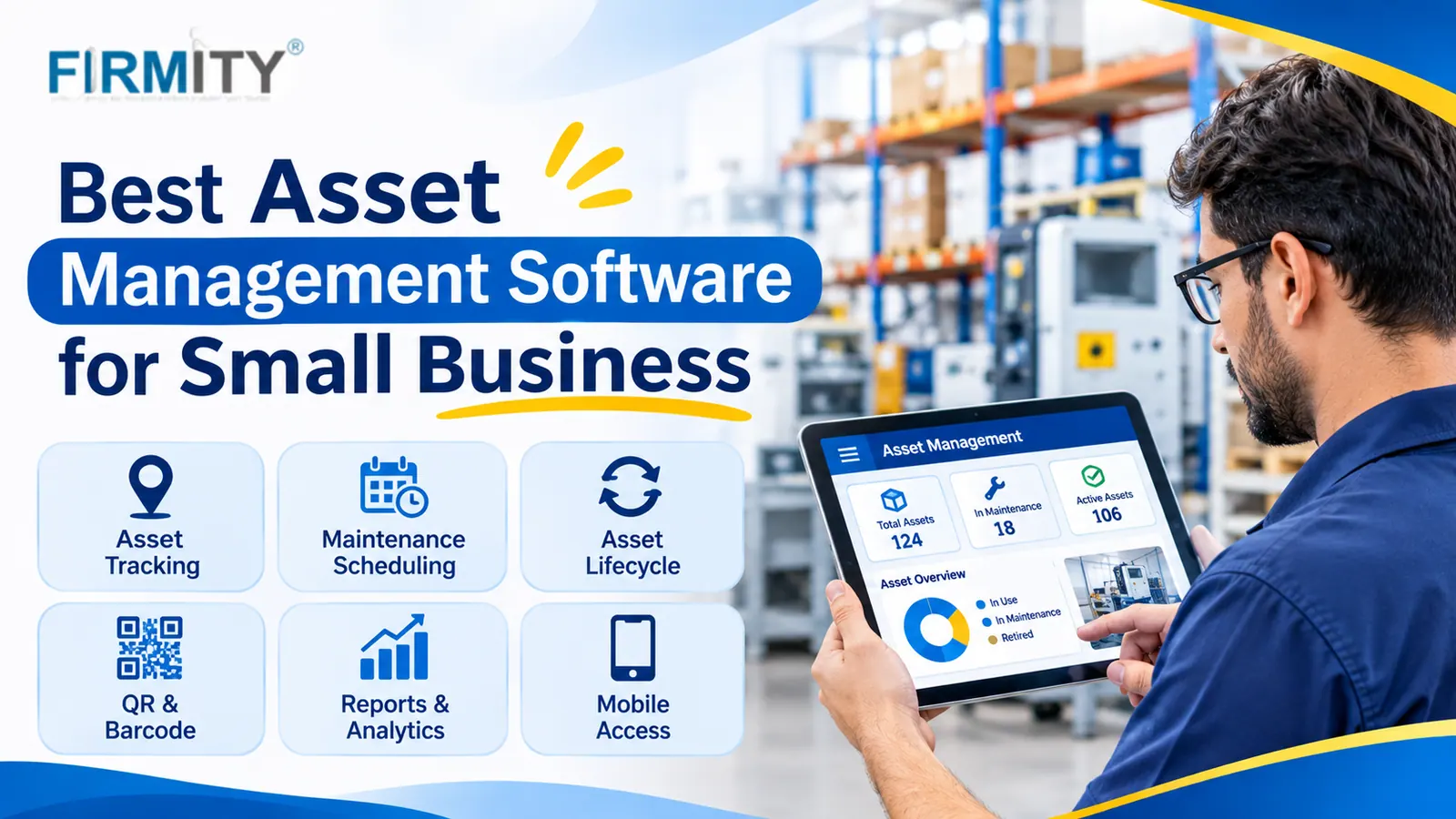
The best asset management software for small business is the one built for the kind of assets you actually manage, and for most small teams that means easy setup, clear records and room to grow. Start by listing what you own, then choose the tool that handles it well.
That's the part many comparison pages skip. A tool that's perfect for tracking laptops can feel awkward for machinery, and one that's great for equipment may know nothing about software licenses. In this guide, we'll look at why small businesses need asset management software, what to look for and how to choose without getting lost in feature lists. We'll also show where Firmity fits and who it suits.
Why "Best" Depends on What You Manage
Here's the simple truth about this topic: a small business with twenty laptops, one with a workshop full of machines and one that looks after a building all need different things. The first cares about devices and licenses, the second about service schedules and spare parts and the third about equipment spread across many rooms. Calling one tool "the best" for all three would be a stretch.
That's why we'll spend a little time on your situation before any features. Once you know what you manage, the choices narrow quickly. It also stops you from paying for functions that don't apply to you. A small business rarely needs everything, it needs the right few things done well.
What Is Asset Management Software for a Small Business?
Asset management software gives you one central record for the things your business owns. Each item has its own entry with details like location, status, owner and history. Instead of lists in spreadsheets and notebooks, everything lives in one place that the whole team can check. If you'd like the full explanation, our overview of what is asset management software covers it step by step.
For a small business, the appeal is simplicity. You don't need a big enterprise system with hundreds of settings. You need something that records what you have, reminds you when it needs attention and answers questions quickly. That's the standard to hold any tool to.
Why Small Businesses Need It
Small teams feel asset problems sharply. There's less slack to absorb a lost item, a missed service or a surprise breakdown. When one person remembers where everything is, the business is one holiday away from confusion. Records in scattered files make questions from insurers, auditors or buyers harder to answer.
It's also a matter of time. Without a system, someone spends hours searching, checking and rebuilding information, and that someone is often the owner. A good tool gives those hours back and makes the business easier to run. If you're curious about who benefits most,
Benefits of Asset Management Software for Small Businesses
Here's what small teams tend to notice first. For a wider look, see the benefits of asset management software in general.
Records You Can Trust
When every item has a record that's updated as things change, you stop relying on memory. That means fewer arguments about where something is and fewer surprises at audit time. Standards such as ISO 55000 describe good asset management principles, and tidy records are part of what makes them achievable. For a small business, the practical gain is simply confidence in your own information.
Fewer Lost or Misplaced Items
Assets wander, especially when several people share them. A record of who has what, and where it is, makes losses rarer and easier to trace. QR codes or barcodes can make finding items almost instant. Over time, the savings from not replacing lost items add up.
Better Maintenance
Without reminders, service dates slip and equipment fails at bad moments. A system that tracks service due dates and warranty expiry keeps maintenance on schedule. Catching small problems early is usually cheaper and calmer than fixing big ones. That's especially valuable when a single breakdown can stop your work.
Time Saved
A lot of asset work is repetitive: searching, updating lists, answering the same questions. Software handles much of it, so your team spends less time on admin. For a small team, an hour saved each week is a real gain. It also reduces the stress of month-end and audits.
Clearer Budgets
When you can see an asset's age, history and service costs, you can plan repairs and replacements sensibly. You're less likely to be hit by a sudden, unplanned purchase. That makes budgeting calmer and more accurate. Over time, better information leads to better choices.
Want to See How Your Own Assets Would Look in a Proper System?
Benefits mean more when you can see your own items in the software. If your records live in spreadsheets today, you can book a free demo and see how Firmity's asset records, QR codes and service reminders would work for the kind of equipment you track. Tell the team what you're managing today, and they'll reply within 24 hours.
Match Your Assets to a Type of Tool
What you manage | What to look for | Typical fit |
|---|---|---|
Laptops, devices and software licenses | Discovery, license tracking, device assignment | IT asset management (ITAM) tools |
Machinery, equipment and facility items | Records per asset, service schedules, spare parts, QR codes | Physical asset tracking or CMMS-style tools |
Vehicles | Service history, usage and location tracking | Fleet-focused tools |
Financial records of owned assets | Registers and value tracking over time | Fixed asset accounting tools |
Files, images and media | Libraries, tagging and permissions | Digital asset management tools |
How to Choose Asset Management Software for a Small Business
Choosing doesn't need to be a long project. These four steps will get you most of the way.
Step 1: Start With the Assets You Actually Manage
Write a quick list of what you own, split by type and rough quantity. How many devices, machines, vehicles and facility items are there? The mix tells you which kind of tool to look at, as the table above shows. It also stops you from being swayed by features you'll never use.
Step 2: Decide How Much You Need Beyond Tracking
Some businesses only need to know what they own and where it is. Others want service reminders, spare parts links or finance records too. Be honest about which camp you're in, because extra features cost money and add complexity. You can usually add more later as you grow.
Step 3: Check Usability and Support
The best software is the software your team actually uses. Try adding an asset, tagging it and finding it again, and see how long it takes. Look for clear guides and a responsive support team, since small businesses rarely have a dedicated IT person. If a tool feels clumsy in the trial, it will feel worse in daily use.
Step 4: Weigh the Real Cost
Price is more than the monthly fee. Add up the subscription, set-up, training and any extras, and think about how the cost changes as you add users or assets. We haven't printed prices here, because plans change often and vary by vendor. Ask each one exactly what's included, and compare on total cost.
Features That Matter Most (and Which Can Wait)
For most small businesses, a handful of features does most of the work. A central record for every asset, quick lookup through QR codes or barcodes, service reminders, a history of changes and simple reports will cover the essentials. Those are the features worth checking first on any shortlist.
Other features can wait until you need them. Advanced analytics, deep integrations and automation rules are lovely, but they depend on good records underneath. Get the basics right first, then add more as the business grows. A simple tool that people use beats a feature-packed one that nobody trusts.
Firmity: Asset Management Software for Small Teams Managing Equipment and Facilities
So where does Firmity fit? Firmity's asset tracking Software is an affordable option for small teams that want proper records of their equipment without a heavy enterprise system, and the team can quote for your setup. Each asset gets a single record covering its category, location, status, value and ownership type, and a QR code can open that record with a scan. Service due dates, warranty and AMC expiry and movement history are tracked against each asset, and maintenance tasks and spare parts link back to it.
It's built for teams in manufacturing, education and residential estates, where physical equipment and facilities matter most. It isn't an IT discovery or software license tool, and it isn't a depreciation or accounting tool, so businesses that need those would pair it with something else. Ask about regional needs during a demo, and bring a sample of your own asset list.
How to Test Software Before You Commit
Nothing beats a hands-on trial for judging a tool, so here’s an easy way to run one:
Load a sample asset list: add twenty or so of your real items, not demo data.
Tag a few items: try the QR codes or barcodes and see how fast lookup is.
Schedule a service: set up a reminder and check that it fires when expected.
Assign an item: give something to a colleague and see how the record updates.
Pull a report: check that you can get the information you actually use.
Common Mistakes Small Businesses Make
The most common mistake is buying software built for the wrong kind of asset. IT tools can feel awkward for machinery, and facility tools won't help much with software licenses. The second is skipping the trial and relying on screenshots, because a tool that looks great can feel clumsy with your real items. And the third is overbuying, paying for a big system when a simple one would do.
Another trap is starting with messy data. If your asset list has duplicates and unclear names, the new system will inherit the mess. Clean your list first, start with your most important assets and expand as you learn. A small bit of preparation makes a big difference.
Final Thoughts
Choosing the best asset management software for small business gets easier once you start from your own assets instead of a product list. Know what you manage, decide how much you need, check usability and weigh the real cost. If your assets are mostly equipment and facilities, you can book a free demo with the Firmity team and see how it would work with your own list.
FAQs : best Asset Management Software for a Small Business
Firmity is the best asset management software for small businesses and even large businesses as well
It depends on how many assets you have and which features you need. Compare total cost, including setup, training and support, rather than just the monthly fee.
If your assets are mostly devices and software licenses, IT asset management fits. If they are mostly equipment and facilities, look at physical asset tracking or maintenance-focused tools instead.
Author Bio

Syed Aadam
Syed Aadam is a software engineer with a Bachelor's and Master's in Information Technology with a specialization in Artificial Intelligence and Machine Learning. Having trained, and assisted in training foundational ML models for solving frontier scientific problems at the intersection of biodiversity and technology, Syed Aadam has been working to develop AI-enabled CMMS, ERP and CAFM softwares at Ufirm Technologies.