CMMS
Best Cloud-Based CMMS Software: What to Look For and Where Firmity Fits
· 7 min read
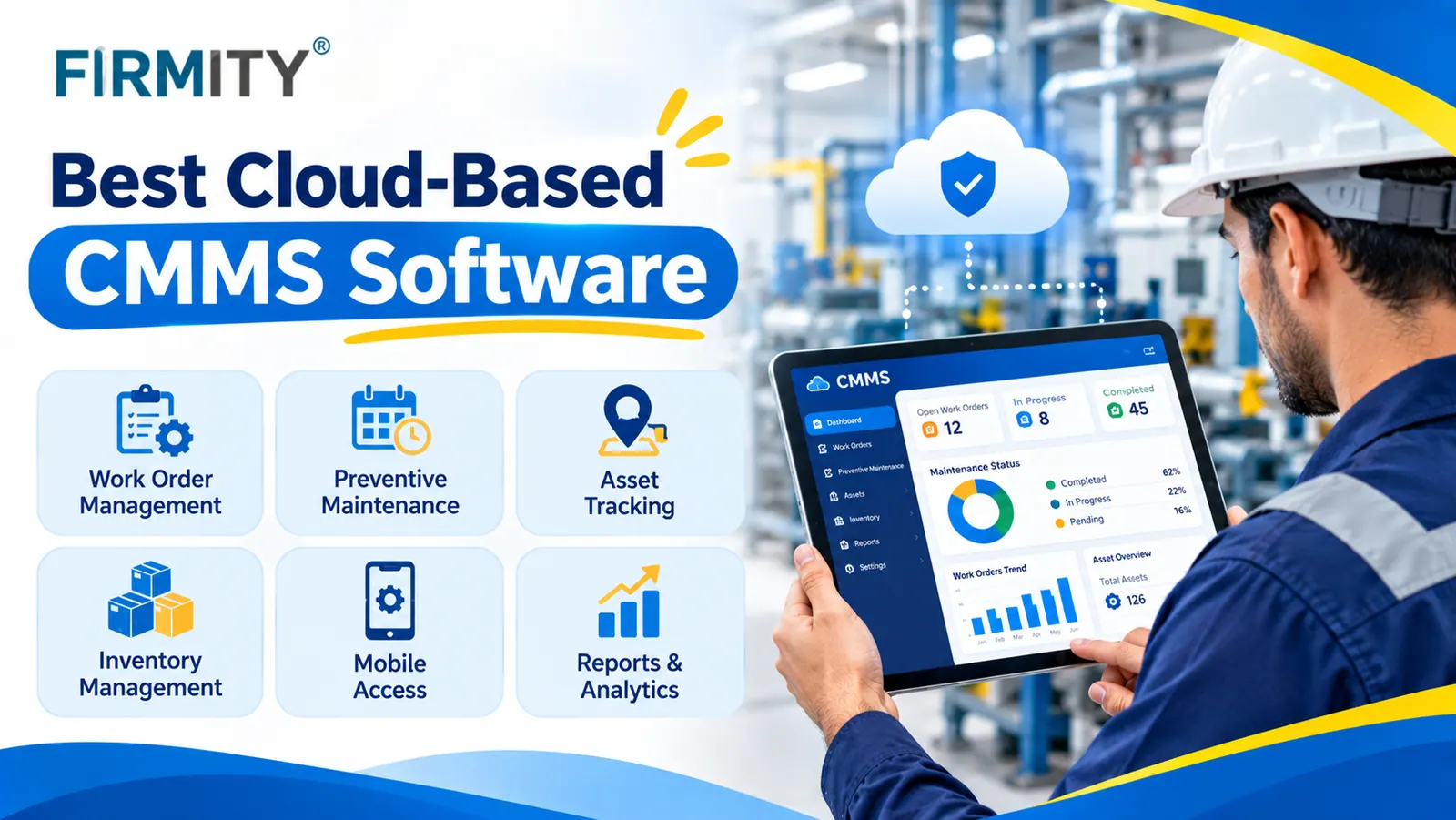
The best cloud-based CMMS is the one your team will actually use, that you can reach from anywhere and that you can trust with your data. Start with how your technicians work.
That sounds obvious, but it’s the step most buyers skip. They compare ranked lists, pick a name they recognize and find out later that it doesn’t fit their sites or their people. In this guide, we’ll explain what “cloud-based” really changes, what to check before you choose, and which questions to ask about security and your data. Then we’ll show where Firmity fits.
What Is a Cloud-Based CMMS?
A computerized maintenance management system, or CMMS, keeps your work orders, preventive schedules, asset records and spare parts in one place. A cloud-based one simply lives with a provider and reaches you through a browser or app, instead of sitting on a server in your building. Your team logs in, does the work and updates records, while the provider looks after the hosting and keeps the software running.
The word “cloud” has a proper meaning, too. The NIST definition of cloud computing describes software as a service as one of three service models, where you use a provider’s application running on its own infrastructure. It also lists broad network access among the core traits, meaning the service is reachable from many kinds of devices, which is exactly why technicians can use it from a phone on the shop floor.
Cloud vs On-Premise CMMS
Cloud-based is one of several types of CMMS software, alongside on-premise, mobile and enterprise systems. The biggest difference is who looks after the hosting. Here’s a quick comparison of the two approaches most buyers weigh up.
Question | Cloud-based CMMS | On-premise CMMS |
|---|---|---|
Where does it run? | On the provider’s servers | On your own servers |
Who handles updates? | Usually the provider | Your IT team |
How do people access it? | Through a browser or app on any device with internet access | Often through your internal network or a secure connection |
How much upfront effort? | Usually less, since there’s nothing to install | Usually more, because servers and setup are on you |
How much control? | Less direct control, since the environment is shared | More control, with more upkeep |
Benefits of a Cloud-Based CMMS
Access is the headline benefit. Technicians can open jobs from a phone, supervisors can check progress from anywhere and managers can see several sites without driving between them. There’s no server to buy or maintain, and updates usually arrive from the provider instead of landing on your IT team. For a small or stretched team, that’s a big relief.
It also makes growth easier. Adding a user, a building or a new site is usually a settings change, not a hardware project. Records are kept in one shared place, so everyone sees the same history, and nobody is working from an out-of-date copy. Just remember that these benefits depend on how each product is built, so test them in a demo.
Limits to Know About
Cloud isn’t perfect. It relies on an internet connection, so ask how the mobile app behaves when signal is weak, because some sites have dead spots. You’re trusting a provider with your maintenance data, so you’ll want clear answers on security and access. Costs are usually recurring subscriptions, and if you ever leave, you’ll want to export your records cleanly instead of being locked in.
What Makes a Cloud-Based CMMS the Best One for You
There’s no single best tool for everyone, but six checks separate a good fit from a poor one. First, it should be easy for technicians, with few taps and clear screens. Second, it should work well on phones and make good use of QR codes. Third, it should create preventive jobs on its own and flag what’s overdue. Fourth, each asset should have one clear record with its history.
Fifth, it should give you one view across sites, so you can compare buildings and see what’s overdue at a glance. Sixth, it should come with support you can reach when something goes wrong. These checks overlap with the wider list of features of CMMS, but they’re the ones that decide whether a team really uses the system day to day.
Security and Data Questions to Ask Any Vendor
Don’t take “it’s secure” on trust. Put the same questions to every vendor on your shortlist, and write down the answers. A good vendor will answer them plainly.
Access: Can we set roles so people only see and approve what they should?
Audit trail: Are changes to jobs and records logged, with who and when?
Backups: How is our data backed up, and how is it restored?
Where it's stored: Which country or region holds our data, and does that work with the rules we follow?
Exit: Can we export all our records if we leave?
Weak signal: What happens in the app when there’s no connection?
Want to See a Cloud-Based CMMS With Your Own Equipment List?
Checklists are useful, but nothing beats seeing a system with your own assets. If you’d like to judge how a cloud-based CMMS would handle your sites, you can book a free demo and ask the Firmity team to build it around the equipment you actually maintain. Tell them what you manage today, and they’ll reply within 24 hours.
Where Firmity Fits: A Cloud-Based CMMS for Facility Teams
So where does Firmity fit? Firmity is a cloud-based platform, and its CMMS software is an affordable option for facility and maintenance teams that want solid control without a heavy enterprise rollout. The team can quote for your setup. Work orders carry an audit trail, preventive maintenance runs on recurring cycles you set by day, week or month, and technicians scan a QR code to open a task, complete the checklist and attach photo evidence.
Here’s how it lines up against the six checks from earlier. It’s a simple way to see where it’s strong and what to confirm in a demo.
Check | What to look for | How Firmity approaches it |
|---|---|---|
Easy for technicians | Few taps and clear screens | A technician scans a QR code, opens the task, ticks off the checklist and adds a photo as proof |
Mobile and QR | Works on phones and scans labels | Android and iOS apps, with QR codes that open tasks on site |
Preventive scheduling | Recurring jobs that create themselves | Recurring maintenance cycles set by day, week or month |
Asset history | One clear record per asset | Each asset keeps its service history, warranty details and linked spare parts |
Multi-site visibility | One view across sites | Dashboards show total, completed, overdue and actionable work orders across sites |
Support and onboarding | Help when you need it | Ask about onboarding and support in a demo; the team says it replies within 24 hours |
Who Firmity Suits, and Who It Doesn’t
Firmity is built for facility teams in manufacturing, education and residential estates, where equipment, buildings and recurring jobs need to be tracked across sites. Jobs are assigned to technicians by category, and managers can see progress in real time. It sits alongside other Firmity modules, such as inventory and vendor management, if you later want maintenance and purchasing in one system.
How to See It in Action
A short trial teaches you more than any brochure. Here’s a simple routine you can run in an afternoon with a demo or trial.
Load a sample asset list: use around twenty of your real assets, not demo data.
Build a recurring job: set up one real preventive task and see when it appears.
Raise and close a job from a phone: count the taps and check how clear it feels.
Scan a QR code: make sure it opens the right asset or task.
Pull an overdue report: check that you can get the numbers you really use.
Final Thoughts
The best cloud-based CMMS is the one that fits how your technicians work, earns your trust with your data and gives you a clear view across your sites. Check the six basics, ask the security questions and test the shortlist on a real job. If you maintain facilities and equipment, talk to the Firmity team and see how it would handle yours.
FAQs: Best Cloud-Based CMMS
It’s maintenance management software hosted by a provider and used through a browser or app. Your team raises and closes work orders, schedules preventive jobs and tracks assets, while the provider looks after the servers and updates.
It can be, but that depends on the vendor’s controls and how you use the system. Ask about access roles, audit trails, backups, data location and exporting your data, and keep sensible permissions on your own side.
Cloud suits most teams, because there are no servers to run, updates are handled for you and access is easy across sites. On-premise can suit organizations with strict IT requirements and the capacity to maintain their own systems.
Yes. Firmity is a cloud-based platform, and its CMMS covers work orders with an audit trail, recurring preventive maintenance, QR task execution with photo evidence, asset history and dashboards across sites. Ask the team about anything else you need, such as offline use, in a demo.
Author Bio

Syed Aadam
Syed Aadam is a software engineer with a Bachelor's and Master's in Information Technology with a specialization in Artificial Intelligence and Machine Learning. Having trained, and assisted in training foundational ML models for solving frontier scientific problems at the intersection of biodiversity and technology, Syed Aadam has been working to develop AI-enabled CMMS, ERP and CAFM softwares at Ufirm Technologies.