CMMS
How CMMS Software Helps You Get Fewer Unplanned Breakdowns
· 3 min read
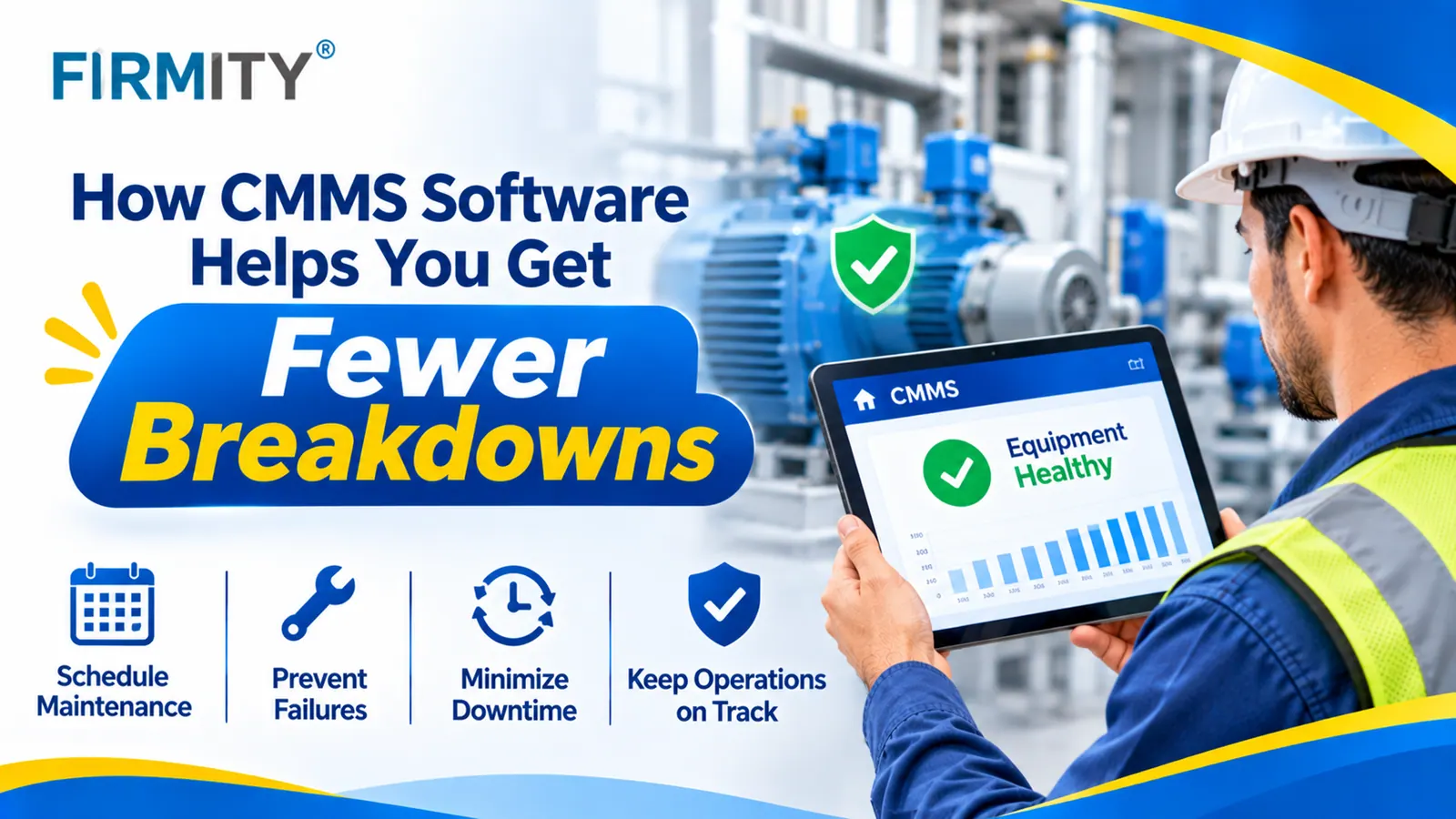
A CMMS helps you get fewer unplanned breakdowns by turning preventive maintenance into scheduled, tracked work. It cuts avoidable failures, though never every one.
It’s one of the clearest benefits of CMMS software, and one of the most misunderstood. Here’s how it works, what it can’t do and how to tell whether it’s working for you.
What Counts as an Unplanned Breakdown?
An unplanned breakdown is a failure nobody scheduled for: a pump stops mid-shift, a lift gets stuck, a machine trips and the line goes quiet. It usually costs more than planned work, because you’re paying for rush repairs, lost time and sometimes a stalled operation. The US Department of Energy’s Federal Energy Management Program lists reactive, preventive, predictive and reliability-centered maintenance as the main approaches, and calls well-run maintenance one of the most cost-effective ways to keep facilities reliable. Fewer surprises mostly means more planned work.
Why Breakdowns Catch Teams Off Guard
Most surprises have boring causes. A routine service slips because nobody remembered it. A machine keeps failing, but nobody can see it’s the fourth time this year. A fault is reported in a chat message, then waits. And when the repair finally starts, the right part isn’t on the shelf. None of these are dramatic, and all of them are things a shared maintenance record is good at catching.
How a CMMS Helps You Get Fewer Unplanned Breakdowns
Preventive Schedules That Run Themselves
Recurring jobs are created automatically by calendar or usage, so servicing doesn’t depend on memory. Overdue ones get flagged, which is where small problems usually start. Well-planned preventive maintenance schedules are the biggest lever you have.
Asset History That Shows Repeat Failures
Each asset keeps its jobs, parts and notes. When the same fault returns, you can see it, and decide whether to fix the root cause, repair it again or replace it.
Faster, Prioritized Response
Reported faults become work orders with a priority and a named technician, so nothing waits in a chat thread. Quicker fixes also stop a small fault from growing into a big one.
Spare Parts Ready Before the Repair
Linking parts to assets and jobs shows what each machine tends to need, so you can keep the right items in stock instead of waiting for a delivery.
Checklists and Photos That Catch Early Signs
Inspection checklists make checks repeatable, and photos give a before-and-after view. A worn belt or a leaking seal noted on Tuesday becomes a planned repair, not a Friday breakdown.
What a CMMS Can’t Do
A CMMS won’t stop every failure, and it can’t fix poor habits. If asset records are messy, schedules are guesses or jobs never get closed, the data won’t help you. Sensors and predictive maintenance can add value later, once your basics are reliable. Follow sensible CMMS best practices first, and let the software support them.
How to Tell It’s Working
Pick a few numbers and compare them with a baseline. Count breakdowns per asset, check how much preventive work finishes on time, watch for repeat failures on the same equipment and compare planned work with emergency jobs. Over time, you should see fewer surprises and a longer gap between failures, which maintenance teams track as MTBF. Give it a few months before judging, because the effect builds gradually.
Where Firmity Fits
Firmity’s CMMS runs preventive maintenance on recurring cycles you set by day, week or month, and technicians scan a QR code to open a task, complete the checklist and attach photo evidence. Each asset keeps its service history, warranty details and linked spare parts, and dashboards show overdue and actionable work orders across sites.
Firmity is also an affordable option for teams that want fewer surprises without a heavy rollout. To see it with your own equipment, get in touch through the contact page, and the team replies within 24 hours.
Final Thoughts
Fewer unplanned breakdowns come from boring, consistent planned work, and a CMMS keeps that work on track. Start with your most critical equipment and build from there. Want to see how it would work on yours? Book a quick demo.
FAQs
No. It reduces avoidable ones by making planned work consistent, but equipment still fails sometimes.
It builds gradually. Clearer tracking shows up first, and fewer failures follow as planned work becomes routine.
Start with critical equipment that would stop work if it failed, plus anything with a history of repeat faults.
Author Bio

Syed Aadam
Syed Aadam is a software engineer with a Bachelor's and Master's in Information Technology with a specialization in Artificial Intelligence and Machine Learning. Having trained, and assisted in training foundational ML models for solving frontier scientific problems at the intersection of biodiversity and technology, Syed Aadam has been working to develop AI-enabled CMMS, ERP and CAFM softwares at Ufirm Technologies.