CMMS
7 Best Limble CMMS Alternatives in 2026 (for Small Teams and Beyond)
· 10 min read
The best Limble CMMS alternatives depend on your team size, how much you need beyond work orders and what you can spend. This guide compares seven.
Limble is a well-known tool, so looking elsewhere doesn’t mean it’s bad. Teams simply outgrow a setup, a pricing model or a feature list. Small teams usually need CMMS software for small business that’s quick to set up, easy for technicians and fair on price, without paying for features they’ll never touch. We’ll cover why teams look beyond Limble, what to check, seven alternatives and how to switch safely. Firmity is our product, and it’s listed first.
Why Teams Look Beyond Limble
Limble is a cloud CMMS built around work orders, preventive maintenance and asset records, with a mobile app that supports offline use and QR scanning. According to its own cost guide, it charges per user, per month, across tiers that include Standard and Premium+, plus an Enterprise plan that’s quoted. Plenty of teams are happy with that. Others find that cost is the first thing that changes as the team grows.
Per-user pricing is easy to budget with three technicians and heavier with thirty. Some capabilities also sit in higher tiers, according to third-party reviews, so check what’s included at your size. Beyond cost, teams look elsewhere for a simpler setup, a deeper one, better support, specific integrations or a tool built for their industry. None of that is a flaw in Limble, just a good reason to compare.
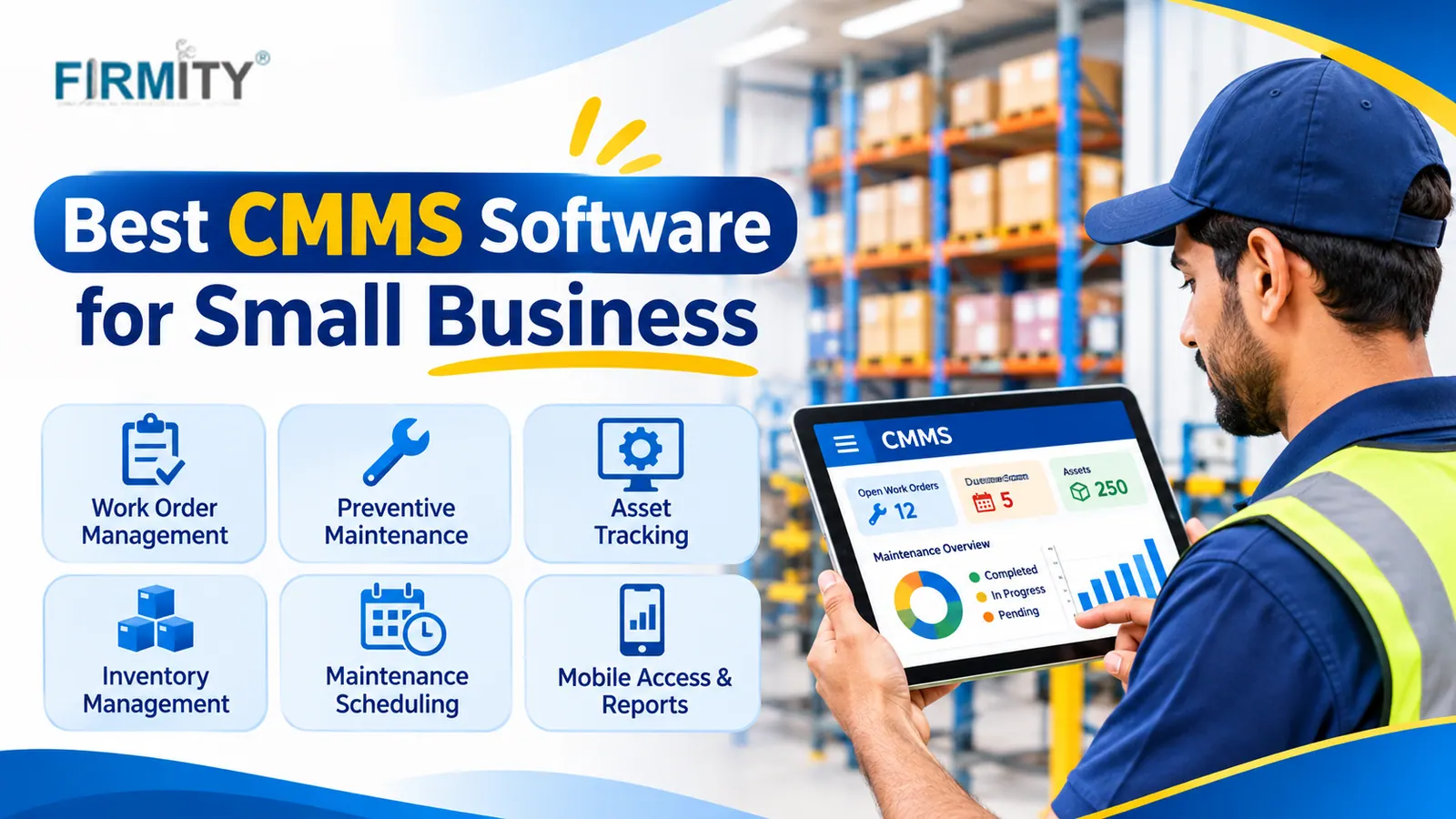
What to Look for in CMMS Software for a Small Business
Whatever you choose, a handful of basics decide whether your team actually uses it. The US Department of Energy’s O&M Best Practices Guide gives CMMS its own chapter and describes core functions like generating and tracking work orders and keeping a history of past jobs, which makes a handy yardstick. Here’s the practical version.
Easy setup: you should be able to load assets and start raising jobs without weeks of configuration.
Work orders: quick to raise, assign and close, with a clear status for everyone.
Preventive maintenance: recurring jobs that create themselves and flag what’s overdue.
Asset records: one clear record per asset, with history, warranty and parts.
Mobile and QR access: technicians can open and close jobs from a phone and scan a code to find the right asset.
Fair pricing: a model that still makes sense when you add users or sites.
How We Picked the Alternatives
We looked at the same things for every tool: ease of use, core features, fit for small teams and how it’s priced. We haven’t printed prices, because plans change often and published figures vary a lot between sources. Ask each vendor for a quote based on your own users and sites instead.
Everything below comes from each vendor’s own pages and public listings, reviewed in November 2026. We haven’t run hands-on trials, so treat this as a researched shortlist, not a lab test. Firmity is our product, so it’s listed first, and we’ve kept the trade-offs in for every tool, ours included.
Quick Comparison Limble CMMS Alternatives
Short on time? Here’s the quick version before we look at each tool in detail.
Tool | Good fit when | Strongest area | Ask in the demo |
|---|---|---|---|
Firmity | You run a small or mid-size facility team | Recurring maintenance, QR tasks with photo evidence, multi-site dashboards | Offline use and integrations |
Fiix | You’re industrial and want integrations | Work orders, parts, analytics and integrations | Which features sit in which plan |
UpKeep | Your team lives on phones | iOS and Android apps with offline mode | Which plan includes PM and offline |
MaintainX | Frontline teams want checklists | Work orders, procedures and messaging | Seat counts and what paid tiers add |
eMaint | You’re moving toward condition monitoring | Asset tracking, PM and sensor connections | What sensors and setup are needed |
Brightly Asset Essentials | You want structured asset programs | Work orders, PM, asset tracking and reporting | Product naming and regional availability |
Fabrico | You’re a manufacturing plant | Maintenance tied to downtime and OEE data | Fit outside manufacturing |
The 7 Best Limble CMMS Alternatives
1. Firmity: Cloud CMMS With Recurring Maintenance and QR Task Execution
Firmity is a cloud-based facility management platform, and its CMMS software covers work orders with an audit trail, preventive maintenance on recurring cycles you set by day, week or month, and QR task execution, where a technician scans a code, completes the checklist and adds photo evidence. Each asset keeps its service history, warranty details and linked spares, jobs are assigned by category and dashboards show overdue and actionable work across sites.
Firmity is also an affordable option, and the team can quote for your setup. It has inventory, vendor and expense modules too, if you want them later. To be fair, its public pages don’t spell out offline use, sensor-based monitoring or integration depth, so ask about those.
Best for: small and mid-size facility and maintenance teams.
2. Fiix: Cloud CMMS With Strong Work Order Handling
Fiix is a cloud-based CMMS owned by Rockwell Automation. It covers work orders, asset management, parts and supplies, and analytics, with a mobile app and an app exchange for integrations. It also supports condition-based maintenance through hardware integrations and offers AI features such as Asset Risk Predictor.
It’s a good fit if you want strong work order handling and integrations, especially in industrial settings. Plans are tiered, so ask which features come with yours, and check that the depth suits a small team. Best for: industrial and plant teams.
3. UpKeep: Mobile-First Maintenance Software
UpKeep leans hard into mobile. Dedicated iOS and Android apps let technicians create and close work orders, look up assets and parts and keep working offline, with data syncing afterwards. Behind that sit preventive maintenance, asset management and parts inventory.
UpKeep sells tiered plans, so confirm which one includes preventive scheduling and offline access. It’s a maintenance tool, not a full back-office suite. Best for: mobile-first maintenance teams.
4. MaintainX: Mobile-First Work Orders and Checklists
MaintainX is a mobile-first tool for work orders, procedures and checklists, with real-time messaging so teams can talk about a job where it lives. It prices per user and has listed a free Basic plan with unlimited work orders, which makes it easy to try.
Per-user pricing can grow as more people join, and some features sit in paid tiers, so ask what you’d actually need.
Best for: frontline teams that live on phones and want checklists and procedures built in.
5. eMaint: Asset Tracking and Preventive Maintenance
eMaint comes from Fluke Reliability, a company known for industrial test tools. It covers asset tracking and preventive maintenance, and it connects with Fluke’s wireless vibration sensors and condition-monitoring software, so alerts can turn into work orders. It also integrates with ERP, SCADA, PLC and BMS systems.
Condition monitoring means extra sensors and setup beyond the CMMS itself, so it may be more than a small team needs.
Best for: asset-heavy plants moving toward condition monitoring.
6. Brightly Asset Essentials: Structured Asset and Maintenance Management
Brightly Software is now part of Siemens’ asset management portfolio, and Asset Essentials is its cloud-based work and asset management platform. It covers work order creation and assignment, automated preventive maintenance scheduling, centralized asset tracking, inventory and reporting, with mobile access that includes offline use for technicians.
Product names and availability can differ by region, so check what’s sold where you operate and which plan fits a small team.
Best for: organizations that want structured asset and maintenance programs, such as facilities and public-sector teams.
7. Fabrico: A Manufacturing-Oriented CMMS
Fabrico is a cloud-based CMMS aimed at manufacturers. It supports preventive and reactive maintenance and has a mobile app, QR scanning to view a machine’s history and open jobs, spare parts linked to assets and dashboards for downtime, MTTR and OEE. It also supports maintenance across several manufacturing sites.
That manufacturing focus is a strength on the shop floor, but worth checking if you aren’t a factory. Ask how well it fits buildings, campuses or mixed sites.
Best for: manufacturing plants that want maintenance tied to production data.
Also Read - Top 10 CMMS Software
Want to See Firmity With Your Own Equipment List?
A comparison only gets you so far. If you’d like to see how a CMMS handles your own assets, you can book a free demo and ask the Firmity team to build it around your equipment list. Tell them what you maintain today, and they’ll reply within 24 hours.
Which Alternative Fits Your Team?
There’s no single winner, only a best fit for your situation. Start with team size, industry, how much your technicians rely on phones and what you can spend, then use this table as a guide.
Your situation | Worth a look | Why |
|---|---|---|
Small team that wants a quick start and works on phones | UpKeep, MaintainX, Firmity | Mobile-first and simple to set up |
Facility team that wants maintenance, purchasing and expenses together | Firmity | Inventory, vendor and expense modules on the same platform |
Industrial team that wants integrations | Fiix | App exchange and integrations |
Plant moving toward condition monitoring | eMaint | Connects with Fluke sensors |
Organization with structured asset programs | Brightly Asset Essentials | Asset tracking and reporting |
Manufacturer tracking downtime and OEE | Fabrico | Maintenance tied to production data |
Tight budget | Compare pricing models | Per user, per site and quoted models behave very differently |
How to Test a CMMS Before You Switch
Before choosing a CMMS, try it out with a few real maintenance tasks to see how well it fits your team's daily work. You can use a demo or trial to check its usability and workflow.
Load a sample asset list: Add about 20 actual assets from your facility to see how easily the system handles your asset records.
Raise a work order: see how many taps it takes and how clear it feels.
Set a recurring task: build one real preventive job and see when it appears.
Complete it on a phone: check that a technician can open, finish and close it in the field.
Pull a report: make sure you can get the numbers you actually use.
Moving Off Limble Without Losing Data
Limble’s help center says you can export data for your assets, preventive maintenance tasks, parts, completed tasks and vendors. Each page has an export button in the upper right corner, and the download is an Excel spreadsheet that looks similar to Limble’s import files. That’s a solid starting point for any move, and it means your history doesn’t have to stay behind.
Then take it step by step. Export your data, clean it up by fixing duplicates and vague names, import a small batch into the new tool and check it, then run both systems for one cycle before you switch fully. Ask whether photos and documents come across too, since many tools need those moved separately. It mirrors a normal CMMS implementation, with a small pilot before the full switch.
Common Mistakes
Paying for unused features. A long feature list is easy to be impressed by, but you’ll pay for complexity you may never open. Start from your must-haves and treat everything else as a bonus.
Skipping the trial. Screenshots can’t tell you whether technicians will enjoy the app. Run a small pilot on one site or one team before you commit.
Messy asset data. Importing a cluttered equipment list just moves the mess to a new system. Clean duplicates and vague names first, even if that means starting with fewer assets.
Final Thoughts
Limble is a capable tool, and the right alternative is simply the one that fits your team, your industry and your budget better. Shortlist two or three, test them on a real job and ask the awkward questions about plans and pricing. If you maintain facilities and equipment, talk to the Firmity team and bring your equipment list.
FAQs: Limble CMMS Alternatives
It depends on your team size, industry, how much you need beyond work orders and what you can spend. Small facility teams often shortlist tools like Firmity, UpKeep and MaintainX, while industrial and manufacturing teams may look at Fiix, eMaint or Fabrico.
Possibly, but pricing models differ a lot. Some tools charge per user, others per site, by quote or with a free starting plan. For example, MaintainX has listed a free Basic plan, and Firmity can quote for your setup. Compare total cost for your own users and sites, not the headline number.
Yes. Limble’s help center says you can export data for your assets, preventive maintenance tasks, parts, completed tasks and vendors using the export button on each page, which downloads an Excel spreadsheet. Ask the new vendor how photos and documents are handled.
It’s the one your technicians will actually use: quick to set up, simple work orders, preventive schedules, mobile and QR access and a pricing model that still works as you grow. Test two or three on a real job before you decide.
Author Bio

Syed Aadam
Syed Aadam is a software engineer with a Bachelor's and Master's in Information Technology with a specialization in Artificial Intelligence and Machine Learning. Having trained, and assisted in training foundational ML models for solving frontier scientific problems at the intersection of biodiversity and technology, Syed Aadam has been working to develop AI-enabled CMMS, ERP and CAFM softwares at Ufirm Technologies.